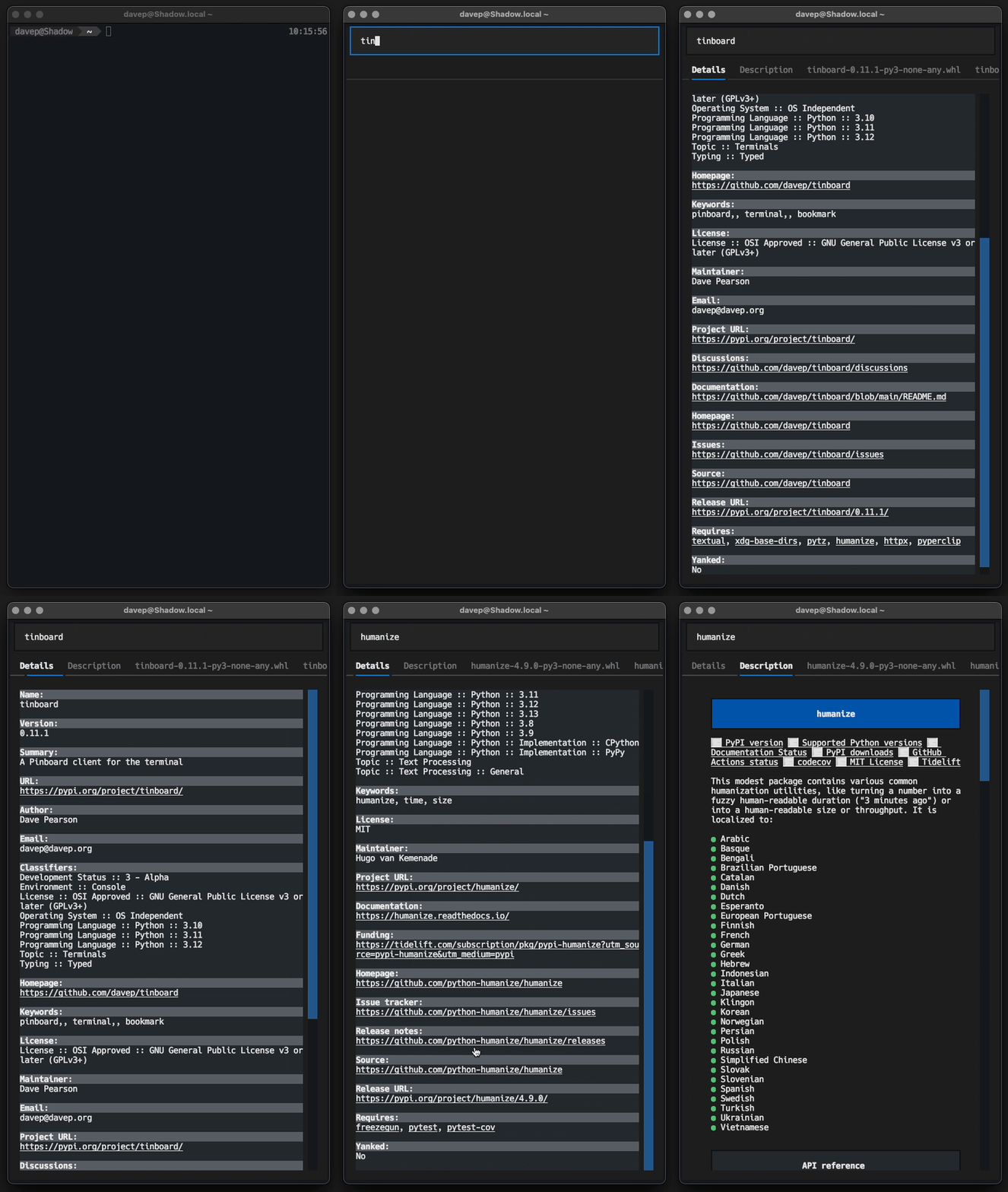
The initial version was pretty much a quick hack; during that dogfooding period I did my best to try and develop a new project every couple of days. Since then I've let PISpy descend into bit rot.
This morning I put the finishing touches to these changes and released v0.6.0.
PISpy can be installed with pip or (ideally) pipxfrom PyPI. It can also be installed with Homebrew by tapping davep/homebrew and then installing pispy:
When desktop widgets first turned up in macOS I was pretty quick to embrace them. On my personal Mac Mini I use a pair of screens, the right one mostly given over to Emacs, and there was generally room to space there. These days that screen generally looks something like this:
Recently I've got into streaming while I do some coding and it's the right-hand screen that I work on and capture using OBS. When I was setting this up I realised that the widgets being there could be a problem; not because they could distract or anything, more that they could, at times, contain sensitive information (there's my reminder list and my calendar there after all).
What I needed was a quick method of hiding all the widgets, and showing them again later, without it being a lot of faff.
With a little bit of digging around on the net I finally came up with a pair of fish abbreviations that do just the job!
Now, when I'm going to stream, part of my "getting stuff ready to go live" checklist is to run widoff in the terminal; once I'm finished I can then just run widon again to have them come back.
Fast, clean, handy.
I've also got a pair for when I'm using Stage Manager:
Although, really, I can't remember the last time I used Stage Manager. I dabbled with it for a wee while, found it vaguely handy in a couple of situations, but it doesn't seem to have stuck as part of my workflow or work environment.