I honestly can't remember when I was first introduced to the idea of RSS/Atom feeds, and the idea of having an aggregator or reader of some description to keep up with updates on your favourite sites. It's got to be over 25 years ago now. I can't remember what I used either, but I remember using one or two readers that ran locally, right up until I met Google Reader. Once I discovered that I was settled.
As time moved on and I moved from platform to platform, and wandered into the smartphone era, I stuck with Google Reader (and the odd client for it here and there). It was a natural and sensible approach to consuming news and updates. It also mostly felt like a solved problem and so felt nice and stable.
So, of course, I was annoyed when Google killed it off, like so many useful things.
When this happened I dabbled with a couple of alternatives and, at some point, finally settled on TheOldReader. Since then it's been my "server" for feed subscriptions with me using desktop and mobile clients to work against it.
But... I never found anything that worked for me that ran in the terminal. Given I've got a thing for writing terminal-based tools it made sense I should have a go, and so OldNews became my winter break project.
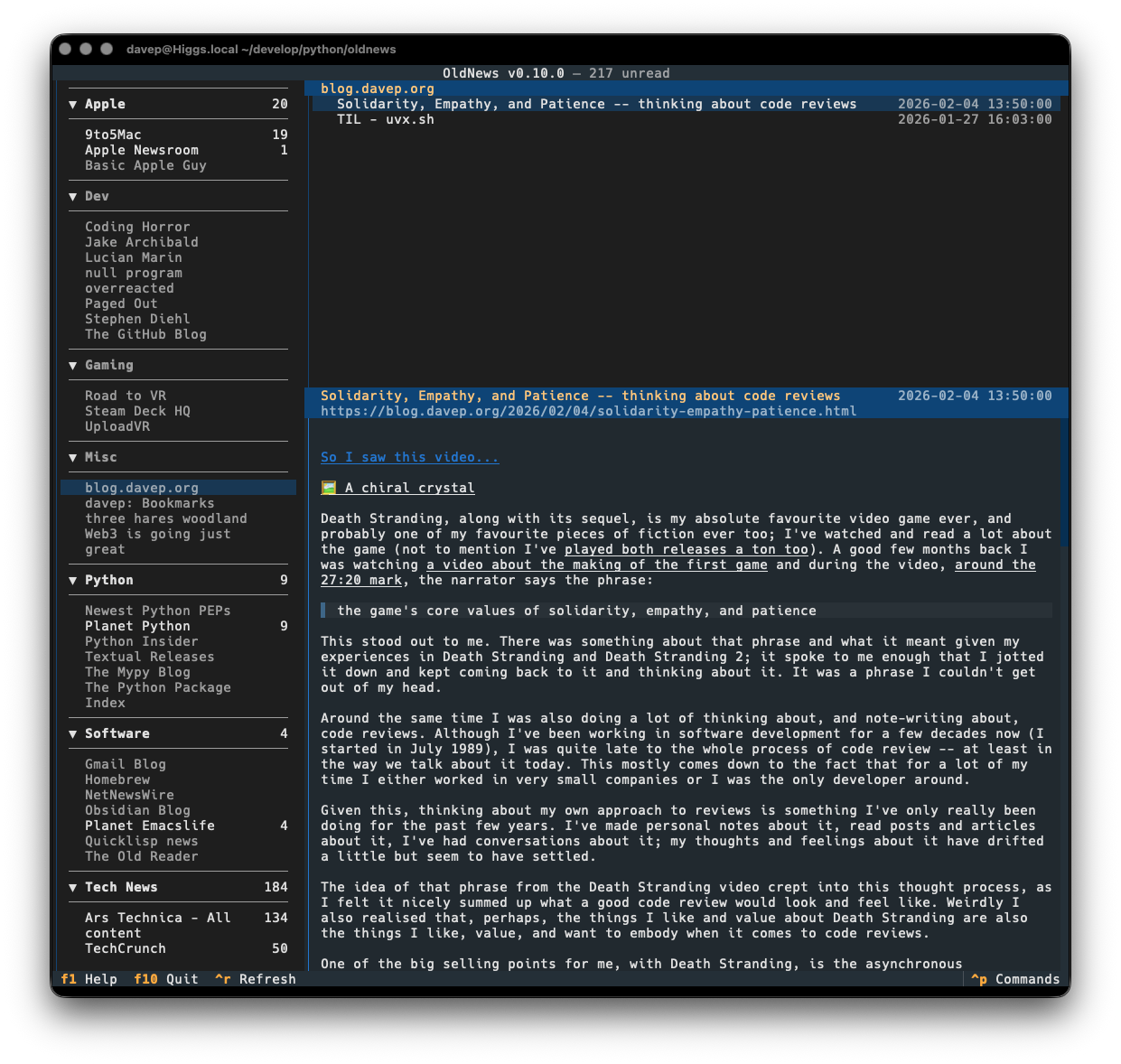
I've written it as a client application for the API of TheOldReader, and only for that, and have developed it in a way that works well for me. All the functionality I want and need is in there:
- Add subscriptions
- Rename subscriptions
- Remove subscriptions
- Add folders
- Rename folders
- Remove folders
- Move subscriptions between folders
- Mark read/unread
- Read articles (that provide actual content in their feeds)
Currently there's no support for starring feeds or interacting with the whole "friend" system (honestly: while I see mention of it in the API, I know nothing of that side of things and really don't care about it). As time goes on I might work on that.
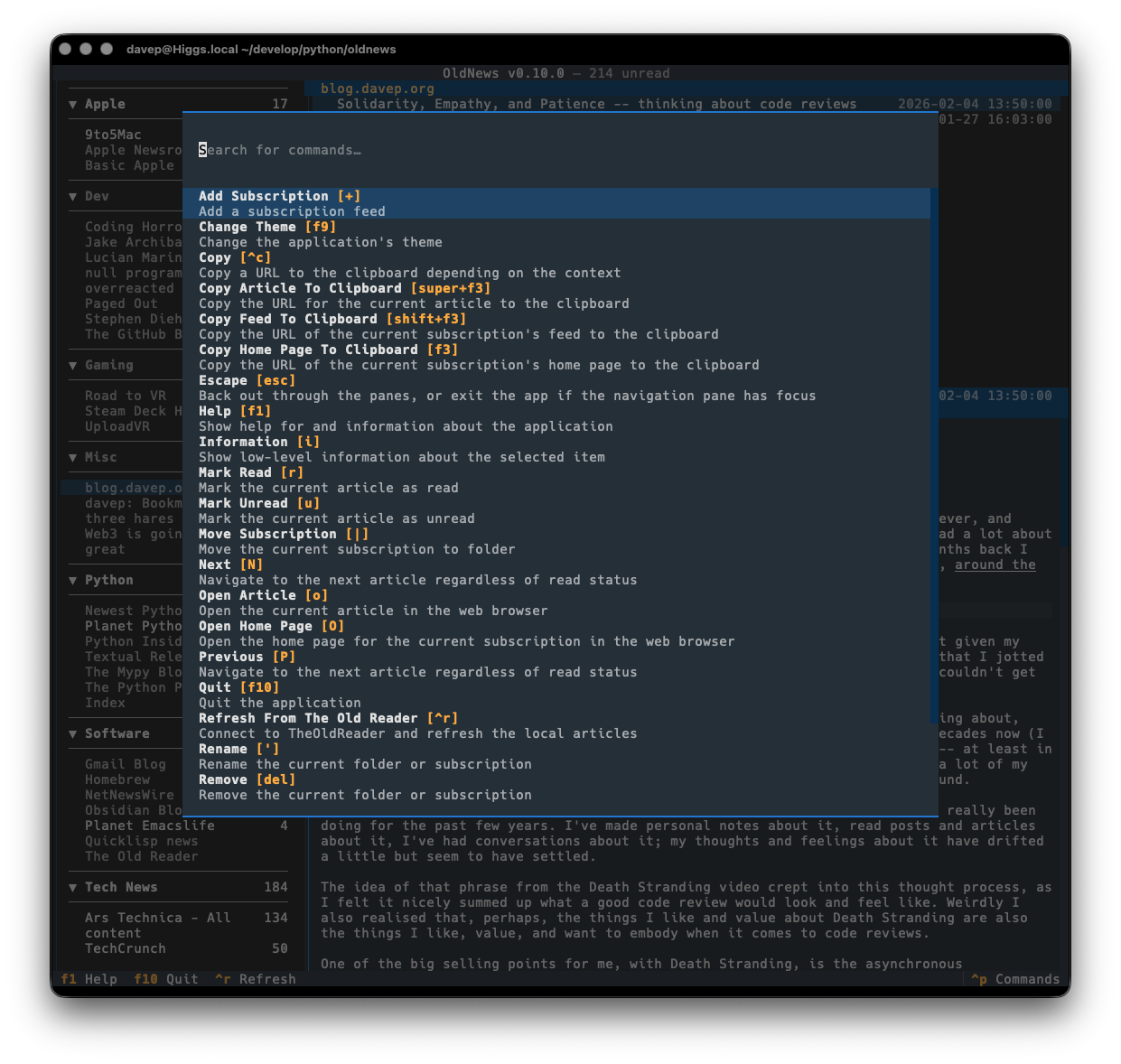
As with all of my other terminal-based applications, there's a rich command palette that shows you what you can do, and also what keyboard shortcuts will run those commands. While I do still need to work on some documentation for the application (although you'd hope that anyone looking for an RSS reader at this point would mostly be able to find their way around) the palette is a good place to go looking for things you can do.
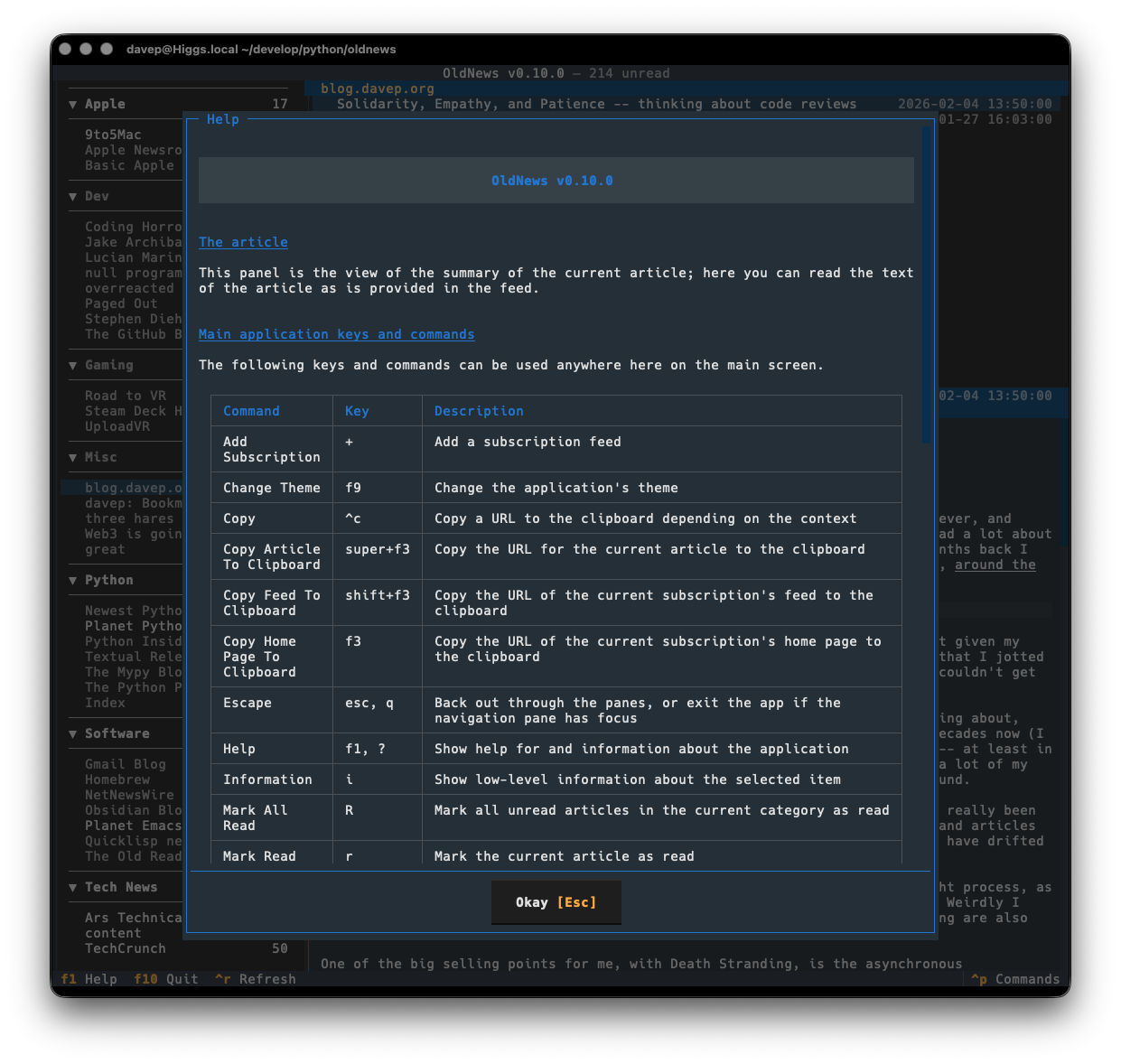
Plus there's a help screen too.
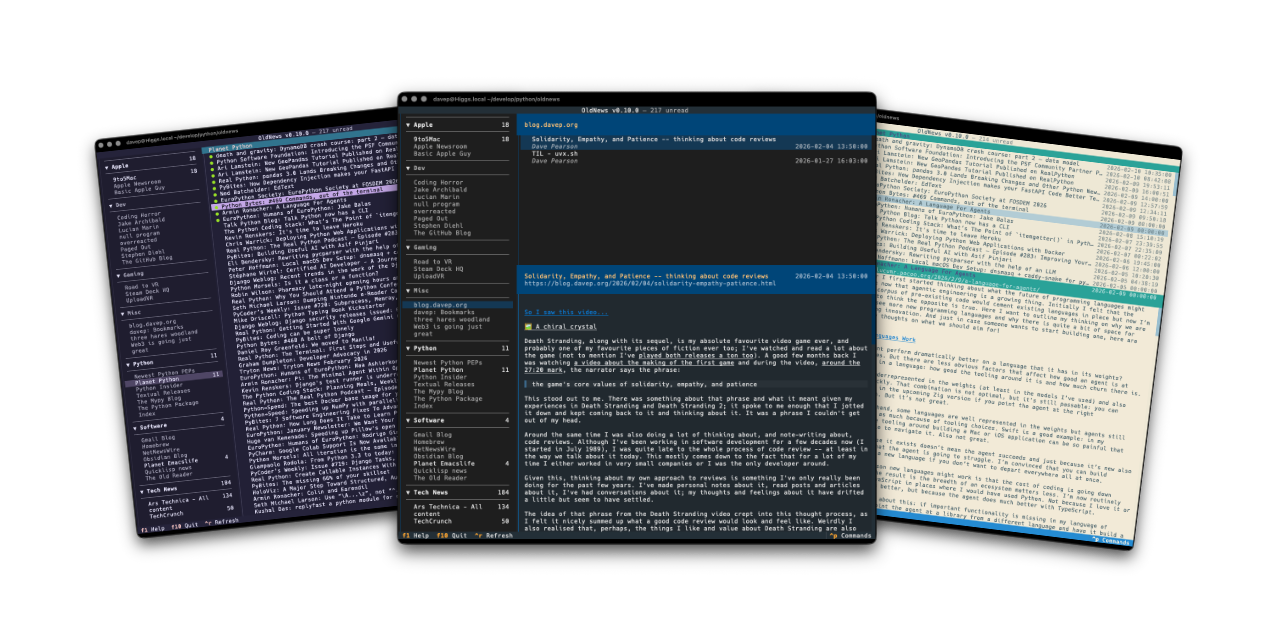
If themes are your thing, there's themes:
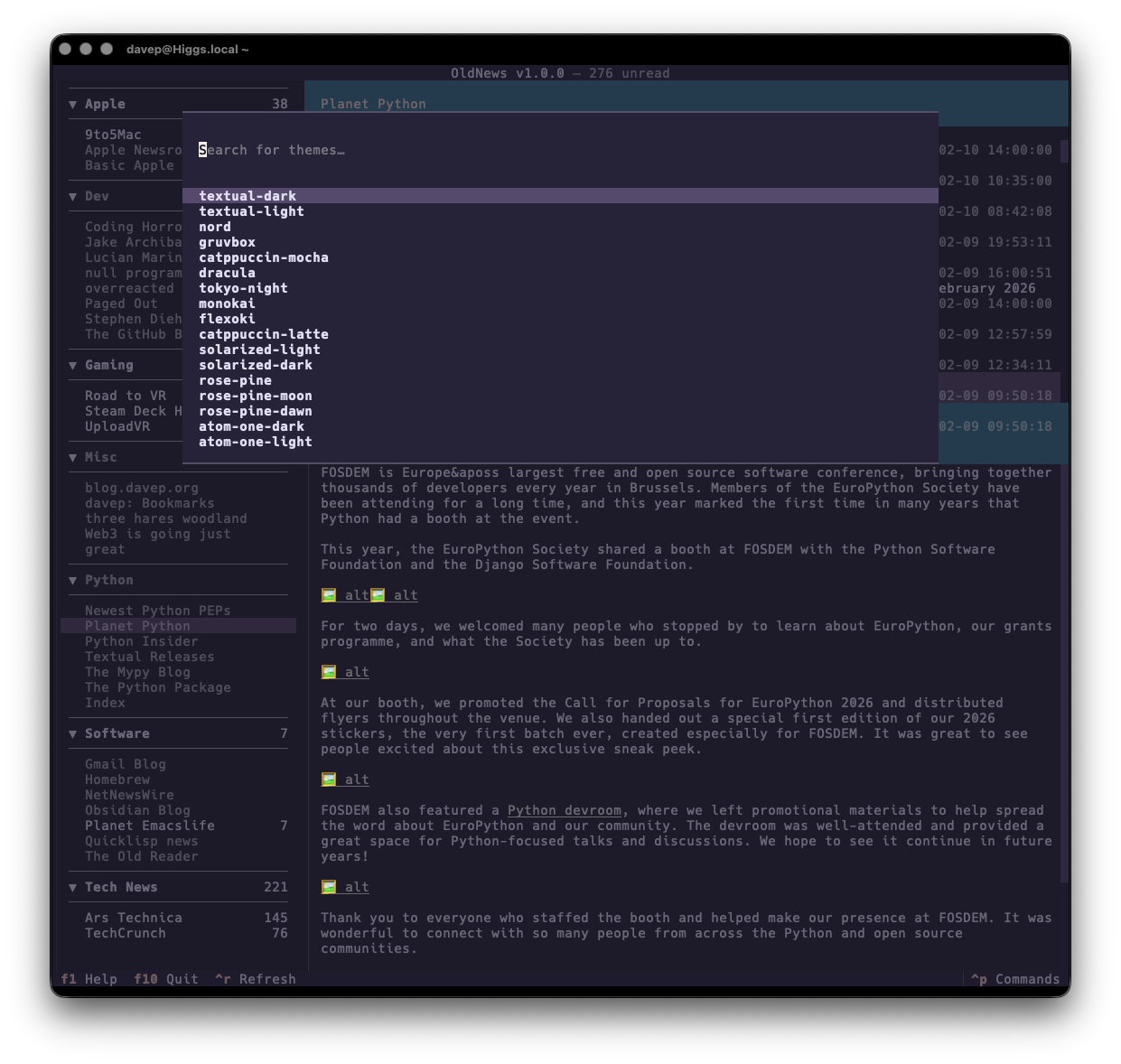
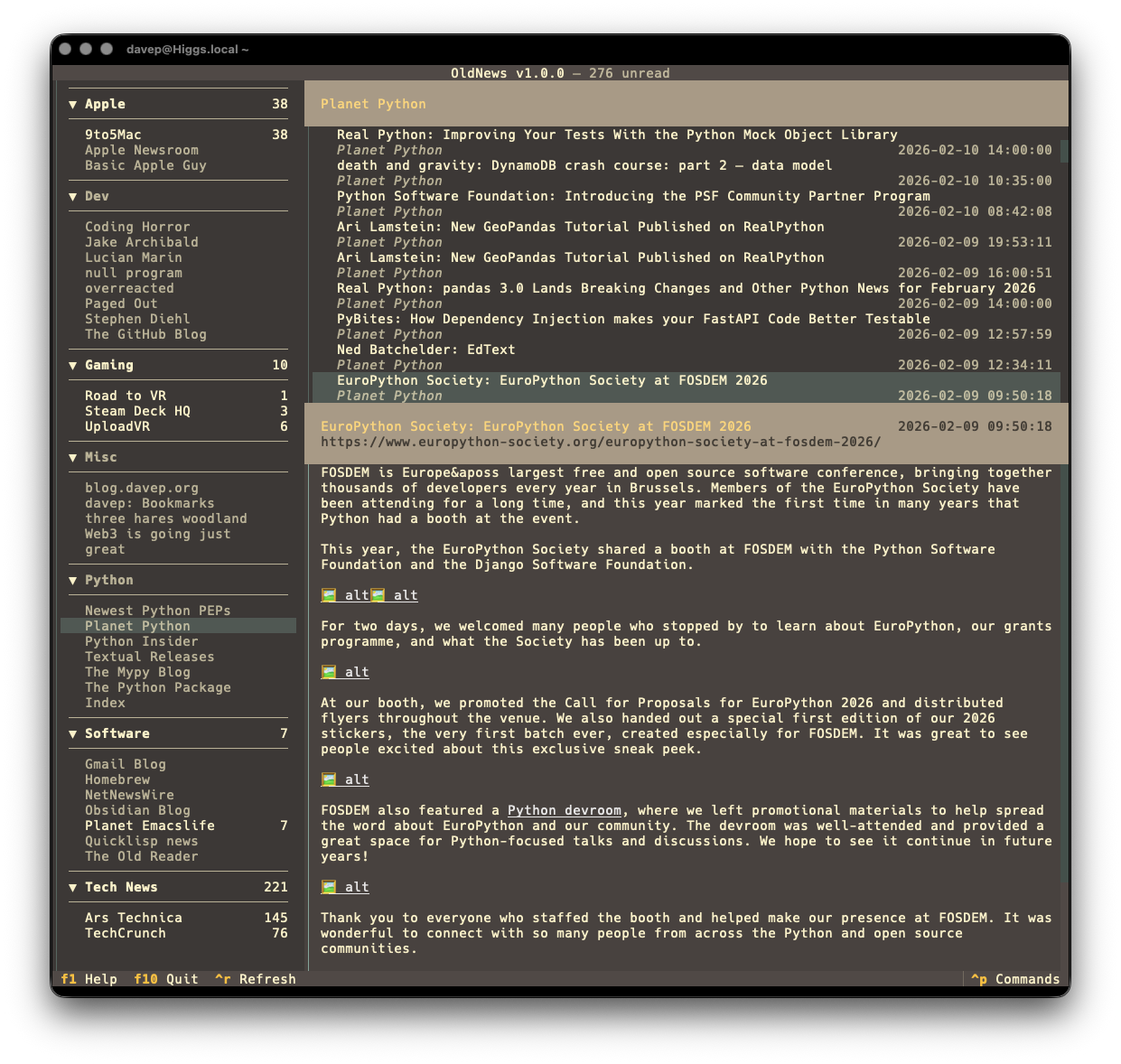
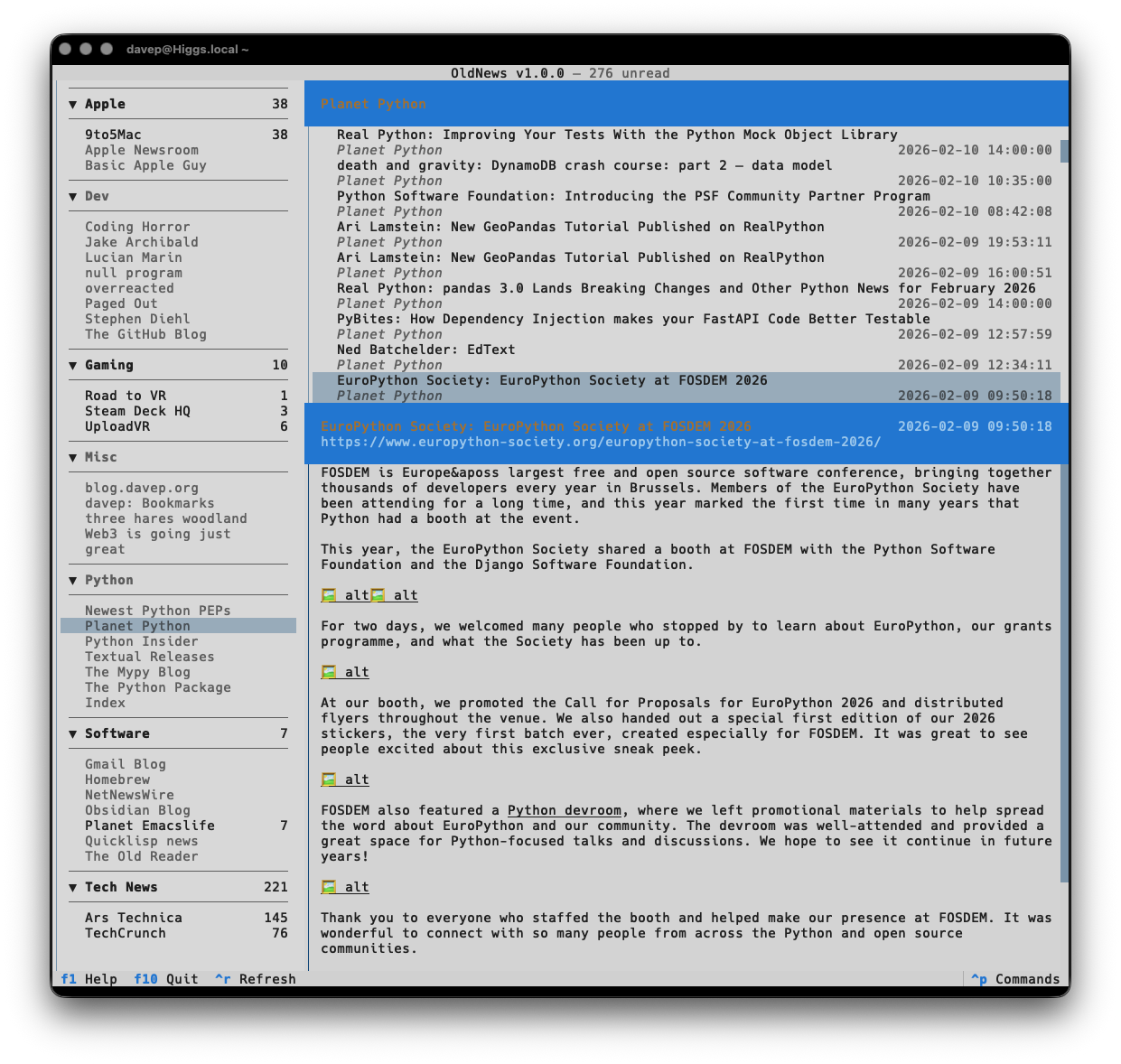
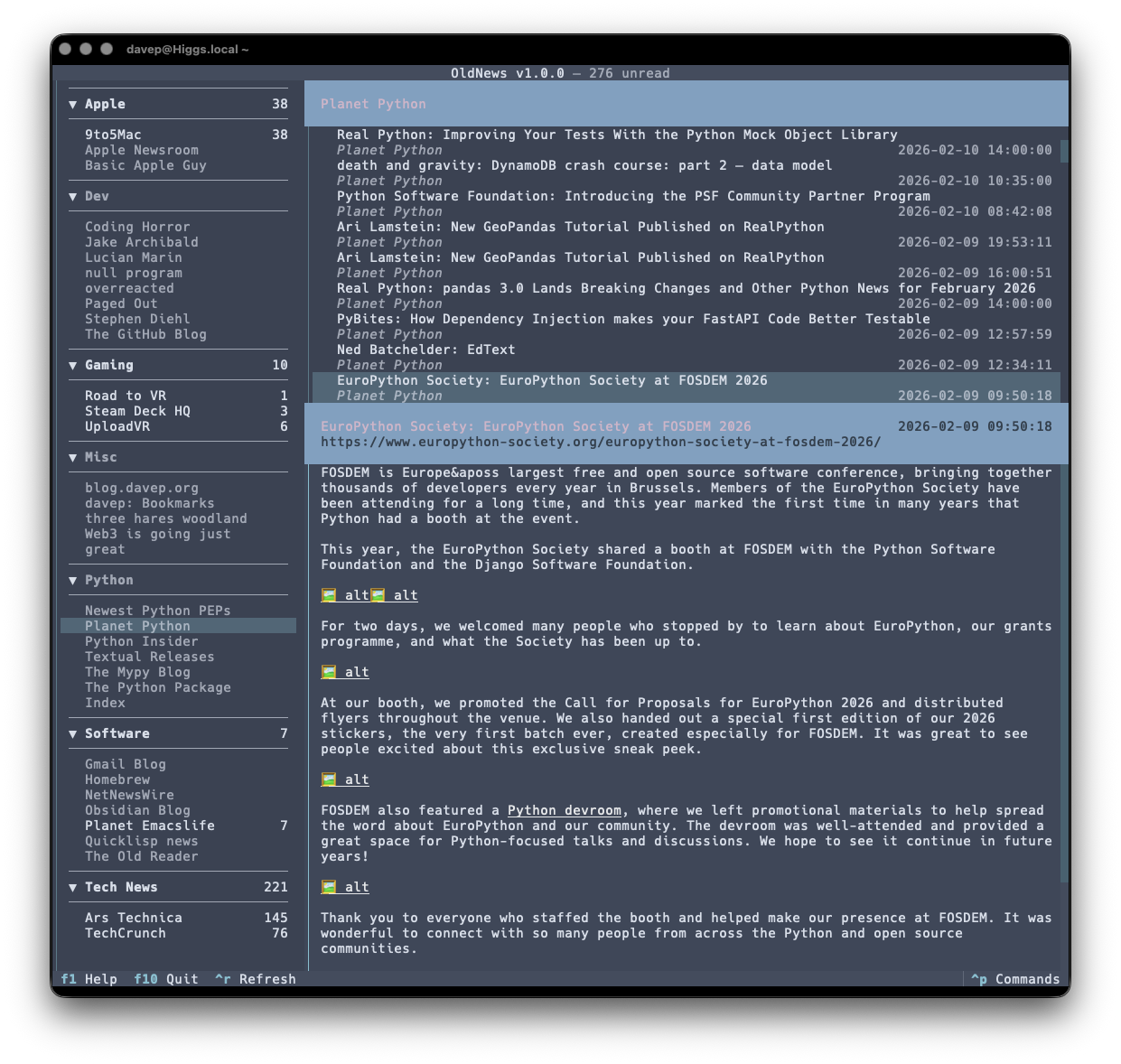
That's a small selection, and there's more to explore.
Also on the cosmetic front there's a simple compact mode, which toggles between two ways of showing the navigation menu, the article lists and the panel headers.
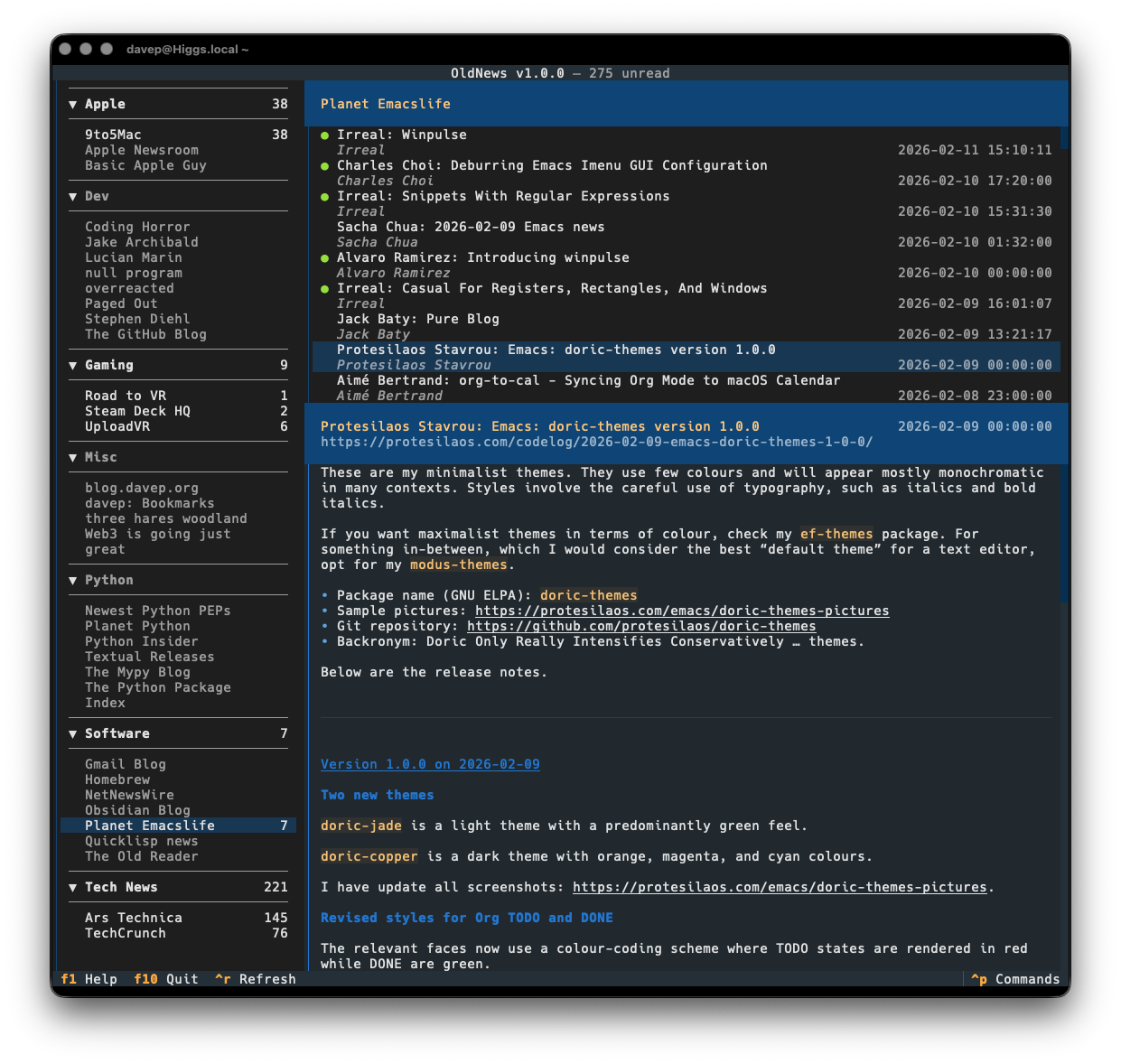
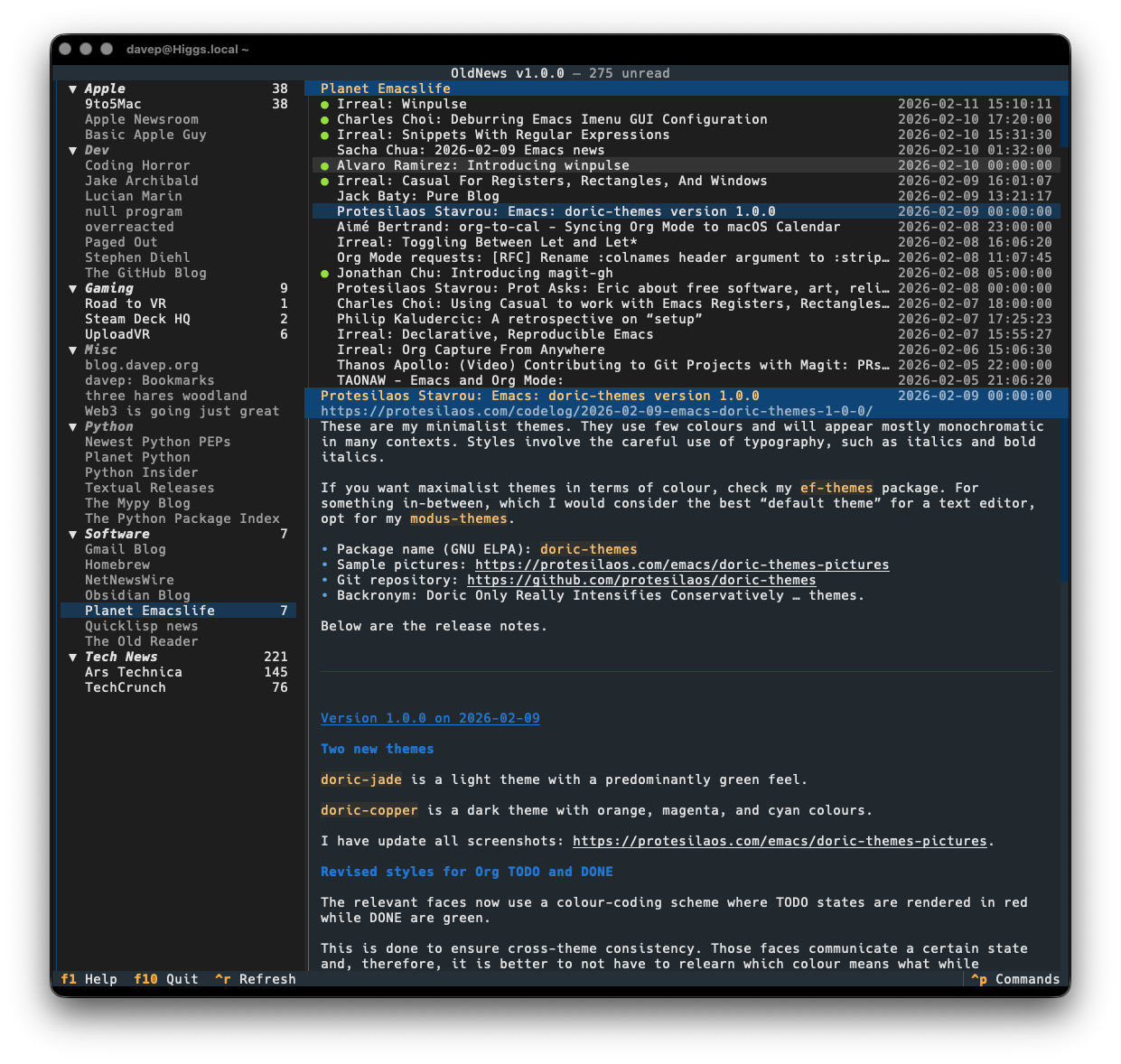
OldNews has been a daily-driver for a wee while now, while also under active development. I think I've covered all the main functions I want and have also shaken out plenty of bugs, so today's the day to call it v1.0.0 and go from there.
If you're a user of TheOldReader and fancy interacting with it from the terminal too then it's out there to try out. It's licensed GPL-3.0 and available via GitHub and also via PyPI. If you have an environment that has pipx installed you should be able to get up and running with:
pipx install oldnews
It can also be installed using uv:
uv tool install oldnews
If you don't have uv installed you can use uvx.sh to perform the installation. For GNU/Linux or macOS or similar:
curl -LsSf uvx.sh/oldnews/install.sh | sh
or on Windows:
powershell -ExecutionPolicy ByPass -c "irm https://uvx.sh/oldnews/install.ps1 | iex"
Once installed, run the oldnews command.
Hopefully this is useful to someone else; meanwhile I'll be using it more and more. If you need help, or have any ideas, please feel free to raise an issue or start a discussion.
Have a comment or query about this post? Feel free to drop me a line about it.