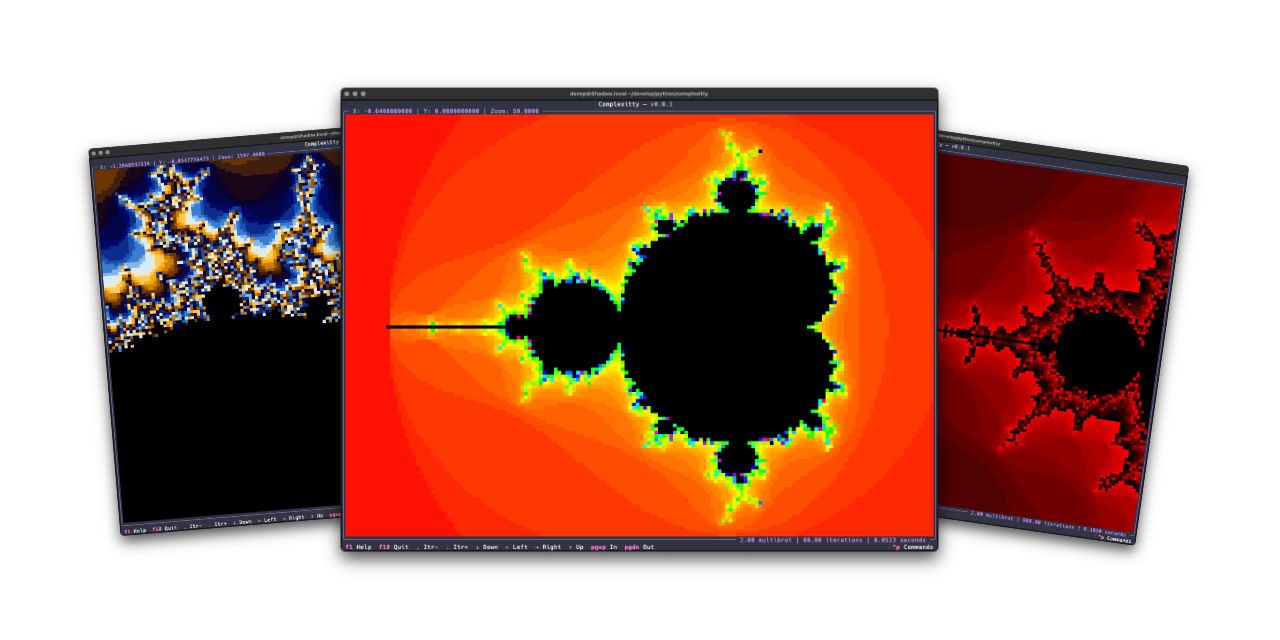
I've just released v1.1.0 of Complexitty, my little Mandelbrot explorer for the terminal. I first released it in April last year and have tinkered with it on and off since. Most of the changes have been to do with easier navigation, some additional colour schemes, the ability to pass location information on the command line, that sort of thing; meanwhile, the very heart of it has stayed the same "it's as fast as it's ever going to be expect it to not be fast" approach.
It's a Python application after all: they can be fast, but something like this isn't going to compete with the serious Mandelbrot explorers.
v1.1.0, however, has a little optional speedup. If you install it normally it'll work at the pace it always did: the more you zoom in, the more you ramp up the iterations to tease more detail out, the slower it gets. But now: if you install it as complexitty[faster] rather than just as complexitty it will use Numba to speed up the main calculation.
On the very first run things will be slow to start up, but from then on I see a real improvement. As you zoom in and explore and up the detail, the calculation remains pretty fast. The drop-off of speed that you see without Numba just isn't there.
While the whole idea of Complexitty was to see what I could do with Python, in the terminal, using Textual, and keeping it "pure", I feel this is an acceptable "cheat" given it's optional.
I'm considering this an experimental change for now, as I don't know how well it will work in all places where Complexitty could be otherwise installed. So give it a go, see if it installs and runs as complexitty[faster], and if it doesn't: fall back to plain old complexitty.
If you're interested you can find the source over on GitHub, with the application available via PyPI. If you use pipx you should be able to install with either:
pipx install complexitty[faster]
or
pipx install complexitty
If you're a fan of uv (and who isn't these days?) then try either:
uv tool install complexitty[faster]
or fall back to:
uv tool install complexitty
In fact, to squeeze everything you can out of Complexitty, perhaps try:
uv tool install complexitty[faster] --python 3.14