I just grabbed and opened up the MacBook Air and met this:
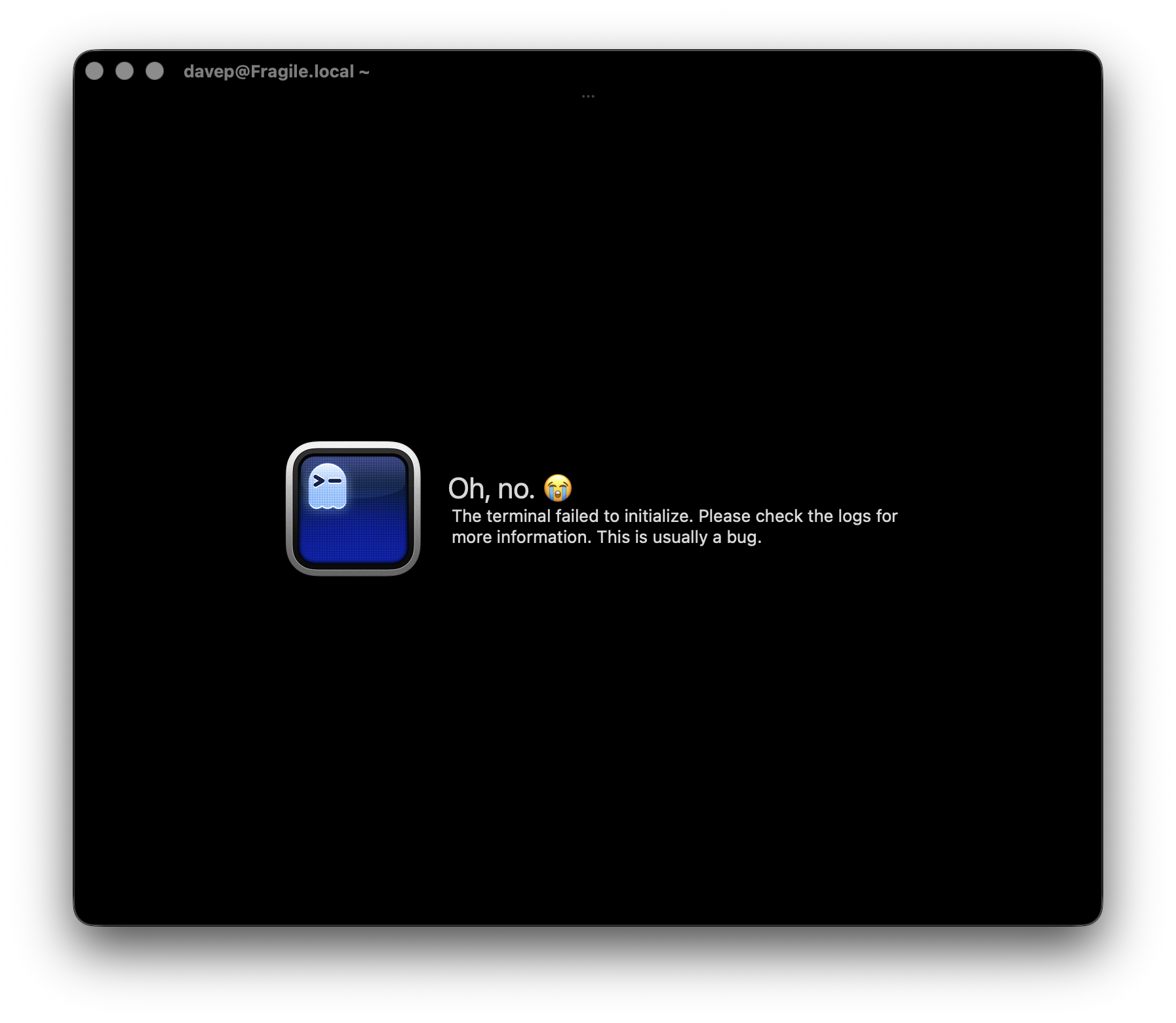
First time I've ever seen this and I've been using Ghostty for quite a while now.
To be fair, the MacBook did update to 26.4.1 overnight and has tried to get back to the state it was in before the restart, so I imagine that's the cause. But I've never seen this before.
I'm all good now; I ⌘-q the app and started it again and there's no sign of a problem.
Goodness knows how I get to see that log...