Another evening, and another period of Gemini CLI getting stuck thinking. So this time I thought I'd try something: cancel it while it was thinking and change the model.
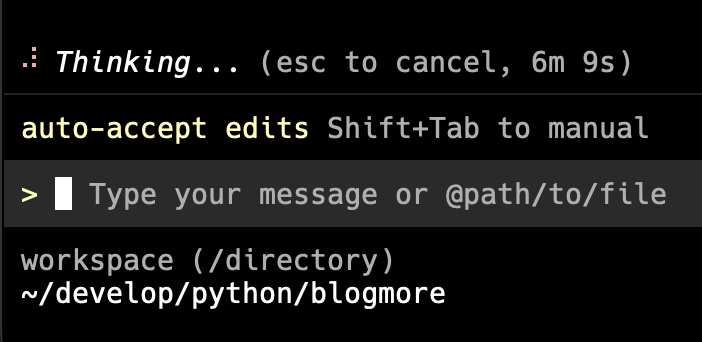
I was working on something new for BlogMore and, sure enough, after a wee while, we got stuck in "Thinking..." mode. So I hit Escape and asked to pick a different model. I chose to pick manually, and went with gemini-3.1-pro-preview.
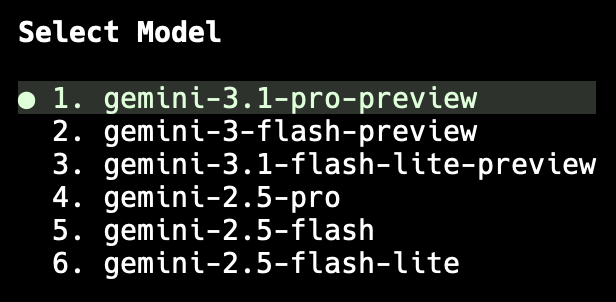
I then literally asked that it carry on where it left off...
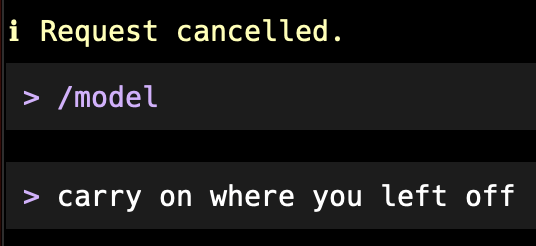
...and it did! It worked. No more sitting around thinking for ages.
Watching the quota after doing this, it looks like the model I was using ate quota faster, but that was worth it given I've never come close to hitting full quota with Gemini CLI.
Once the immediate job was done, I went back to auto and it worked for a bit, only to get stuck thinking again. I repeated this process and it did the trick a second time. From now on I'm going to use this approach.
It does, again, highlight how unreliable these tools are, but at least I've found a workaround that works for now.
Have a comment or query about this post? Feel free to drop me a line about it.