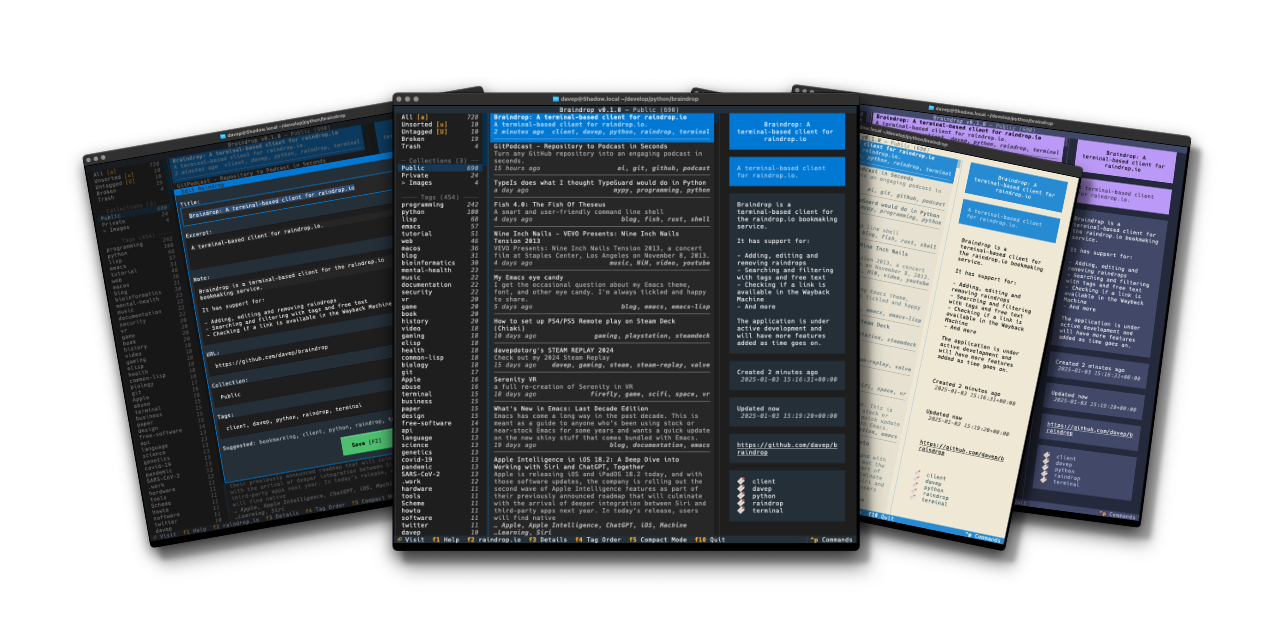
It's now well over a year since I released Braindrop and it's in constant use by me. I continue to find raindrop.io a really useful resource, and more often than not manage, edit, tag, and review what I save there with Braindrop, including which become public, and which don't.
I've made a few small changes to the application in the past year and a bit, but not much. It's been stable and useful. But on the back of a recent change I made to OldNews, I felt I needed to make the same change here.
So with the release of v1.1.0 I've added three new commands to the application:
JumpToNavigation- Jump to the navigation panel; bound to 1 by defaultJumpToRaindrops- Jump to the main raindrops list panel; bound to 2 by defaultJumpToDetails- Jump to the details panel for the selected raindrop, if the panel is visible; bound to 3 by default
Now it's just a little easier and quicker to get around the UI.
If raindrop.io is your thing, and you want to work with your saved bookmarks in the terminal: Braindrop is licensed GPL-3.0 and available via GitHub and also via PyPI. It can also be installed using uv:
uv tool install braindrop
If you don't have uv installed you can use uvx.sh to perform the installation. For GNU/Linux or macOS or similar:
curl -LsSf uvx.sh/braindrop/install.sh | sh
or on Windows:
powershell -ExecutionPolicy ByPass -c "irm https://uvx.sh/braindrop/install.ps1 | iex"
If uv isn't your thing then it can also be installed with pipx:
pipx install braindrop
Once installed, run the braindrop command.
Have a comment or query about this post? Feel free to drop me a line about it.