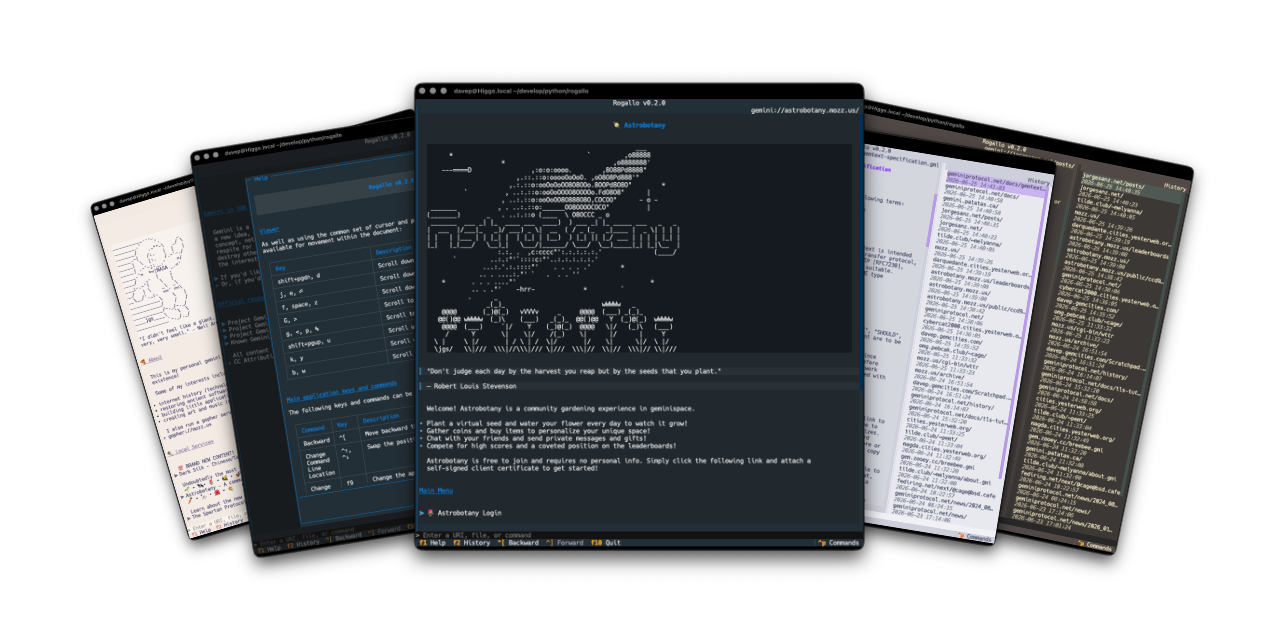
I've released Rogallo v0.3.0, which mostly concentrates on adding command line support and sorting support for browsing files in the local filesystem. There are also a couple of cosmetic configuration options thrown in.
Configurable cosmetics
Starting with the cosmetic configuration options: I got to feeling that the URI-containing tooltips that show on mouse-hover over a link might be a bit much for some people, so I've added show_link_tooltips to the configuration file1. Set it to false to make the tooltips go away.
Similar to this I've also added disable_animations. Out of the box Textual loves its animations. This is arguably most noticeable if you have a long body of text in a scrolling widget (such as the document viewer in Rogallo), as you use PgUp, PgDn, Home, End, etc., it'll scroll in a fancy animated way. It looks cool for a moment but I can imagine plenty of people getting sick of it, or feeling sick because of it (I sense this is an a11y issue too). With this in mind if disable_animations is set to true they'll all be turned off.
Command line options
Rogallo now also has a number of command line options that can come in useful. In part borrowing from a number of my other TUI applications, and also adding some specific to Rogallo itself. They can be easily found with the --help switch:
usage: rogallo [-h] [-v] [-t THEME] {directories,dirs,d,license,licence,bindings,themes,open} ...

A terminal-based client for the Gemini Protocol.

positional arguments:
  {directories,dirs,d,license,licence,bindings,themes,open}
                        Available commands
    directories (dirs, d)
                        Show the directories created and used by Rogallo
    license (licence)   Show license information
    bindings            List commands that can have their bindings changed
    themes              List the available themes that can be used with --theme
    open                Open a location

options:
  -h, --help            show this help message and exit
  -v, --version         Show version information
  -t, --theme THEME     Set the theme for the application (see `themes` command for available themes)

v0.3.0
directories
Because I feel it's important that people know where applications drop things in your filesystem, there is the directories command, which shows you which directories are used by Rogallo.
$ rogallo directories
/Users/davep/.config/rogallo
/Users/davep/.local/share/rogallo
licence
On the off chance you really need to know the licence of Rogallo (it's GPL3+), you can ask to see the key details:
$ rogallo licence
Rogallo - A client for the Gemini protocol for the terminal.
Copyright (C) 2026 Dave Pearson

This program is free software: you can redistribute it and/or modify it
under the terms of the GNU General Public License as published by the Free
Software Foundation, either version 3 of the License, or (at your option)
any later version.

This program is distributed in the hope that it will be useful, but WITHOUT
ANY WARRANTY; without even the implied warranty of MERCHANTABILITY or
FITNESS FOR A PARTICULAR PURPOSE. See the GNU General Public License for
more details.

You should have received a copy of the GNU General Public License along with
this program. If not, see <https://www.gnu.org/licenses/>.
bindings
If you wish to know what commands are available for binding, and what the default bindings are, you can use this command:
$ rogallo bindings
Backward - Move backward through history
    Default: ctrl+left_square_bracket
ChangeCommandLineLocation - Swap the position of the command line between top and bottom
    Default: ctrl+up, ctrl+down
ChangeTheme - Change the application's theme
    Default: f9
Forward - Move forward through history
    Default: ctrl+right_square_bracket
Help - Show help for and information about the application
    Default: f1, ?
JumpToCommandLine - Jump to the command line
    Default: /, ctrl+1
JumpToDocument - Jump to the document
    Default: ctrl+slash, ctrl+g, ctrl+2
Quit - Quit the application
    Default: f10, ctrl+q
ToggleHistory - Toggle the display of the history viewer
    Default: f2, ctrl+3
The how of changing bindings still needs to be documented, but it's the same as with most of my other TUI applications, so if you look at how it's done in OldNews, for example, you should get the idea.
themes
This lists the available themes that can be used with the --theme switch.
$ rogallo themes
atom-one-dark
atom-one-light
catppuccin-frappe
catppuccin-latte
catppuccin-macchiato
catppuccin-mocha
dracula
flexoki
gruvbox
monokai
nord
rose-pine
rose-pine-dawn
rose-pine-moon
solarized-dark
solarized-light
textual-dark
textual-light
tokyo-night
open
This command can be used to open a location from the command line. You can pass it either a URI for a Gemini capsule, or the path to a file in the local filesystem.
Viewing local files
Talking of viewing files in the local filesystem... that's now supported too. This is something I wanted to build in from the start, as I feel it could be handy to anyone writing gemtext files prior to deployment. I sense there might be a couple of edge cases relating to this that I might still need to iron out, but mostly it seems to be working well.
At some point I'll probably also pull in textual-fspicker so that the user can browse for files to view, making it just a little easier to open a file in some cases.
Not requiring the gemini:// scheme prefix
So far, to connect to a Gemini capsule, it's been necessary to provide the full URI. That's kind of annoying. It had been deliberately left like this until I sorted the work to allow specifying local files, as I wasn't quite sure how it would all interact. Now that I've got that in place I could address this too. So whereas before you had to type gemini://davep.gemcities.com/ to get to my test capsule, now it's enough to enter davep.gemcities.com.
There is some guesswork going on in the background, with the resolution rules looking something like this:
- Have I been given a URI that is obviously a Gemini URI?
- If not, if it has no scheme, and it matches the name of a file in the filesystem, let's assume the user meant that.
- If it's not a file in the filesystem, and it doesn't have a scheme, let's slap
gemini://on the front and see how we get on with that. - None of the above applied, yet it has a scheme: throw it at the operating system's URI resolution system.
In casual testing so far this is working out well.
More to come
I'm still having a blast working on this, and there's still a lot more to do. The TODO list is staying pretty constant in size at the moment because, as I knock an item off, I seem to keep finding new things I want to add or improve. I see this as a good thing.
I have a very busy AFK life for the next week or so, so I don't imagine too many updates during that period. Once things have settled again I want to try and tackle the two big issues of user input and client certificates. I'll be happy that Rogallo is getting close to generally usable when I know I can log in and water my plant in Astrobotany.
~/.config/rogallo/configuration.jsonon most systems. This and all the options within will eventually be documented, when I get round to creating the site to document Rogallo. ↩
Have a comment or query about this post? Feel free to drop me a line about it.