Rogallo v1.2.0 is now available. The main change in this release is the kick-off of support for the Gopher protocol.
As I've mentioned before: Gopher is kind of an unknown to me, in terms of actually using it. I'm aware of it, I've known about it ever since I first got on the Internet back in the 1990s, I have a half-recalled memory of dabbling with a Gopher client at some point back then, but I had no conscious knowledge of its workings. So, when I say "kick-off" above, I say it because I suspect there's going to be more work to do to make it work "just so".
However, right now, gopher:// URIs are supported in Rogallo.
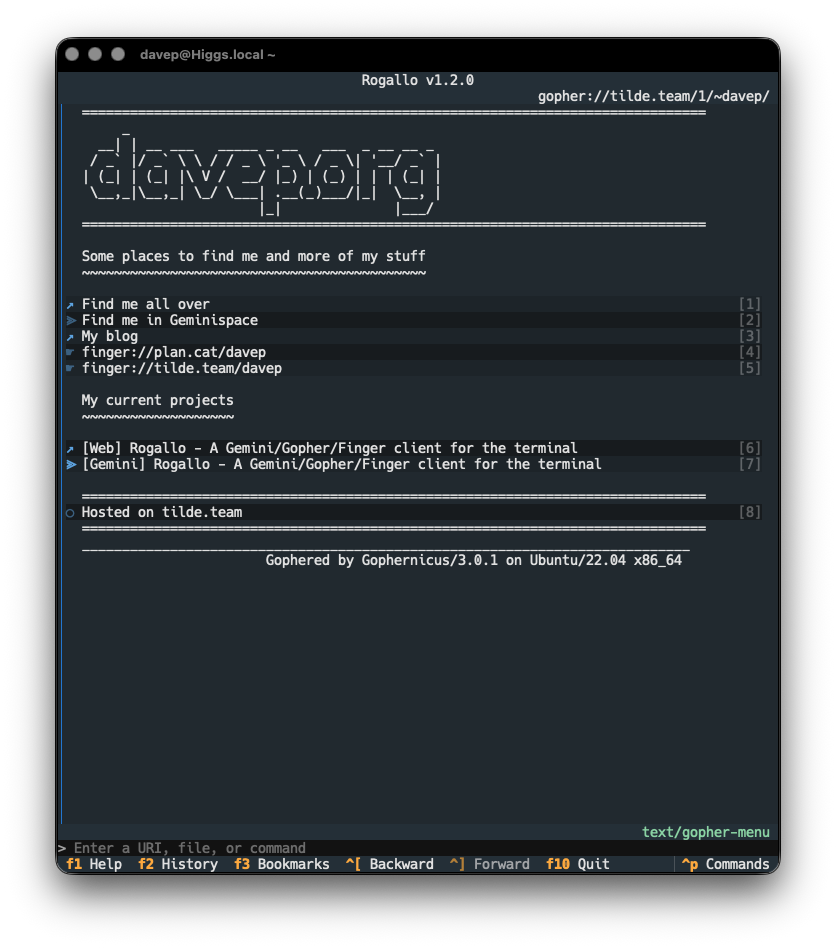
The approach to supporting this is pretty simple: given a gophermap, as pulled from a server, Rogallo converts it into Gemtext and then displays it using the normal Gemtext viewer.
There is more to Gopher than just displaying the maps, of course: there's access to all kinds of resources. Where possible, Rogallo will display text-based resources within the viewer; all other kinds of resources are handed off to the operating system as they probably need applications and tools that Rogallo doesn't offer (viewing images, playing audio, etc).
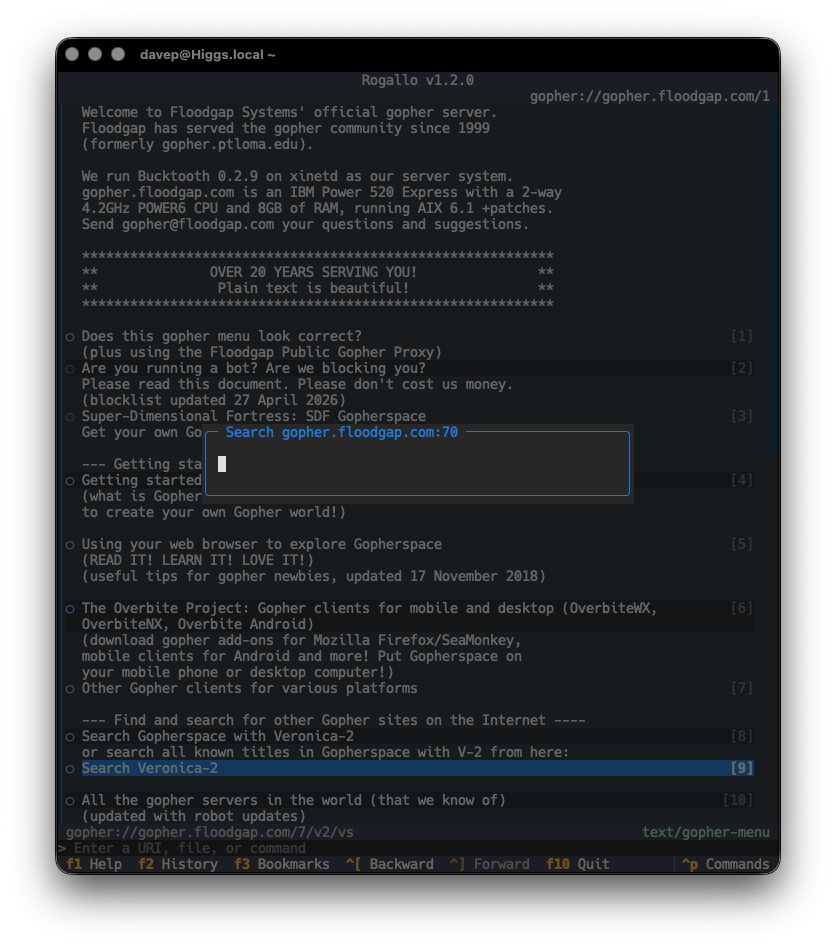
Searches (item type 7) are supported, and when following such a link, you will be prompted for input, which will be used as the query.
Note that, for the moment, there is no support for extensions to the protocol such as Gopher+. Doubtless I'll look into doing something with this in the future; Rogallo's development is incremental and for me it's all about having fun (re)discovering new/old things.
There are two other notable changes in Rogallo v1.2.0:
- I've modified the ordering of entries in the history search so that the items appear in most to least recent order. While being able to type in things to find back a location is the primary use, I also found I was often pulling it up to find something I'd visited very recently.
- I fixed the "view source" status being sticky during navigation. If I was viewing the source of a location, and then navigated to another location (by using the
Backcommand, for example), that other location would also show the source. The status is now reset every time you navigate to somewhere else.
That's it for this release. There's still a good few things on the TODO list so I'll be tinkering and enhancing for some time to come. As always, questions or suggestions are very welcome.
Have a comment or query about this post? Feel free to drop me a line about it.