I've released Rogallo v2.4.0, which contains two new features.
The first is the addition of a feature related to the Gemini Protocol, and it's something I've been meaning to add for a wee while: a trusted host browser/manager. It's a simple enough idea: you might want to have a look at all the host/port pairs that exist in your trusted hosts list and, perhaps, revoke the trust for one or more.
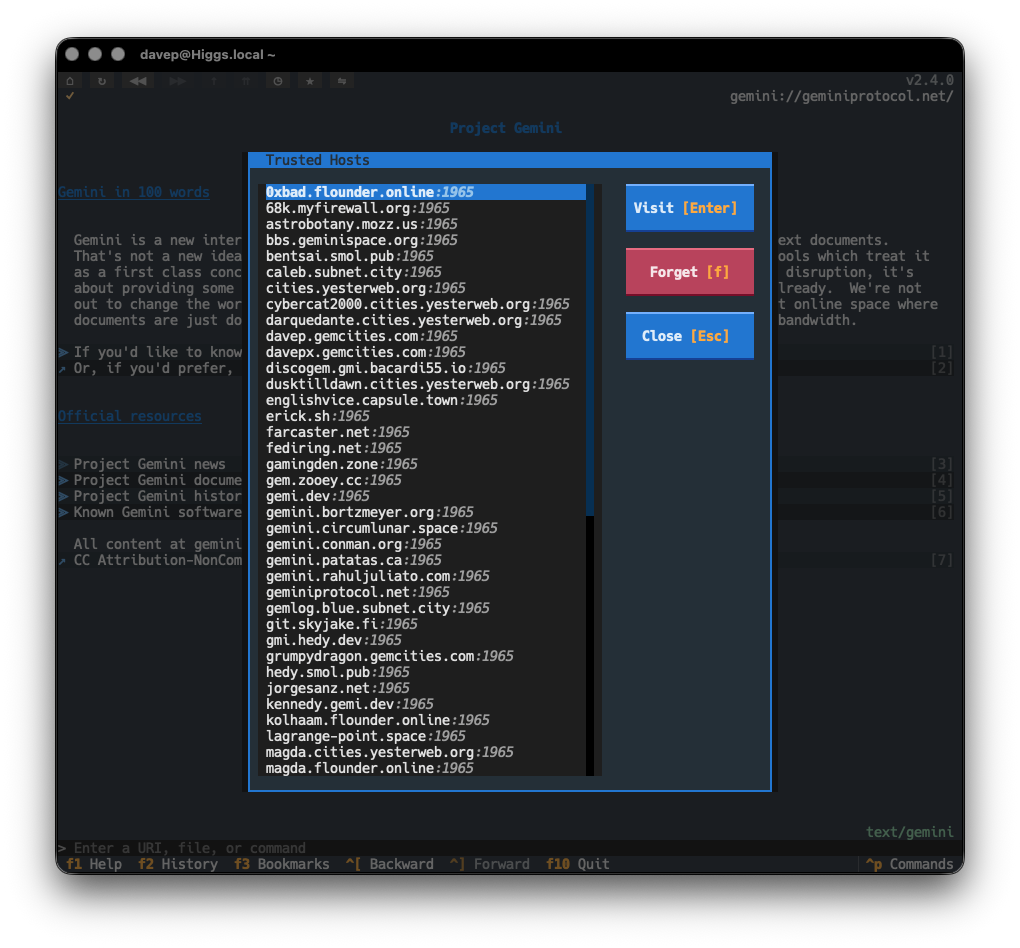
From the dialog you can either visit the host/port combination (perhaps you got curious about what you've trusted in the past and want to see what was there), or you can forget the trust. This also somewhat follows on from work done in Rogallo v2.1.0, except rather than having to make the decision when you visit a capsule, you can review all the capsules you currently trust.
If this seems useful, it's called up with the new BrowseTrustedHosts command, bound to Ctrl+Shift+t by default.
The second new feature is something that's been on my TODO list for quite a while, and has mainly been sat there because I wanted the viewer widget in the application to settle down a bit before I tackled this. I'm talking here about in-viewer search. It's a simple enough requirement, but one that's not that straightforward when you're dealing with views of different kinds of text files, views of the source of such documents, and also having to handle things like embedded ANSI escape sequences.
The work is now done, so if the viewer itself is focused, you can press Ctrl+f, enter some text to search for, and then press Ctrl+n to keep moving through all the hits. Once you hit the last match, you'll be told there are no more matches, but then the search will start again from the top.
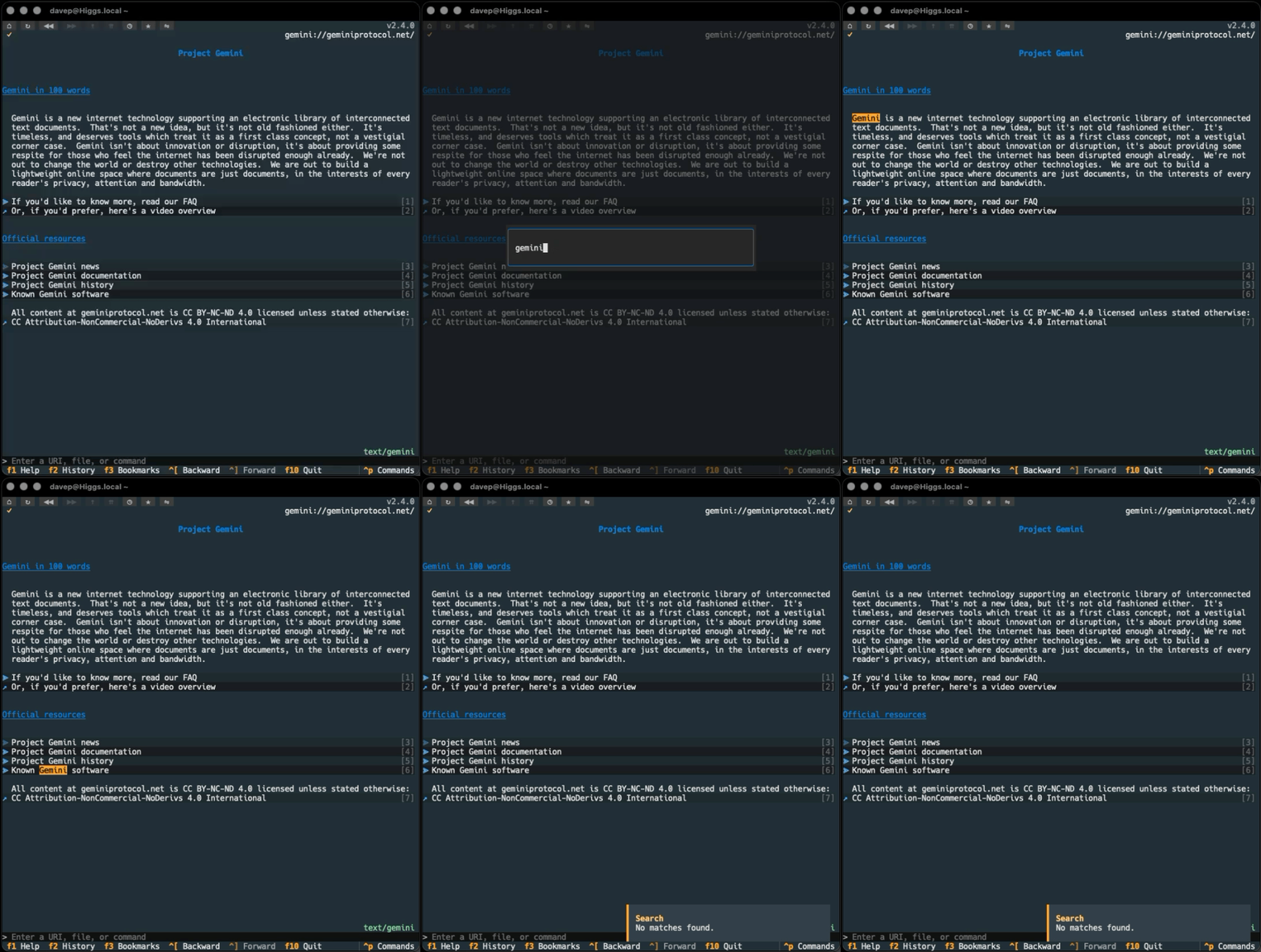
You can also cancel an ongoing search with Ctrl+Shift+f.
I'm glad to finally get this added to Rogallo as it's a feature I've been finding myself needing on a good few occasions.