Rogallo v3.1.0 is now available. This release is in response to a recent user request.
Right from the start of the development of Rogallo, I ensured that any MIME types that the application couldn't handle were correctly handed off to the operating system, to allow it to work out what to do. While it is possible for me to do some work to allow images inline -- something I might explore at some point in the future -- Rogallo doesn't currently support this and, accordingly, when faced with image/jpeg or image/png, etc, it delegates to the wider environment.
The problem, of course, is that the user might not have a tool in their environment that's capable of taking over the duties of downloading an image from a gemini URI and displaying it. So the next best thing is that Rogallo itself offers to download the file for you. With v3.1.0 this is now an option.
If you encounter a MIME type that hasn't already been marked for always opening in an external tool, there's a new Download button.
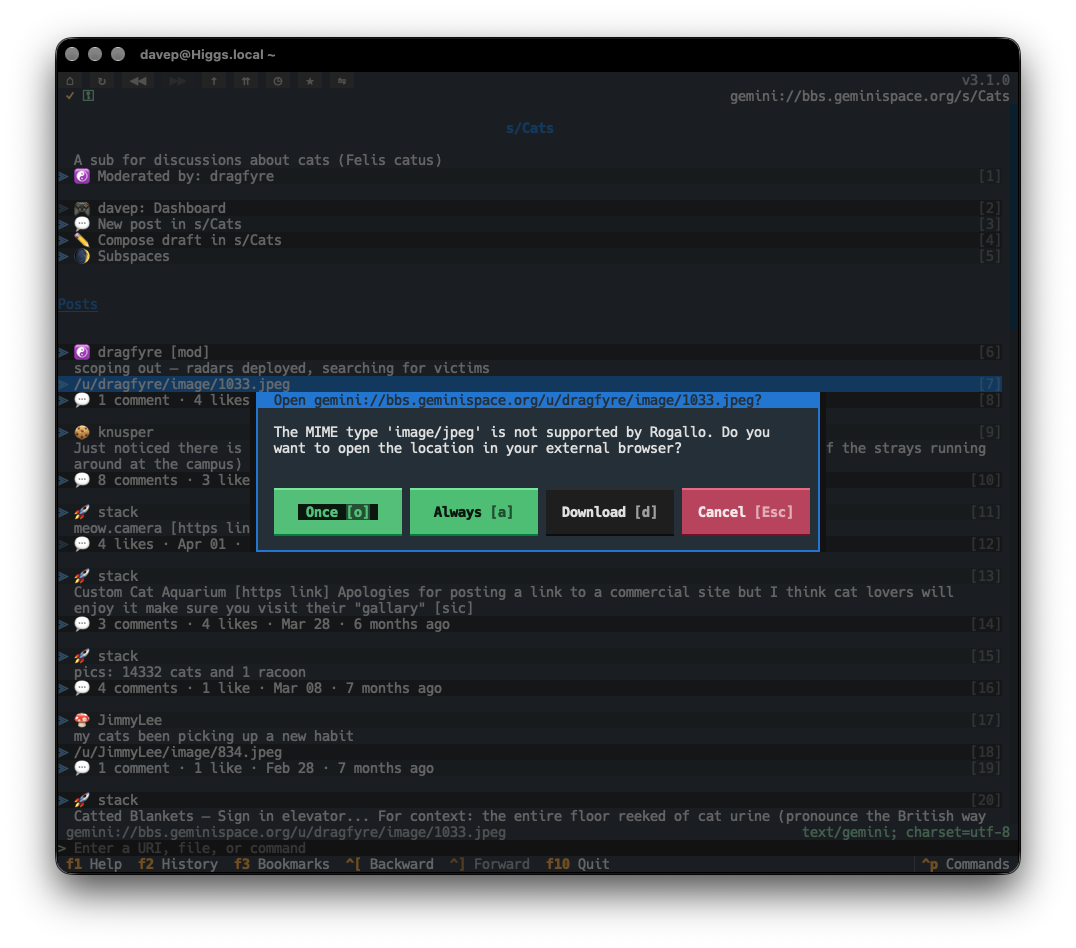
If selected, you'll be asked for a location to save the file.
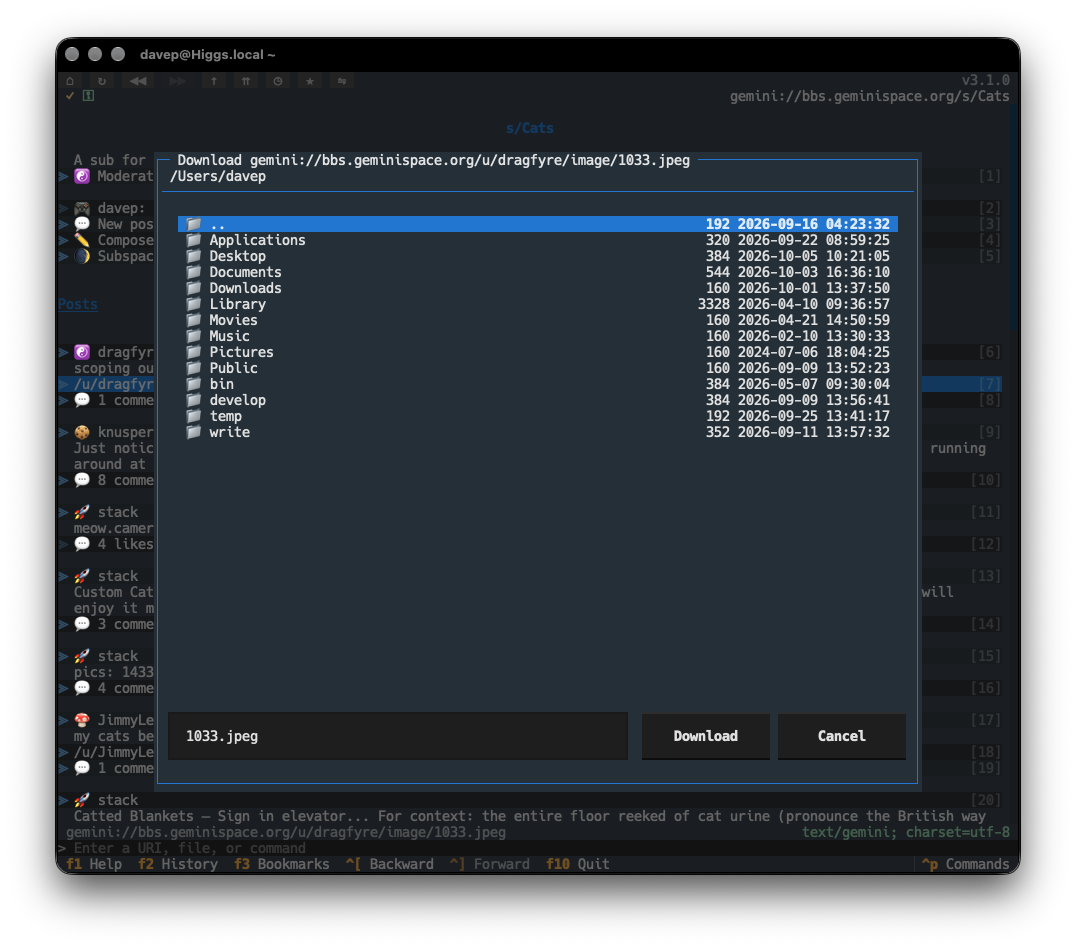
To augment this, I've also added downloading support for links in the viewer. It might be, for example, that you've already marked image/jpeg and image/png as MIME types that should always be handed off to the operating system (perhaps you have a GUI-based client such as Lagrange or Major Tom installed and it's configured to pick up the URI and handle it). In that case, you'd never be shown the dialog that would allow for downloading. So now, on the occasion that you do want to download within Rogallo, you can navigate to the link and press d. The download dialog will then appear, and you can save the content of the link that way.
If you want to change the binding for the link-based download, you can use the recently added UI element binding facility to bind gemtext_link.download_link to something else.
For now, at least, the download process is pretty simple. It follows the same approach as acquiring the content of a URI for display purposes, but instead writes it to the file you picked. There's no "download manager" or similar and no sticky "download directory". These are things I might consider adding in the future.