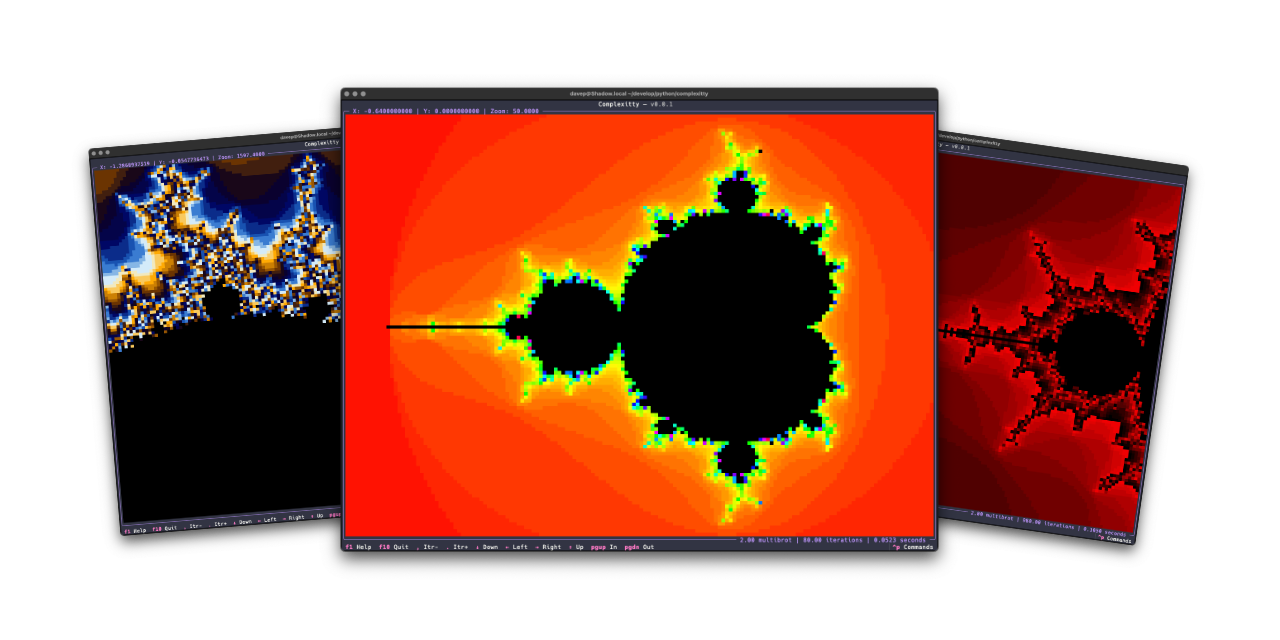
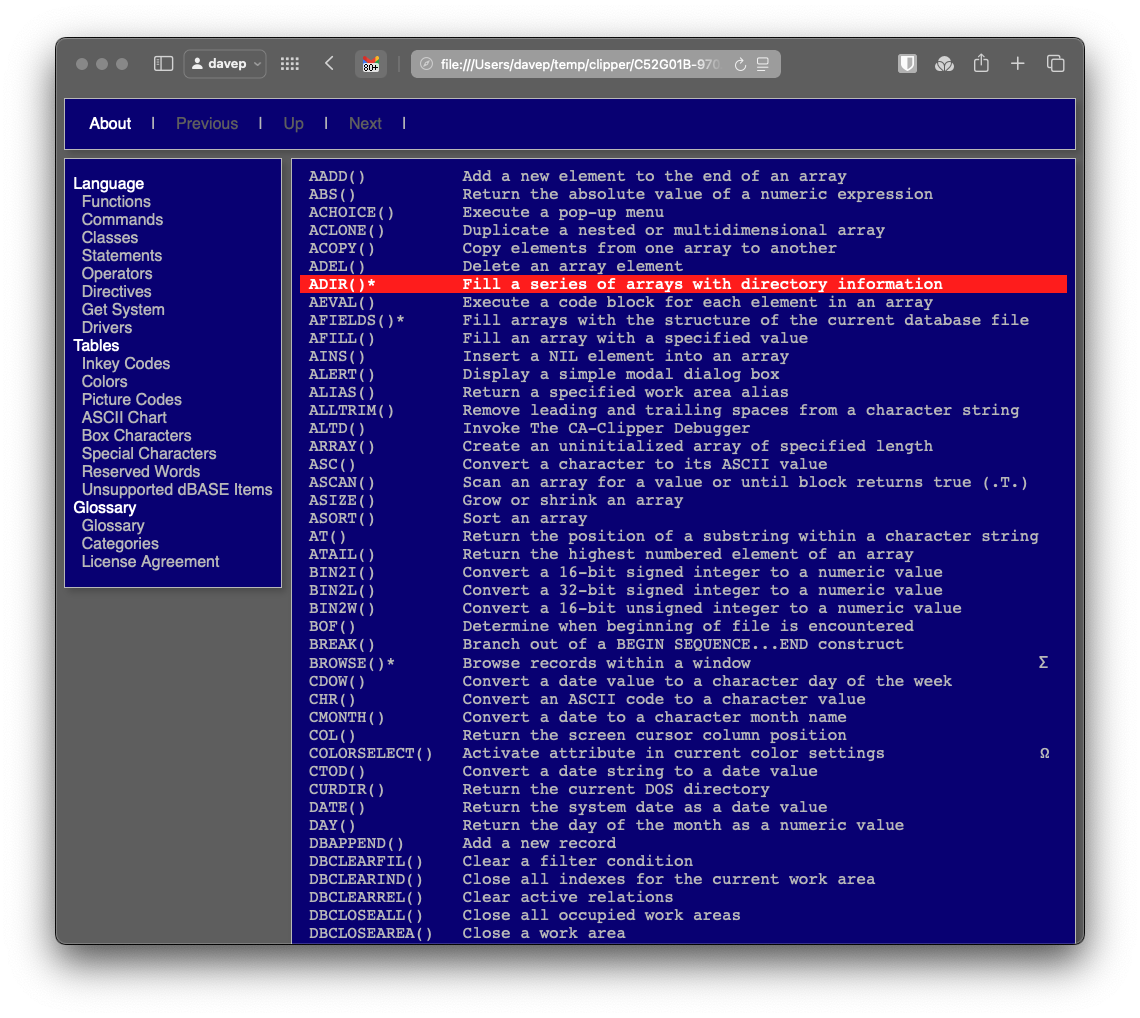
Much like Norton Guide readers or the 5x5 puzzle, code that has fun with the Mandelbrot set is another one of my goto exercises. I've written versions in many languages, and messed with plots in some different environments, as varied as in VR on the web to wearable items.
Later on I did a second version that targets Textual. This time it did a better job and was the catalyst for building textual-canvas. This version was intended more to be a widget that happened to come with an example application, and while it was far more better than the on-purpose-terrible version mentioned above, I still wasn't 100% happy with the way it worked.
Recently I did some maintenance work on textual-canvas, cleaning up the repository and bringing it in line with how I like to maintain my Python projects these days, and this prompted me to look back at textual-mandelbrot and rework it too. Quickly I realised it wasn't really sensible to rewrite it in a way that it would be backward compatible (not that I think anyone has ever used the widget) and instead I decided to kick off a fresh stand-alone application.
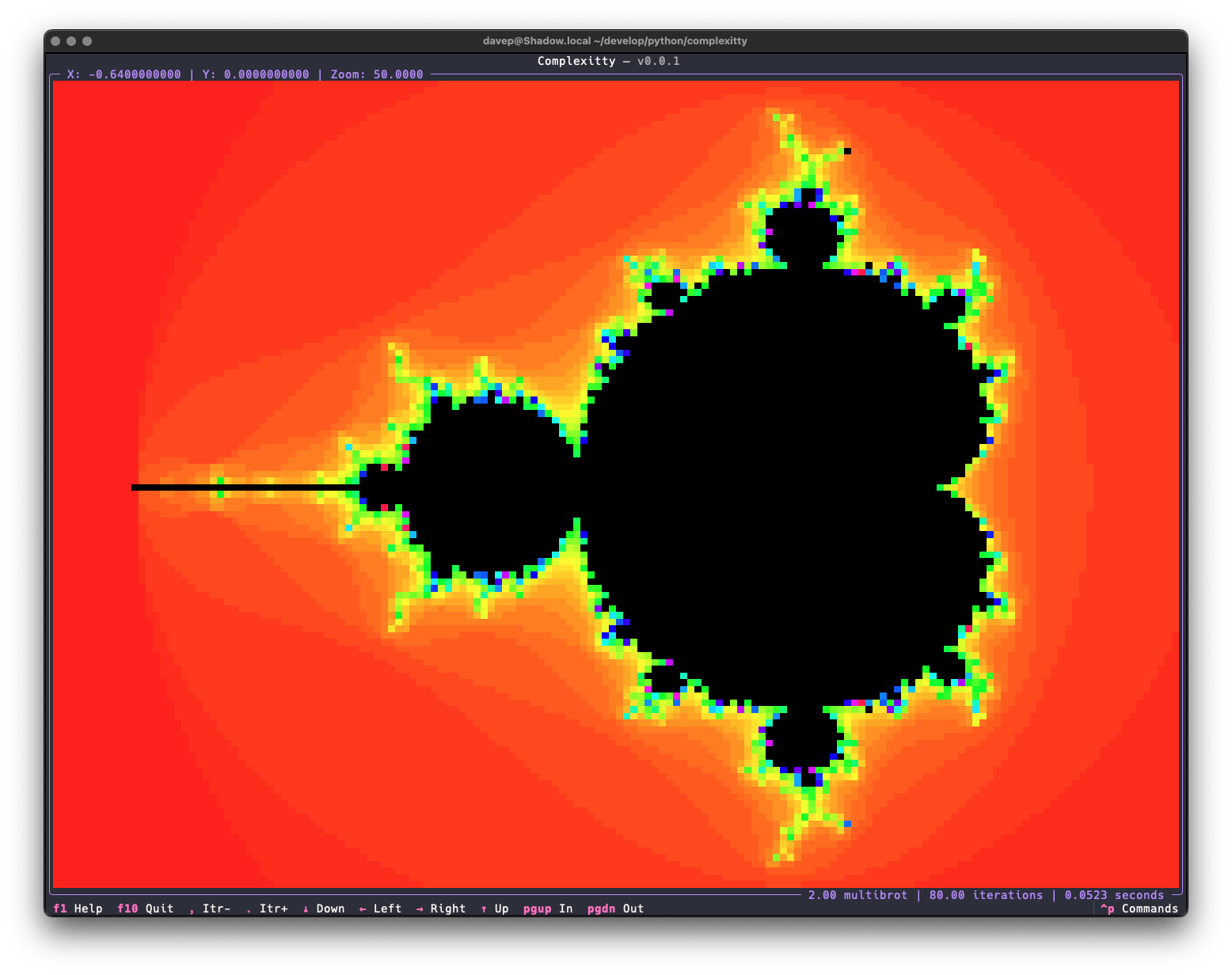
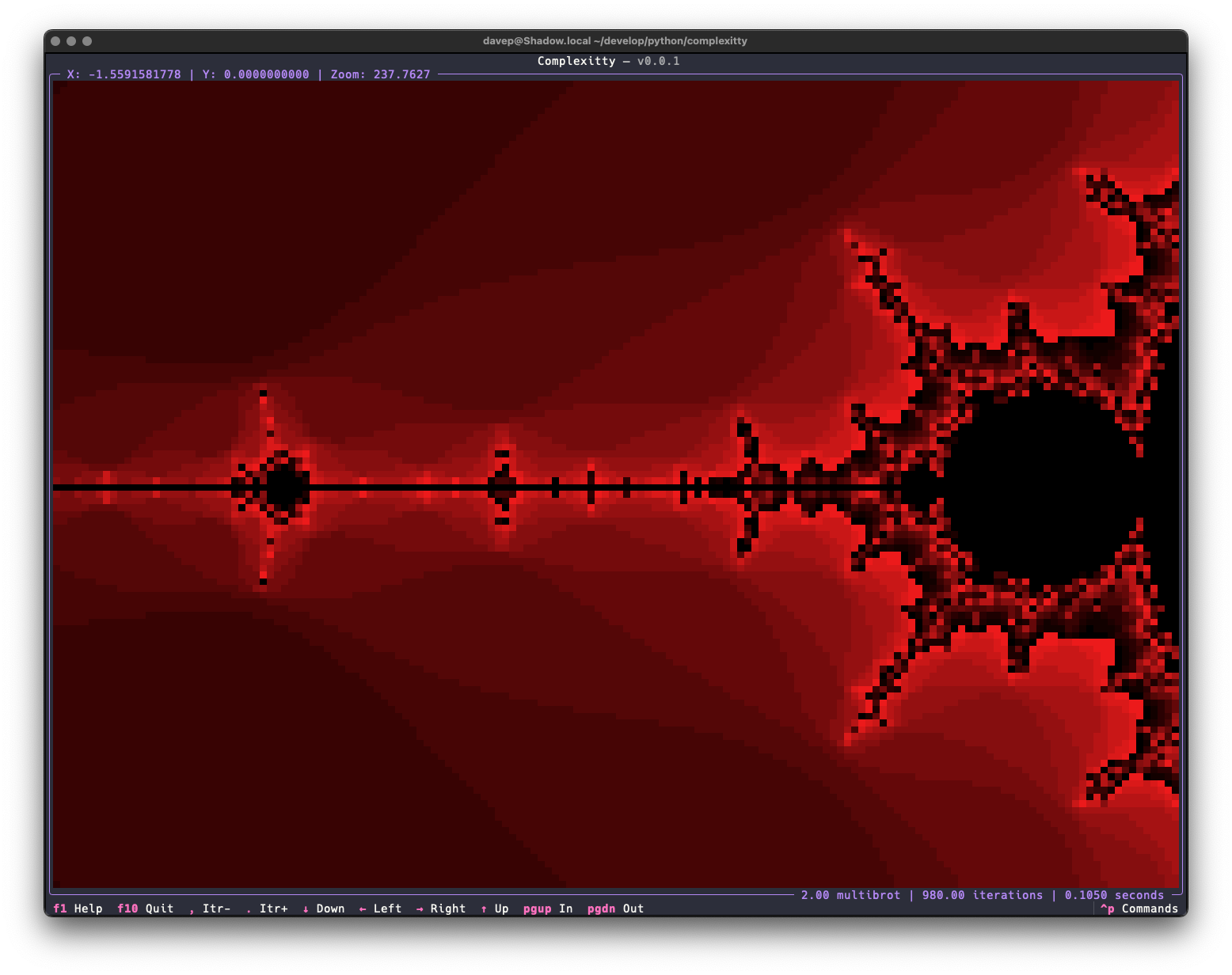
Right now the application has all the same features as the mandelexp application that came with textual-mandelbrot, plus a couple more. Also it's built on top of the common core library I've been putting together for all my own terminal-based Python applications. As time goes on I'll add more features.
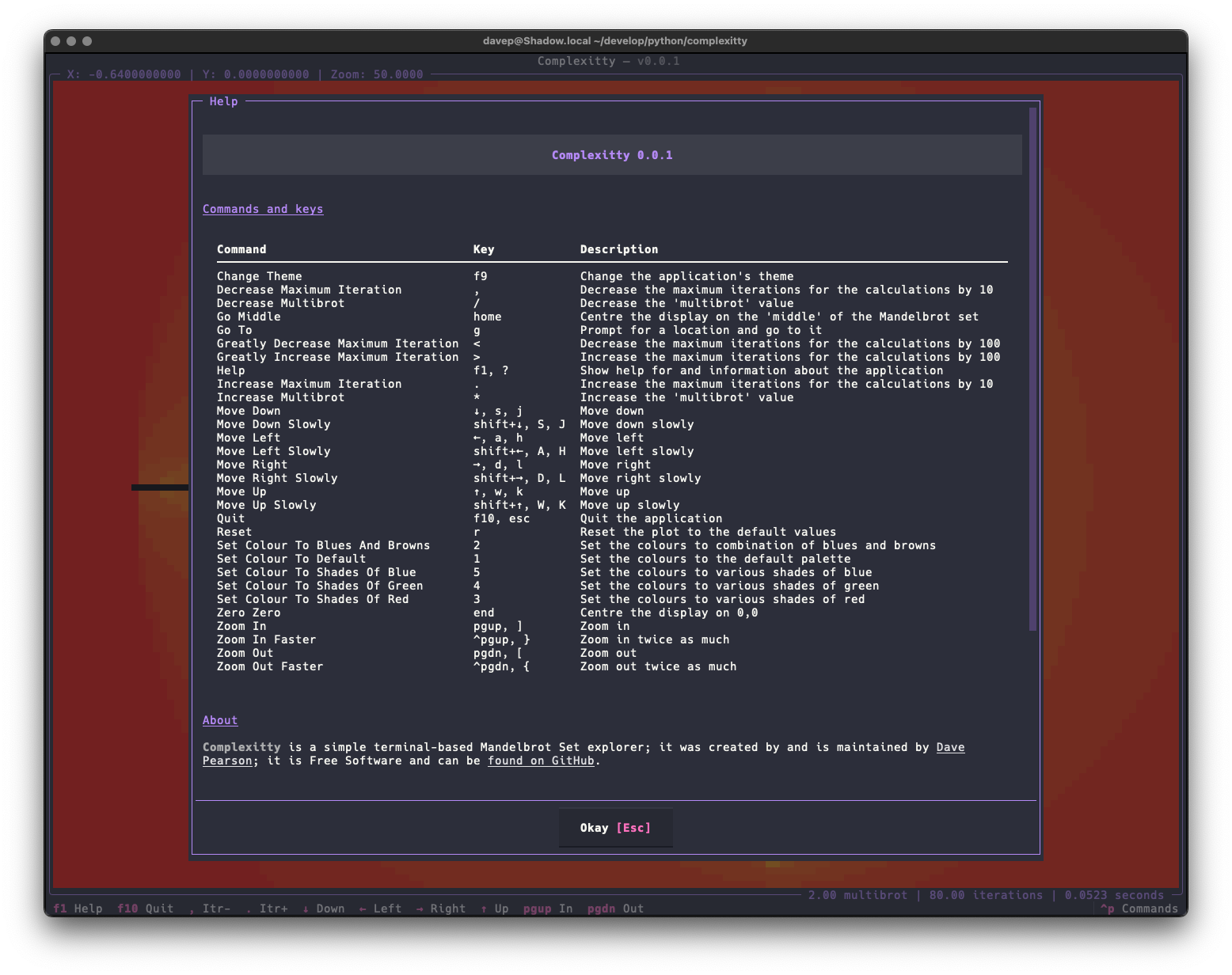
As with most of my recent TUI-based projects, the application is built with comprehensive help for commands and key bindings.
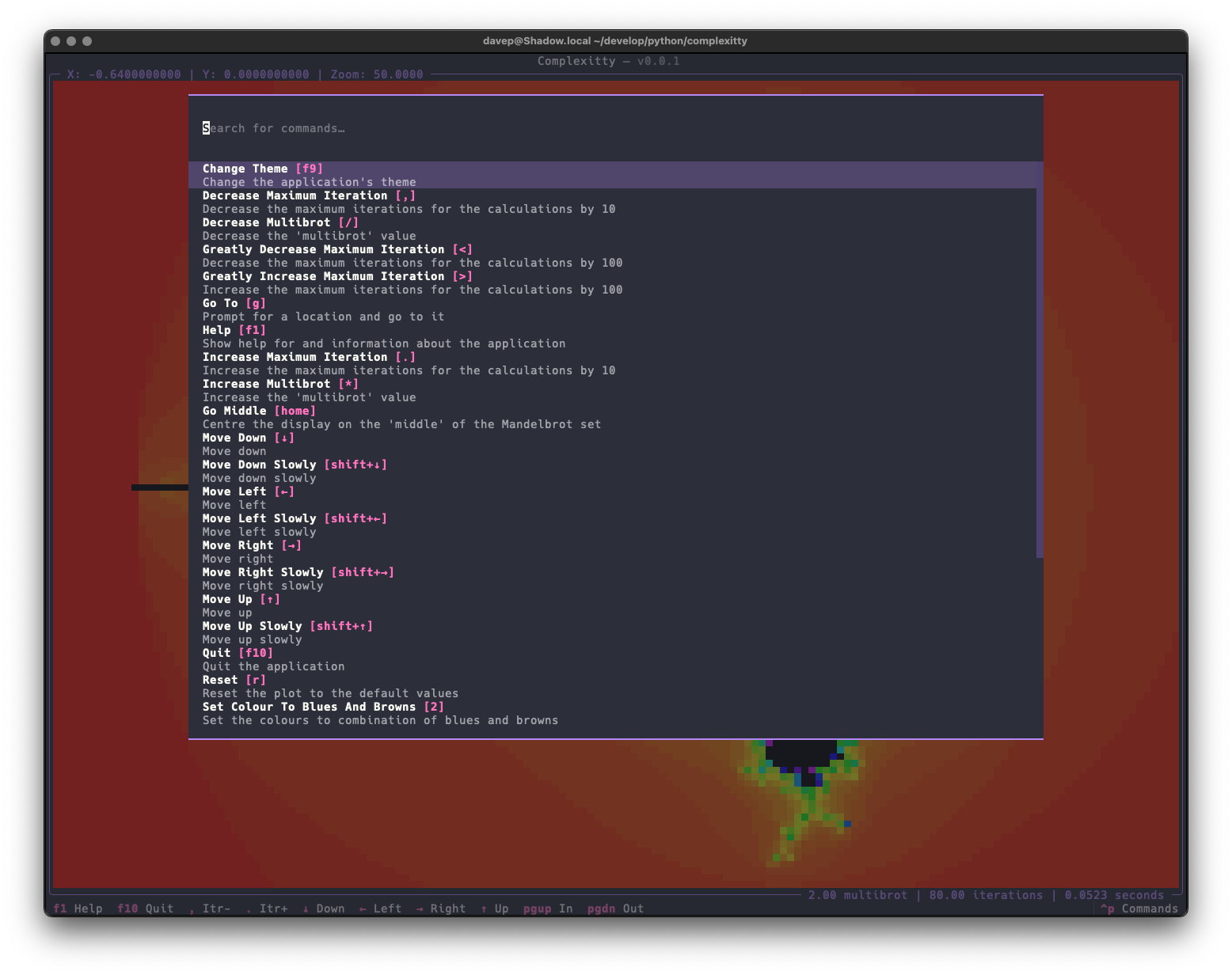
and there's also a command palette that helps you discover (and run) commands and their keyboard bindings.
Complexitty is licensed GPL-3.0 and available via GitHub and also via PyPI. If you have an environment that has pipx installed you should be able to get up and going with:
pipxinstallcomplexitty
It can also be installed with Homebrew by tapping davep/homebrew and then installing complexitty:
That's from the rcs log for the source for w3ng, a tool I wrote so I could read Norton Guide files in my web browser, served by Apache, running on my GNU/Linux server in my office. The tool itself was written as a CGI tool (remember them?).
I believe I posted about this to comp.lang.clipper and pretty quickly some folk asked if it might be possible to do a version that would write the whole guide as a collection of HTML files for static hosting, rather than serving them from a cgi-bin utility. That seemed like a sensible idea and so:
Fast forward around a quarter of a century and I decided it would be fun to write a library for Python that reads Norton Guide files, and a tool called ng2web was the first test I wrote of it, designed as a more flexible replacement for ng2html. I've tweaked and tinkered with the tool since I first created it, but never actually "finished" it.
That's changed today. I've just released v1.0.0 of ng2web.
If turning one or more Norton Guide files into static websites seems like the sort of thing you want to be doing, take a look at the documentation.
ng2web is licensed GPL-3.0 and available via GitHub and also via PyPI. If you have an environment that has pipx installed you should be able to get up and going with:
pipxinstallng2web
It can also be installed with Homebrew by tapping davep/homebrew and then installing ng2web:
I've just released AgiNG v0.3.0. The main focus of this release was to get some searching added to the application. Similar to what I added to WEG back in the day, I wanted three types of searching:
Current entry search.
Current guide-wide search.
All registered guides-wide search.
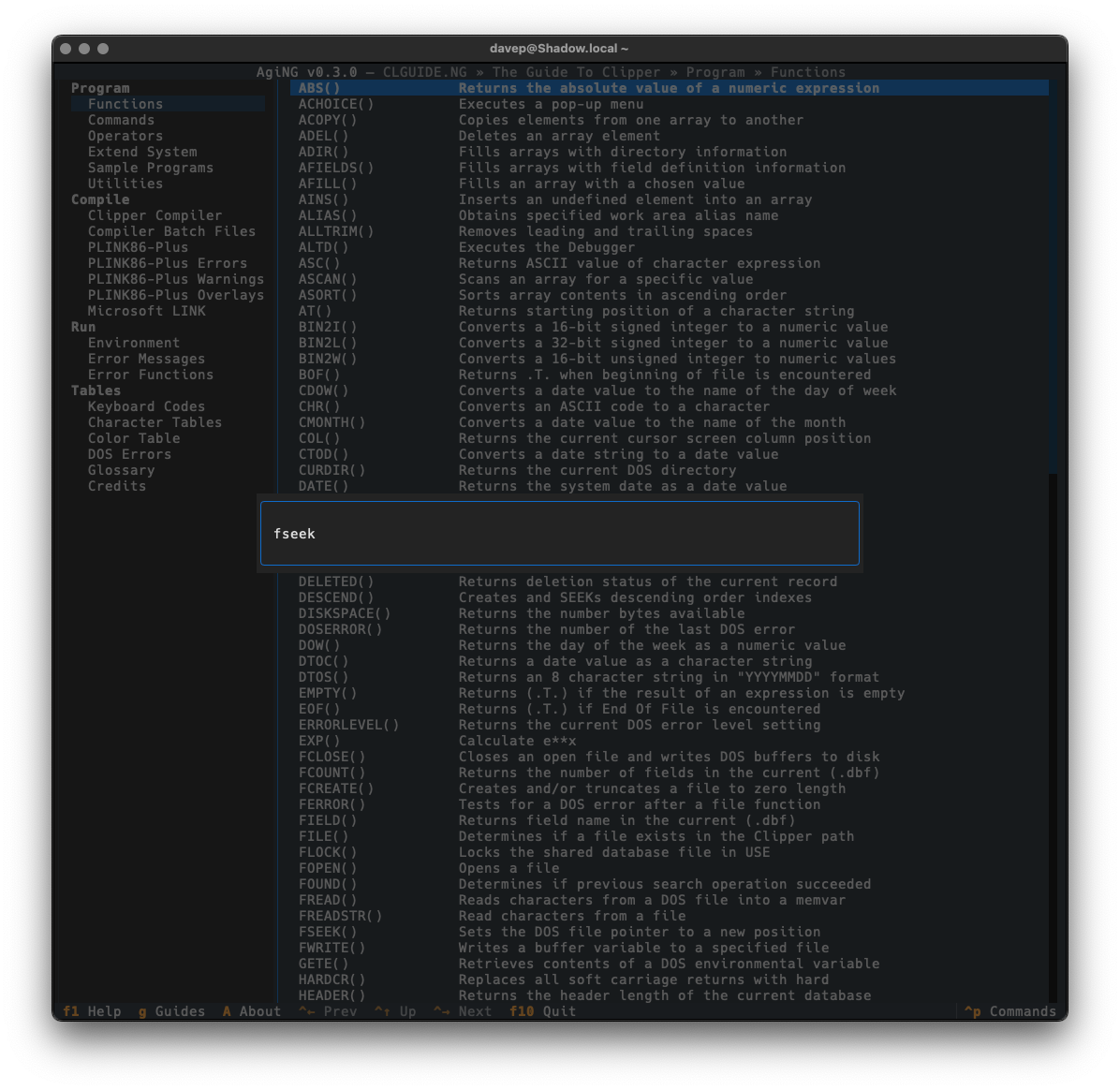
The current entry search is done with a simple modal input, and for now the searching is always case-insensitive (I was going to add a switch for this but it sort of felt unnecessary and I liked how clean the input is).
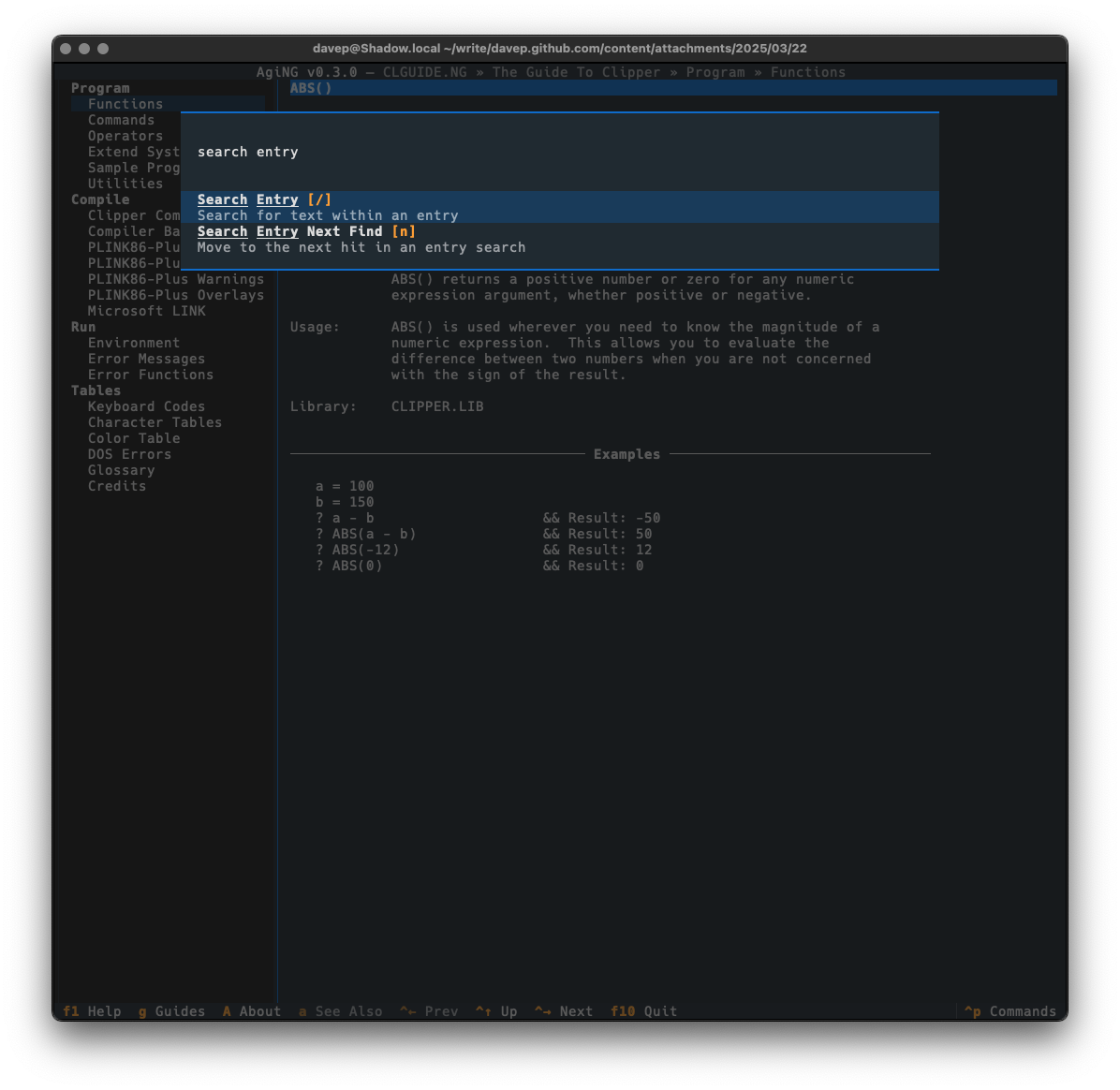
The search is started by pressing /, and if a hit is found n will take you through all subsequent matches.
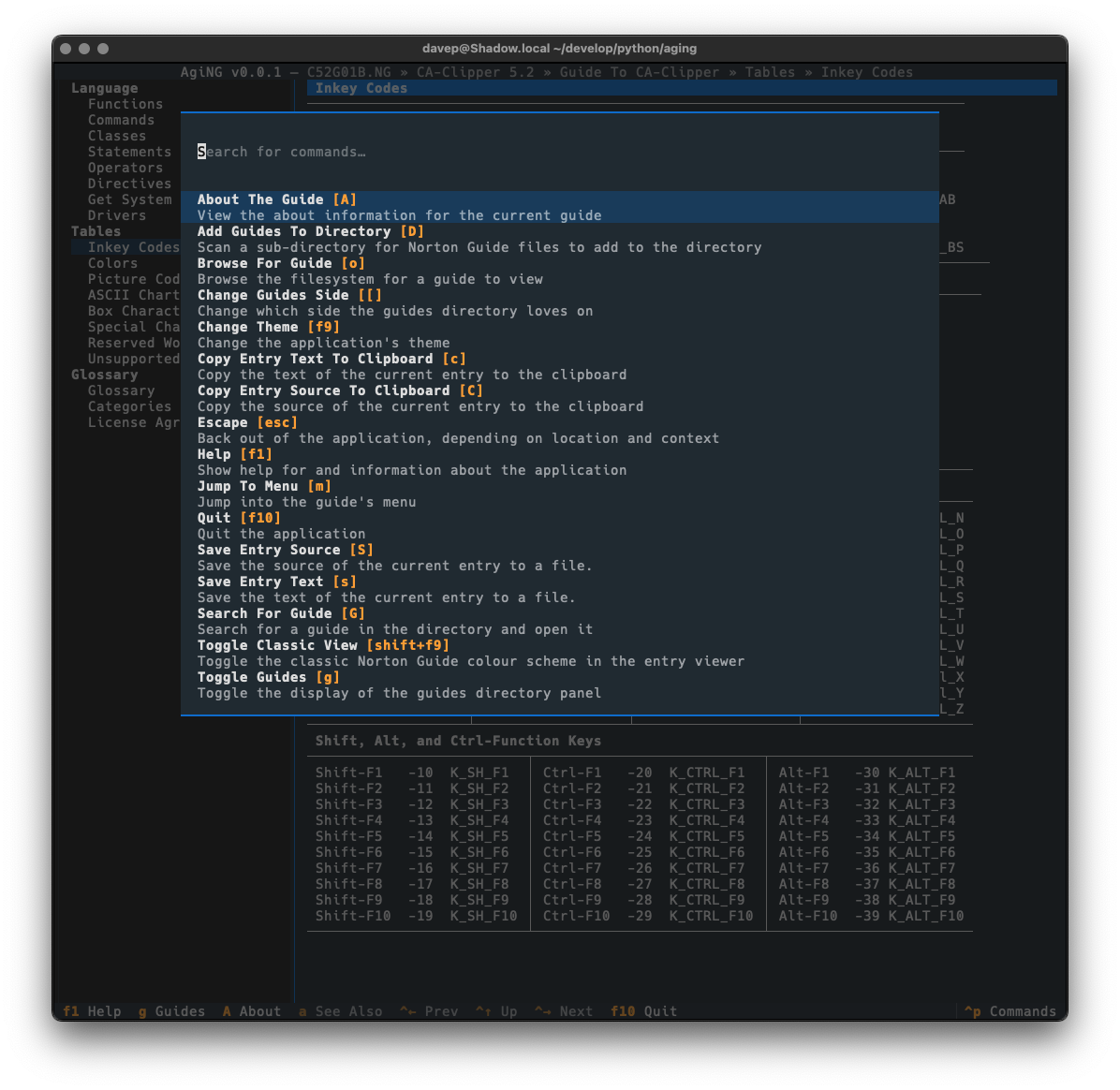
As always, if you're not sure of the keys, you'll find them in the help screen or via the command palette:
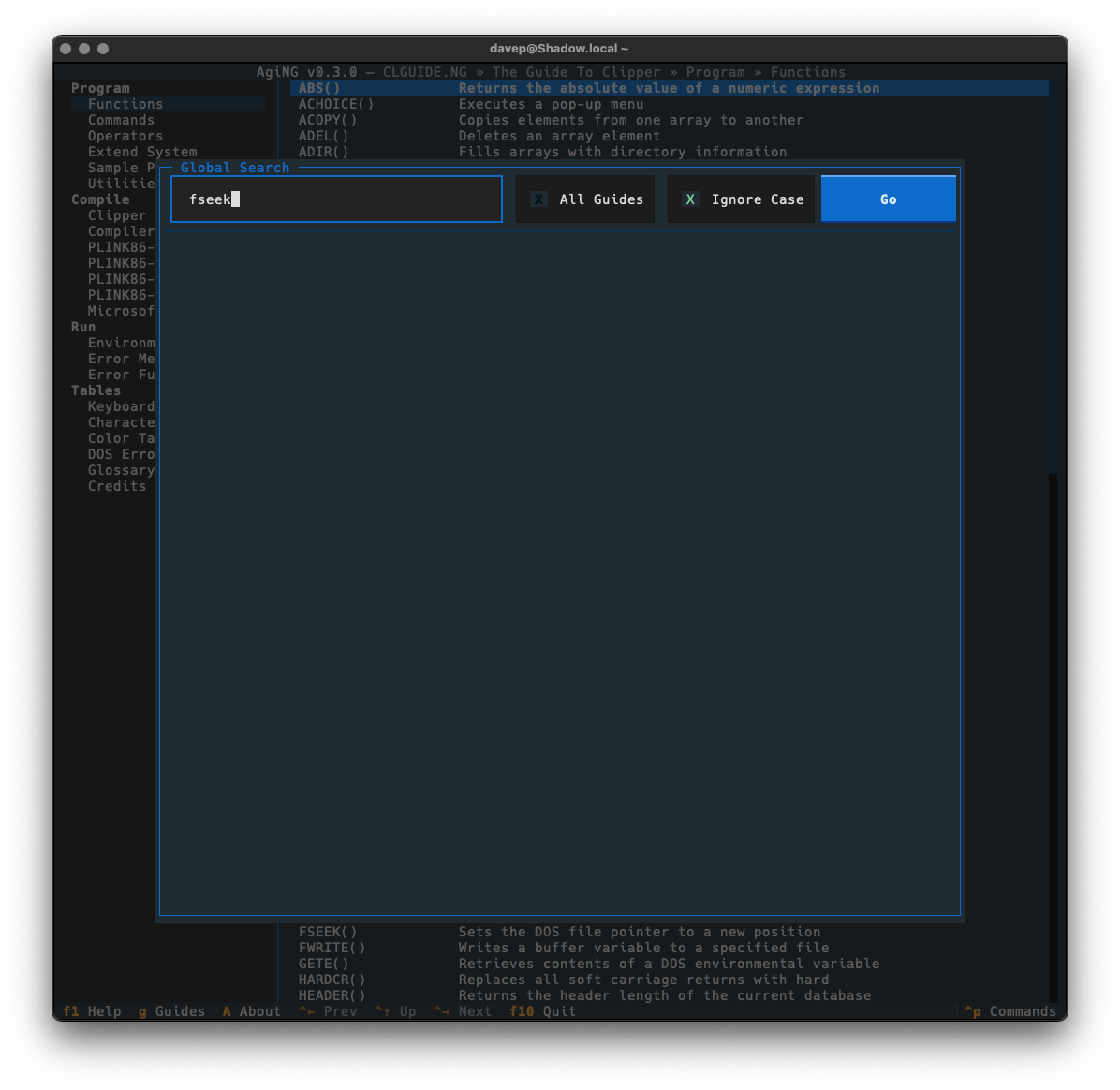
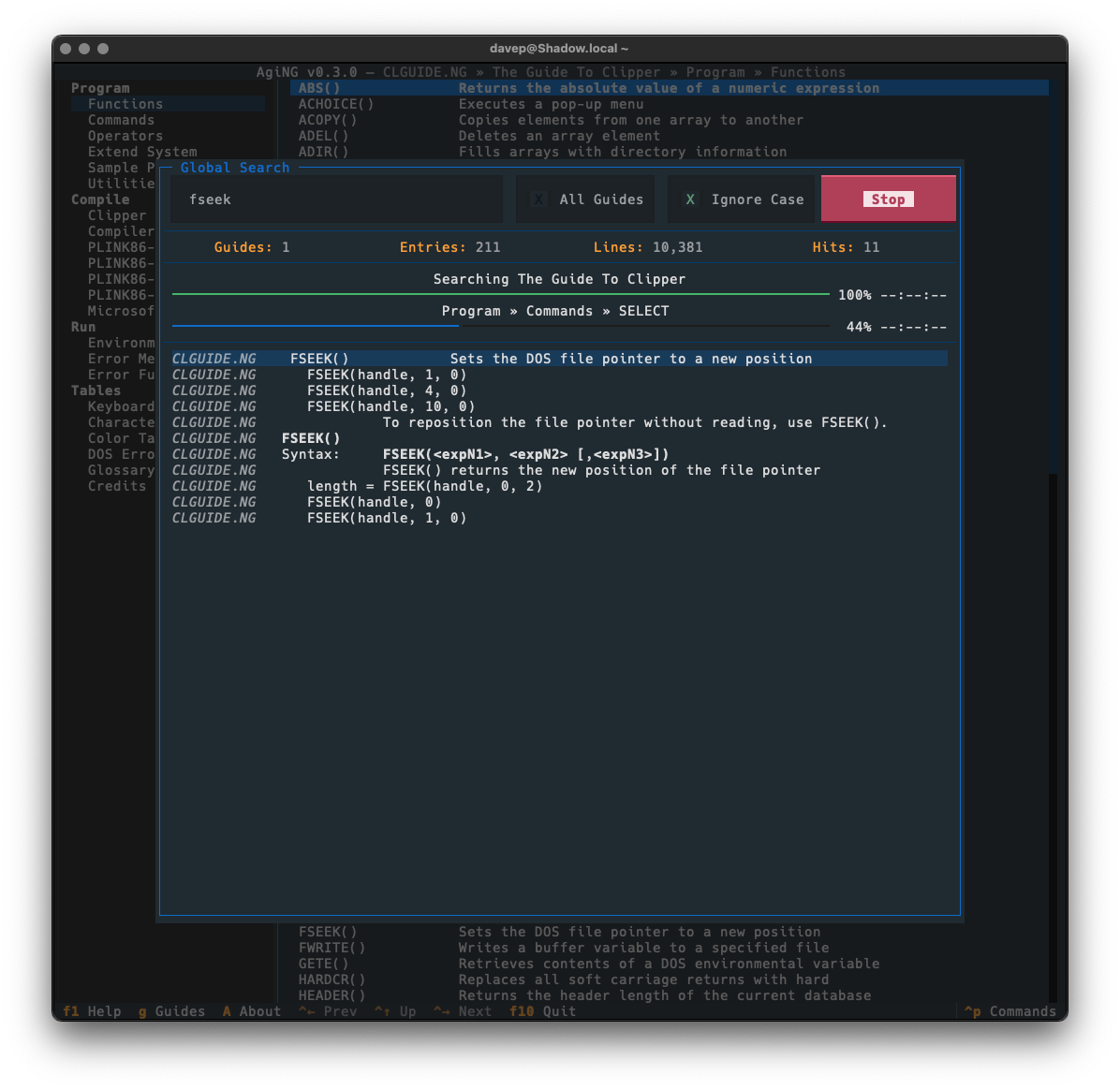
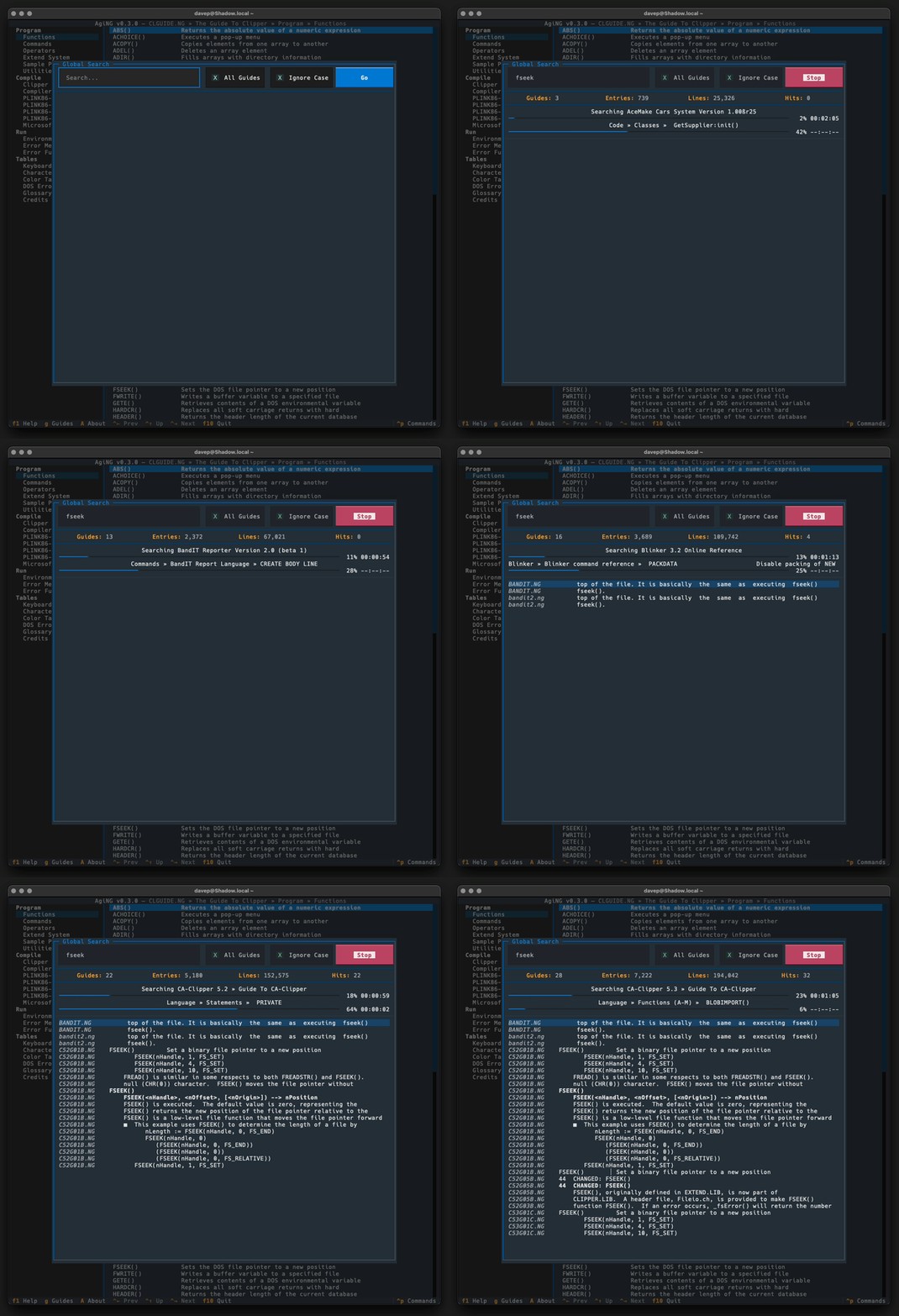
Guide-wide and all-guide searching is done in the same dialog. To search guide-wide you enter what you want to find and untick "All Guides".
With that, the search will stick to the current guide.
As will be obvious, searching all guides that have been registered with AgiNG is as simple as ticking "All Guides". Then when you search it'll take a walk through every entry of every guide you've added to the guide directory in the application.
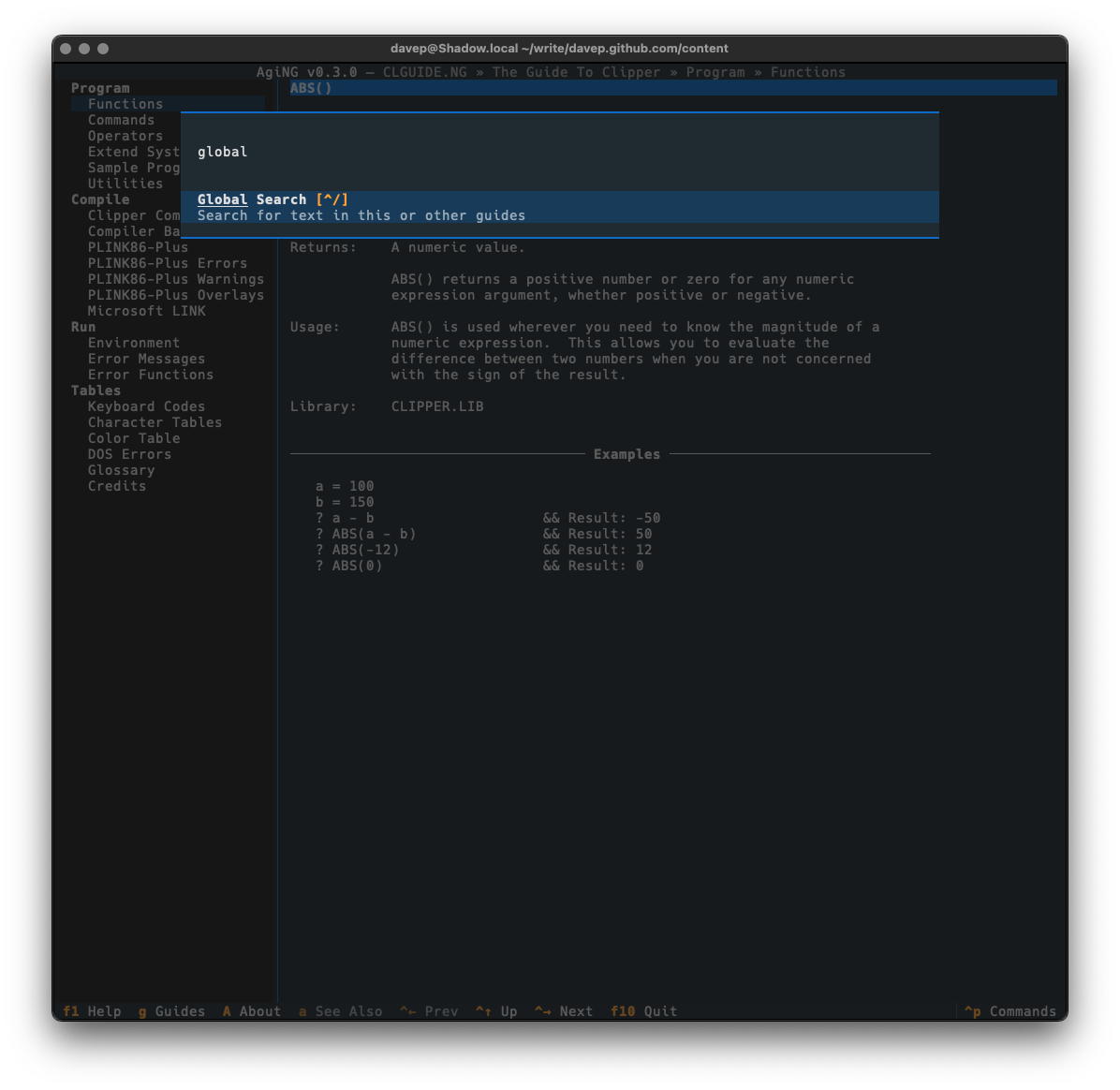
Global searching is accessed with Ctrl+/ or via the command palette.
With this added, I think that's most of the major functionality I wanted for AgiNG. I imagine there's a few more tweaks I'll think of (for example: I think adding regex search to the global search screen could be handy), but I don't think there's any more big features it needs.
AgiNG can be installed with pip or (ideally) pipxfrom PyPI. It can also be installed with Homebrew by tapping davep/homebrew and then installing aging:
It seems I really do still have this need to create new terminal-based projects at the moment. There's been Braindrop, then Peplum, then after that came Hike. While I'm still tweaking and adding to them, and also using them to refine a wee library I'm building up that forms the core of my latest apps, I felt I still had this one app that I needed to finally build.
I'd never written a Python library or application for it though.
So when I first saw Textual mentioned in passing on Twitter a few years back, way back in the 0.1 days, I thought that could be the thing that would push me over the edge. In anticipation of that, back in 2021, I initially developed ngdb.py. This is a library that provides the core Norton Guide reading code for Python applications and could form the basis for other tools.
As a test for this I then wrote ng2web (which works, but I think still needs a bit of tidying up -- something I'm aiming to do in the next few weeks).
Meanwhile, the journey with Textual itself kicked off, happened, and came to an end; and yet somehow I'd never got round to building the thing I'd initially looked at Textual for: a terminal-based Norton Guide reader that looked nice and modern (by terminal standards). When I initially joined Textualize the owner had actually said they wanted me to build this as test of the framework, to essentially start out by employing me to create some Free Software that would help dogfood the library, but that seemed to get forgotten.
Fast forward to the start of this month and I finally felt it was time to tackle this. The result is AgiNG1.
As of v0.1.0 it has most of the features you'd expect from a usable Norton Guide reader, including:
An ability to add guide files to an in-application directory.
The ability open and navigate a guide.
Full see-also support, etc.
Full translation of characters as were under MS-DOS into the terminal.
The ability to copy entry text or source to the clipboard.
The ability to copy save entry text or source to a file.
Access to a guide's credits.
I still need to write some proper documentation for the application, but meanwhile all commands and key shortcuts can be discovered either via the help screen:
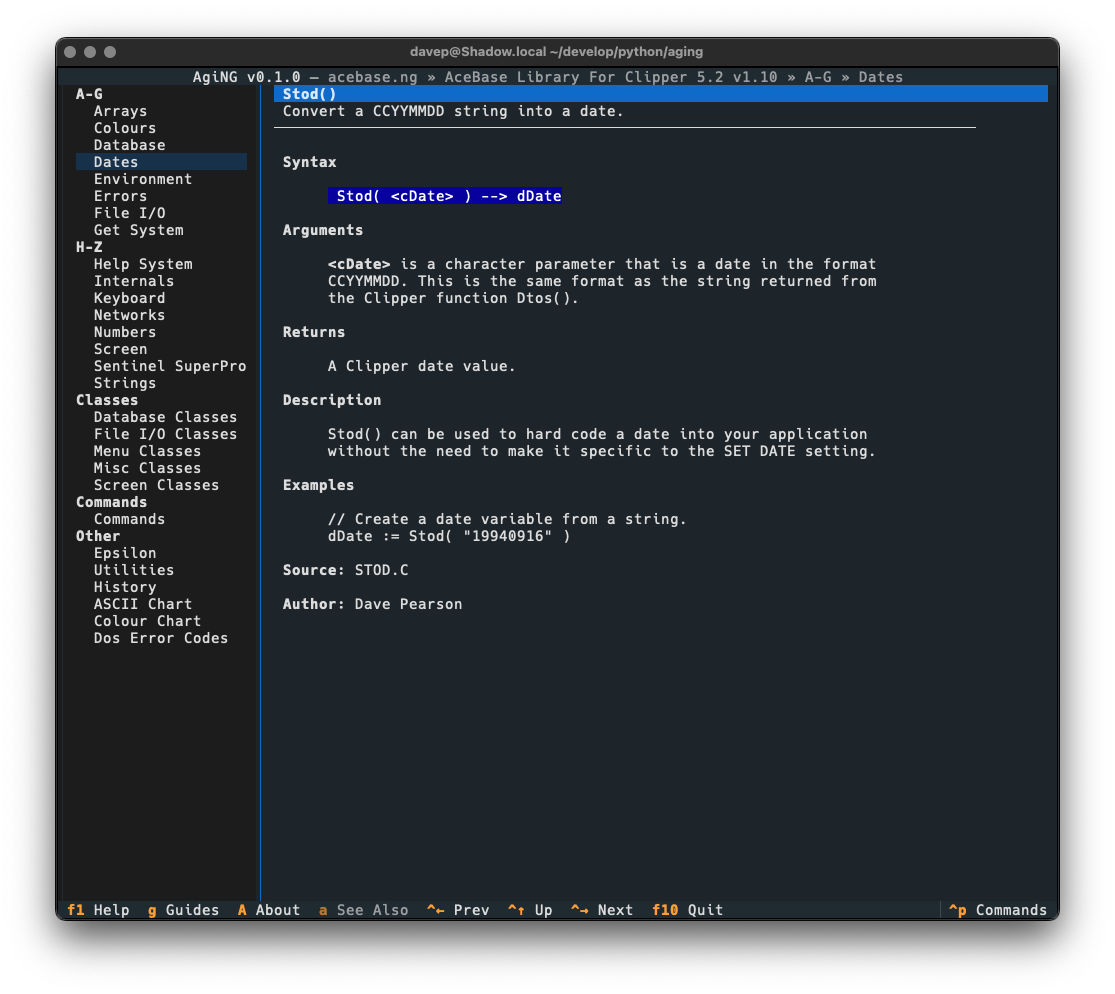
One wee feature I want to call out, that I felt was important to add, was a "classic view" facility. The thing with Norton Guide files is they were mostly created in the very late 1980s and early-to-mid 1990s. People would often get creative with the colouring within them, but in many cases the colouring assumed the default Norton Guide application. Its colours were white text on a blue background. So sometimes other colouring was done assuming that background.
You can see an example of this here, with an entry in a guide being viewed using the default textual-dark theme:
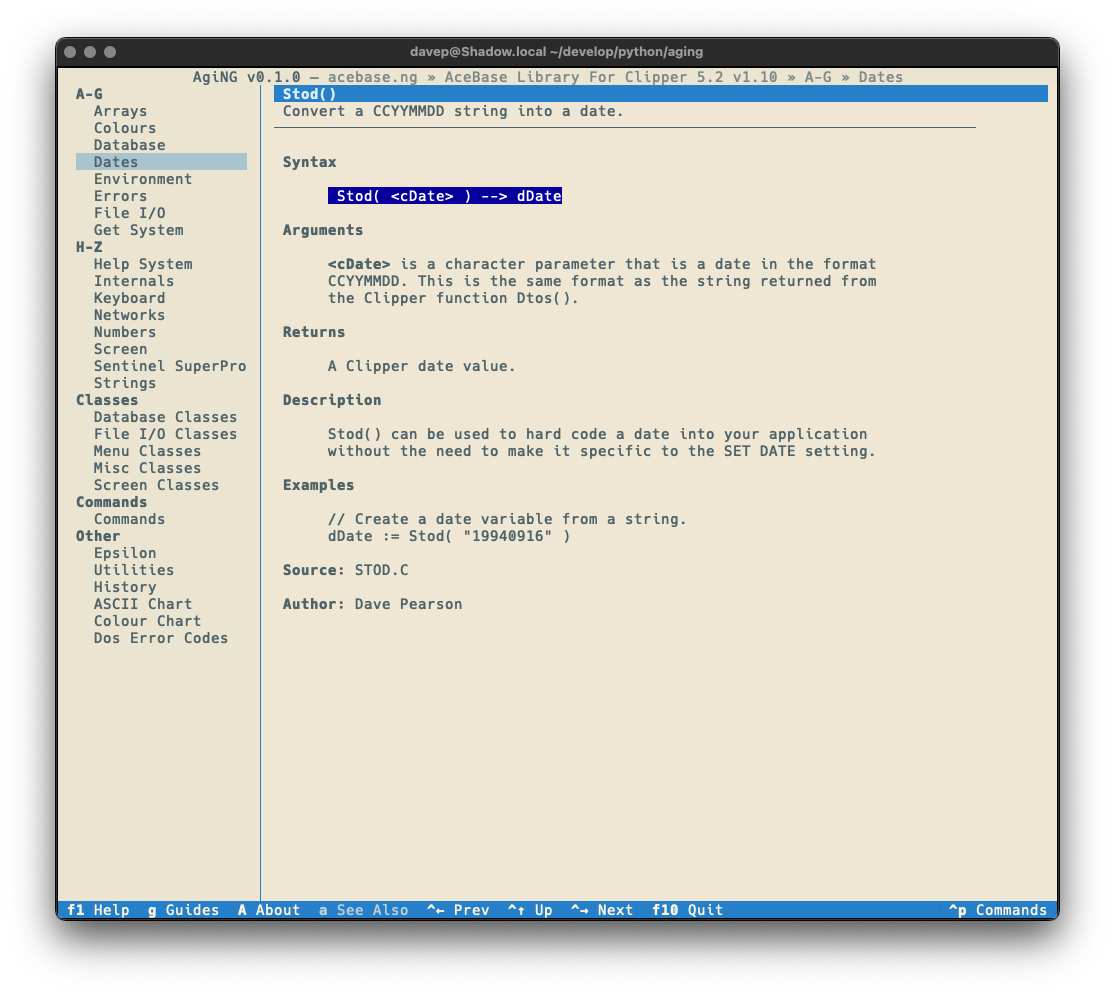
Notice the colouring in the syntax section. This is more obvious if the application is switched to one of the light themes:
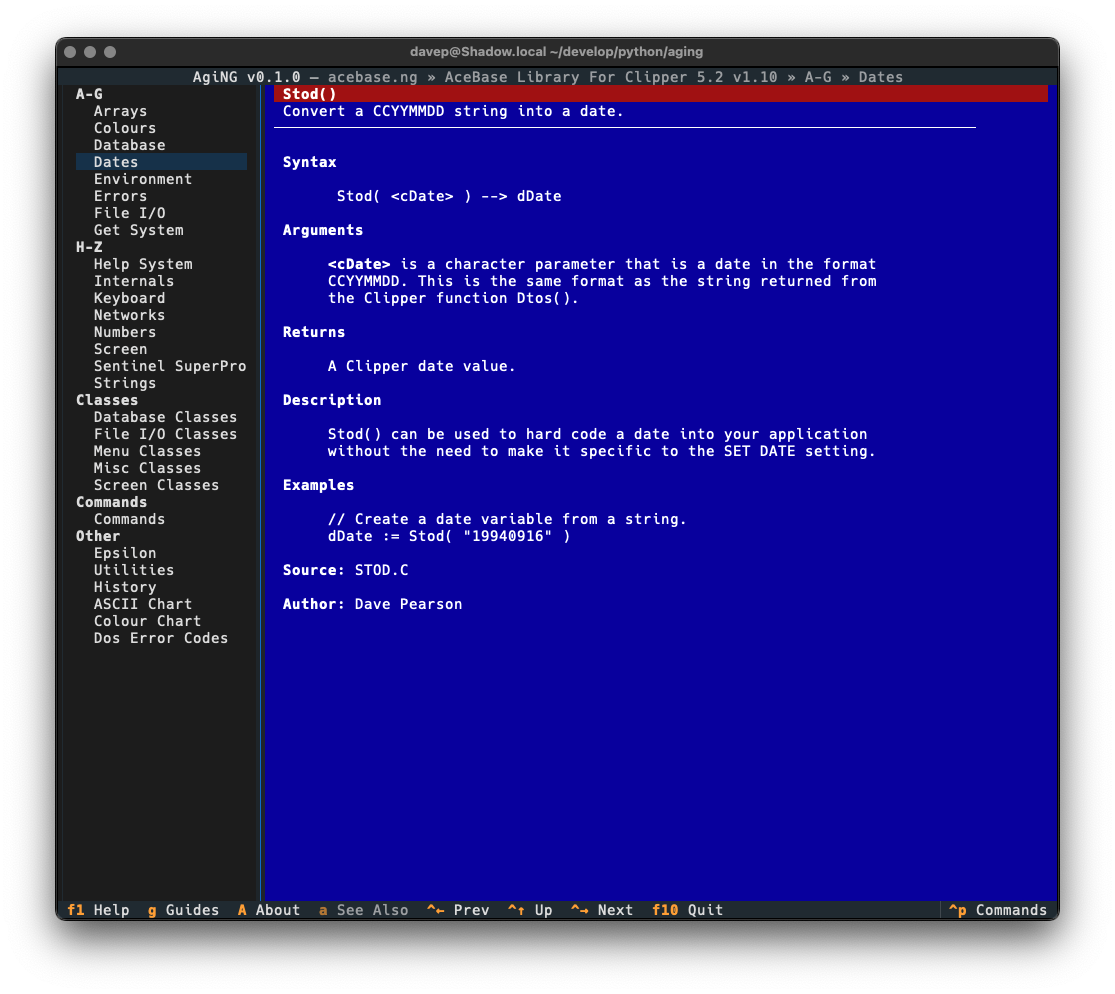
With a nod to this issue in mind, I added the "classic view" for entries (which is a sticky setting -- turn it on and it stays on until you turn it off):
A little hard on the eyes, I think, but also filled with nostalgia!
Talking of themes, all the usual application themes are available, here's a wee selection:
AgiNG is licensed GPL-3.0 and available via GitHub and also via PyPI. If you have an environment that has pipx installed you should be able to get up and going with:
pipxinstallaging
It can also be installed with Homebrew by tapping davep/homebrew and then installing aging:
brewtapdavep/homebrew
brewinstallaging
Expect to see more updates in the near future; as with other recent projects this is very much something I'm going to be dabbling with and improving as time goes on.
If you're wondering about the name, it's nothing more than a word that happens to have NG in it, and also a mild pun about this being an ageing hypertext help system; with the spelling acknowledging Peter Norton's nationality. ↩
Following on from my post this morning, regarding the problem I was having with _mkdocstrings.css being 404 any time I deployed my documentation, built with mkdocs/mkdocstrings, to GitHub Pages...
It's come to light that I was doing this on hard mode, pretty much.
While trying to figure out the best way of deploying the docs, I'd stumbled on ghp-import and had been using that. On the other hand, MkDocs has it's own command for doing the same thing: mkdocs
gh-deploy.
Timothée pointed out to me that he never runs into this problem, but he used this command. As it turns out, if you use mkdocs gh-deploy it creates the .nojekyll file by default.
I've just made a wee update to textual-fspicker, my dialog library for Textual which adds FileOpen, FileSave and SelectDirectory dialogs. There's no substantial change to the workings of the library itself, but I have added something it's been lacking for a long time: documentation!
Well... that's not quite true, it's always had documentation. I'm an avid writer of Python docstrings and I make a point of always writing them for every class, function, method or global value as I write the code. As such the low-level "API" documentation has always been sat there ready to be published somehow, eventually.
Meanwhile the description for how to use the library was mostly a pointer to some example code inside the README. Not ideal, and something I really wanted to improve at some point.
While writing some of the general guide took a bit of work, of course, the work to get the documentation up and running and generating was simple enough. The effort comes down to 3 rules in the Makefile for the project:
############################################################################### Documentation..PHONY:docsdocs:# Generate the system documentation$(mkdocs)build
.PHONY:rtfmrtfm:# Locally read the library documentation$(mkdocs)serve
.PHONY:publishdocspublishdocs:docs# Set up the docs for publishing$(run)ghp-import--pushsite
The rtfm target is useful for locally-serving the documentation so I can live preview as I write things and update the code. The publishdocs target is used to create and push a gh-pages branch for the repository, resulting in the documentation being hosted by GitHub.
This is, however, where I ran into a wee problem. I noticed that the locally-hosted version of the documentation looked great, but the version hosted on GitHub Pages was... not so great. I was seeing a load of text alignment issues, and also whole bits of text just not appearing at all.
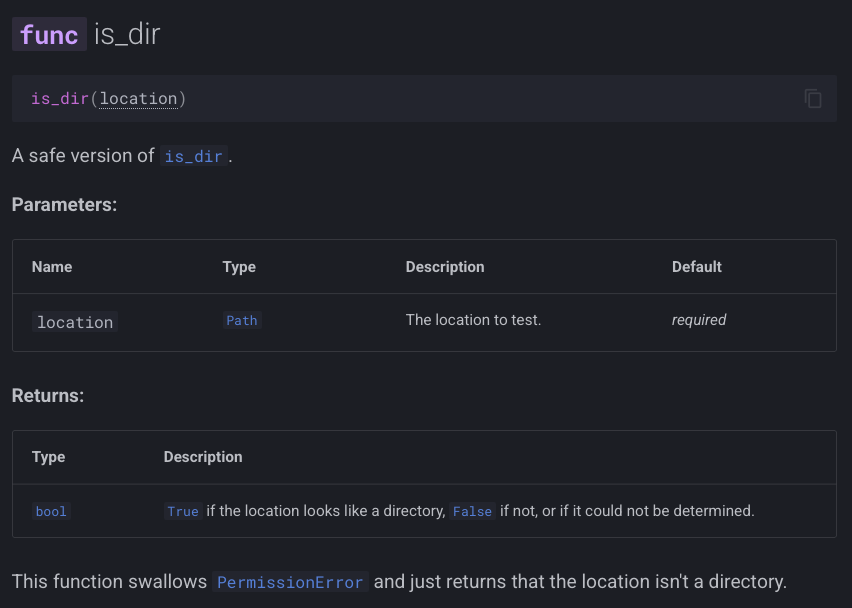
Here's an example of what I was seeing locally:
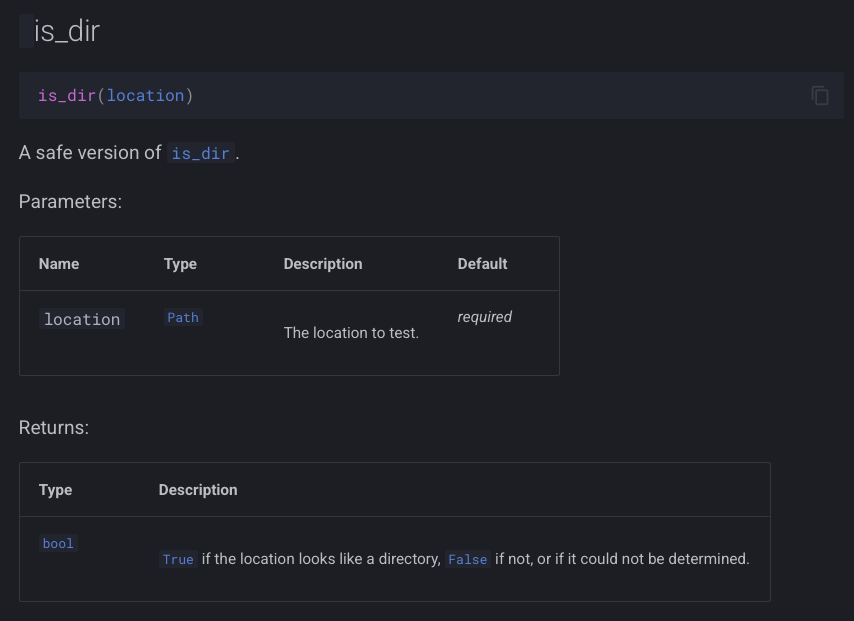
and here's what I was seeing being served up from GitHub Pages:
As you can see, in the "bad" version the func label is missing from the header, and the Parameters and Returns tables look quite messy.
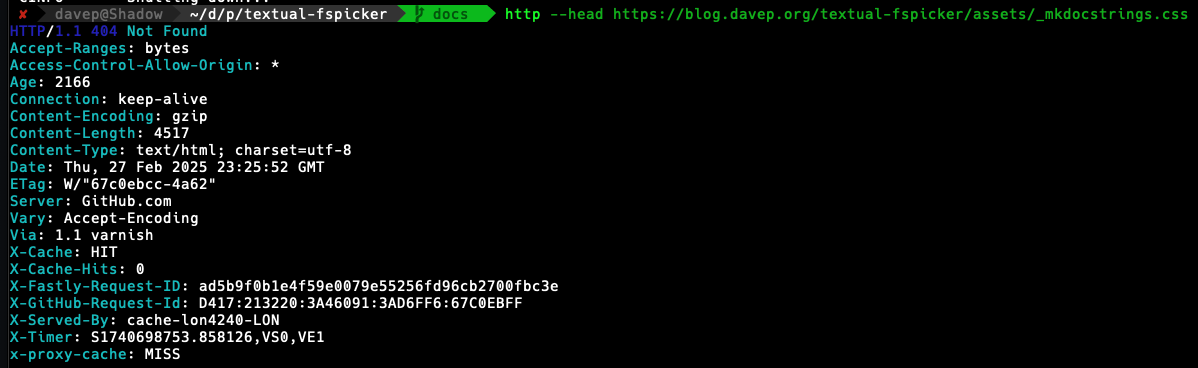
I spent a little bit of time digging and, looking in Safari's console, I then noticed that I was getting a 404 on a file called _mkdocstrings.css in the assets folder. Problem found!
Only... was it though? If I looked in the gh-pages local branch the file was there (and with fine permissions). If I looked in the remote branch, it was there too. Thinking it could be some odd browser problem I even tried to grab the file back from the command line and it came back 404 as well.
As it turns out, it looked like I hadn't messed up and the reply from the always super-helpful Timothée was, in effect, "yeah, that should work fine". At least I wasn't the only one confused.
Fast forward to this morning and, with breakfast and coffee inside me, I decided to try and methodically get to the bottom of it. I wrote up the current state of understanding and looked at what might be the common cause. The thing that stood out to me was that this was a file that started with an underscore, so I did a quick search for "github pages underscore" and right away landed on this result.
Bingo!
That had to be it!
A little bit of testing later and sure enough, the documentation hosted on GitHub Pages looked exactly like the locally-hosted version.
So, TIL: by default sites hosted by GitHub Pages will pretend that any asset that starts with an underscore doesn't exist, unless you have a .nojekyll in the root of the repository, on the gh-pages branch (or whatever branch you decide to serve from).
To make this all work I added .nojekyll to docs/source and added this to mkdocs.yml:
exclude_docs:|!.nojekyll
All done!
And now I've worked out a simple workflow for using mkdocs/mkdocstrings for my own Python projects, in conjunction with GitHub Pages, I guess I'll start to sprinkle it over other projects too.
The run of writing new terminal-based tools that I want still keeps going. First there was Braindrop, then there was Peplum, and now, released today, there's Hike.
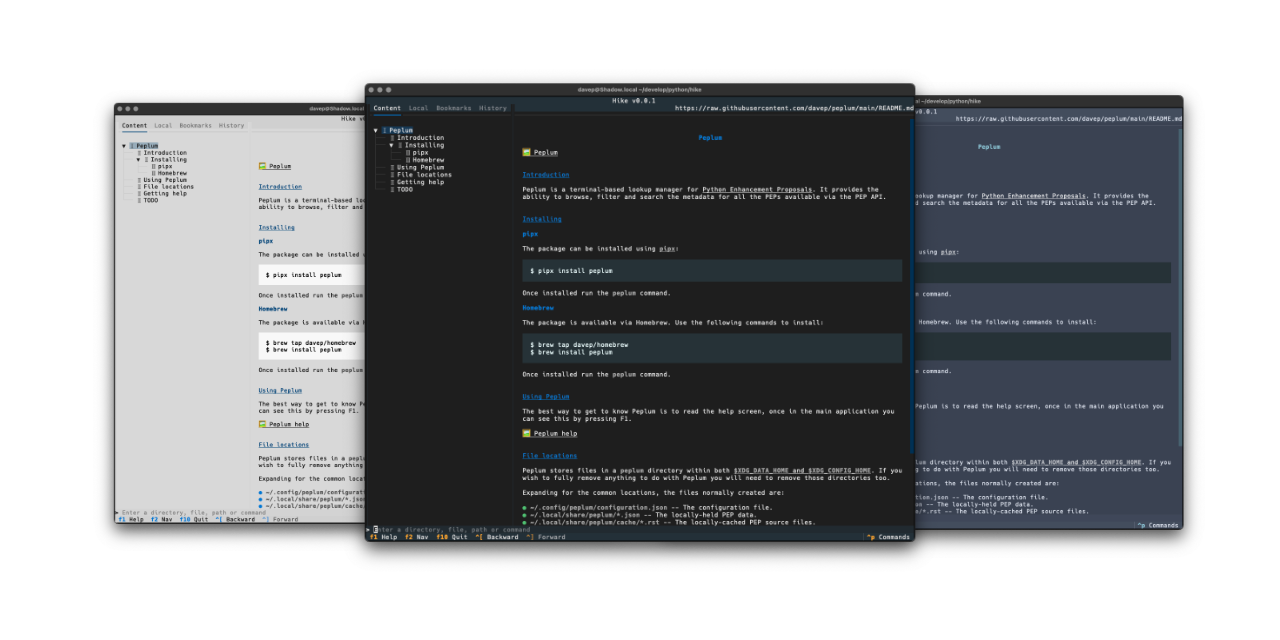
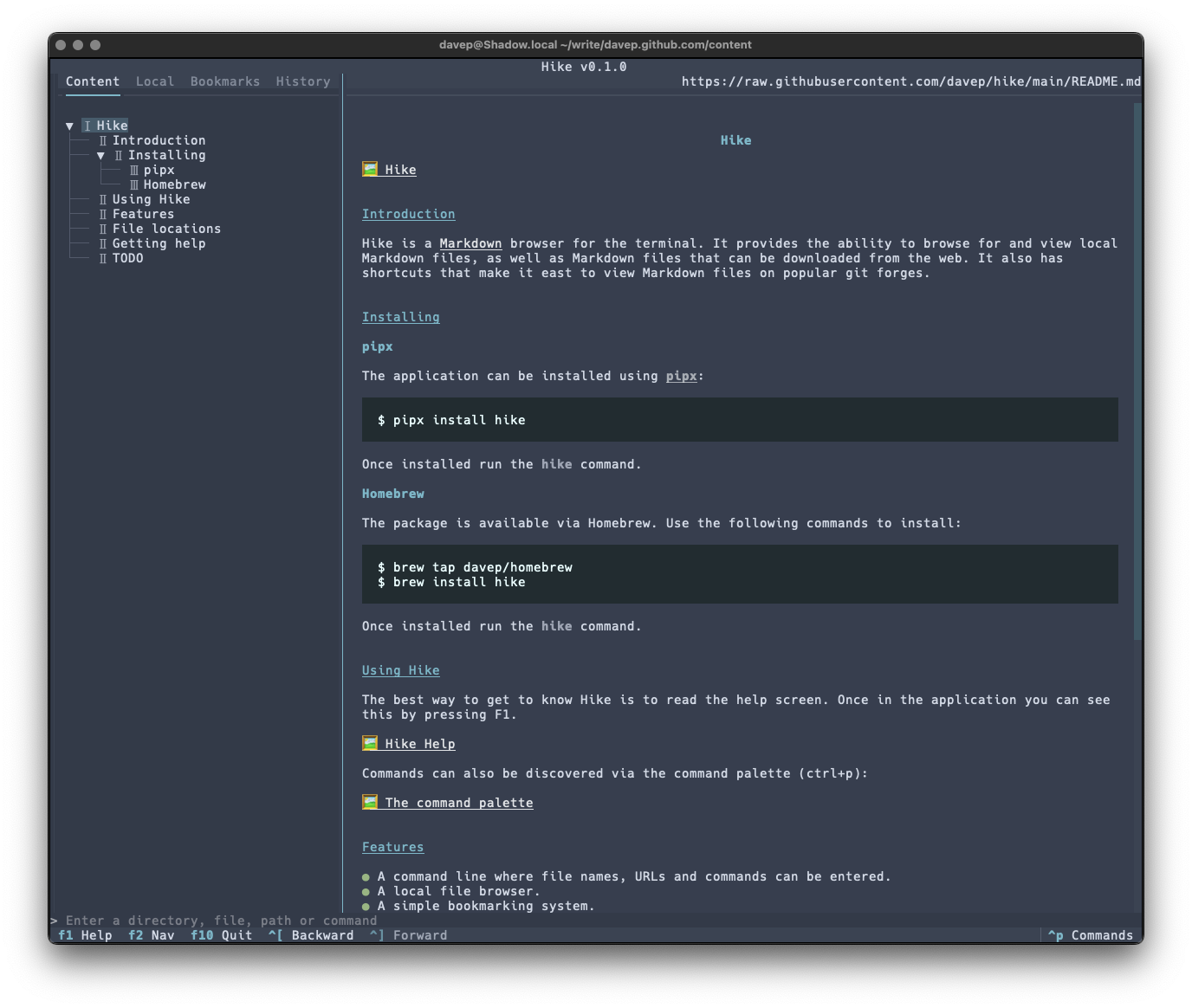
Hike is yet another terminal-based Markdown browser. While it's far from the first, and unlikely to be the last, it's mine and it looks and works exactly how I need. Perhaps it'll be your sort of thing too?
This initial release has a bunch of handy features, including things like:
A command line where file names, URLs and commands can be entered.
A persistent history for the command line.
A local file browser.
A simple bookmarking system.
A browsing history.
Commands for quickly loading and viewing files held on GitHub, GitLab, Codeberg and Bitbucket.
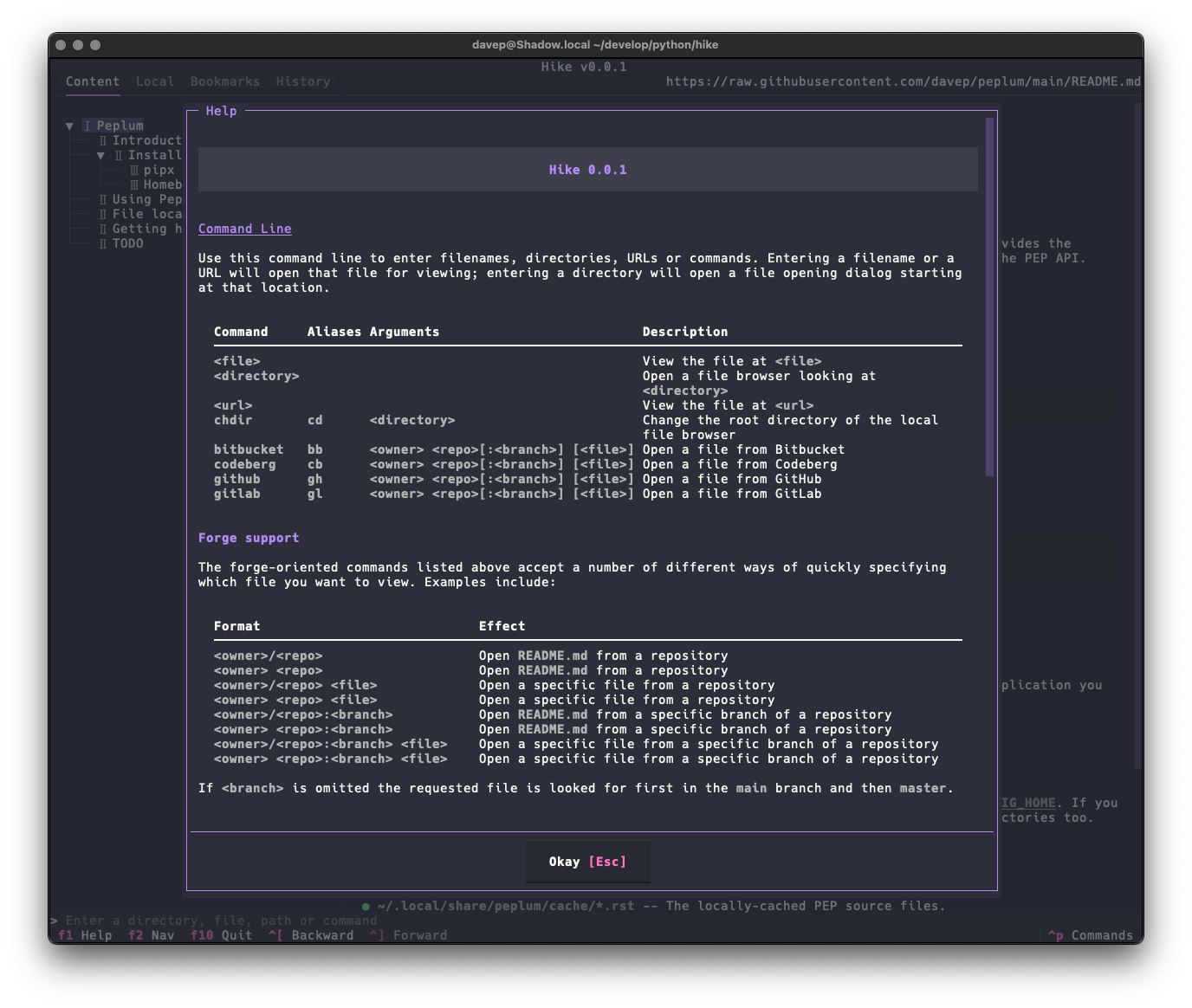
As there's a lot to discover in the application, I've tried to make the help screen as comprehensive as possible:
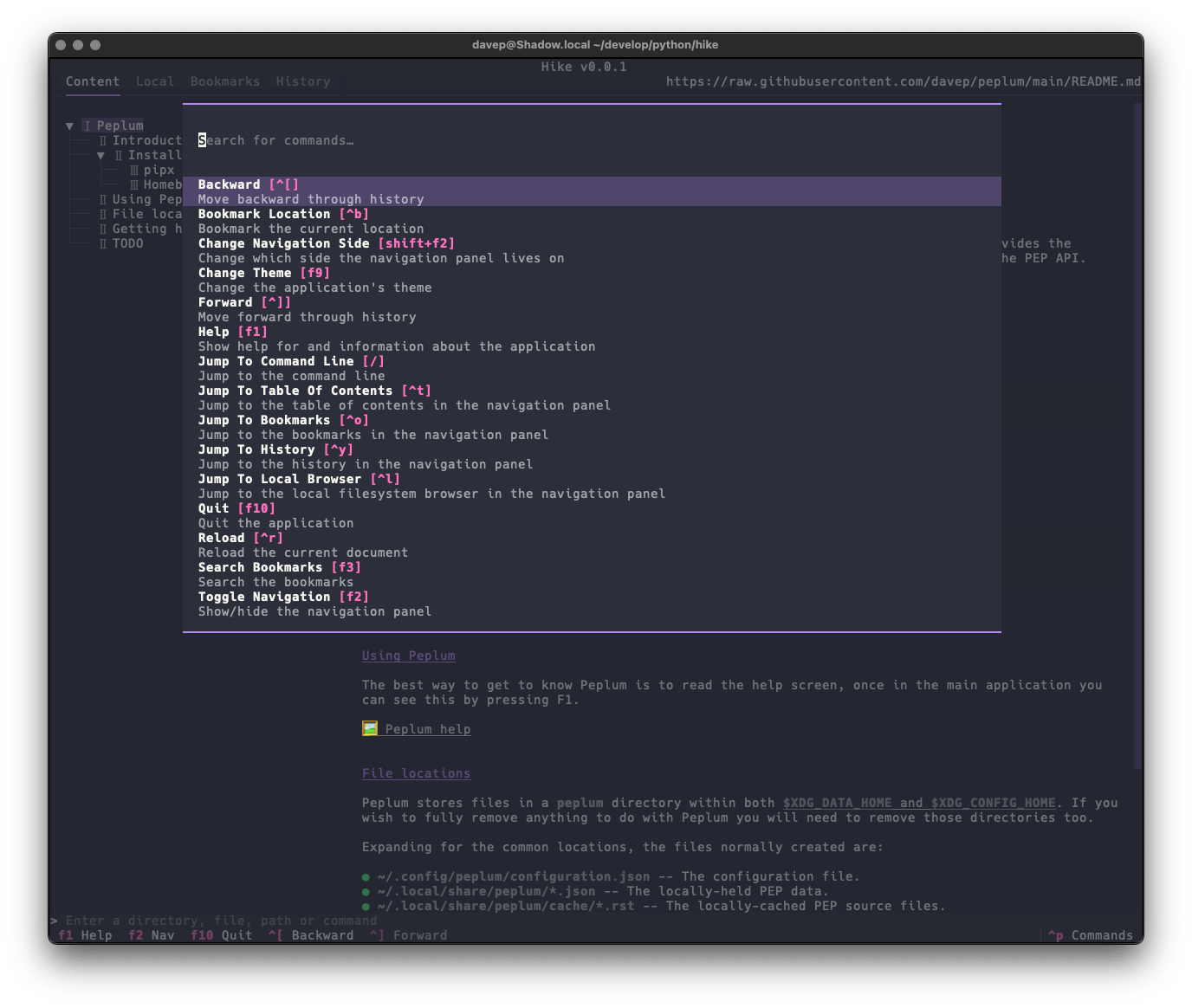
and there's also the command palette to help with discovering commands and the keys that are associated with them:
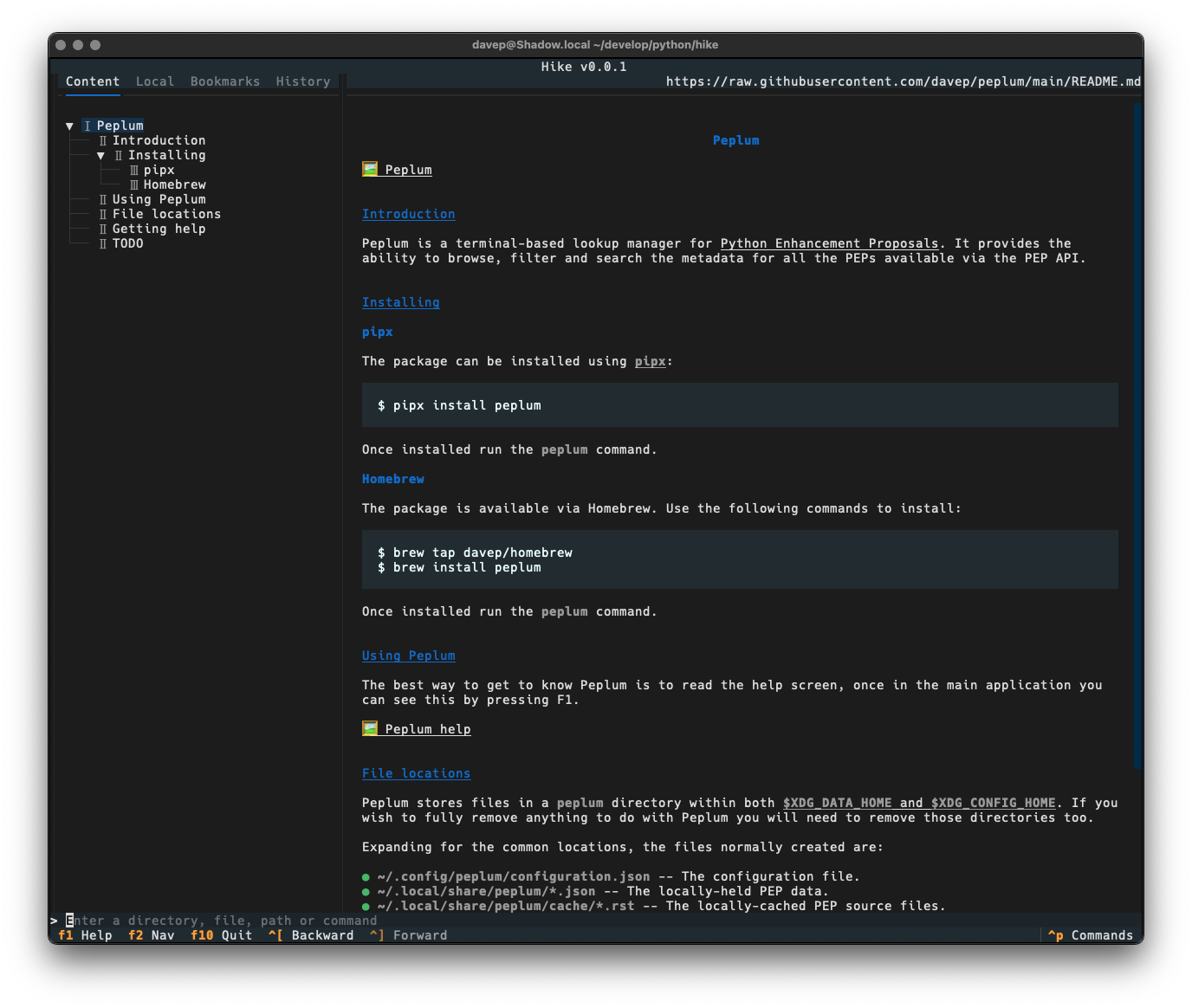
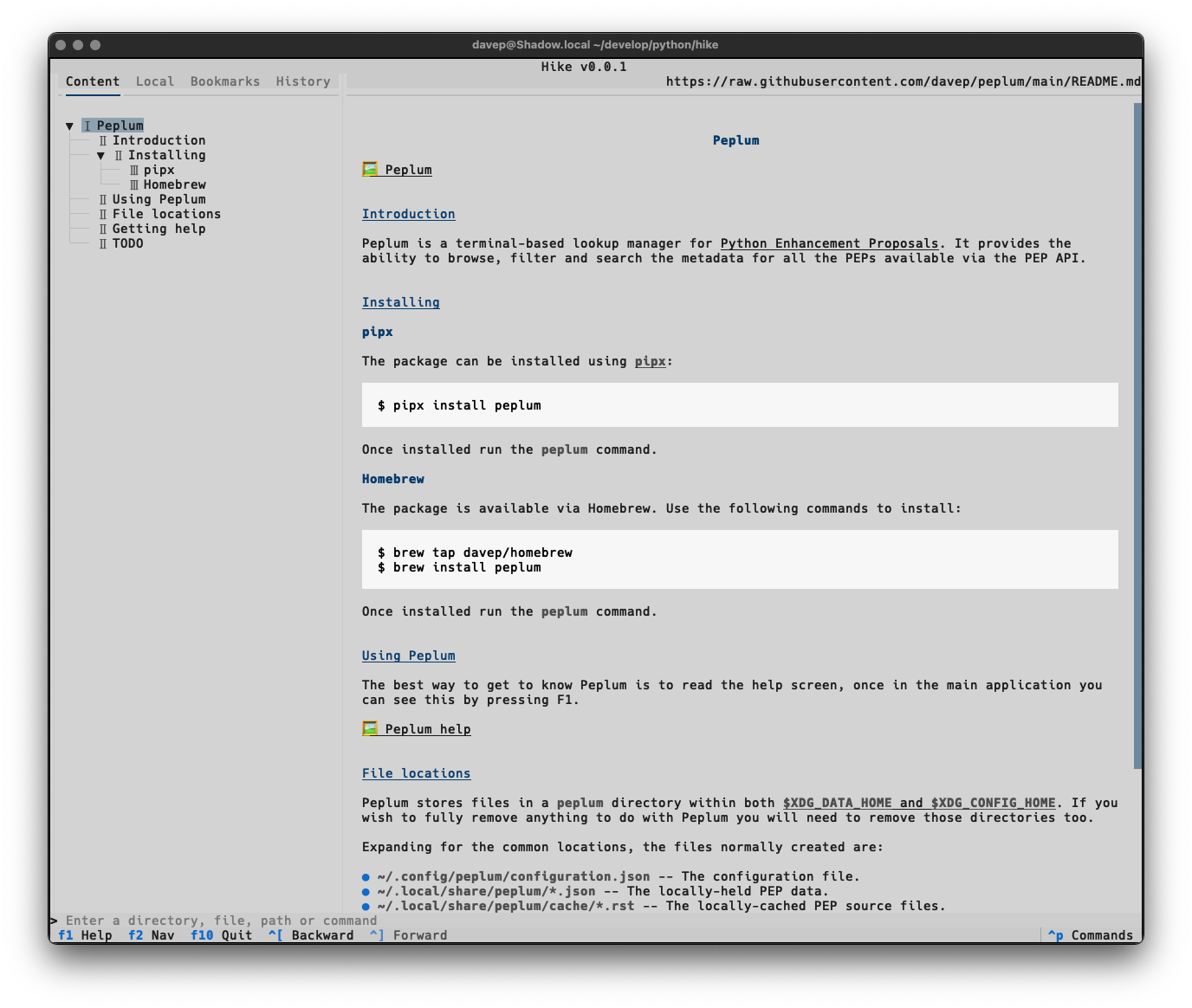
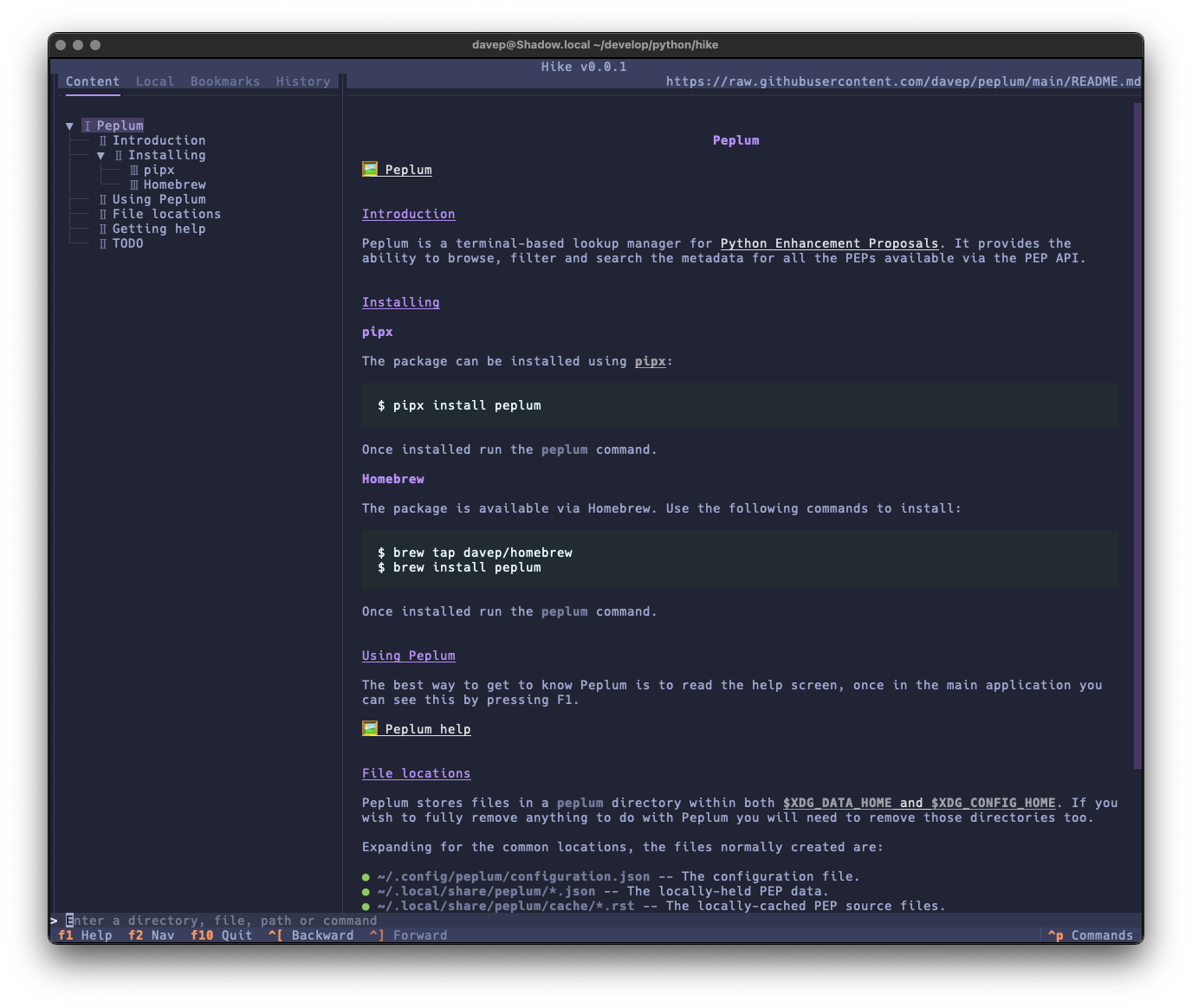
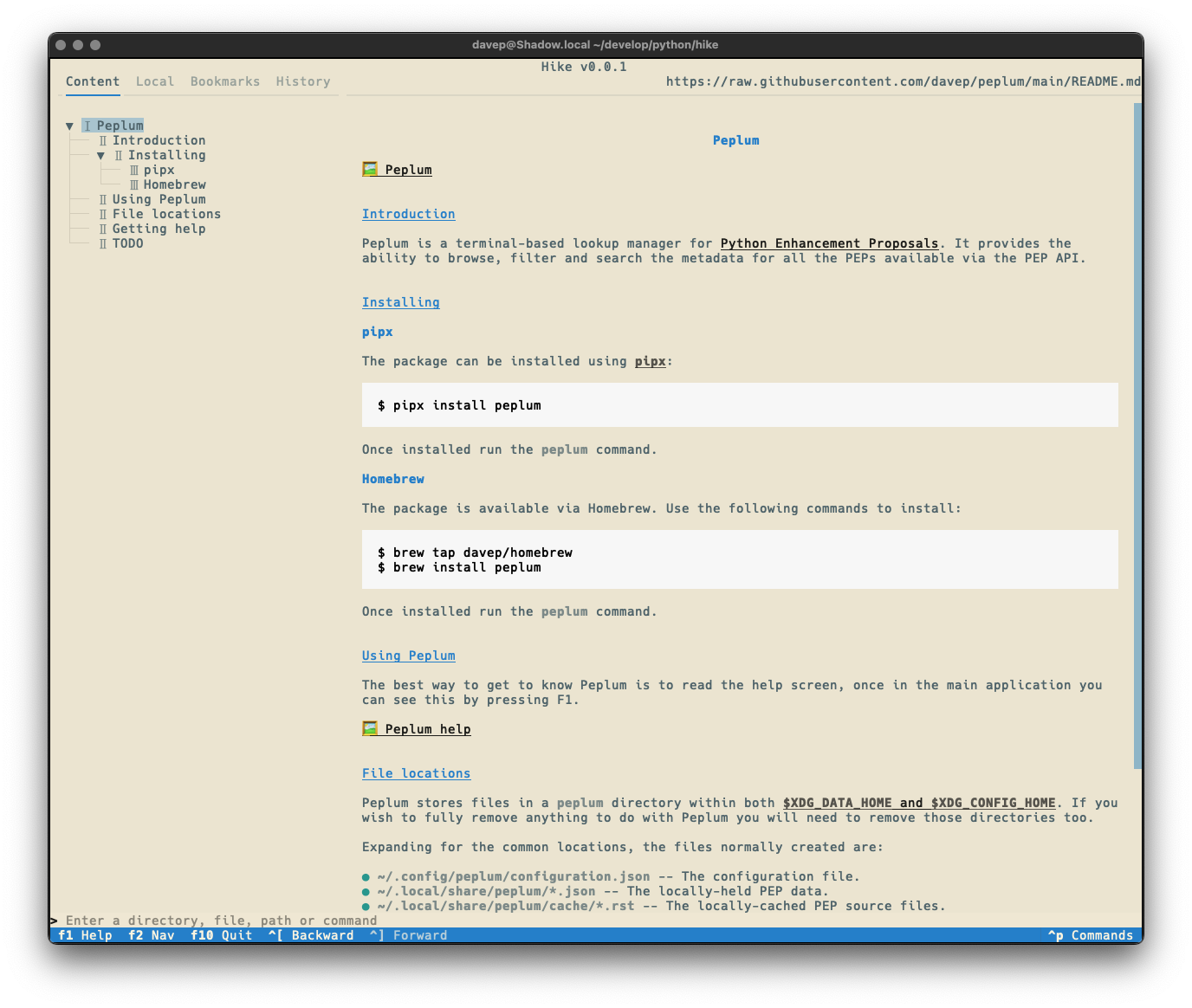
Once again, themes are supported so no matter your taste you should find something that's easy on your eyes:
Hike is licensed GPL-3.0 and available via GitHub and also via PyPI. If you have an environment that has pipx installed you should be able to get up and going with:
pipxinstallhike
It can also be installed with Homebrew by tapping davep/homebrew and then installing hike:
brewtapdavep/homebrew
brewinstallhike
Expect to see more updates in the near future; this is very much an ongoing tinker project.
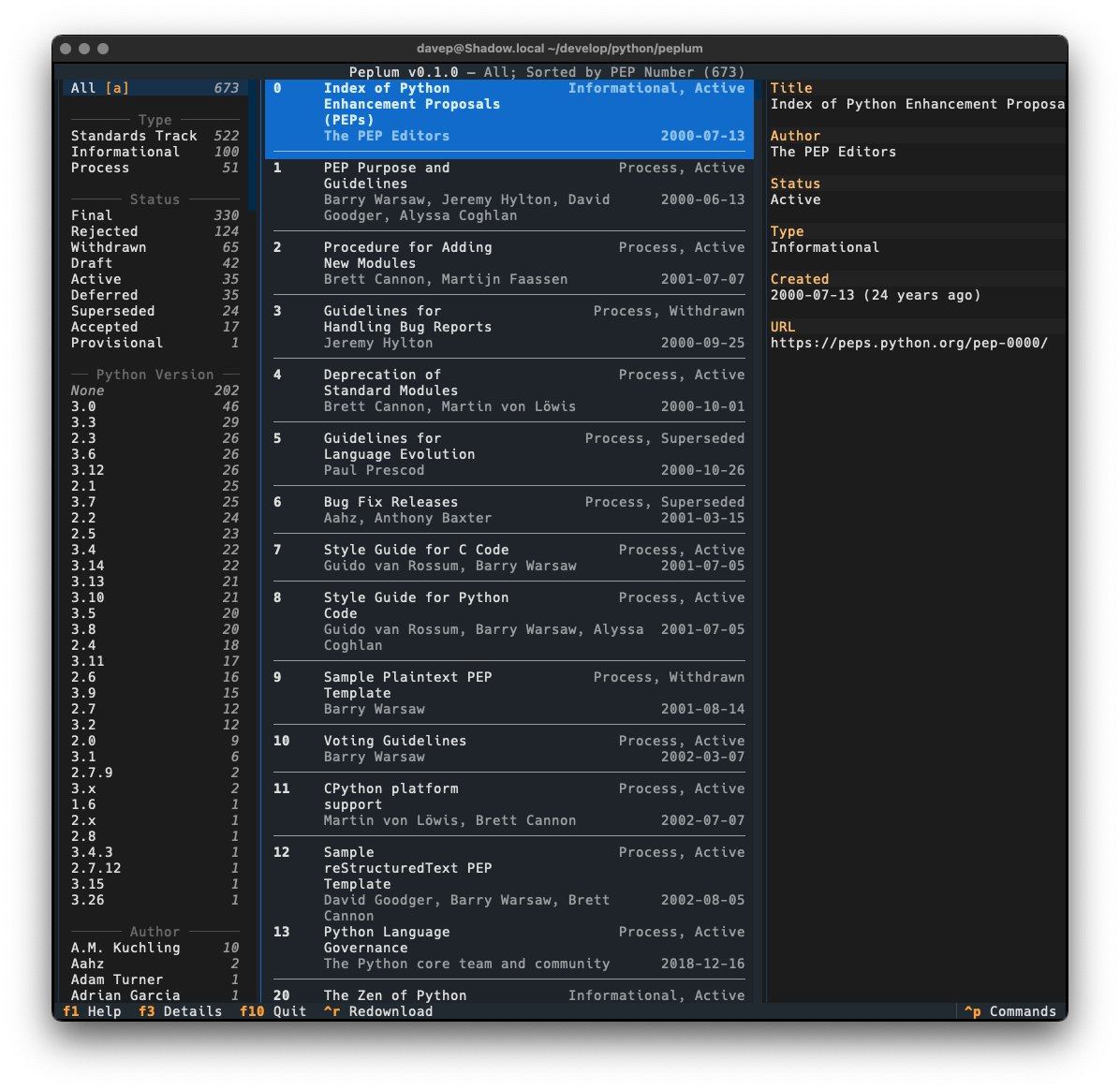
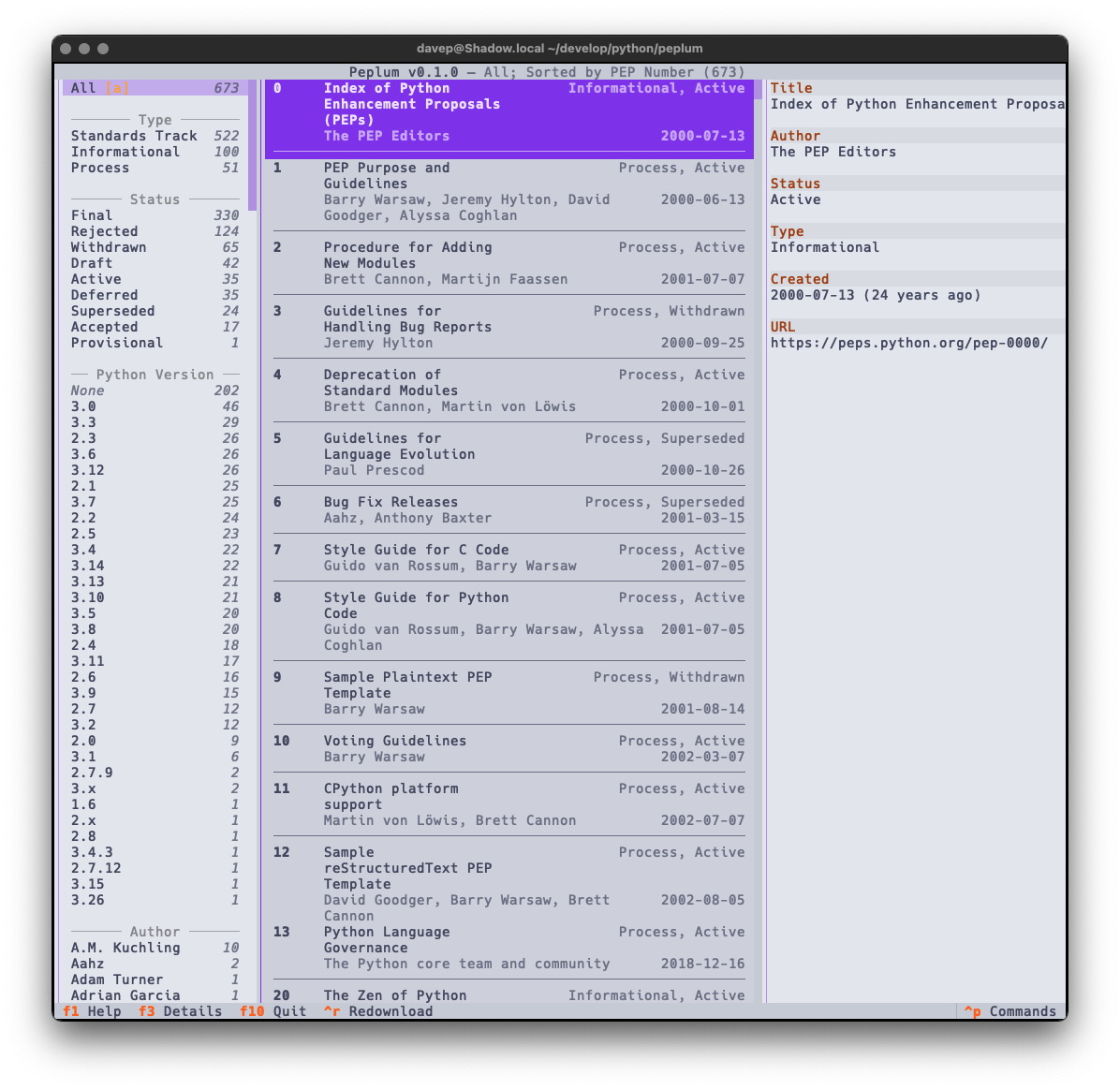
I seem to be back in the swing of writing handy (for me) little terminal-based applications again. Having not long since released Braindrop (which I'm still working on and tinkering with; it'll get more features in the near future, for sure), I had an idea for another tool I'd like to have: something for looking through, searching, and filtering Python PEPs.
As with anyone who is interested in what's happening with Python itself, I subscribe to the RSS feed of the latest Python PEPs, but I also wanted something that would let me look back at older ones in a way that worked "just so" ("just so" being "what feels right for me", of course). Having finished the main work on Braindrop I realised that the general layout of its UI would work here, as would the filtering and searching approach I used.
In this first release I've simply concentrated on all things to do with grabbing the list of PEPs and presenting them in a useful way; adding various forms of filtering them; adding the ability to search the metadata; that sort of thing. I aim to keep developing this out over the next few weeks and months, adding things like the ability to make notes, to locally view the text of a PEP, perhaps even to mark PEPs as unread and read, etc.
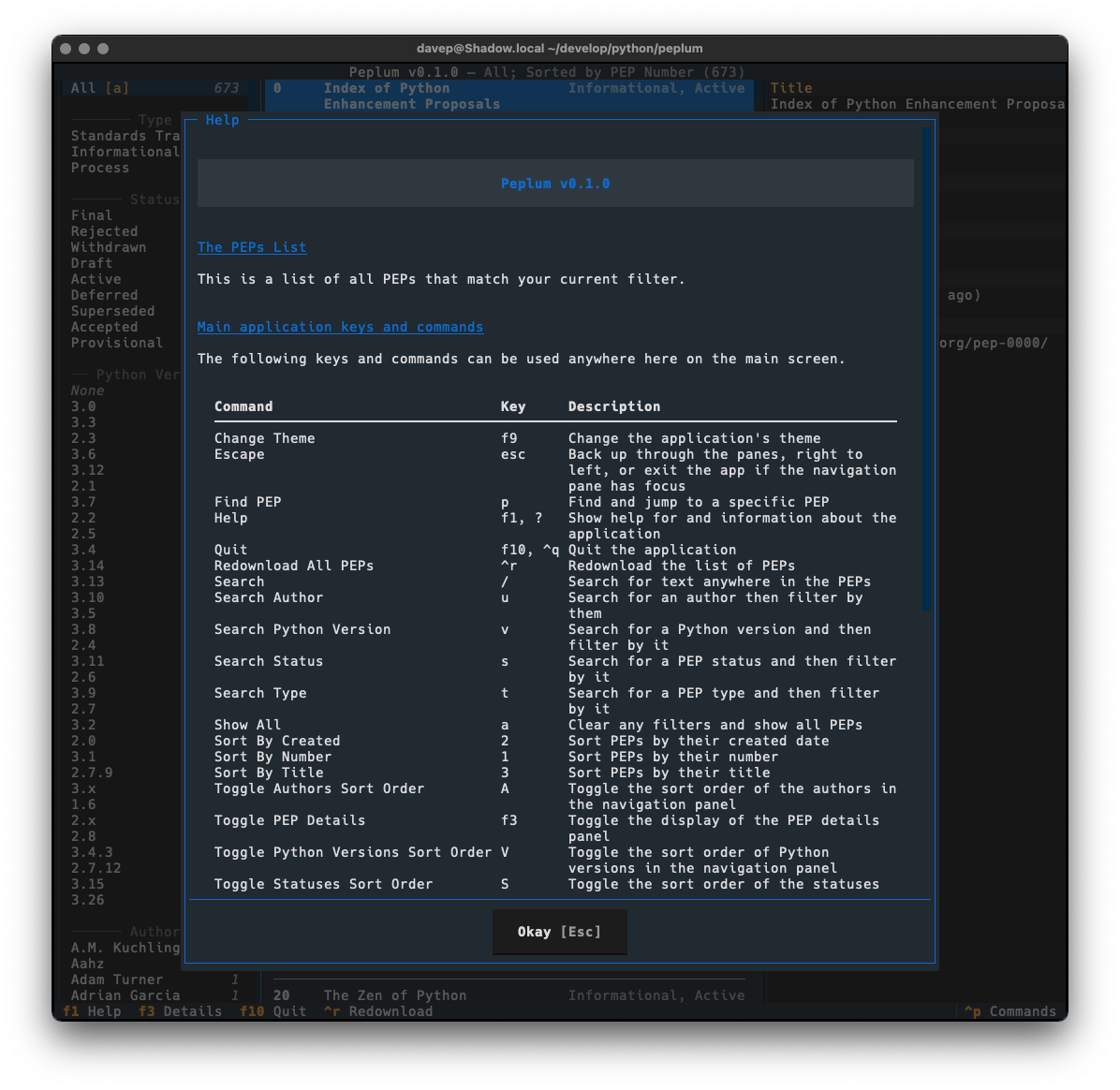
As I mentioned earlier, much of the design was driven by what I did with Braindrop, so once again I've tried my very best to make it keyboard-friendly and as much as possible keyboard-first. This sometimes means having to work against how Textual works, but generally that isn't too tricky to do. I'm once again making heavy use of the command palette and also ensuring that all commands that have corresponding keyboard bindings are documented in the help screen.
There's enough common code between Peplum and Braindrop, when it comes to this aspect of building a Textual application, that I'm minded to spin it out into a little library of its own. I'm going to sit on this code for a wee while and see how it develops, but I can see me taking this approach with future applications and doing this will stop the need to copy and paste.
It might also be useful to others building with Textual.
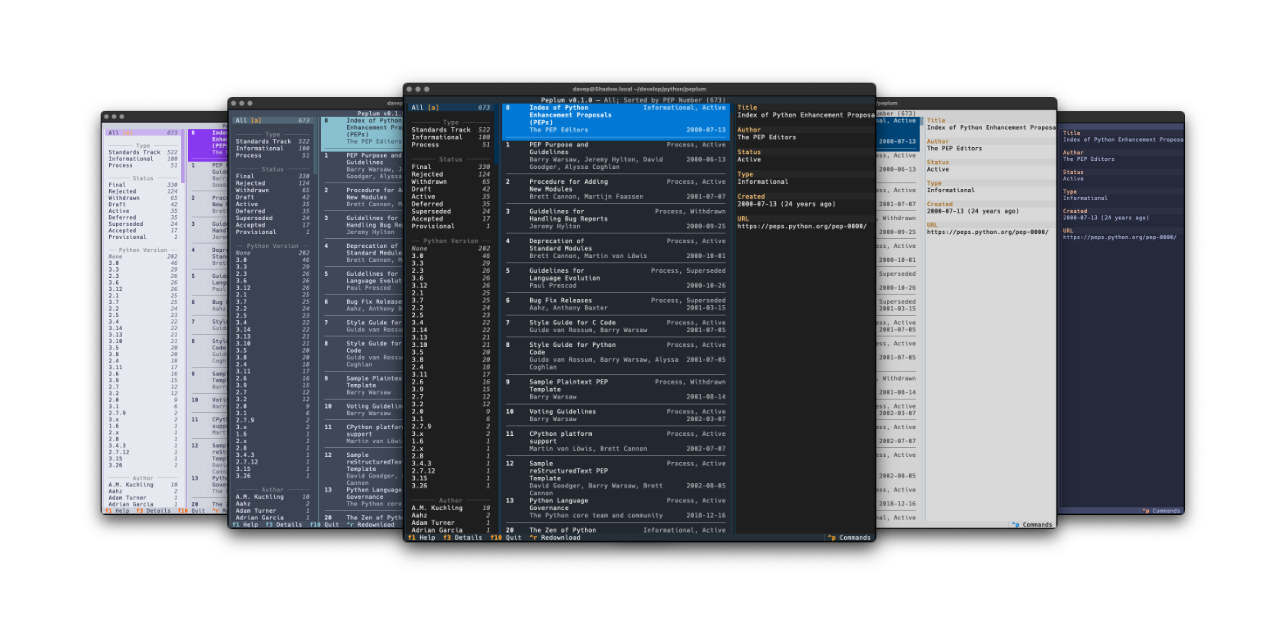
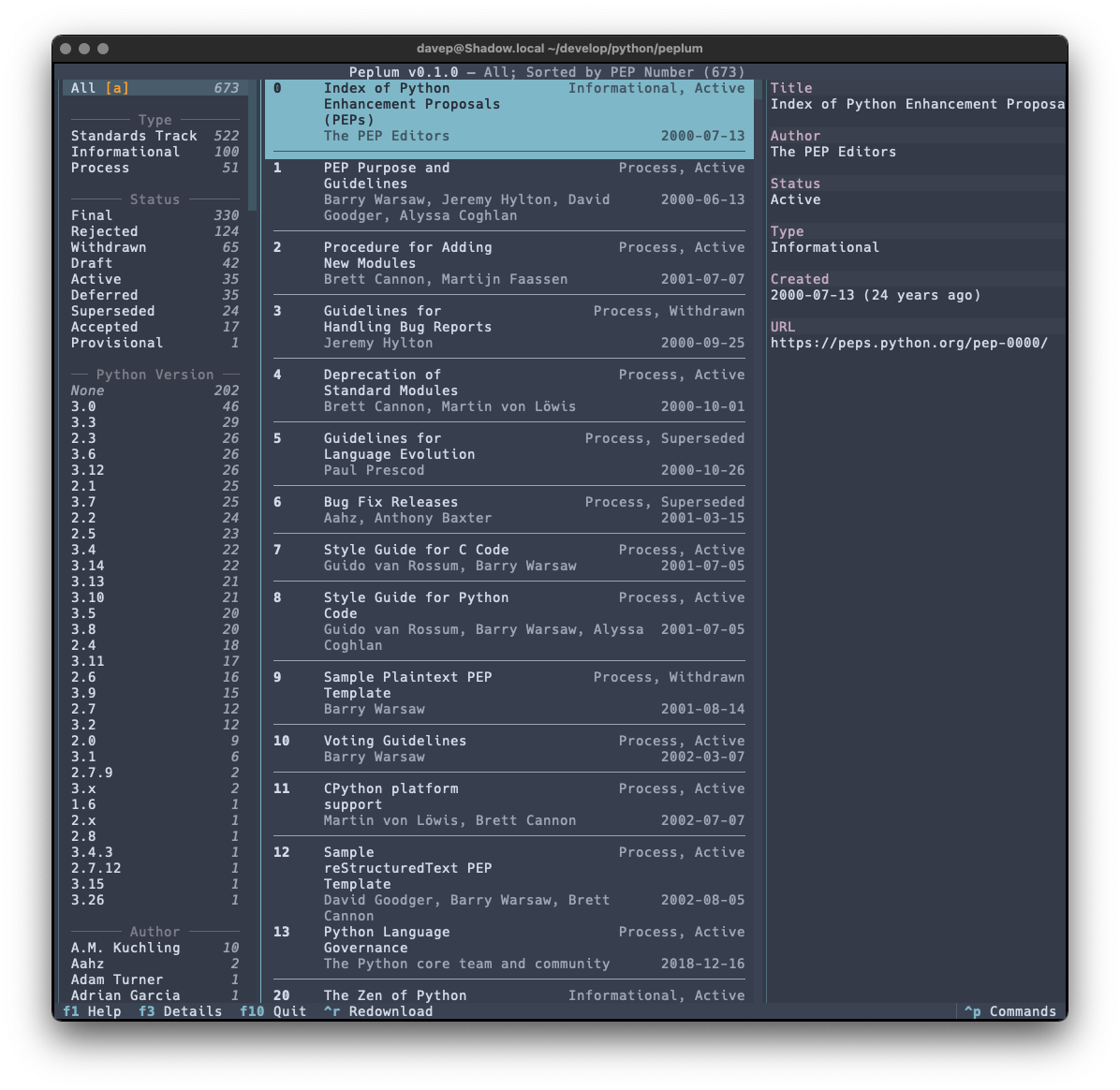
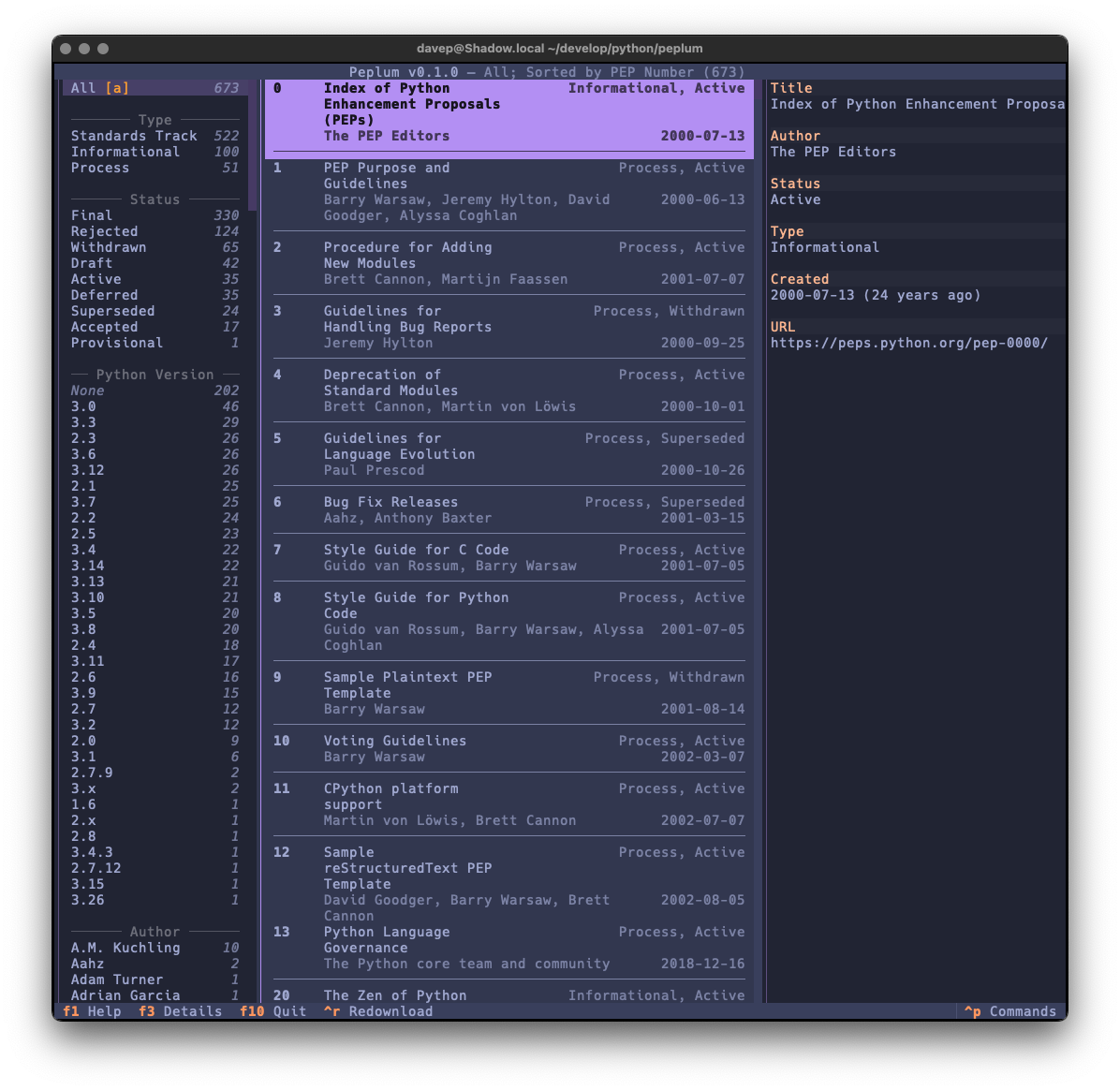
Also as with Braindrop, themes are a thing, and the theme setting is sticky so you can set it the once and stick with that you like. Here's some examples:
That's a small selection of the themes, with more to explore.
What was even more fun was I sort of discovered a bug in the Python PEP API. Thanks to Hugo noticing my "huh, weird" post on Fosstodon, there's now an issue for it as well as a PR in the works. In retrospect I should have raised an issue myself; instead I fell into that "they obviously know what they're doing so it must be like this for a reason" trap.
Lesson relearned: it's always better to ask and get an answer, than to assume a thing is how it is for a reason you don't know; which I guess is a version of Linus' law really.
So that's v0.1.0 out in the wild. I'm pleased with how it's turned out and there's more to come. It's licensed GPL-3.0 and available via GitHub and also via PyPI. If you have an environment that has pipx installed you should be able to get up and going with:
pipxinstallpeplum
It can also be installed with Homebrew by tapping davep/homebrew and then installing peplum:
brewtapdavep/homebrew
brewinstallpeplum
I'm going to be making good use of this and working on it more; I hope it's useful to someone else. :-)
A touch over a year ago I did the initial work on an application called Tinboard, a terminal-based client for the Pinboard bookmarking service. I had a lot of fun building it and it was an application that I used on a near-daily basis. However, around August last year I realised it was time for me to move on from Pinboard and try something new; based on various recommendations I settled on Raindrop.
As mentioned in the other blog post, Raindrop offered more or less everything I had with Pinboard and so the move was fairly straightforward. The one thing that was missing though was an application similar to Tinboard.
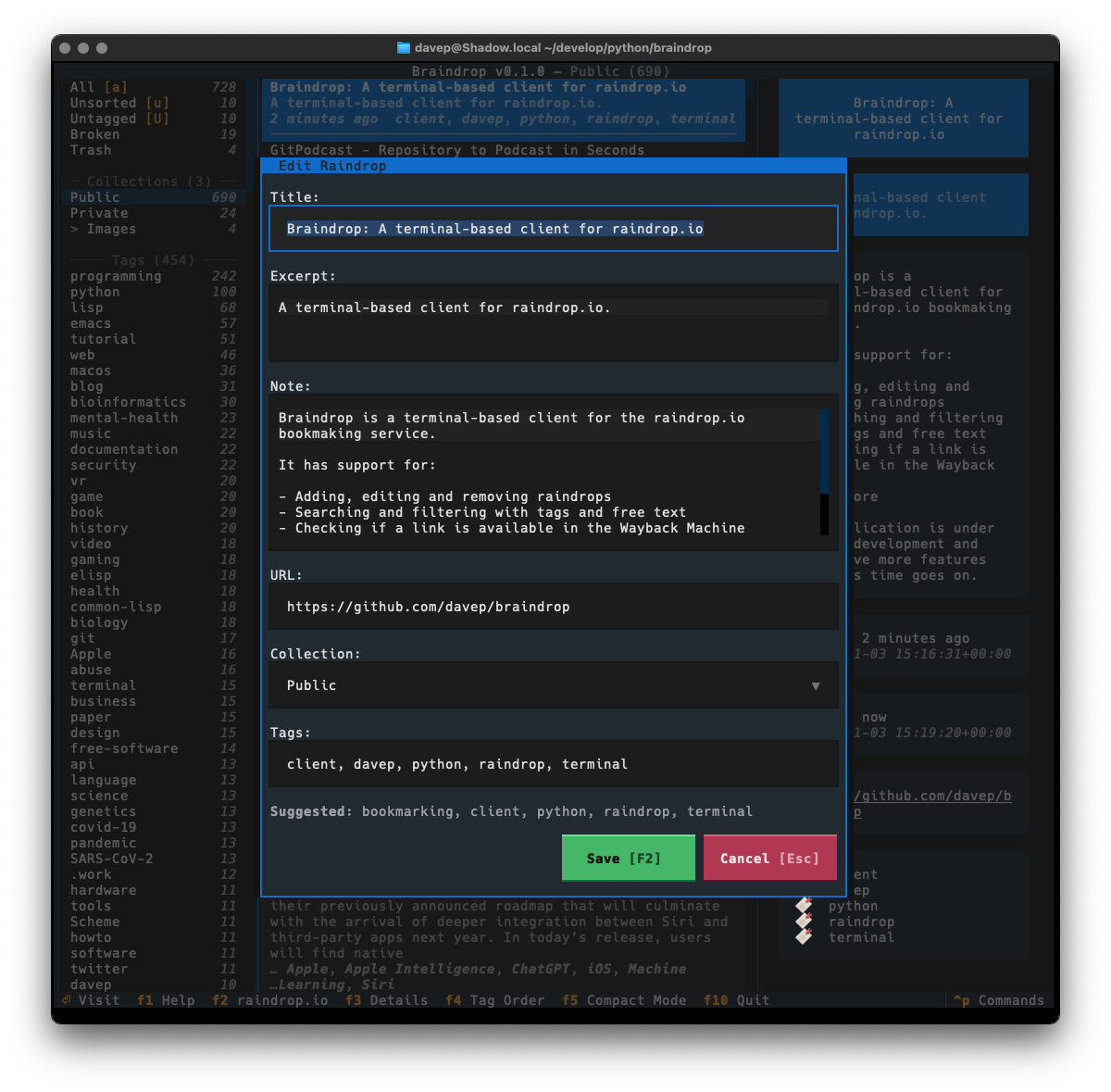
So, late on last year, with my winter break approaching, I decided to start from scratch and build a "Tinboard for Raindrop", which I'm calling Braindrop.
This was going to be a bit of an adventure too. Since being laid off from Textualize earlier in 2024 I'd not been following its development quite as closely as I used to, and had also run into some issues and bugs with it since that time; moreover, as well as various bugs appearing, some breaking changes had also been made. As such this was going to be a process where I'd wrap my head around what's happened with the framework over the prior six months or so.
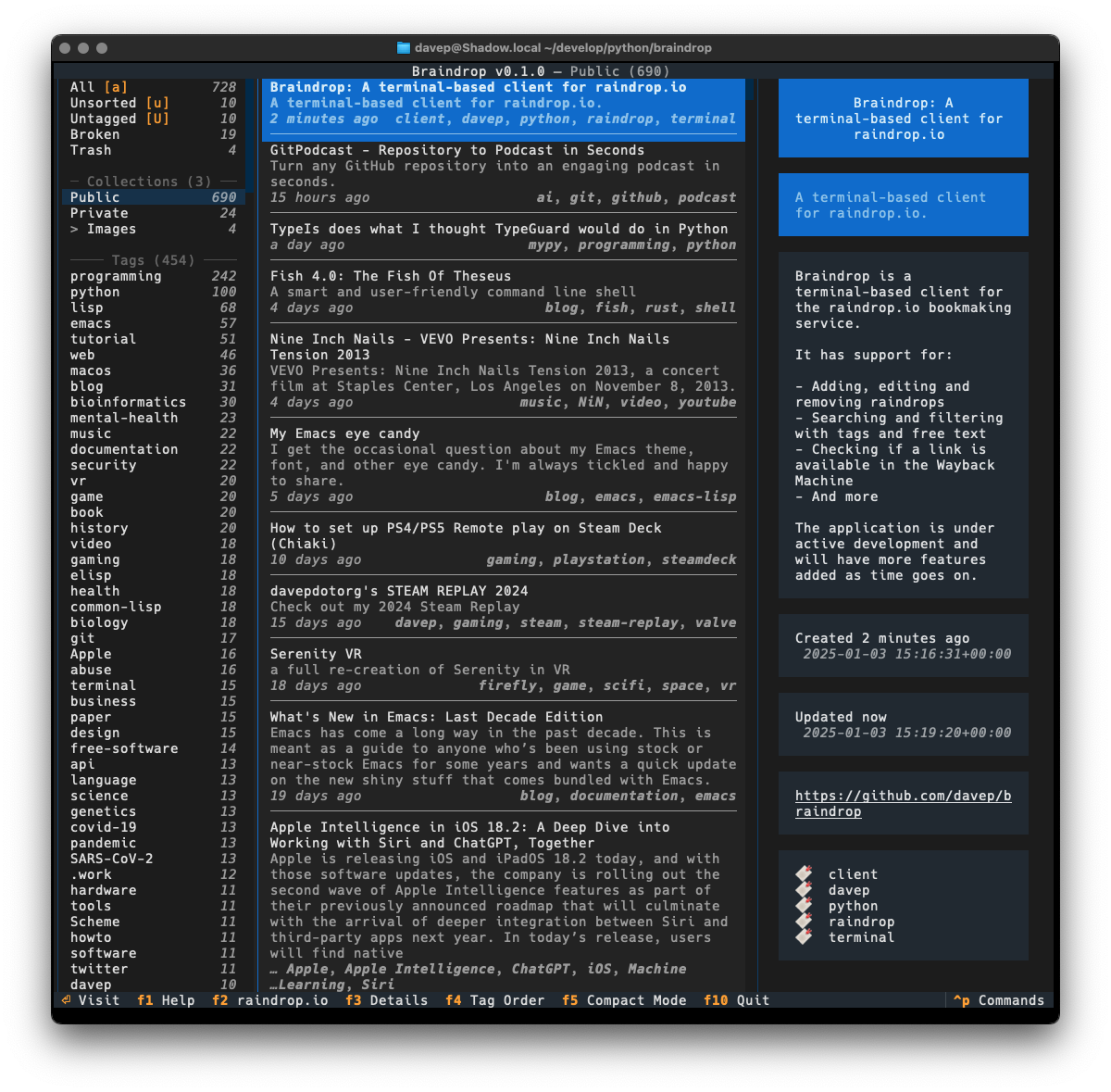
Given all this, over the past couple of weeks I've been spending a few hours a day doing some for-pleasure coding and v0.1.0 of Braindrop is the result.
As much as possible I've tried to keep the look and feel similar to that of Tinboard, while also doing my best to avoid some of the "ah, I wish I hadn't done it this way" design decisions I'd made. As of the time of writing I'm very pleased with the result.
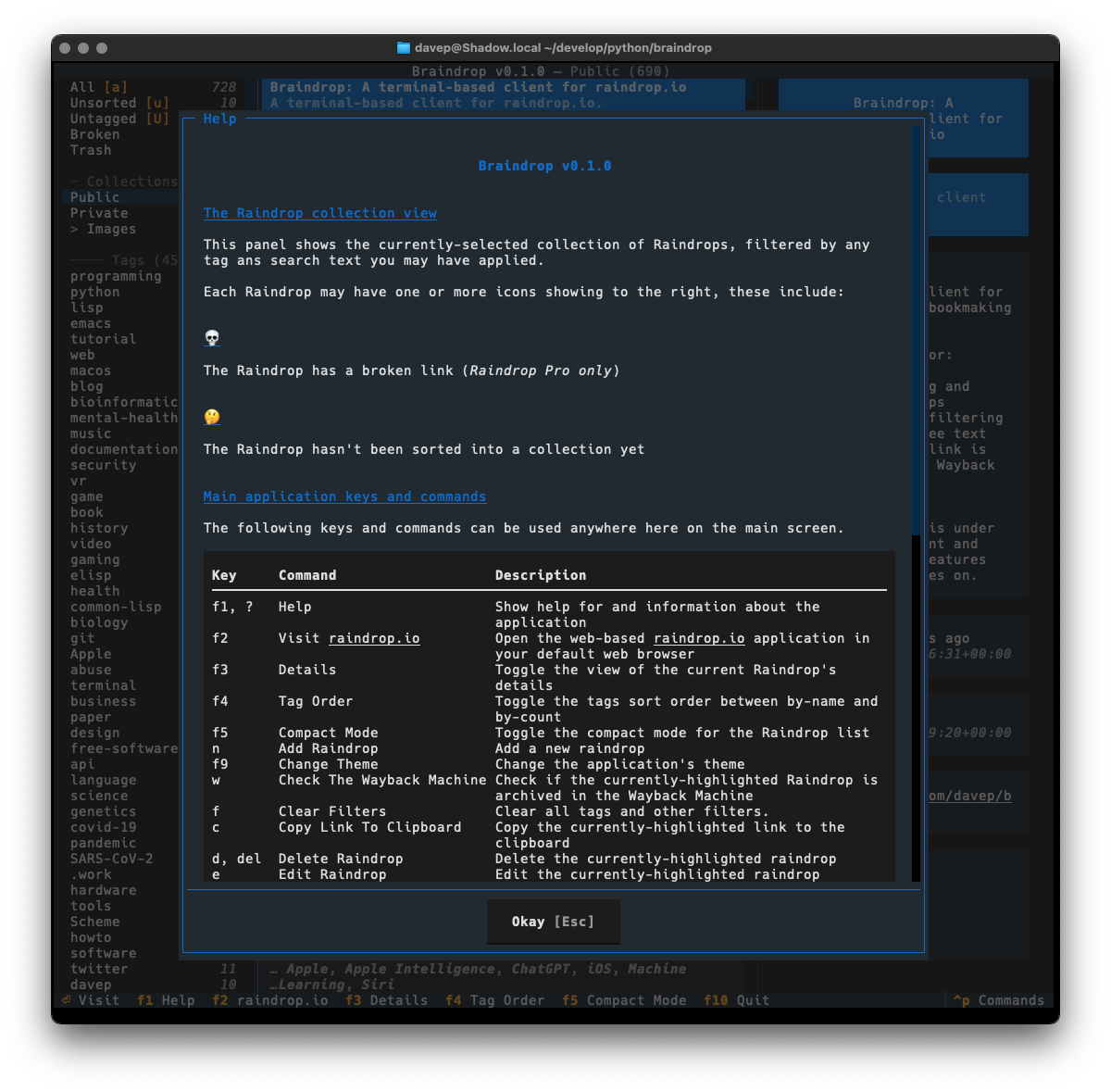
One thing I did want to do is ensure that the application was as keyboard-friendly as possible, while also still allowing use of the mouse. Textual can sometimes get that wrong and I ran into an example of this while trying to ensure that there's good in-application help. Somewhat recently Textual added a built-in help system which, sadly, can't easily be used by and navigated by someone using the keyboard. So instead I've recreated the help system I built into Tinboard, while adopting the documentation standard that Textual had settled on (which, coincidentally, was kind of similar to what I did in Tinboard to start with).
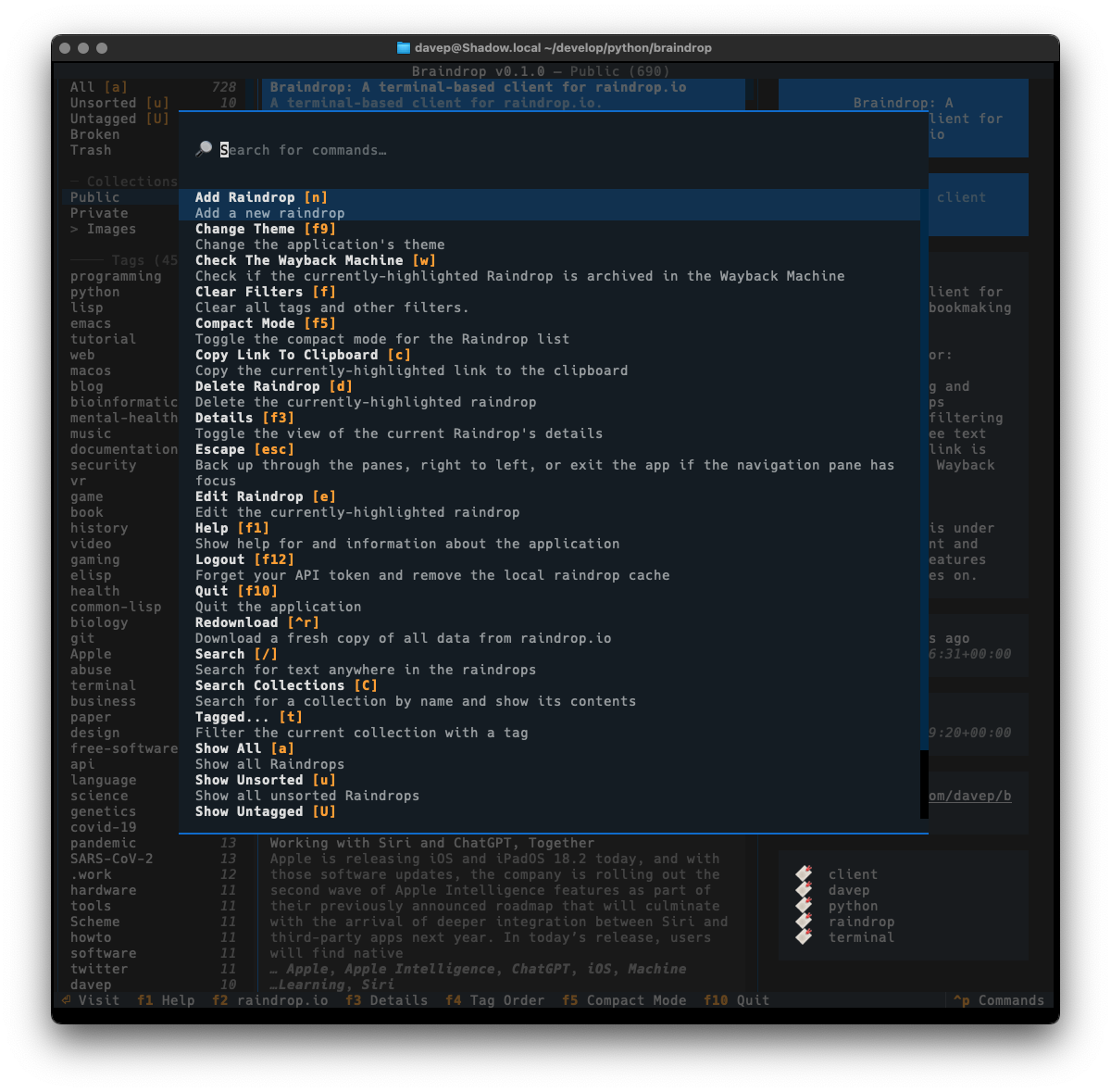
As with Tinboard, I've also made sure to make full use of the command palette, with every action that makes sense having a keyboard hotkey as well as a command in the palette. I also took things a little further and made sure that the hotkeys are shown in the command palette for easier discovery.
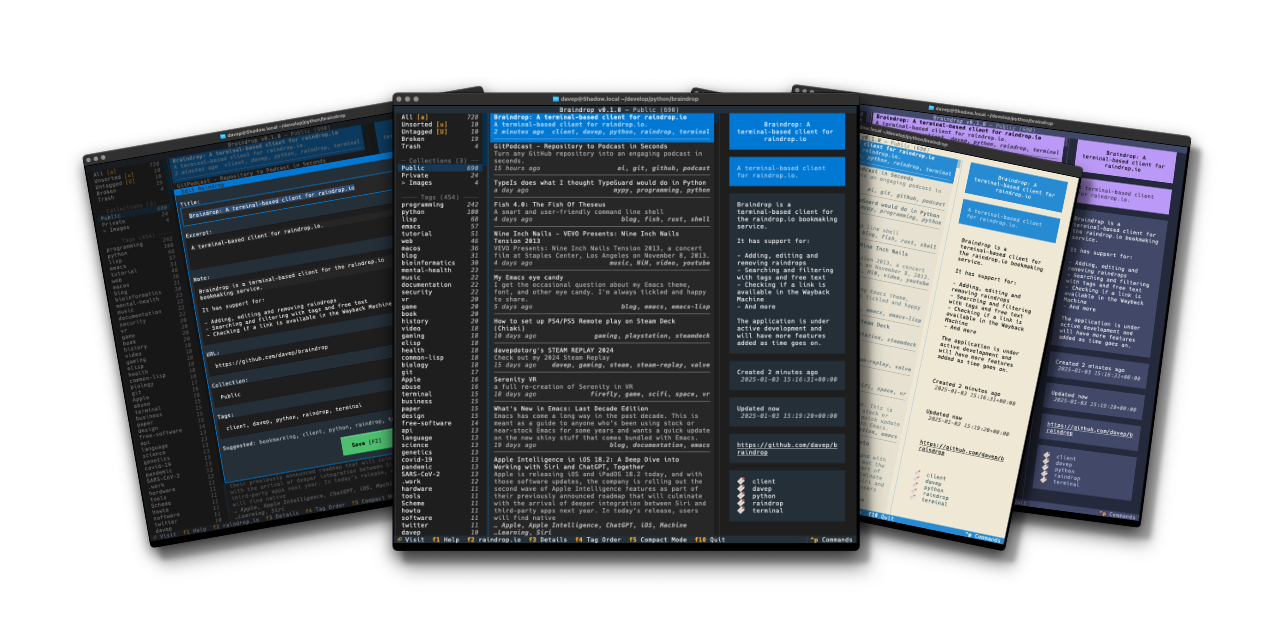
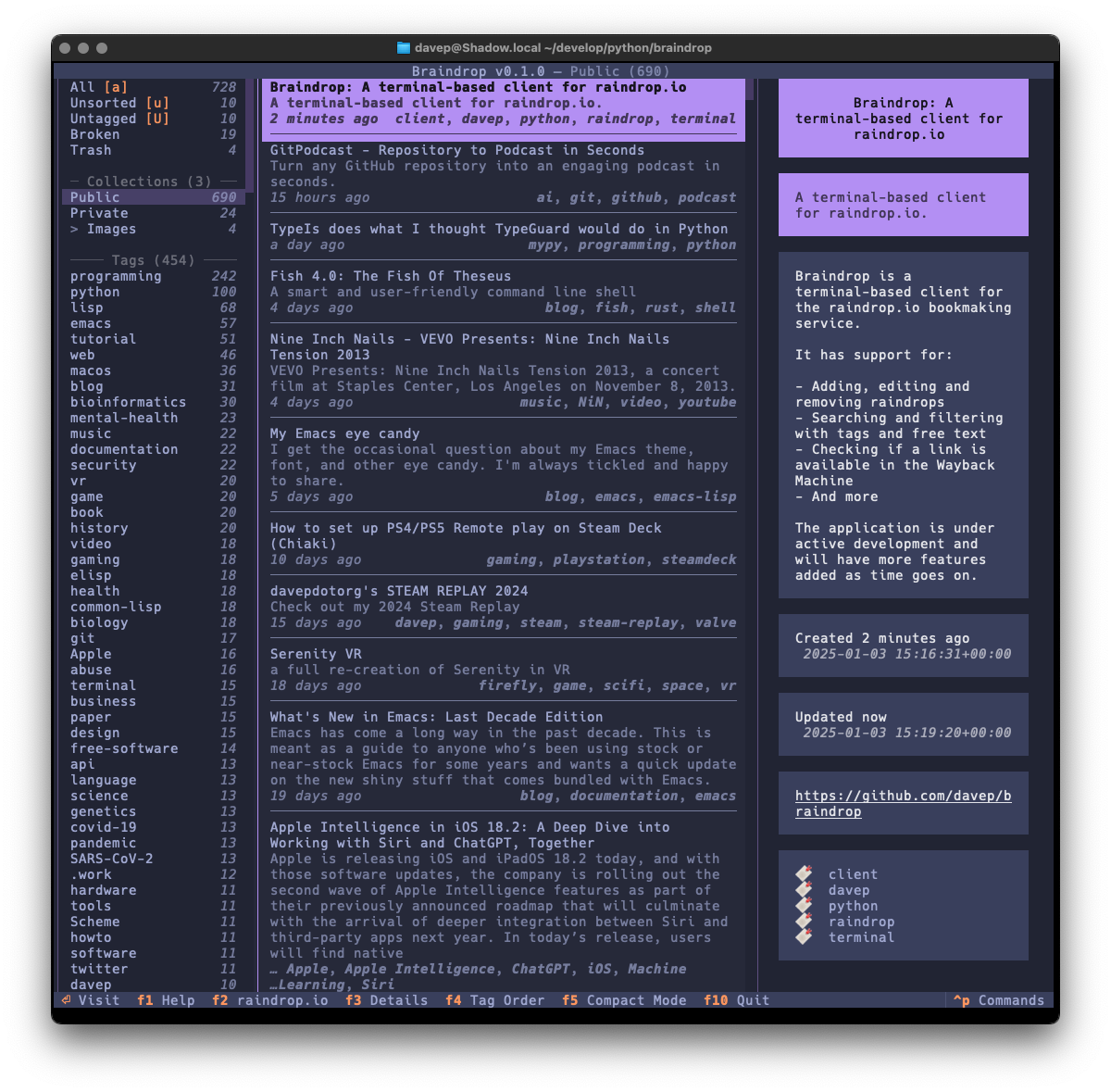
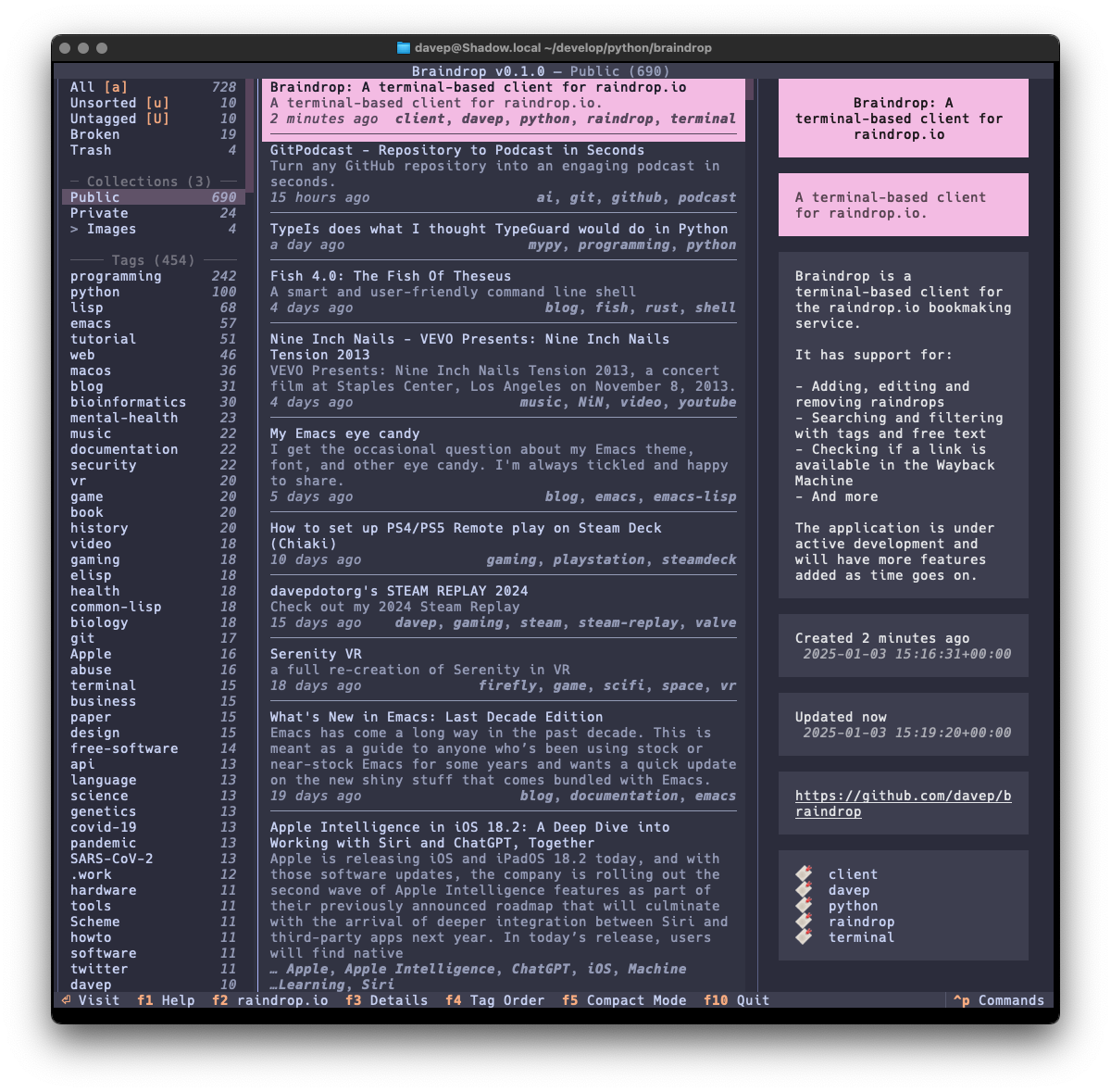
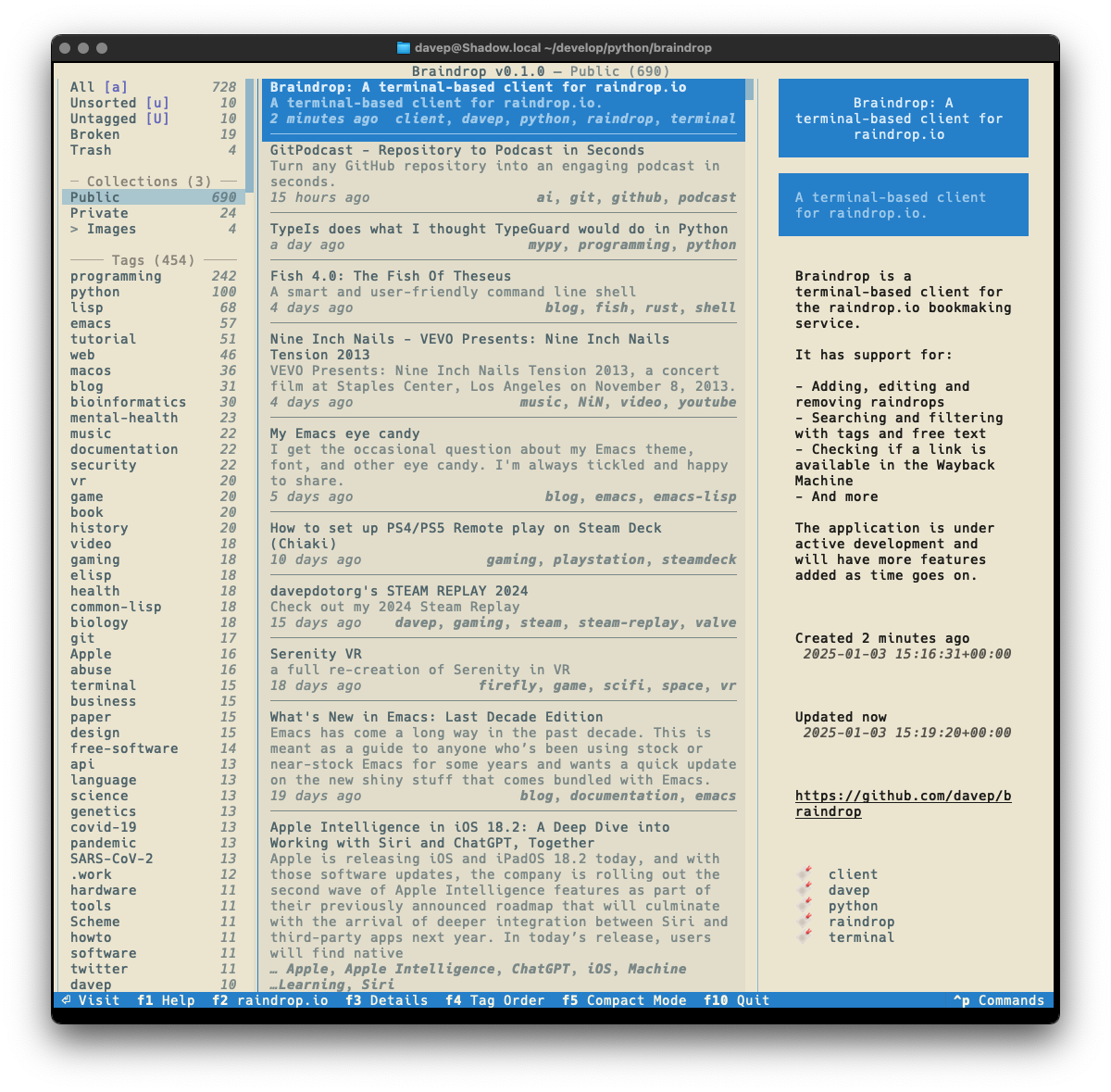
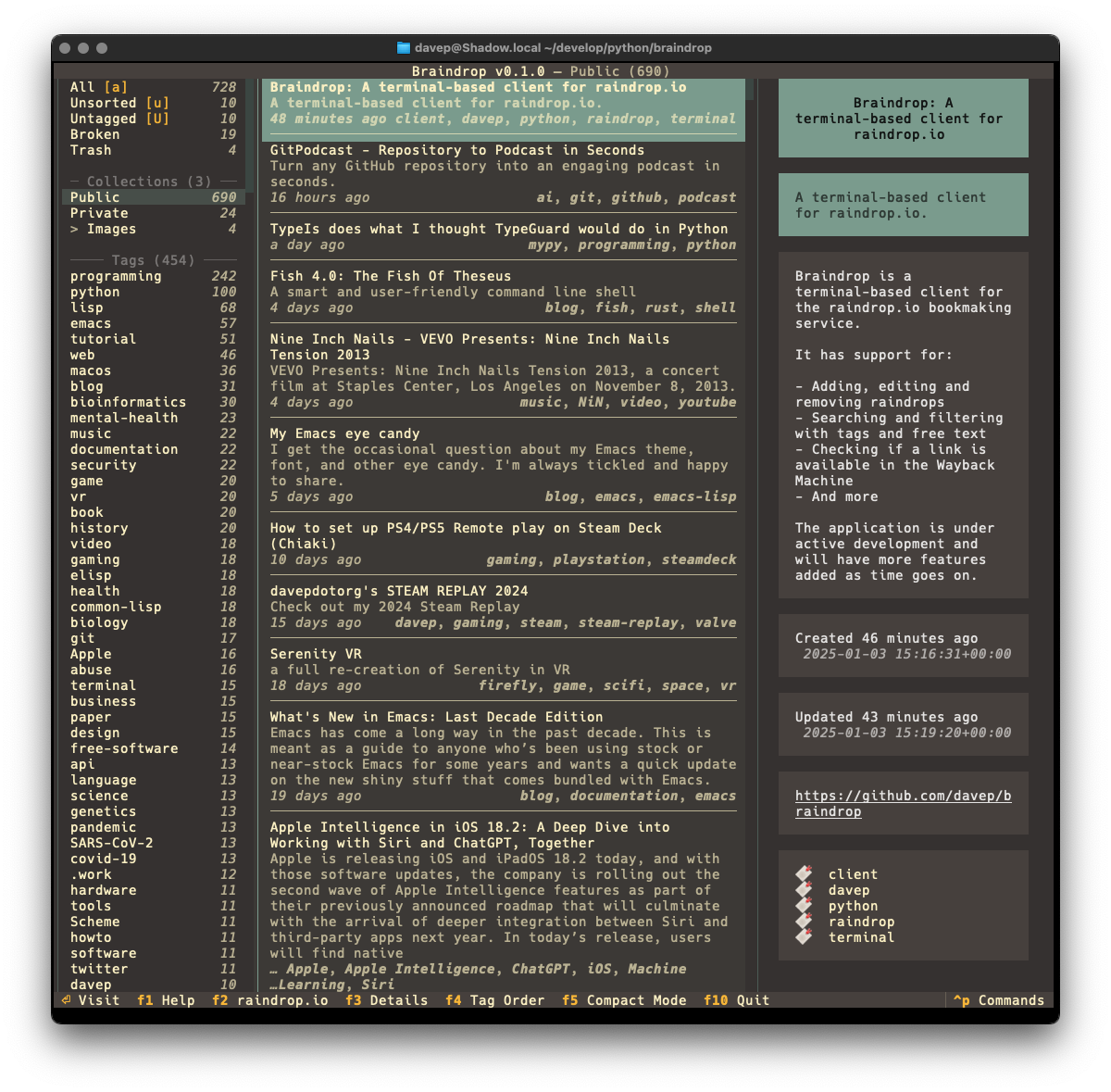
I've also made sure that Textual's new theme system is available for easy use; so out goes dark/light mode toggling and in comes a collection of different themes. Here's a wee selection as an example:
That's a small selection of the themes, with more to explore.
There's a few more things I want to do before I consider the application v1.0-ready, but it's already in use by me and working well. As I decide what else I want to add to it I'm building up a list of TODO items.
Given that my day job these days is quite varied, isn't quite so coding-intensive, and isn't always related to all things Python, it's actually been fun to sit down and hack up a pure Python application from scratch again. It's also helped me discover a couple or so fresh bugs in Textual (which I've reported, of course) and given me the opportunity to PR some trivial fixes as I've noticed typos and stuff as I go.
Anyway; that's v0.1.0 out in the wild. I'm pleased with how it's turned out and there's more to come. It's licensed GPL-3.0 and available via GitHub and also via PyPI. If you have an environment that has pipx installed you should be able to get up and going with:
pipxinstallbraindrop
It can also be installed with Homebrew by tapping davep/homebrew and then installing braindrop:
Recently I've been on a bit of a "turn stuff into Markdown files and slap them in an Obsidian Vault" trip. This kicked off a couple of months back when I made a decision unrelated to coding.
On and off, since my teenage years, I've kept journals. Since those teenage years it's been more off than on, but a couple of times in my adult life it's been really helpful to actually write one. The last time this happened was early 2019. It was pretty vital I did that at the time and it was a really sensible and helpful decision, and an approach to the situation I was in that I'd recommend to anyone (and have done on occasion to anyone going through the same thing).
The actual motivation for starting that particular journal is long behind me, but I'd got into the habit of writing it and so, until a couple or so months back, I kept jotting something down every day. But I came to the realisation that I didn't need to and that it had become something of a chore.
I'd been using an application called Journey. It's a great app, does the job well, but was also suffering from the creep of "AI" (I've had a few apps in my arsenal that don't need it, acquire a useless "AI" feature). This privacy-problematic change of direction, combined with the realisation that I didn't need to write about my day, every day, any more, made me decide it was time to stop and cancel the subscription.
Thankfully Journey has a pretty comprehensive export option so I used it and didn't think too much more about it for a while.
Meanwhile I also had a subscription to Evernote that I didn't really use any more. Within it I had held a handful of years of journal entries from a decade or so ago, along with other "remember this for some point in the future" stuff. For the longest time I was on some really cheap tier that didn't exist any more, one that was low enough that I didn't really notice the cost go out each month so I kept putting off exporting things and closing it all down until "next month".
Then I got an email from them to say they were forcing me onto some new tier that was more expensive. So that was the final straw there. I made an export of what I had in Evernote and closed that account down too.
A wee while went past and then I got to thinking that it might be interesting to try and combine both these sources into one archived journal. I had stuff from around 2010 to 2015, and I also had stuff from 2019 until 2024; the former in the Evernote archive and the latter in the Journey archive. Surely I could write a couple of tools to turn that data into one consolidated Obsidian Vault?
Over the course of a couple of weekends journey2md and evernote2md were born. While both of those tools work differently, they're both designed to populate the same Obsidian Vault. Once I was happy with this I did the mass conversion and I was happy with the result.
Now I have years of journal entries, all converted to Markdown files and made available for reading via an application that lets me rummage through history using dates and tags and all sorts of other searching.
So I was happy with that and didn't give it much more though.
Then last week I got to thinking...
Twitter has turned into the worst place possible and I can't for the life of me think why any right-thinking person who has an ounce of humanity or has anything approaching a humanistic outlook on life would remain an active user. Honestly I stuck it out longer than was sensible, but in June 2023 I finally quit for good.
Back when the new owner was confirmed I, like a lot of people, extracted my archive. It's since been sat in storage doing nothing, yet there's a lot of data in there that could be interesting to work with, or just to go back and look through. So last week's thought was "why don't I also turn this into an Obsidian Vault?".
So I did...
The tool I built to do this is bird2glass. As you'll see in the README it makes a few assumptions about the state of Twitter archive dumps and also what a user wants from this. Personally I'm pleased with the result.
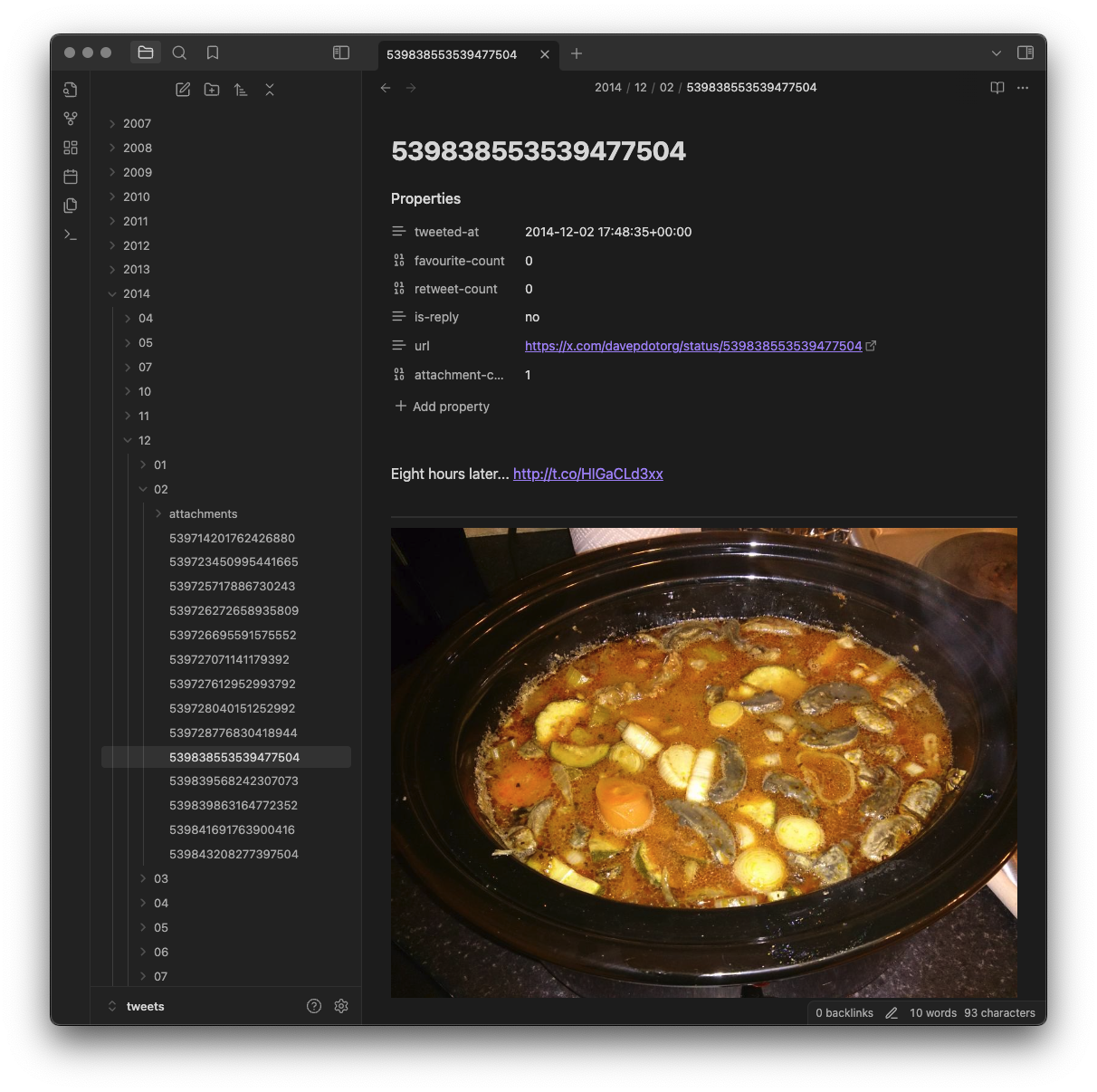
The main aim of the tool is to break the tweets down into a hierarchy of year, month and day...
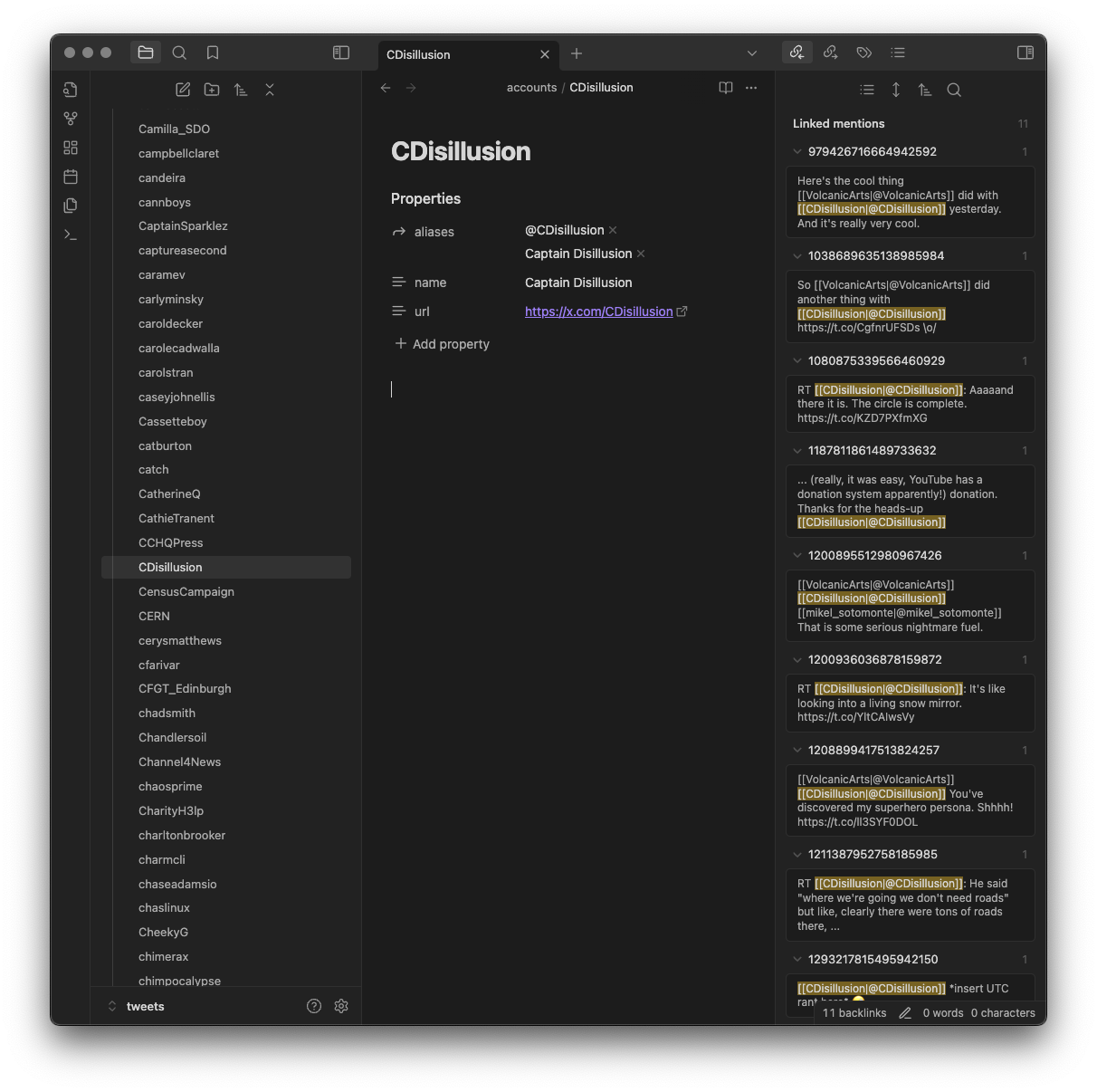
...and also to connect them with any account that was being replied to or mentioned in some way...
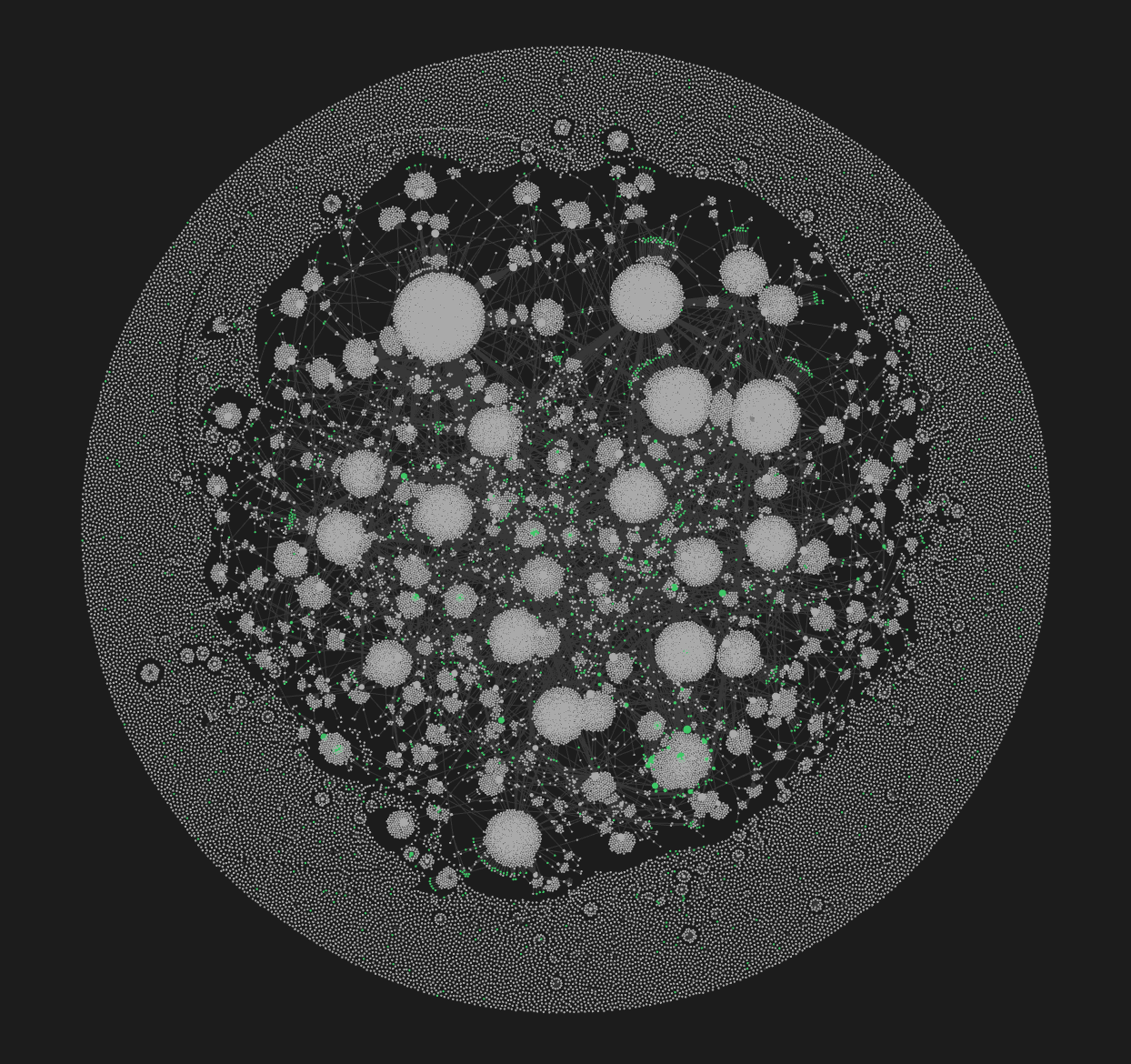
This user view is handy when viewing backlinks, as it gives you a list of all the tweets that mention that user (and, of course, if you're into Obsidian's graph it will make for some interesting connections within there).
I sense there's more I can do with this, and I imagine I will continue to tinker with it. Meanwhile though, if that sounds like something you'd benefit from do feel free to grab it and play with it and hack on it. Keep in mind the notes and assumptions that are in the README, and really be prepared for a lot of files to be created if you did a lot of tweeting like I did (I do think that over 50,000 individual files for an Obsidian Vault is a bit silly, if I'm honest).
Meanwhile... I might need to look at other applications and think about how I can turn the data into useful Markdown collections!