Posts tagged with "Codeberg"

More syncing GitHub to GitLab and Codeberg

1 min read

Following on from my first post about this, I've tweaked the script I'm using to backup a repo to GitLab and Codeberg:

#!/bin/sh

# Check if the current directory is a Git repository
if ! git rev-parse --is-inside-work-tree > /dev/null 2>&1; then
    echo "Error: This directory is not a Git repository."
    exit 1
fi

REPO_NAME="$1"

# If no repository name was provided, try to get it from the origin remote
if [ -z "$REPO_NAME" ]; then
    ORIGIN_URL=$(git remote get-url origin 2>/dev/null)
    if [ -n "$ORIGIN_URL" ]; then
        REPO_NAME=$(basename -s .git "$ORIGIN_URL")
    else
        echo "Error: No repository name provided and no 'origin' remote found."
        echo "Usage: $0 <repo-name>"
        exit 1
    fi
fi

echo "Configuring multi-forge backup sync for: $REPO_NAME"

# Set up the remote called backups. Anchor it to Codeberg.
git remote remove backups > /dev/null 2>&1
git remote add backups "ssh://git@codeberg.org/davep/${REPO_NAME}.git"

# Set up the push URLs.
git remote set-url --push backups "ssh://git@codeberg.org/davep/${REPO_NAME}.git"
git remote set-url --add --push backups "git@gitlab.com:davep/${REPO_NAME}.git"

# Only ever backup main.
git config remote.backups.push refs/heads/main:refs/heads/main

# Also backup all tags.
git config --add remote.backups.push 'refs/tags/*:refs/tags/*'

echo "----------------------------------------------------"
echo "Backups configured:"
git remote -v
echo "----------------------------------------------------"
echo "To perform the initial sync, run: git push backups"

### setup-forge-sync ends here

The changes from last time include:

  • The repo name now defaults to whatever is used for GitHub, so I don't have to copy/paste it or type it out.
  • It now backs up all the tags too.

I've been running with this for a couple of days now and it's proving really useful. Well, when Codeberg is available to push anything to...

More Codeberg issues

1 min read

As I've said earlier, I'm not looking to move off GitHub any time soon, but I am curious about evaluating the options. So far, while trying out Codeberg, I am finding it to be very unstable.

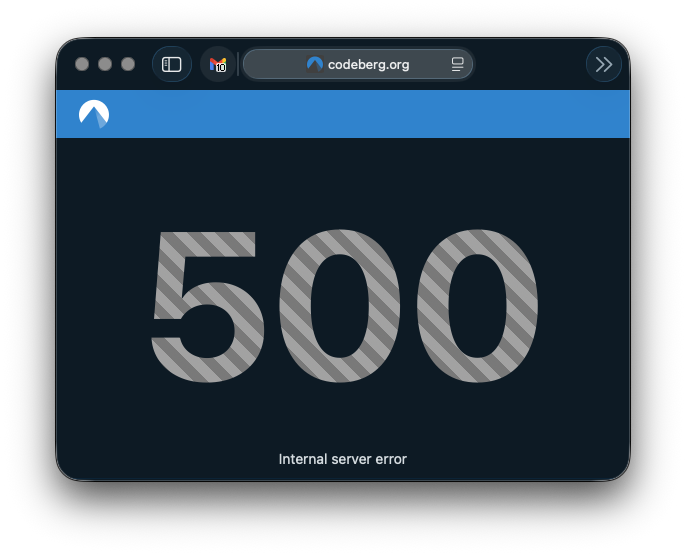
A little earlier I was simply browsing some of the repositories I've been adding and got very slow load times, and then a 500.

Codeberg 500 error

As I've said elsewhere: I really wouldn't expect perfection. I doubt that Codeberg has the money behind it that GitHub does. But, again, there is that issue with moving off GitHub because of instability; from that point of view it would feel like swapping some occasional instability for what, at the moment, is feeling like regular instability to the point that I wouldn't get too much done.

Syncing GitHub to GitLab and Codeberg

2 min read

I've had a GitLab account since December 2017. This came about because of the new job I started in January 2018. They used a self-hosted internal instance of GitLab for all their code, so it made sense I get familiar with it (it wasn't hard; especially back in 2017 it was near enough a clone of GitHub in terms of what it did). Since then, though, I've never really done anything with it. I think I had a repo or two on there for a short while, but I must have nuked them at some point because the account has been empty for the longest time.

A Codeberg account, on the other hand, only got created the other day. Having created this, I got to thinking about how I might use it. In doing so I thought back to my GitLab account and then also got to thinking about where all my public code lives, and how "safe" it is.

Now, sure, the whole point of Git is that it's distributed. Forges are a useful thing to have and work with, but they shouldn't be the place where your code lives. On the other hand, I've had so many machines, and so many work environments, that it has become the case that my GitHub account has become the storage location for my code and projects.

Mostly this is fine. If GitHub were to disappear tomorrow I imagine we'd all have bigger things to be worrying about anyway. But the principle stands: why not distribute the load? Why not distribute the effort when it comes to sharing code I write?

So yesterday I finally decided on a plan: for the moment at least, I'm going to keep using GitHub as my "primary" location for working on stuff. It's where I'll have WiP branches, it's where I'll keep issues, it's where I'll encourage people to raise requests and stuff, it's where I'll host this blog. But I'm going to start syncing projects to both GitLab and Codeberg. I see this as having two benefits: anyone who doesn't want to interact with GitHub can now easily fork code, and if they wish they can raise issues and the like too. Meanwhile, in doing this, I'll also have the added benefit of my code being "backed up" in at least three different locations1.

The approach I've settled on, for the moment, is based around this little shell script:

#!/bin/sh

# Check if a repository name was provided
if [ -z "$1" ]; then
    echo "Error: No repository name provided."
    echo "Usage: $0 <repo-name>"
    exit 1
fi

REPO_NAME="$1"

# Check if the current directory is a Git repository
if ! git rev-parse --is-inside-work-tree > /dev/null 2>&1; then
    echo "Error: This directory is not a Git repository."
    exit 1
fi

echo "Configuring multi-forge backup sync for: $REPO_NAME"

# Set up the remote called backups. Anchor it to Codeberg.
git remote remove backups > /dev/null 2>&1
git remote add backups "ssh://git@codeberg.org/davep/${REPO_NAME}.git"

# Set up the push URLs.
git remote set-url --push backups "ssh://git@codeberg.org/davep/${REPO_NAME}.git"
git remote set-url --add --push backups "git@gitlab.com:davep/${REPO_NAME}.git"

# Only ever backup main.
git config remote.backups.push refs/heads/main:refs/heads/main

echo "----------------------------------------------------"
echo "Backups configured:"
git remote -v
echo "----------------------------------------------------"
echo "To perform the initial sync, run: git push backups main"

### setup-forge-sync ends here

I'm going to keep all repo names the same2. So when I use this script it'll set things up so I can git push backups and main will then get pushed up to both GitLab and Codeberg. I don't feel the need to be keeping any WiP branches in sync or kicking about, likewise any gh-pages branches.

While I'm sure I could have done something a little more automated, this feels like a neat and simple approach, and also allows me to curate what appears in the two other places over time (I suppose, eventually, I'll mirror everything that isn't a dead experimental repo, but meanwhile I'll prioritise projects that are either still very useful or which I'm actively developing and maintaining).

  1. Yes, I have other backups too, but they're always current-working-machine type backups. 

  2. Except, perhaps, for any repo whose name starts with .; I seem to recall that GitLab can't handle that, for some bizarre reason. Perhaps that's fixed now? 

Trying out Codeberg

2 min read

Following on from what I wrote about GitHub recently, I thought I'd check out Codeberg. While I'm aware of it (it is supported by Hike after all), I've never actually used it and have never had an account there.

I was delighted to find my preferred user name was actually available, which made me more inclined to create an account. The account creation process itself seemed a bit of a faff. I can't remember the details now, but it took a couple of goes and necessitated a password reset and recovery to actually get in (I recall there was some sort of error when I tried to use the activation link sent in the email, which took quite a while to turn up, but the rest is hazy, and I wasn't taking notes). It might be that it didn't help that I was signing up in a mobile browser.

That aside, though, I got up and going in the end.

At this point I'm not quite sure what I want to do with the account. While I'm nowhere near being willing or able to move my GitHub activity over there, it at least feels like it might be a viable backup location via which I can make code available. Also, and probably more importantly, it makes it easier for me to follow projects that use it as their primary (or only) forge.

This morning I found myself following a link to a project hosted there. It looked interesting, it looked like something I'd want to follow. It didn't go so well. I hit the star button and... busy circle.

Slow star

This lasted for a while with nothing happening. So I refreshed the page, no star on the repo, so I tried again. Same result. I tried a third time and got something different right away.

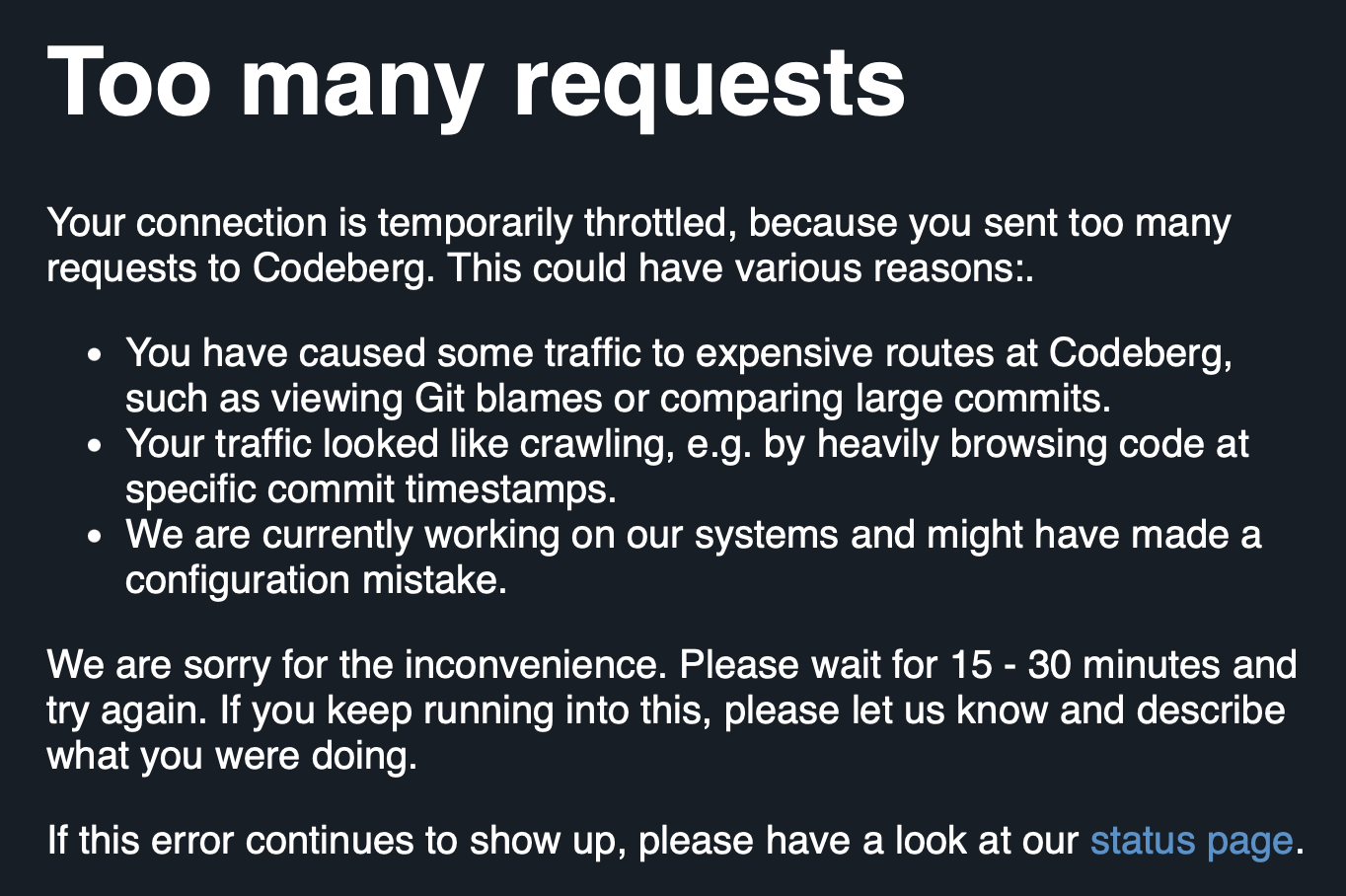
Codeberg error

At some point I ended up with a big fat 500 page.

Do I see this as an issue? Of course not. Could be I caught it on a bad day. Stuff happens. I've seen a 500 from things I'm responsible for before now. I'm not going to expect perfection. But it does remind me that leaping from one forge to another, to chase platform stability, and in doing so give up a long history, is a risky endeavour without a guaranteed payoff.
