I've just released the first version of another library in the collection of libraries that support the development of Rogallo: specifically, another one that helps convert text in other formats into Gemtext so Rogallo's display can be a little richer. In effect, this is a sibling to md2gemtext and html2gemtext.
This time it's a library to convert finger responses into Gemtext, where it makes sense. For the most part, finger responses are free-form plain text, but there are times when there's information in the response that would be of most use if you could interact with it. For example, if you get a user list from plan.cat1, that's a lot of data that could be turned into finger:// URIs that can be subsequently followed.
With this in mind, finger2gemtext can take a body of text, look at it to see if it might be possible to convert it to useful Gemtext, and will convert it if that's the case. Given that there's no standard to be had here, and given that any given response could be of any form the author desires, I'm making the conversion pretty conservative.
What I have done, though, is make it so that the conversion process can be extended. The finger_to_gemtext function can be given a collection of additional filtering classes; if the built-in classes can't find anything to convert, the additional classes get a go. There is a base class to inherit from.
I've not fully planned it out yet, but the vague idea I have here is that Rogallo could, at some point, have "finger plugins" which will handle various special cases and site-specific formats.
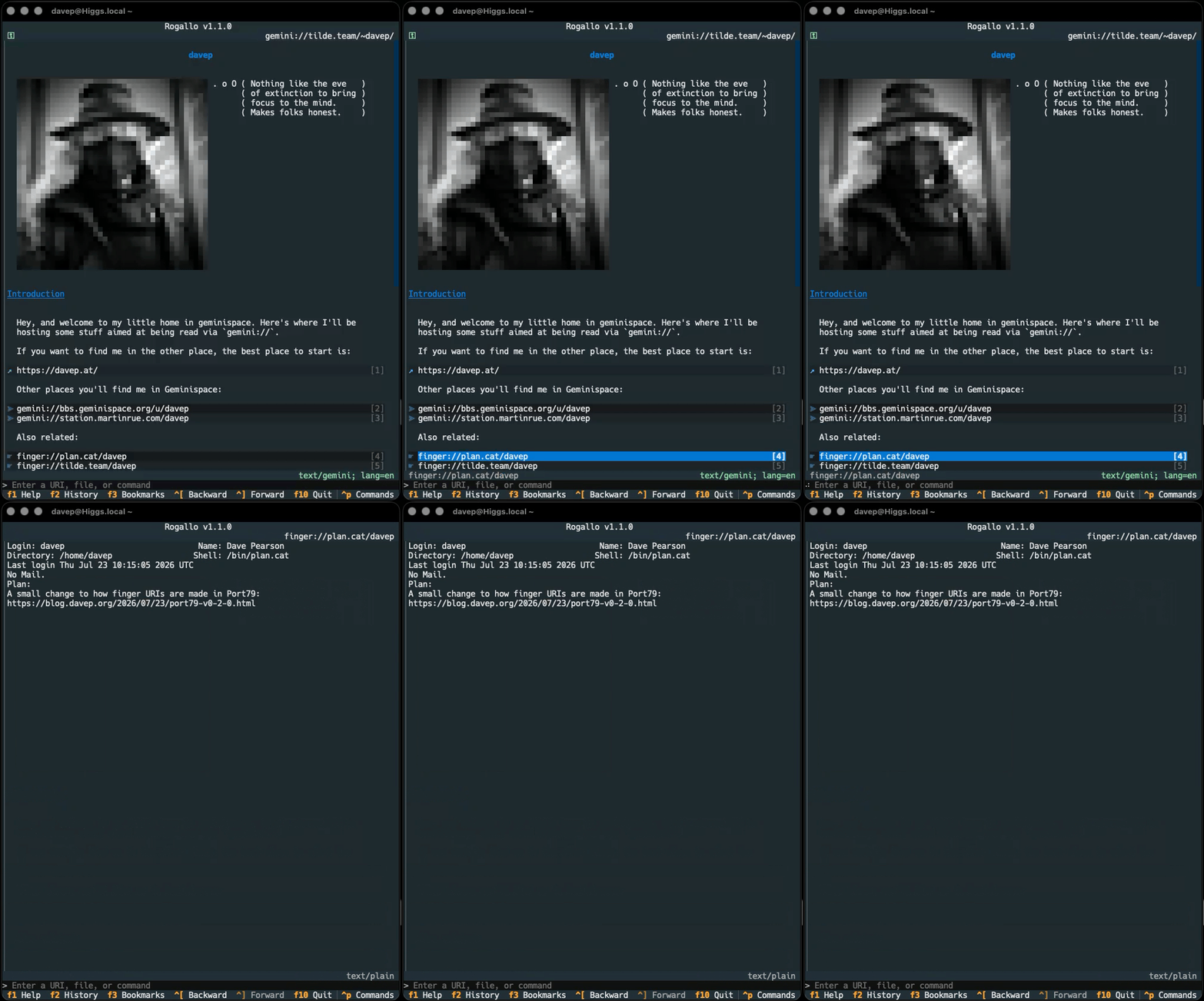
For now, though, this gives me the basics that let me turn this:
into something where I can follow finger:// links without the need to copy/paste/edit:
Now I need to find a few more online finger resources that respond with things worth making linkable...
Following on from html2gemtext, the inevitable has happened: I couldn't let the Markdown side of things remain unaddressed. While Rogallov1.8.0 added some extra rendering of Markdown to make it look more "pretty", I felt it really needed to be handled so it had more utility. Being fully navigable, even by keyboard, seems more important than pretty tables.
So md2gemtext now exists as a library on PyPI. I have two plans for this. While I fully intend to shake up the Markdown support in Rogallo -- either replacing the use of the Textual Markdown widget to display it, or at least giving the user a configuration option to decide how Markdown is displayed -- I also want to pay some attention to my (currently rather simple) Gemini-based log and use this library to build a tool that will convert this blog's Markdown content into Gemtext that looks just how I want it.
As with html2gemtext, this is an early version of this library, and I'm sure there will be edge cases I'll have missed and will want to tidy up. But at the moment the results are looking promising.
I'm once again in a place where I'm actually half-seriously thinking that much of what Hike does could be built into Rogallo, if I were to simply add http(s) support there.
Yesterday evening, while tinkering with Rogallo, I managed to nerd-snipe myself pretty well. I was playing around with the idea of better presentation of some forms of text/* content. While, of course, Rogallo handles text/gemtext just fine, there are lots of other MIME types that it will show too (pretty much all within text/*). Already, if it can work out an appropriate language, the viewer will do syntax highlighting, and this includes Markdown files. However, Rogallo has a full Markdown widget built right in so I was experimenting with using that as the way to show Markdown content.
Nothing that clever really, all pretty obvious.
But then I got to thinking... In OldNews I heavily rely on html-to-markdown. Given I have a Markdown viewer to hand, if the user ends up trying to look at some text/html, why not convert it over to Markdown and render it that way? That's... doable.
There are, however, some problems with this idea:
As useful as html-to-markdown has been for OldNews, I've found it quite unreliable at times, with the occasional breaking change. I don't mention this as a negative about the project, but I don't want another one of my projects sitting on top of a moving target like that.
Dragging in a reasonably large dependency for what's likely to be a niche requirement doesn't quite feel right.
Textual's Markdown viewer has, to this day, one massive design flaw: links can't be navigated with the keyboard1. I'm doing my absolute best to ensure that Rogallo is keyboard-first. Leaning on this widget for viewing Markdown is one thing, but leaning on the widget for other content types starts to erode that aim.
I did consider the idea of having this feature as an install option, so you'd be able to install rogallo and have it work as normal, or install rogallo[html] (or similar) and it would drag in the ability to render some HTML using this pipeline.
Then I realised: why target Markdown at all? I already have the code for rendering Gemtext, and that solves the keyboard navigation of links problem. How hard could it be to write something to convert HTML to Gemtext?
Turns out, at least for the requirements I have right now, not that hard!
html2gemtext is still in its infancy, but it's doing a passable job of turning most of the HTML I throw at it into reasonable Gemtext. I don't doubt for a moment that there are lots of pages out there that won't turn out right -- for varied values of right -- but so far the results are readable and navigable. The plan now is to keep improving as I run into new cases that could be handled better.
While I've not built this into Rogallo just yet, I think I will make use of it. I'm also giving serious thought to using it for my capsule. Over there I'm adding some posts from this blog and html2gemtext could form the basis of a tool to help automate some of that.
Right now I'm using a script I've written that wraps lowdown to do the Markdown to Gemtext conversion, but the result -- as good as it is -- isn't quite what I'd like. I'm thinking I could tailor the results exactly as I want if I go from this blog's HTML via html2gemtext.
Or, of course, given my blog is written in Markdown, I could next tackle my own just-how-I-need-it Markdown to Gemtext converter...
As for how this new library will go into Rogallo... Using it to render HTML that might be found kicking about in Geminispace or Gopherspace makes sense, I think. That should be enough. It's not like I really need to turn it into an http(s) browser too. Right? Right?!?
This mouse-only problem is a recurring theme in Textual. ↩
I've released a small update to Gemtext. At the moment, I'm working on adding Spartan protocol support to Rogallo, and to do this I need to handle a small extension it makes to Gemtext.
While Spartan is quite different from Gemini in the underlying protocol, it uses Gemtext as the default/standard markup language, but with one small difference. To allow uploaded data that is initiated by the markup, rather than by the server, there is a =: line type. In some respects, this is similar to type 7 items in Gopher maps.
Rather than spin up a whole new library just to support this one small difference, and rather than do some special-case nonsense in Rogallo itself, I've added optional (and turned on by default) support for =:. When encountered, this results in a SpartanPrompt object, which simply inherits from a Link.
Before I get to that though, there's a small number of other fixes, additions and tweaks. The first is a small change to the Gopher support. As of this version, if there's a type 8 item in a Gopher menu, it will now be turned into a telnet:// URI rather than being left as a gopher:// URI. This should help in handing off such an item to the correct application in your environment.
I've also added a new command: PipeDocument. This is bound to Ctrl+Shift+p by default. If you're viewing a document and run this command, you'll be prompted for a shell command that the source of the document will be piped through. This could be useful for transforming the source and passing it on elsewhere. For example:
One small fix in this release is the correction of a typo in the code that resulted in a misspelled item in the configuration file. The bookmarks_visble configuration setting has been changed to bookmarks_visible (the spelling of visible was wrong). Technically this is a breaking change but, because the impact is almost zero, I'm running with it. The worst possible outcome after installing v1.5.0 is that the bookmarks aren't showing in the sidebar when they were before; calling them back up will fix the issue.
Now on to the main change: custom themes. Rogallo has always had theme support, and the themes that were made available were most of the themes built into Textual. There was a request to be able to create additional themes, and so, here's that feature. Using this, if you want to have Rogallo look just so, you can now follow the documentation, or look over the examples, and have a play. So if you fancied a version of Rogallo that looked like it was running on a good old green terminal:
Or perhaps an amber terminal is more your thing?
Maybe you hanker after the days of MS-DOS and those Turbo IDEs?
Even better: perhaps the CBM64 was your thing back in the day?
Note that none of these themes are part of Rogallo itself, and don't ship with it; they're just examples of what you could do if you wished. I don't even offer them as good examples of what you could do (for example: I can see that I've managed to end up with the jump labels being far too dim to be readable). I'm sure other people with more talent for design than I have will be able to do far better. If anyone wants to make their own themes and share them, I've created a spot just for that.
One last thing: while it's not a feature of this version of Rogallo, I've also done some work on the site to try and add a little more detail about using Rogallo. This process will be ongoing. The main additions here are some background on the supported protocols and some help on the key UI elements.
The documentation is also greatly improved with better examples thanks to smolserve -- this is a little helper project I've been tinkering with. Note that this is not and will never be intended to be an actual small web server; it is and always will be a tool to help development and to support the production of Rogallo's documentation.
I've updated Rogallo to v1.4.0. The main change in this release is to how server certificates are handled, which in turn should solve a bit of friction Rogallo had when using some popular Gemini capsules.
Until now, Rogallo simply used a TOFU approach for all capsules it encountered. In part, this was because that's all I'd really read about until that point, and also in part because, as Rogallo became more capable and I started to use it as my daily-driver, it just worked. Then, within the space of about a week, I had two popular capsules apparently change their fingerprint. I wasn't expecting that so soon (hence one issue about dealing with this still needing to be worked on).
From this version, Rogallo uses a kind of "hybrid" approach to validating the certificate of a capsule. Simply put, here's how it goes:
Can we check with a certificate authority? If so, perform that check and raise an error if there's a problem.
If, on the other hand, the certificate is self-signed, use the TOFU route.
To help keep an eye on this approach, and because it's just generally handy to know, I've added a small new element to the UI of Rogallo: a verification badge. This can be seen up in the top-left corner of the viewer. It has three states:
It will show ⛉ if we're visiting a capsule that was validated using a CA
It will show ✓ if we're visiting a capsule that was validated using TOFU
It will show no icon if we're visiting a location where this isn't applicable
This is alongside the already-existing ⚿ icon that is shown if we're making use of a client certificate.
While I've not documented them yet (I need to do a round of website updates), each of these icons can be changed if you prefer something different. Just take a look in the configuration.json file for Rogallo.
Note that under normal circumstances the off icon there should never be needed or seen. That's just more for testing.
All of this ends up looking something like this:
To help test and keep an eye on this, I've also added a new command to Rogallo: AboutThisPage, bound to F7 by default. With it you can check on some information about the current page, and also the certificate that was checked when acquiring it.
Note that if a page is loaded from cache you won't see certificate information in this dialog, as that isn't (currently) recorded in the metadata in the cache. I might do that at some point in the future, but it didn't seem necessary for now.
Rogallo has been updated to v1.3.0. This release adds an extra cosmetic feature to the Gopher support, and also extends what the internal command line is capable of.
Both of the changes come from suggestions made by -fab-, who's been an avid tester of Rogallo and a good source of pointers and ideas. The first change comes from a mention they made of how some Gopher clients will prefix links in a map with a three-letter ID to give a clue as to what the linked resource is. TXT for a text file, SND for any audio file, MNU for a link to a further map, that sort of thing. While I didn't add that when I initially added Gopher support, it did seem like a useful option to provide.
However, this being a "modern" TUI application, with access to a wee bit more than plain old ASCII, I thought I'd mix it up a little. By default, little "icons" or "badges" are shown with each link. So to take the examples given above, I'm using 📄 for a text file, 🎵 for an audio file, and 📁 for a menu.
Of course, some people might not want this, and this can be turned off entirely in the configuration file by setting gopher_show_type_badges to false. However, it might be that someone wants this, but not the emoji. That's where gopher_type_badges comes in. This is an association of Gopher types with text to use as the "badge". If three-letter all-ASCII "badges" are what you want:
The other feature springs from another suggestion -fab- made. This time it was the idea of adding direct command-line support for Gemini and Gopher search engines. This struck me as an excellent idea, but I got to thinking that it could be a little more generic than that. So I've added support for declaring simple command-line aliases. There's now a section in the configuration file1 called aliases. It's an association of a command alias and an expansion. The alias itself must be a single "word" of characters, and the expansion the actual command that will be used. It can be any other command-line command, or a URI. Anything that the command line can normally handle.
When the user types something into the command line, the input will be split on the first space. If the first half matches an alias, it will be substituted for the input, and the tail of the input will be made available as a parameter to the expansion.
There are three placeholders that do the expansion:
{q} -- The tail of the command quoted for use in a URI
{qp} -- As above, but spaces will be + rather than %20
{r} -- The raw, unquoted, tail of the command
I've probably done a bad job of explaining it. But hopefully the following default set of aliases will nicely illustrate it:
Given this, if you type ken test search, the actual command that gets input is gemini://kennedy.gemi.dev/search?test%20search. As I said, it's not just about search engines; you can also expand to other built-in commands. For example:
"whois":"!finger {r}"
Would have whois davep@plan.cat expand to !finger davep@plan.cat.
I feel this nicely solves the original request and adds an extra layer of utility to the internal command line.
Which I totally forgot to document when putting together this release. It'll come to the docs soon. ↩
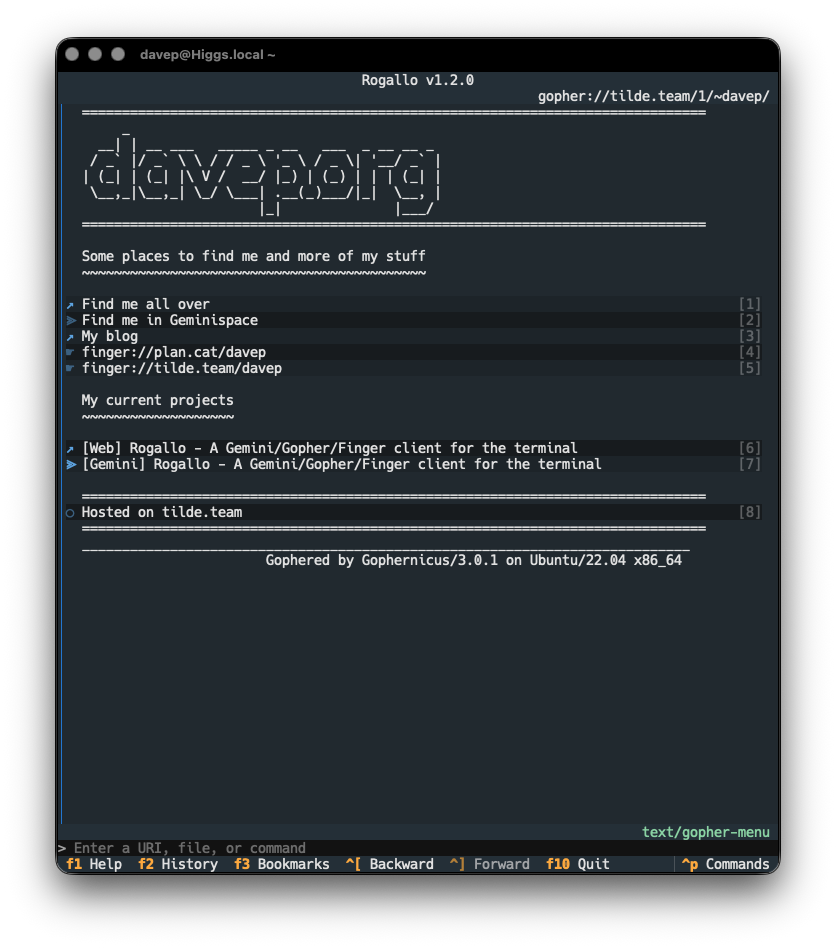
Rogallov1.2.0 is now available. The main change in this release is the kick-off of support for the Gopher protocol.
As I've mentioned before: Gopher is kind of an unknown to me, in terms of actually using it. I'm aware of it, I've known about it ever since I first got on the Internet back in the 1990s, I have a half-recalled memory of dabbling with a Gopher client at some point back then, but I had no conscious knowledge of its workings. So, when I say "kick-off" above, I say it because I suspect there's going to be more work to do to make it work "just so".
However, right now, gopher:// URIs are supported in Rogallo.
The approach to supporting this is pretty simple: given a gophermap, as pulled from a server, Rogallo converts it into Gemtext and then displays it using the normal Gemtext viewer.
There is more to Gopher than just displaying the maps, of course: there's access to all kinds of resources. Where possible, Rogallo will display text-based resources within the viewer; all other kinds of resources are handed off to the operating system as they probably need applications and tools that Rogallo doesn't offer (viewing images, playing audio, etc).
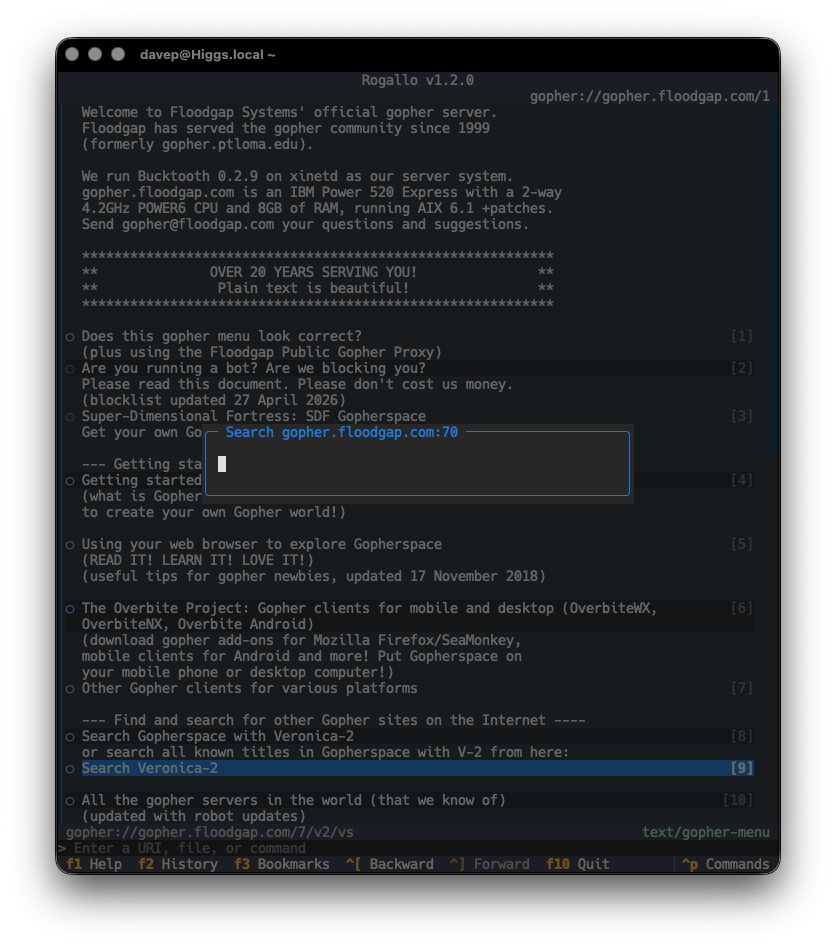
Searches (item type 7) are supported, and when following such a link, you will be prompted for input, which will be used as the query.
Note that, for the moment, there is no support for extensions to the protocol such as Gopher+. Doubtless I'll look into doing something with this in the future; Rogallo's development is incremental and for me it's all about having fun (re)discovering new/old things.
There are two other notable changes in Rogallo v1.2.0:
I've modified the ordering of entries in the history search so that the items appear in most to least recent order. While being able to type in things to find back a location is the primary use, I also found I was often pulling it up to find something I'd visited very recently.
I fixed the "view source" status being sticky during navigation. If I was viewing the source of a location, and then navigated to another location (by using the Back command, for example), that other location would also show the source. The status is now reset every time you navigate to somewhere else.
On the off chance that someone else does use Rogallo, and needs help getting to the bottom of some sort of issue, I thought it might be useful to add a diagnostics command to the CLI. Right now it's pretty simple, just dumping some version and environment information.
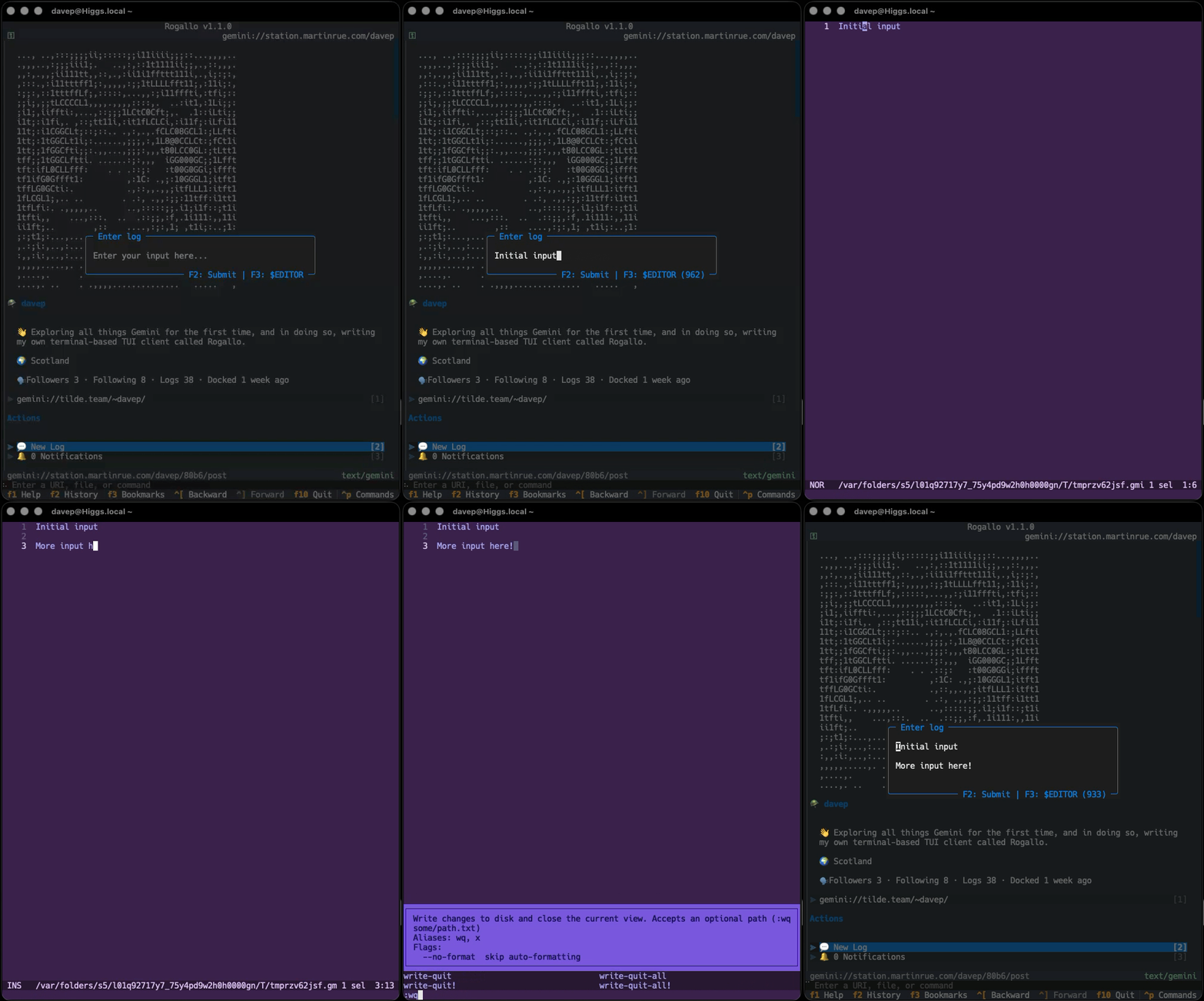
This was something I was interested in adding, and a couple of people have already requested it, so Rogallo now has finger support. This has been added in a couple of ways. The first and most obvious is that finger: URIs are now natively supported in Gemtext content. So now if you follow a finger:// link you'll see the response in Rogallo itself.
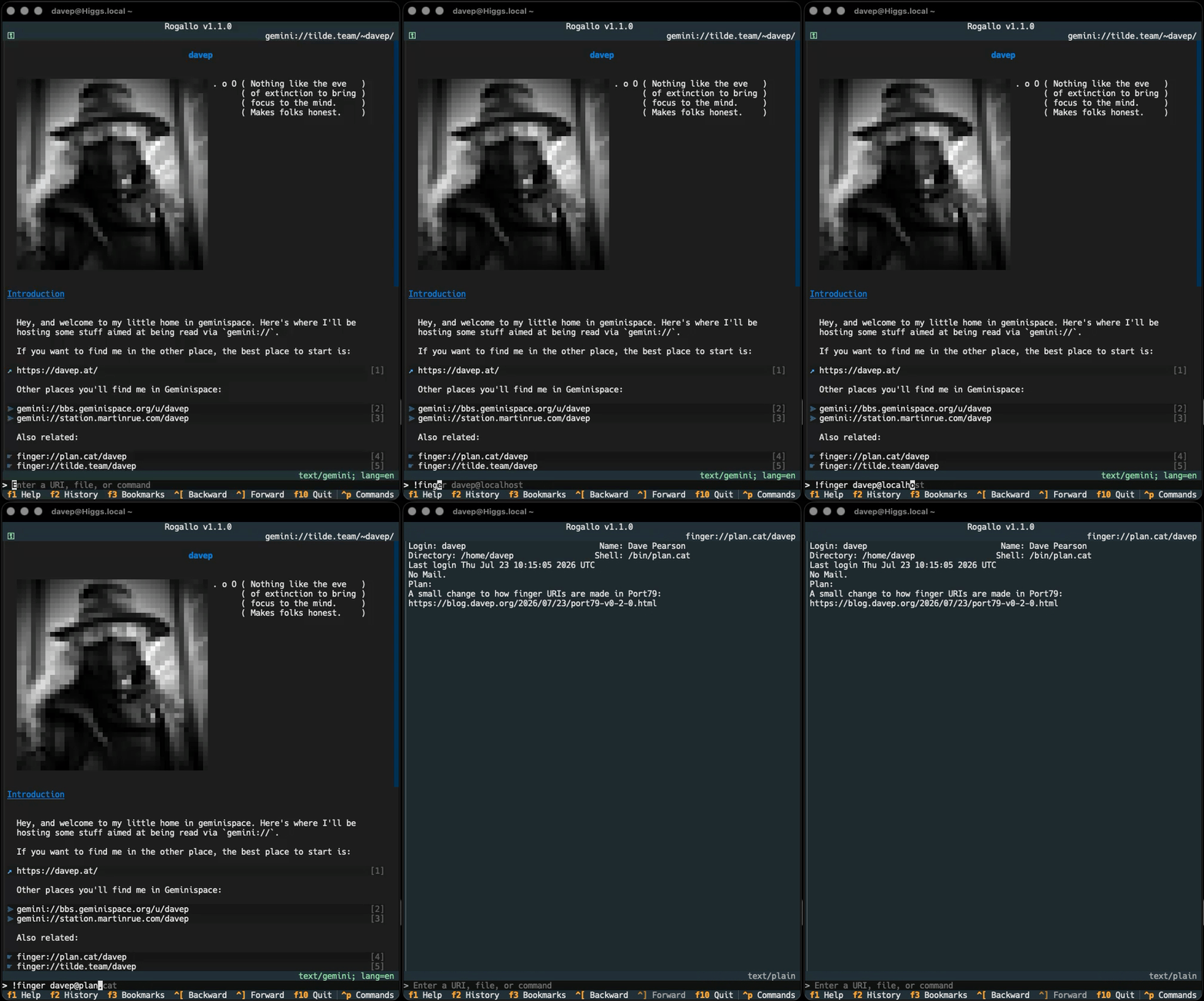
The other method is to use the new !finger command that has been added to the application's command line.
Of course, in the command line, you can also just enter a finger:// URI if you wish, which I guess is a third way of doing it.
Finger URIs are recorded in the history, and can also be bookmarked.
This was also something I was keen on doing, and then someone else happened to ask for it: support for swapping out to an external editor for writing user input. While the current mechanism is fine for entering a one-liner -- or composing a very short message -- a proper editor (for me that's ideally one with the ability to check spellings) is generally going to be far more useful for a longer body of text. So, with this in mind, the internal editor can now optionally swap out to your text editor of choice.
If you have either VISUAL or EDITOR set in your environment (VISUAL beats EDITOR), Rogallo will let you swap to it by pressing F3 in the internal editor. You can also override that choice by setting external_editor in the configuration file.
Personally, I'm finding this is working really well with emacsclient. From now on, I'm going to find writing content in Geminispace a lot easier.
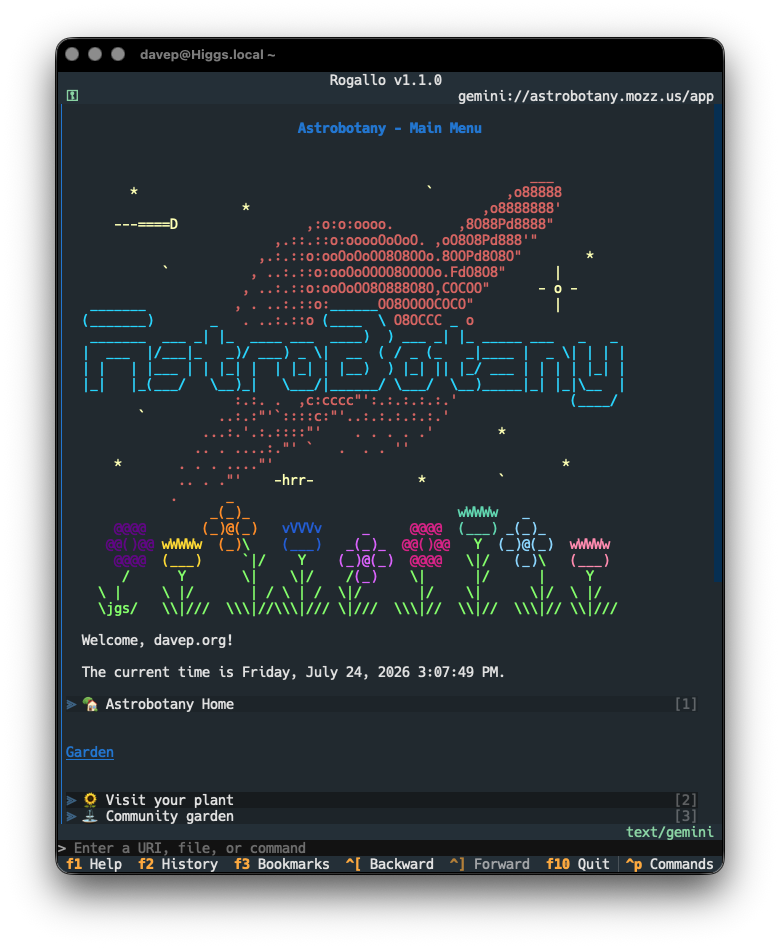
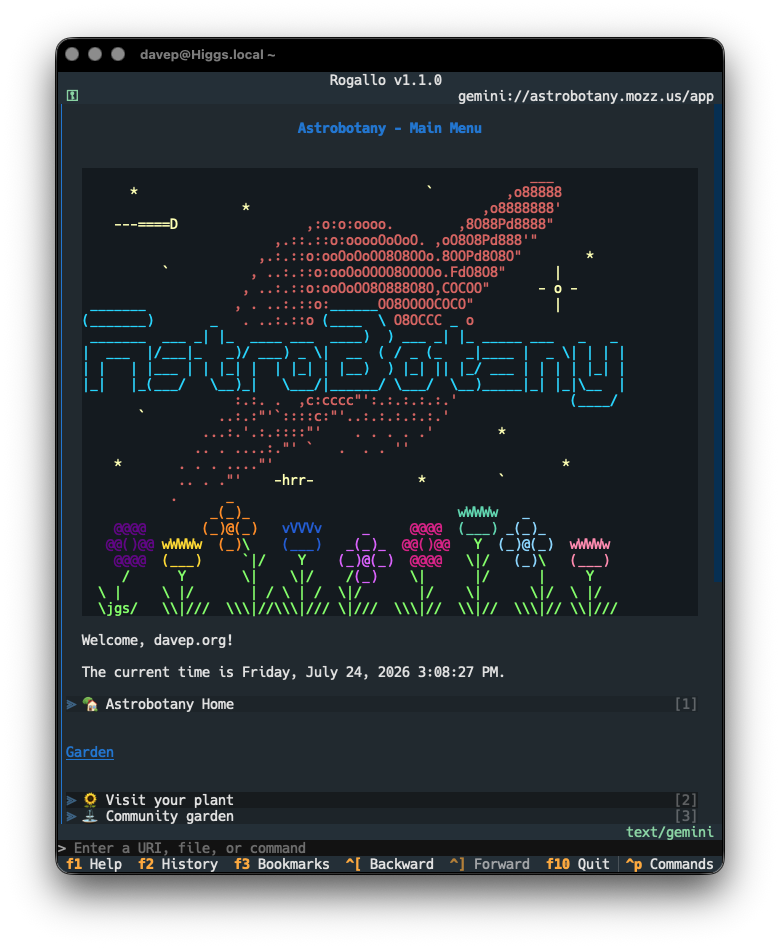
Now that I've been wandering around Geminispace some more, I've noticed that a common use of pre-formatted text is for logos, ASCII art, that sort of thing. Generally, the sort of things that are best presented with the background the same as the surrounding text. A different shade of background is fine if showing code and stuff, but I feel that this:
looks better than this:
To this end, I've modified the pre-formatted text rendering so that, by default, if pre-formatted text has no alt-text, the background is the same as the surrounding text. On the other hand, if it does have alt-text (and so is likely the name of a programming language, which implies syntax highlighting, which in turn implies you want it to stand out), it isn't blended with the rest of the text.
If your preferences differ from mine, you can control this with the new blend_pre_formatted_with_background configuration file setting. It takes a list of alt-text strings that should be blended. By default it looks like this:
"blend_pre_formatted_with_background":["",]
That is, by default, it only blends empty alt-text pre-formatted text. As it happens, Station uses alt-text for the logo and the user image, but I'd like them blended in too, so I'm running with this:
The last change is a small cosmetic fix to mouse interaction with links. When the mouse cursor is over a link, there should be a hover effect (that is, the background should change colour). This wasn't working if you had link stripes turned on. This is now fixed.