Posts tagged with "hardware"

Finally used the Steam Controller

1 min read

Well, this week didn't quite go according to plan, so I didn't get to test out the Steam Controller straight after it arrived. This afternoon, after messing about with code and agents for a few hours, I decided it was high time I stopped doing coding things (and to some extent day-job learning things) and instead did gaming things.

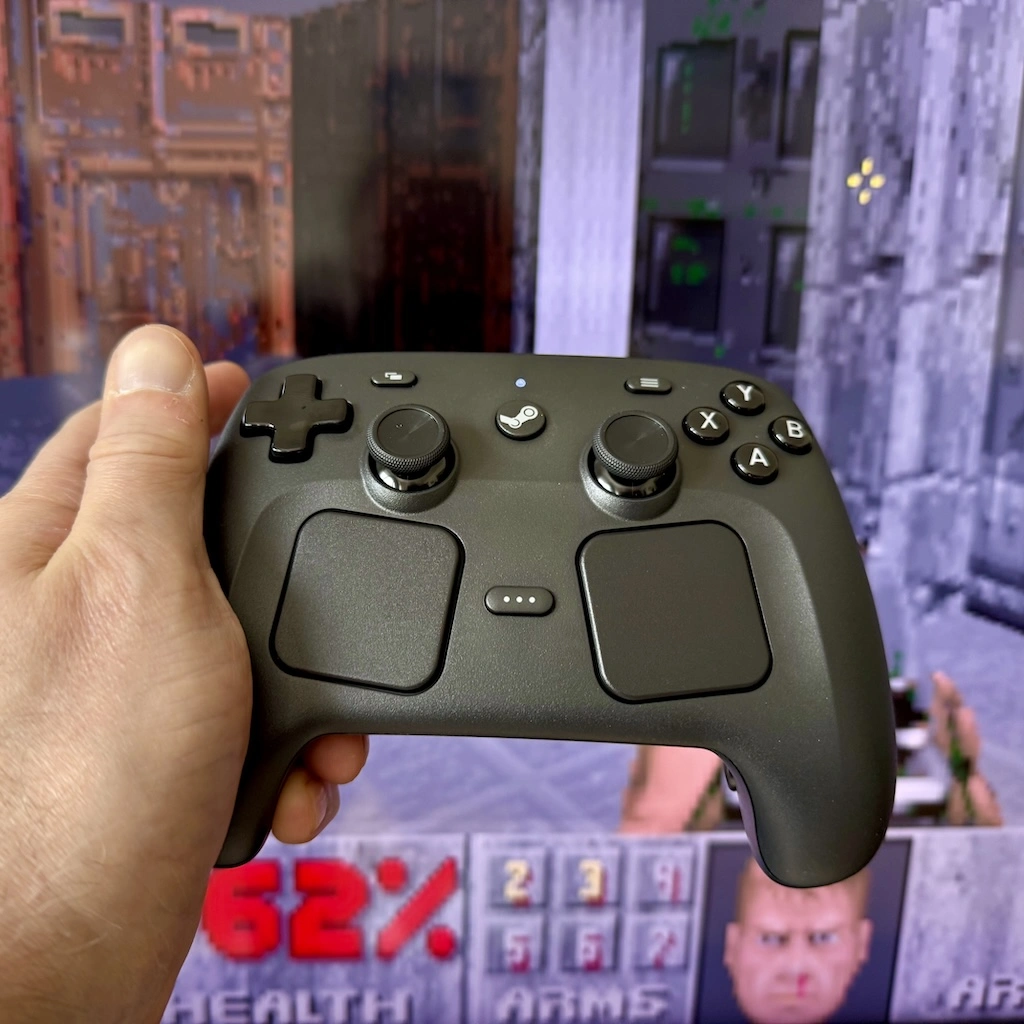
My Steam Controller

I dragged the Steam Deck and its dock into the living room, hooked everything up, and had a few hours of running and shooting and stuff. Before I could get started I had to plug the "puck" into the Deck with the supplied cable, and let it update. I then had to unplug the puck and plug in the controller to do the same. Finally I had to plug the puck back in (I hadn't quite realised, but it's the wireless connector for the controller) and I was good to go.

I messed around with a few things, including Brotato, DooM II, Cyberpunk 2077 and a lot of Suit For Hire. All felt good. All worked well. For some reason, this more than ever, makes me look forward to the Steam Machine.

I have a funny feeling I'll be joining the reservation queue when I get the chance.

As for the controller itself: it's a controller. It feels good in the hand. It feels comfortable. All the buttons feel in the right place. As someone who's used a Deck for a while it feels like having all the benefits of the Deck without having to hold the Deck itself. If you are already partly in the Valve hardware ecosystem it makes perfect sense as a thing to own.

Yes, I did try dropping it (carefully). No, I didn't manage to make it scream.

Steam Controller is here

1 min read

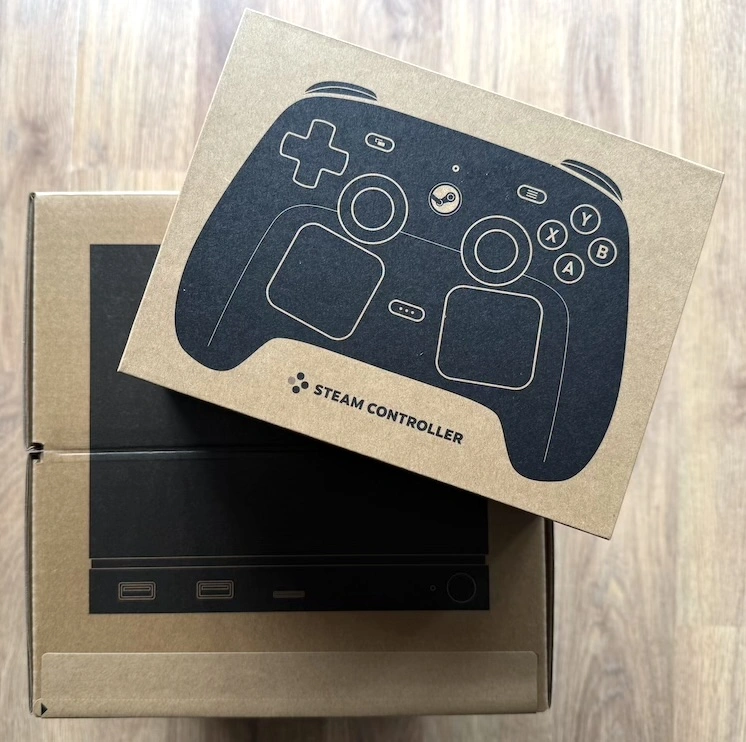
It has arrived!

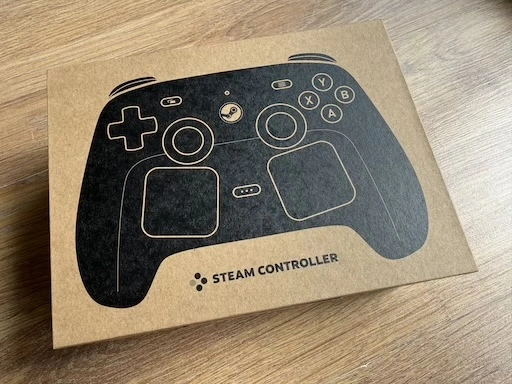
Steam Controller boxed

I feel that Valve have upped their presentation game a little. Even the box feels quality; I don't remember my Steam Deck turning up in such a nice box.

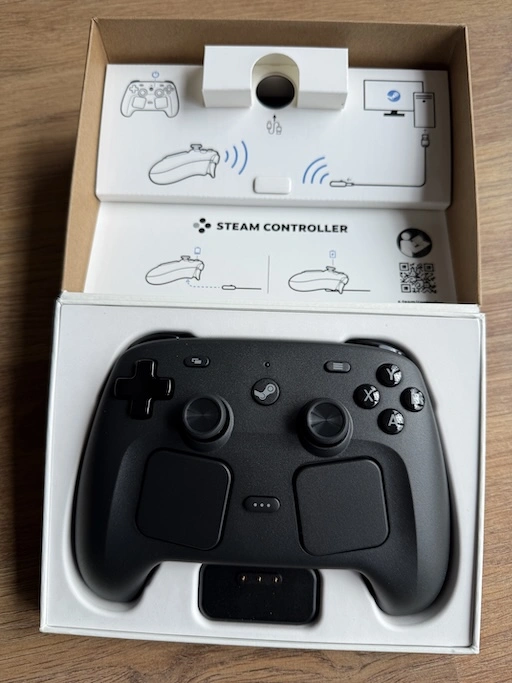
Box opened

I might give it a go tonight. I probably should. On the other hand there's some coding I want to mess with so I have competing desires!

The plan, at the moment, given my Windows gaming PC is still kind of packed up after moving late last year, is to pair this up with either the Deck, or perhaps even my MacBook (it's got Steam on it now too) and try out a couple of games and see how it feels.

Steam Controller is packaged

1 min read

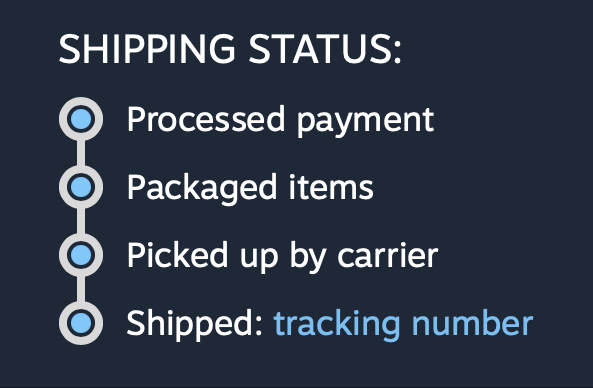
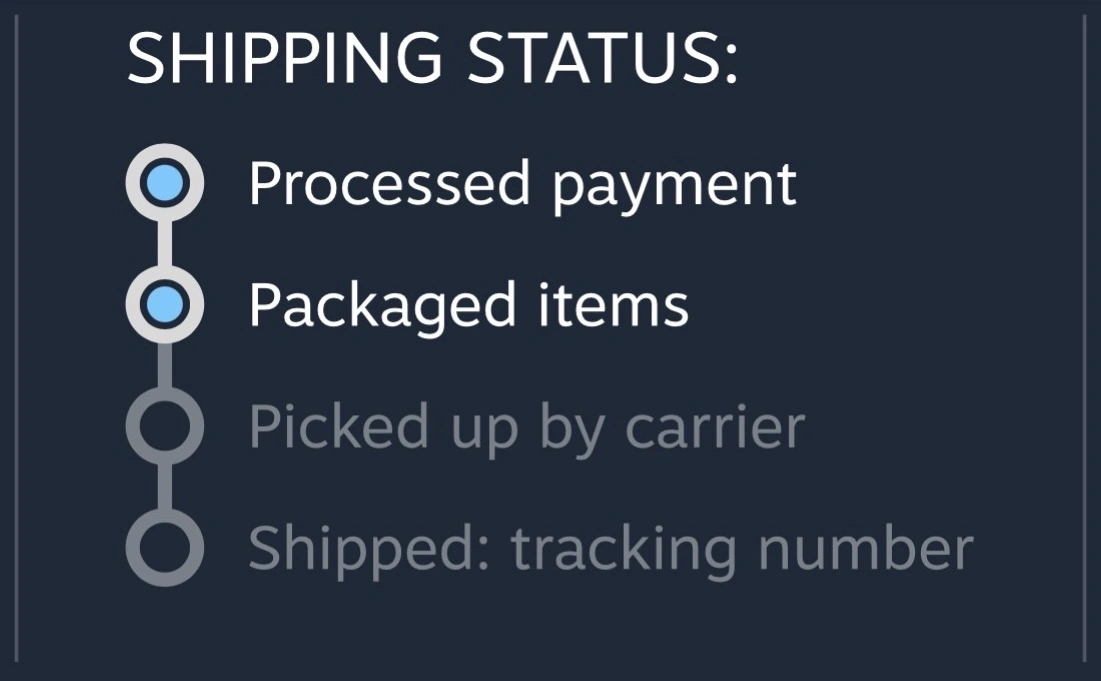
After a day of no movement, I wake up to see this:

Steam controller is packaged

One step closer to getting my hands on it!

I'm oddly kind of invested in getting my hands on this. A regret I have is that I never bought one of the originals. Back in the day I did buy (and still own) a Steam Link and it served me well for a while, 4 homes ago. The 1st gen controller would have been ideal with that but somehow I just never got round to grabbing one.

And, sure, while I have Xbox and Sony controllers kicking around (I especially like my Death Stranding 2 DualSense controller), there's something very appealing about a controller that feels the way the Steam Deck does; I find it a really pleasant gaming experience in the hand.

So, this time, I'm not missing out.

My primary intended use at the moment is to pair it with my Steam Deck and use it as my "Steam Console", plugged into the TV while I game from the sofa. Eventually I hope to be pairing it with a Steam Machine, of course.

Meanwhile, since moving last year, I've not set up my Windows gaming machine yet. It's a bit bulky to have in the current living room setup, but not impossible to set up in the office. Perhaps... perhaps I should actually dig out the Steam Link again and set it up with that!

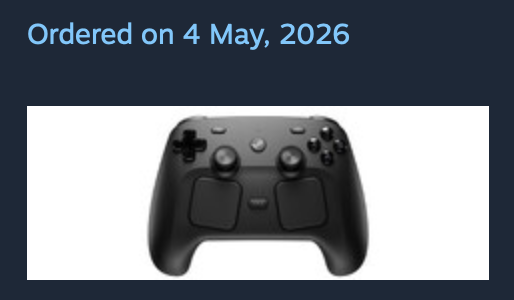
Steam Controller ordered

1 min read

After dropping one in my basket at 18:00 (UTC+01:00) yesterday, it took around 70 minutes of trying and trying and trying to get to a point where I could pay.

It paid off.

Confirmation of purchase

Now I just need to wait however long it takes for it to turn up.

Confirmation of order

When I first dropped the controller in my basket it was showing that shipping would be within 3 to 5 working days; by the time I managed to pay it was saying 6 to 10 working days.

Which is fine, it's not like I need this right now. My plan is to use it with my Steam Deck in console mode, plugged into the TV; eventually though I hope I'll be using it with a Steam Machine.

So, yeah, I can wait a couple of weeks.

My new favourite game on Steam

1 min read

So the new Steam Controller is released. I kind of fancy one. I love my Steam Deck, so a controller with similar abilities, which I can use with the 'Deck or with my Windows PC (and perhaps my future Steam Machine?), is a bit of a no-brainer.

Buying one is going just as well as you'd imagine. Added to the basket at the moment of release. Here I am, over 40 minutes later, playing the worst clicker game going...

Gabe Clicker

Just... one... more... click...

Hello MacBook Air (again)

2 min read

As I mentioned yesterday I decided it was time to update my portable/sofa hacking setup and treat myself to a nice new MacBook Air. It's here (well, I picked it up yesterday evening after dinner).

MacBook Air M5

So far I'm very pleased with the choice. It's light but feels sturdy. The screen is very pleasing to read. The keyboard is really nice to type on (albeit I do prefer the old MacBook Pro, but on the other hand this is a bit more quiet, which matters if you're sharing a living room with someone else). It's fast. So fast! It's also so quiet! So very quiet! And cool too. The Intel-based MacBook Pro would get very warm as I worked; this just stays cold.

The really great part though is the battery life. Depending on what I was doing, with the Intel Pro, I'd get a couple of hours off the cable. On the other hand, last night, I spent a few hours setting things up on the Air and I barely noticed the battery drop at all. This, more than anything, is what I wanted.

Well, okay, I wanted the speed, the quiet, the lack of heat, and the long battery life.

Oh, and the rather lovely "Midnight" colour. It's not black, but it's close enough.

The setup itself went pretty well, although for some odd reason I ran into problems when setting up Emacs. These days I always use Emacs Plus via Homebrew and have never had issues. Weirdly though, this time, if I did the installation method that builds locally all sorts of things went wrong. I don't know if I missed a step or something but I did what I normally do when dropping Emacs on a Mac. So I started again with the pre-built approach and that worked better.

Even then though, I ran into problems with my setup downloading everything. Things mostly worked but I kept seeing all sorts of issues relating to git-gutter and git-gutter-fringe not being able to load (despite the fact they'd downloaded fine, from what I could see).

In the end I gave up trying to get it to all work from scratch and hand-removed and then hand-installed via package-list-packages instead. Not the most scientific of approaches, and one I'm sure I'll regret at some point in the future, but at least I got to a point where I could get other stuff done on the machine.

All of which is to say: if you're reading this blog post I got my Emacs and git environment to the point I can write things and push them out to the world. At which point that's the really important stuff up and going and I can call this "set up".

Once I'm happy that's working, I think it's time to revisit my Emacs setup. While I don't think it needs another complete restart, I think it might be time to at least look through what I have loading in and perhaps remove some things I don't use any more (for example, I always carry around vterm from the days when I was testing every possible terminal I could get my hands on -- that's less important to me these days.)

MacBook Air M5

2 min read

It's just over a month shy of being 10 years since I bought my first MacBook. As I mentioned at the time: I'd bought my first Mac about 10 months earlier than that, had got used to it, had grown to like the OS, and had need of a small and light hacking machine to use while doing a lot of train travel (and I really did do a lot of train travel after that).

Fast forward a touch over 3 years and, by accident of a windfall due to work things, I ended up treating myself to a MacBook Pro. This was one of the last Intel models. It worked well and served as my main hack-at-home machine for quite a long time. I used it to code and edit videos and a bunch of other things. It sat there, on my desk, plugged into a couple of screens, and never really served as a portable machine.

Fast forward around 4 years and, having been using a MacBook Pro M1 for a while through where I worked then, I had a desire to get a M-chip Mac for personal use and settled on an M2 Pro Mac Mini. That thing was, and remains, a beast of a machine. It's set up here in my office right now and I'm sure will last me for some time to come.

The thing is, in the last 6 months, my home life has changed. I moved. I now share a place again. It's nice to sofa hack and hang out and all that "share a space with other people" stuff. To that end I've been using the Intel MacBook Pro again but I'm noticing that it's getting old now. It's not that it isn't coping with what I need it for -- far from it -- but having the fans kick in lots, and just the heat, and also the fact that the OS is stuck in the past because it's now a "legacy" machine... I sensed it was time for an upgrade.

A new MacBook Pro was an option, of course, but that feels like overkill for some sofa hacking. If I want to do any heavy video editing or any heavy coding the M2 Pro Mini is still the machine for the job. The new Neo looked really good too, but the entry-level storage seemed a bit stingy these days and once you bump up to the next level, while still stuck with the same memory, well the price starts to get dangerously close to...

The MacBook Air M5

So, yeah, as of today, I've kind of come full circle; a decade on from that MacBook Air purchase I have a new sofa hacking machine coming in the shape of the new M5 MacBook Air1.

So this weekend will involve me digging out my "new macOS environment" checklist and working through it, getting a hacking environment up and going again. One thing I do want to do is follow that list but also write out a fresh copy, because this time around I want to see if I can get a good Python environment up and going minus the use of pyenv. Not that pyenv is a problem, at all, but I feel like I should be able to achieve everything I need using just uv.


  1. I'm not a hardware nerd, so don't dive deep into this stuff. Despite what I said about the M2 Pro Mini still being there for heavy coding and video editing, it wouldn't surprise me to find out the Air is more than capable too.