Posts tagged with "Hike"

Hike v1.4.0

1 min read

Hike, my wee terminal-based Markdown viewer/browser, has had an update to v1.4.0. In this update I've made a change I've been meaning to make for ages: some support for "wiki links".

By that I mean the sort of link markup you often see in Markdown documents made with Obsidian:

In other words [[this]] instead of [this](kind-of-link.md)

Personally it's something I seldom need, but on the occasion I have been delving into my Obsidian vaults with Hike I've wished the links at least rendered "correctly", even if they wouldn't fully work.

On that note, it's worth keeping in mind that this "wiki link" implementation in Hike doesn't support something that Obsidian does: find the most likely target file for a given link. If you click such a link, Hike expects the file to be exactly where the link suggests. There's no going off and finding the most likely match in the "vault", etc (Hike obviously has no concept of a "vault").

I'm open to the idea of extending this at some point, perhaps, but not yet. The intention here isn't to build a terminal-based Obsidian-a-like, but instead to build and maintain a workable Markdown browser/viewer (and occasional editor).

Hike is licensed GPL-3.0 and available via GitHub and also via PyPI. If you have an environment that has pipx installed you should be able to get up and going with:

pipx install hike

If you're more into uv:

uv tool install hike

If you don't have uv installed you can use uvx.sh to perform the installation. For GNU/Linux or macOS or similar:

curl -LsSf uvx.sh/hike/install.sh | sh

or on Windows:

powershell -ExecutionPolicy ByPass -c "irm https://uvx.sh/hike/install.ps1 | iex"
Hike v1.3.0

2 min read

I've just released v1.3.0 of Hike, my little terminal-based Markdown browser. It's about a year now since I made the first release and I've been making the odd update here and there, but mostly it's a pretty stable tool. There's a few other things I'd like to do with it but I keep getting distracted by different ideas.

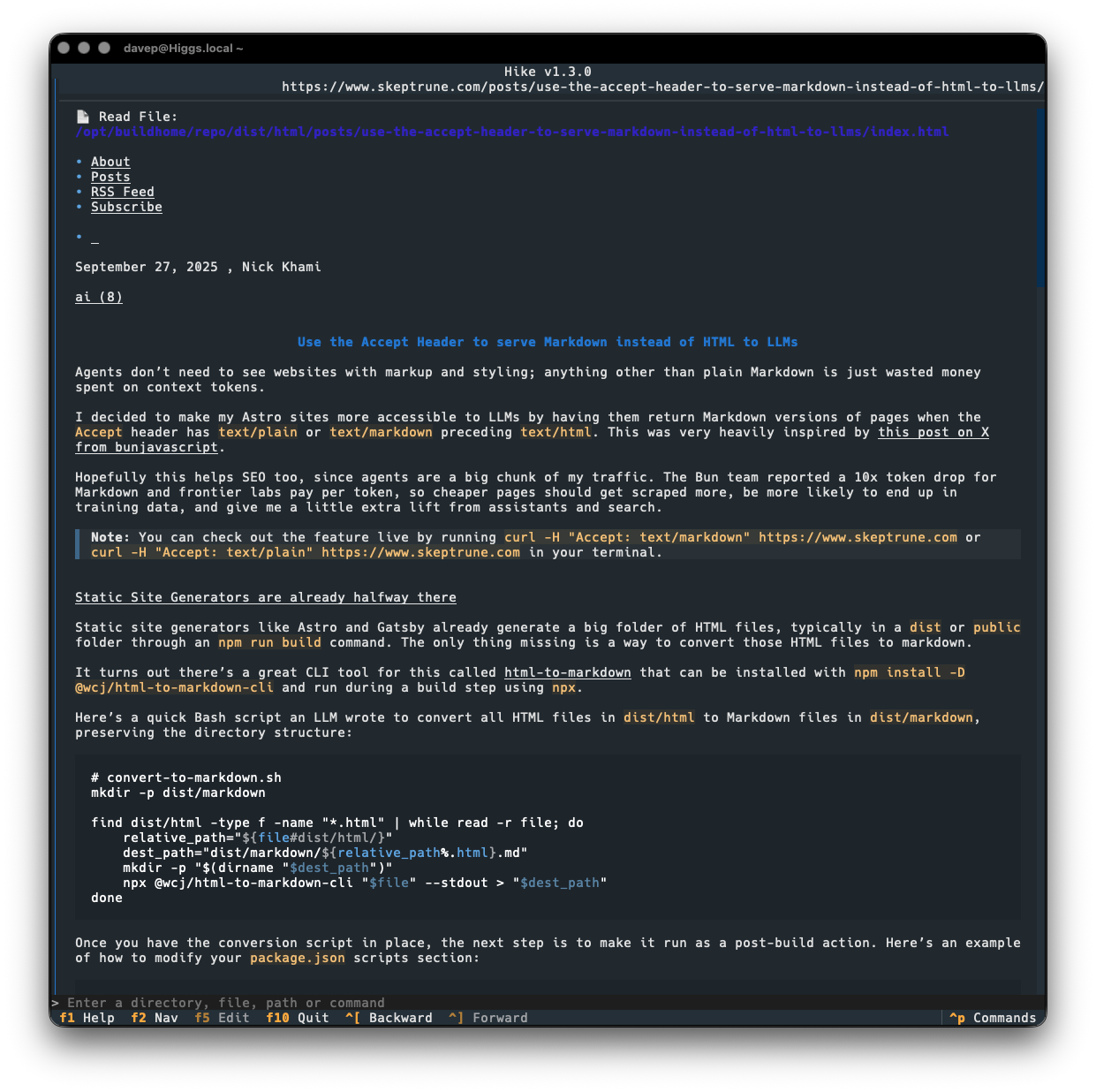
Today's release sort of rides on the coattails of the current love for all things Markdown because of "the AI". It seems that some folk are now keen on the idea of serving Markdown from their websites, when asked for it: as you can see in this post for example. While that might be handy for some LLM bot or whatever, it's also pretty handy if you happen to have a web-friendly Markdown browser!

So v1.3.0 makes a small change to how a URL is looked at when deciding if it might be a Markdown document, by saying "hey, web server, I like Markdown more than anything else, so feel free to serve me that up". If we get a Markdown type back, we go ahead and load it into Hike.

This means that the post mentioned above loads up just fine now:

Viewing a Markdown site in Hike

Previously, Hike would have gone "nah, that's not a Markdown document" and would have handed off to the environment's web browser.

Hike is licensed GPL-3.0 and available via GitHub and also via PyPi. If you have an environment that has pipx installed you should be able to get up and going with:

pipx install hike

If you're more into uv:

uv tool install hike

If you don't have uv installed you can use uvx.sh to perform the installation. For GNU/Linux or macOS or similar:

curl -LsSf uvx.sh/hike/install.sh | sh

or on Windows:

powershell -ExecutionPolicy ByPass -c "irm https://uvx.sh/hike/install.ps1 | iex"
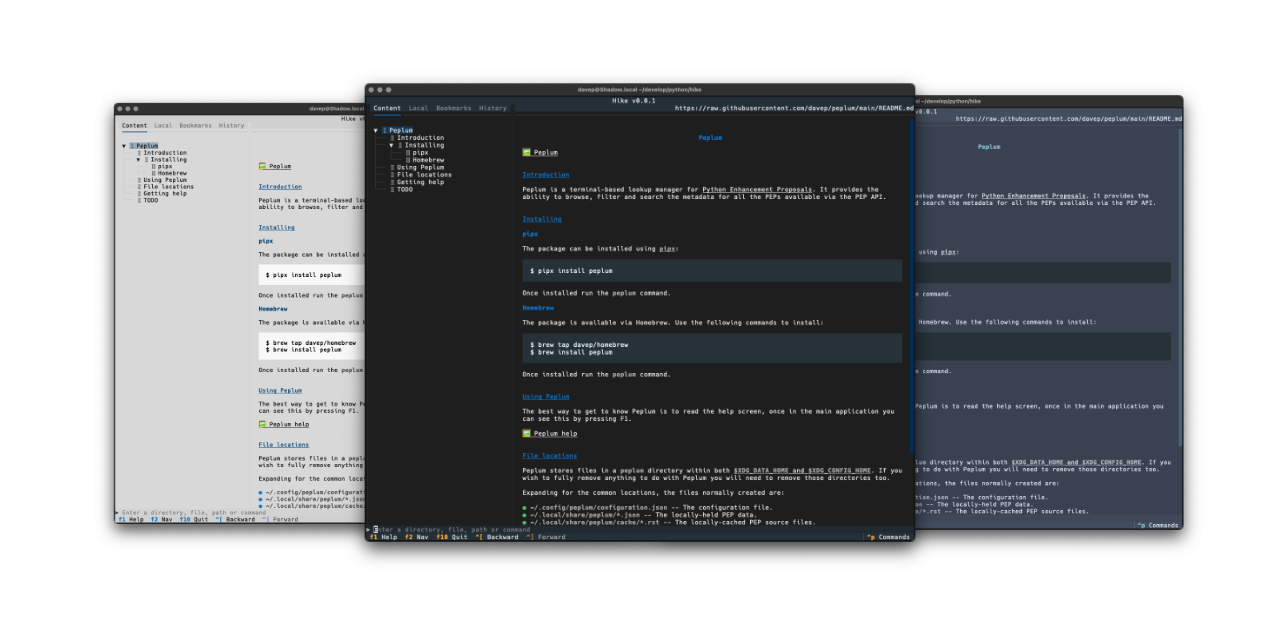
Hike

1 min read

Hike

The run of writing new terminal-based tools that I want still keeps going. First there was Braindrop, then there was Peplum, and now, released today, there's Hike.

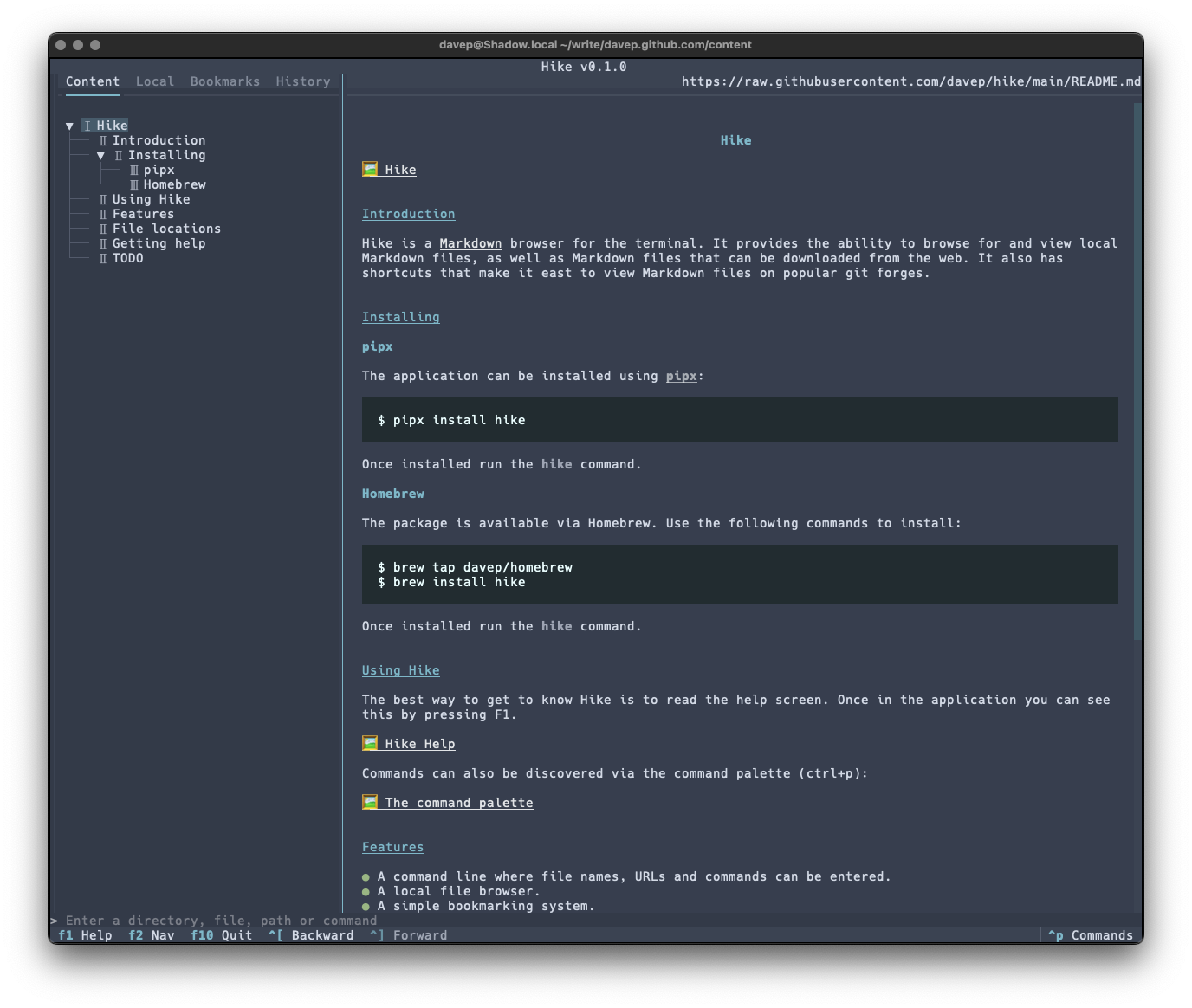
Hike is yet another terminal-based Markdown browser. While it's far from the first, and unlikely to be the last, it's mine and it looks and works exactly how I need. Perhaps it'll be your sort of thing too?

Hike viewing its README

This initial release has a bunch of handy features, including things like:

  • A command line where file names, URLs and commands can be entered.
  • A persistent history for the command line.
  • A local file browser.
  • A simple bookmarking system.
  • A browsing history.
  • Commands for quickly loading and viewing files held on GitHub, GitLab, Codeberg and Bitbucket.

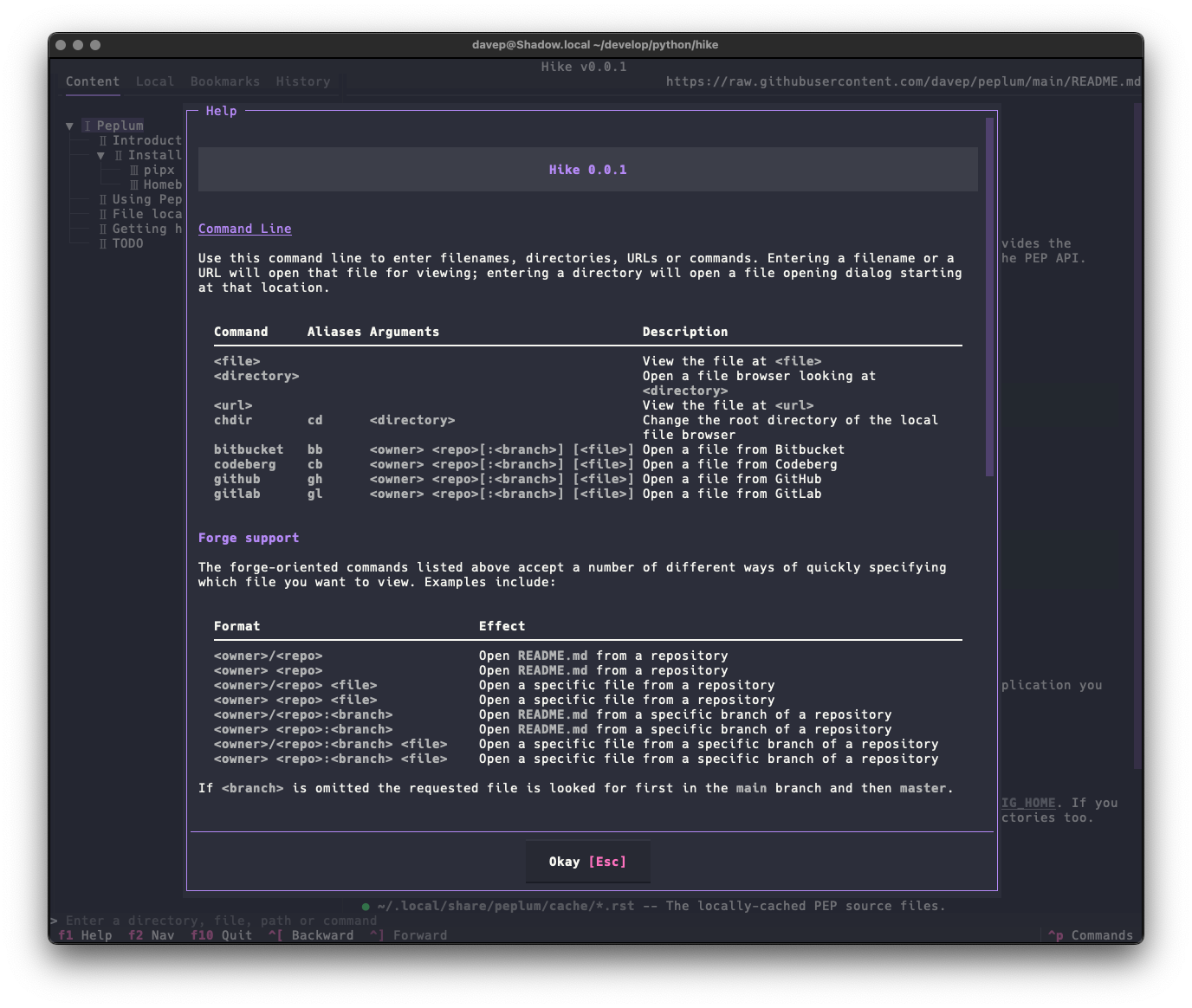
As there's a lot to discover in the application, I've tried to make the help screen as comprehensive as possible:

Hike help

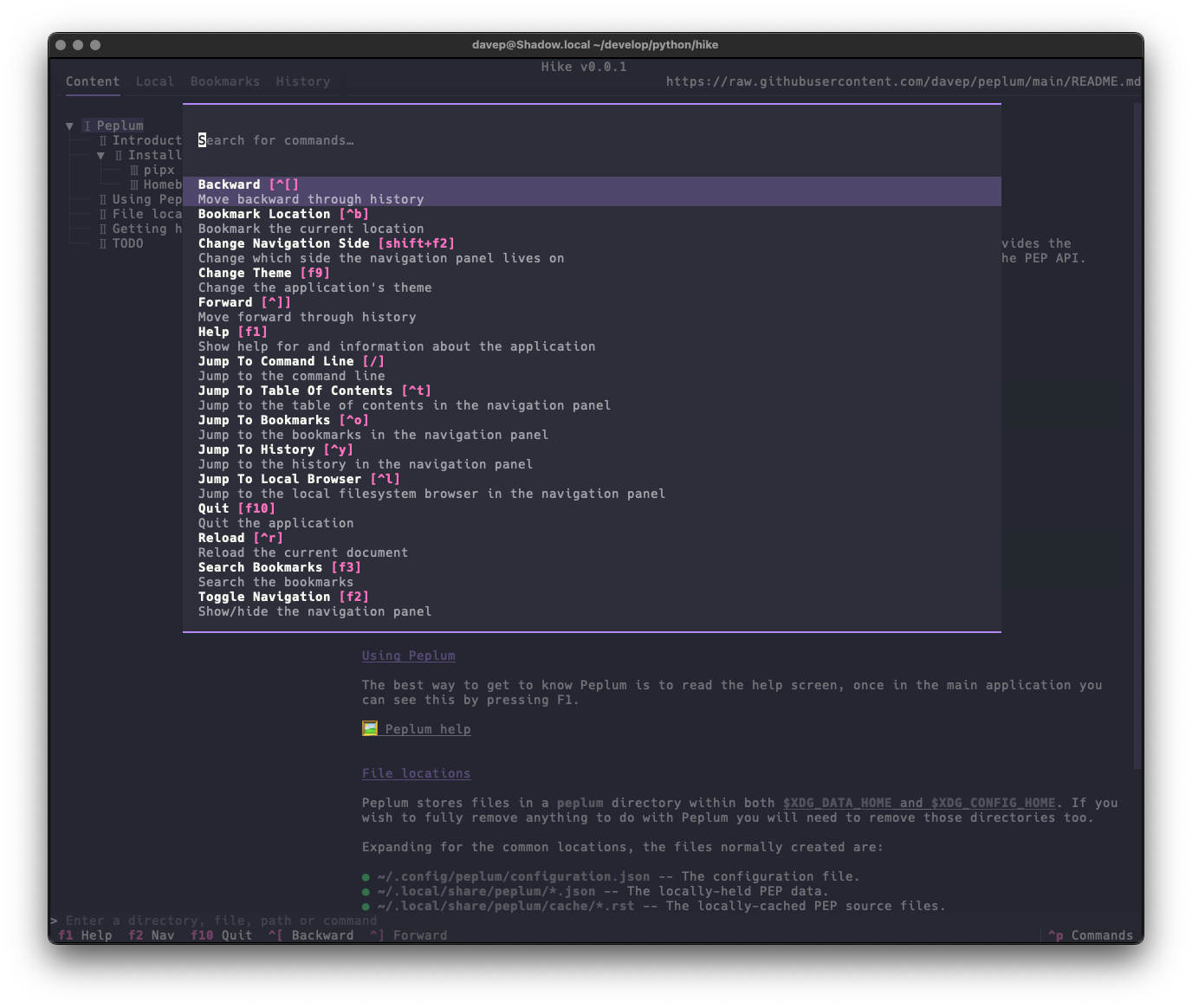
and there's also the command palette to help with discovering commands and the keys that are associated with them:

The command palette in action

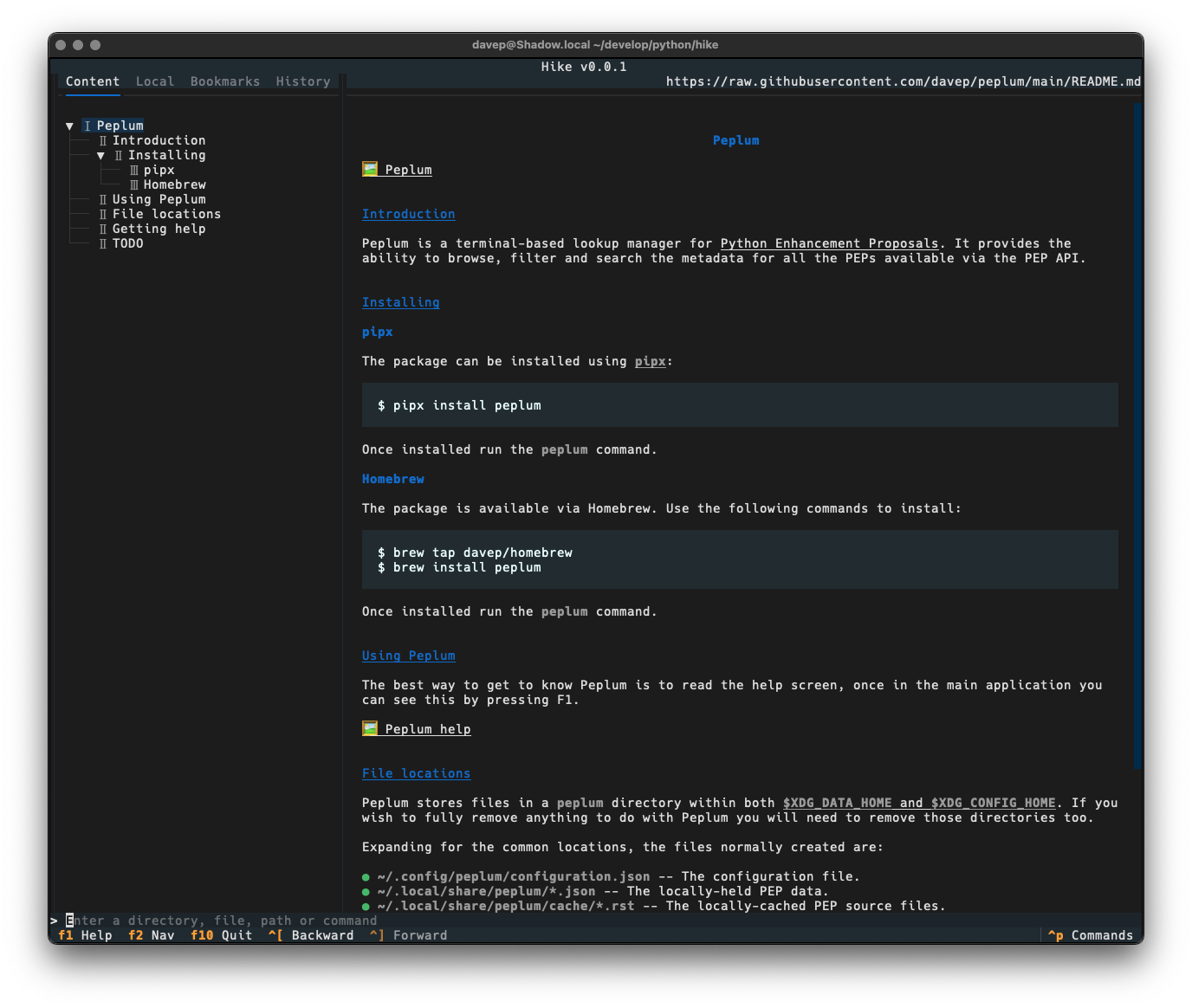
Once again, themes are supported so no matter your taste you should find something that's easy on your eyes:

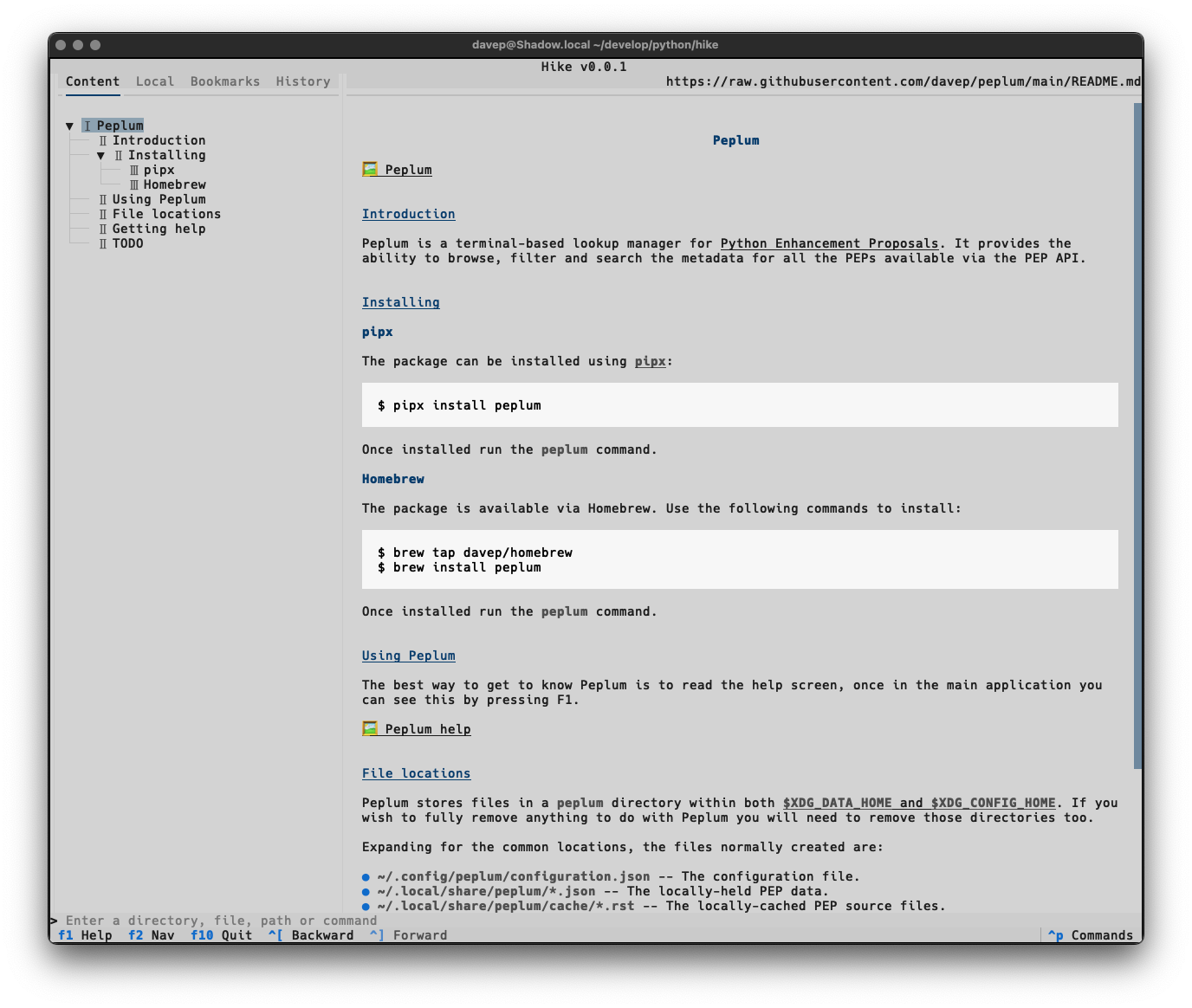
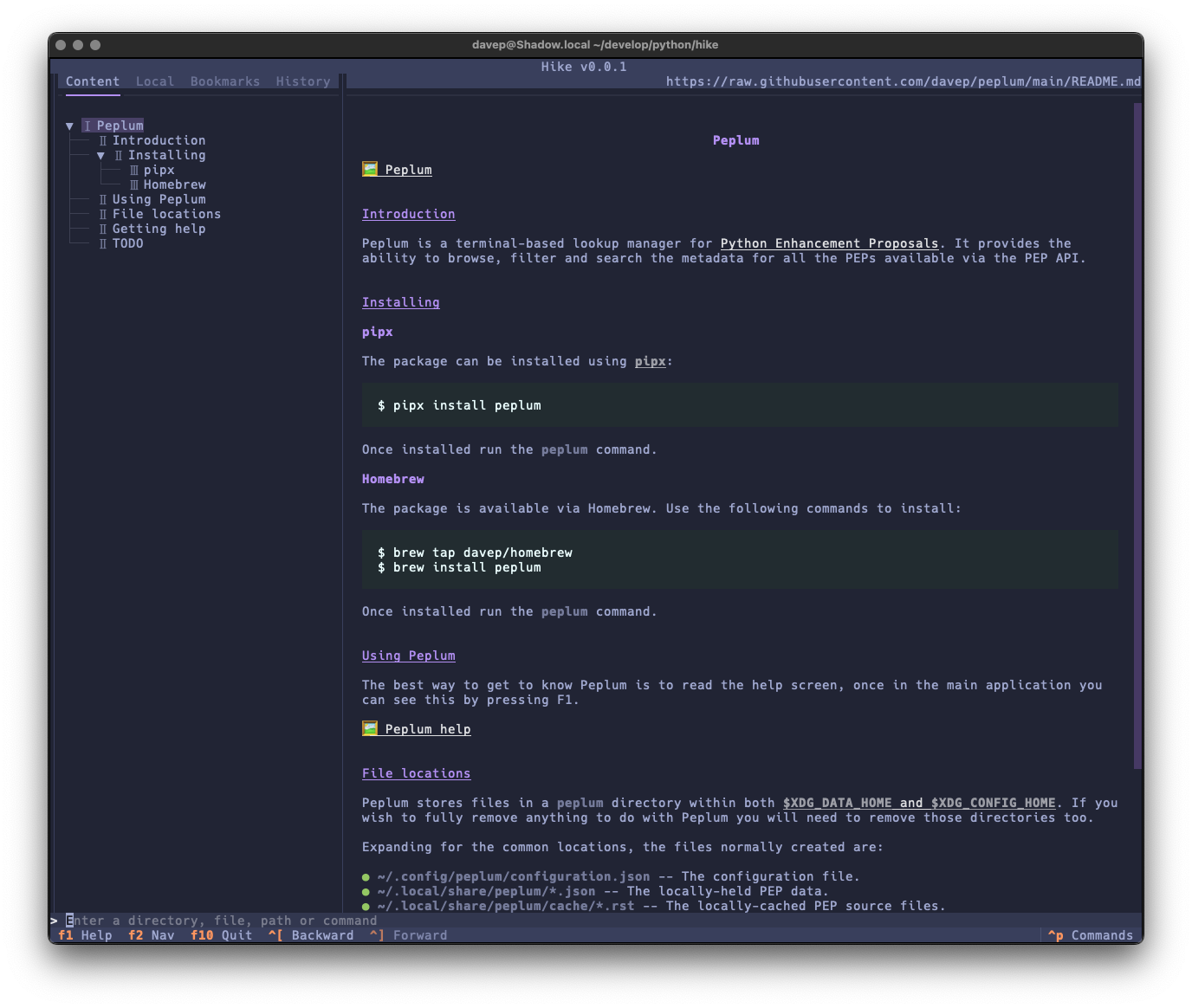
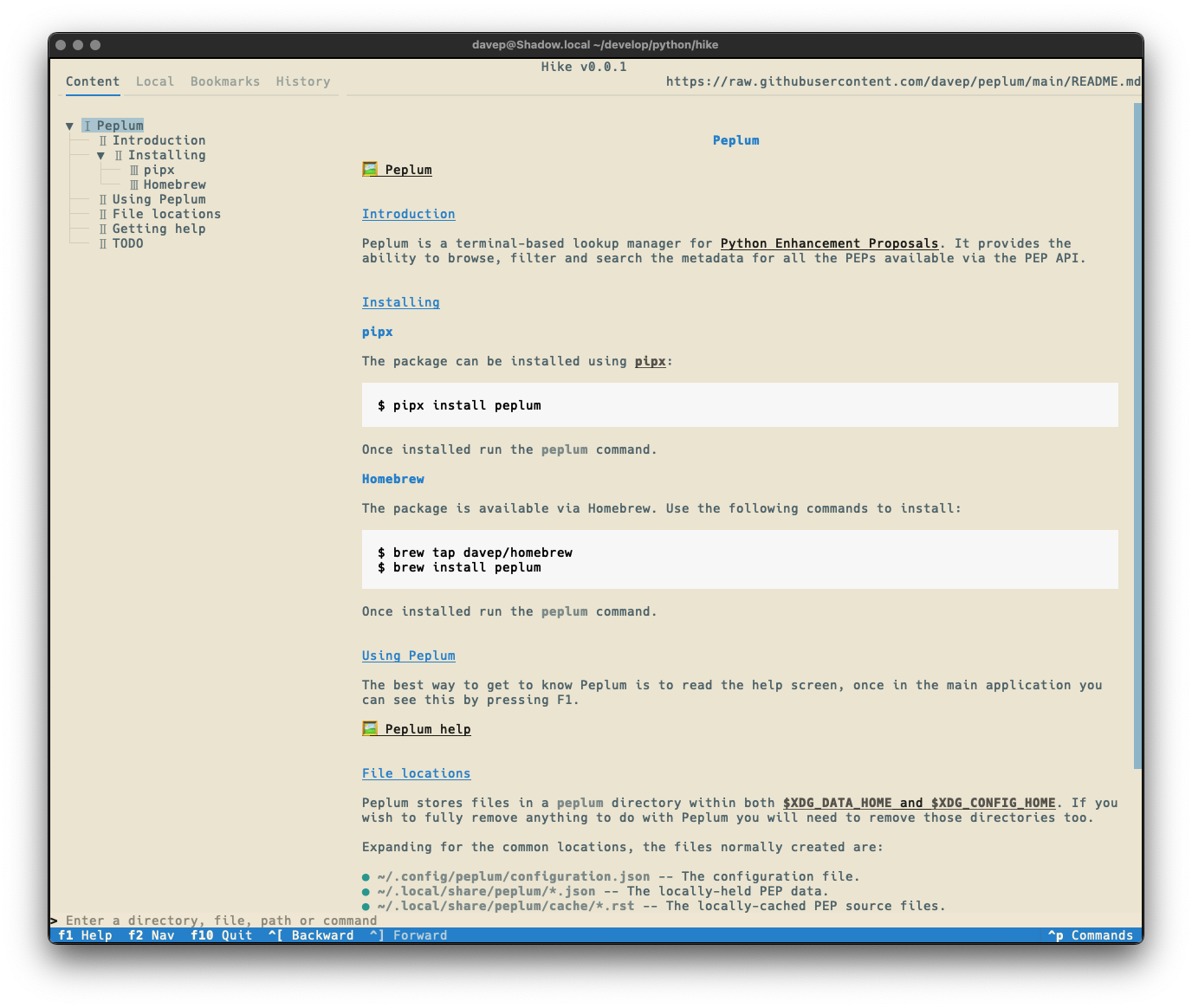
Dark Light Tokyo Night Solarized Light

Hike is licensed GPL-3.0 and available via GitHub and also via PyPi. If you have an environment that has pipx installed you should be able to get up and going with:

pipx install hike

It can also be installed with Homebrew by tapping davep/homebrew and then installing hike:

brew tap davep/homebrew
brew install hike

Expect to see more updates in the near future; this is very much an ongoing tinker project.