Posts tagged with "mandelbrot"

Complexitty v1.1.0

2 min read

Complexitty

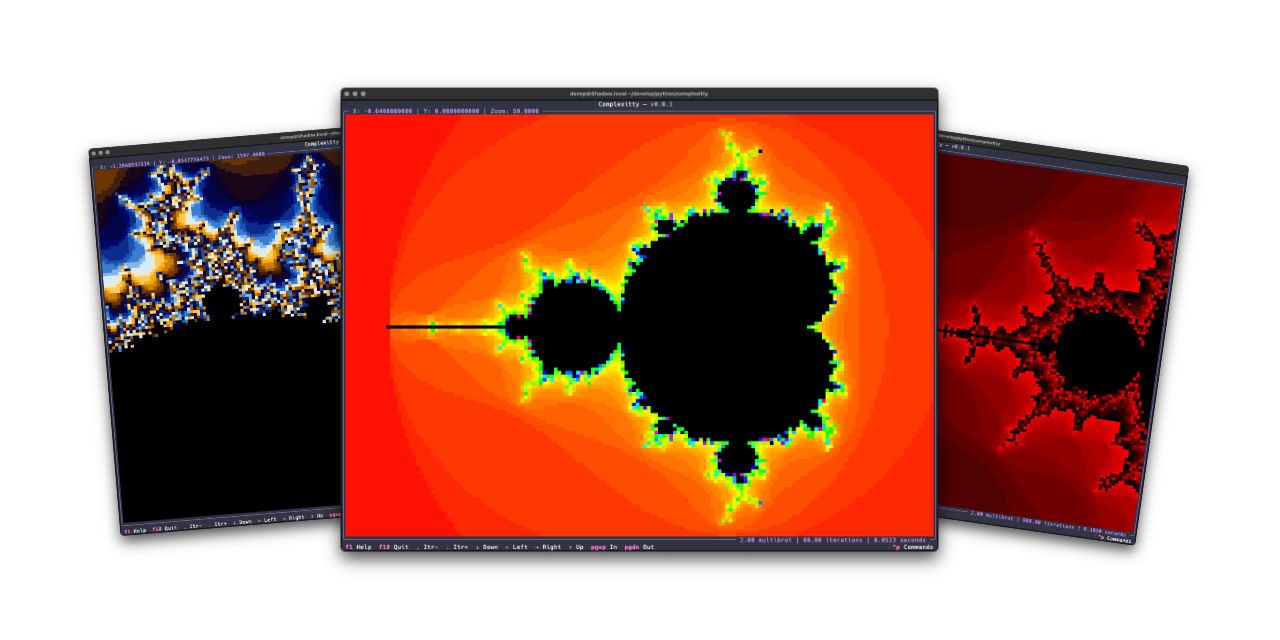
I've just released v1.1.0 of Complexitty, my little Mandelbrot explorer for the terminal. I first released it in April last year and have tinkered with it on and off since. Most of the changes have been to do with easier navigation, some additional colour schemes, the ability to pass location information on the command line, that sort of thing; meanwhile, the very heart of it has stayed the same "it's as fast as it's ever going to be expect it to not be fast" approach.

It's a Python application after all: they can be fast, but something like this isn't going to compete with the serious Mandelbrot explorers.

v1.1.0, however, has a little optional speedup. If you install it normally it'll work at the pace it always did: the more you zoom in, the more you ramp up the iterations to tease more detail out, the slower it gets. But now: if you install it as complexitty[faster] rather than just as complexitty it will use Numba to speed up the main calculation.

On the very first run things will be slow to start up, but from then on I see a real improvement. As you zoom in and explore and up the detail, the calculation remains pretty fast. The drop-off of speed that you see without Numba just isn't there.

While the whole idea of Complexitty was to see what I could do with Python, in the terminal, using Textual, and keeping it "pure", I feel this is an acceptable "cheat" given it's optional.

I'm considering this an experimental change for now, as I don't know how well it will work in all places where Complexitty could be otherwise installed. So give it a go, see if it installs and runs as complexitty[faster], and if it doesn't: fall back to plain old complexitty.

If you're interested you can find the source over on GitHub, with the application available via PyPI. If you use pipx you should be able to install with either:

pipx install complexitty[faster]

or

pipx install complexitty

If you're a fan of uv (and who isn't these days?) then try either:

uv tool install complexitty[faster]

or fall back to:

uv tool install complexitty

In fact, to squeeze everything you can out of Complexitty, perhaps try:

uv tool install complexitty[faster] --python 3.14
Complexitty

2 min read

Complexitty

Much like Norton Guide readers or the 5x5 puzzle, code that has fun with the Mandelbrot set is another one of my goto exercises. I've written versions in many languages, and messed with plots in some different environments, as varied as in VR on the web to wearable items.

Back in the early days of my involvement with Textualize I wrote a deliberately worst-approach version using that framework. The whole thing was about taking a really silly approach while also stress-testing Textual itself. It did the job.

Later on I did a second version that targets Textual. This time it did a better job and was the catalyst for building textual-canvas. This version was intended more to be a widget that happened to come with an example application, and while it was far more better than the on-purpose-terrible version mentioned above, I still wasn't 100% happy with the way it worked.

Recently I did some maintenance work on textual-canvas, cleaning up the repository and bringing it in line with how I like to maintain my Python projects these days, and this prompted me to look back at textual-mandelbrot and rework it too. Quickly I realised it wasn't really sensible to rewrite it in a way that it would be backward compatible (not that I think anyone has ever used the widget) and instead I decided to kick off a fresh stand-alone application.

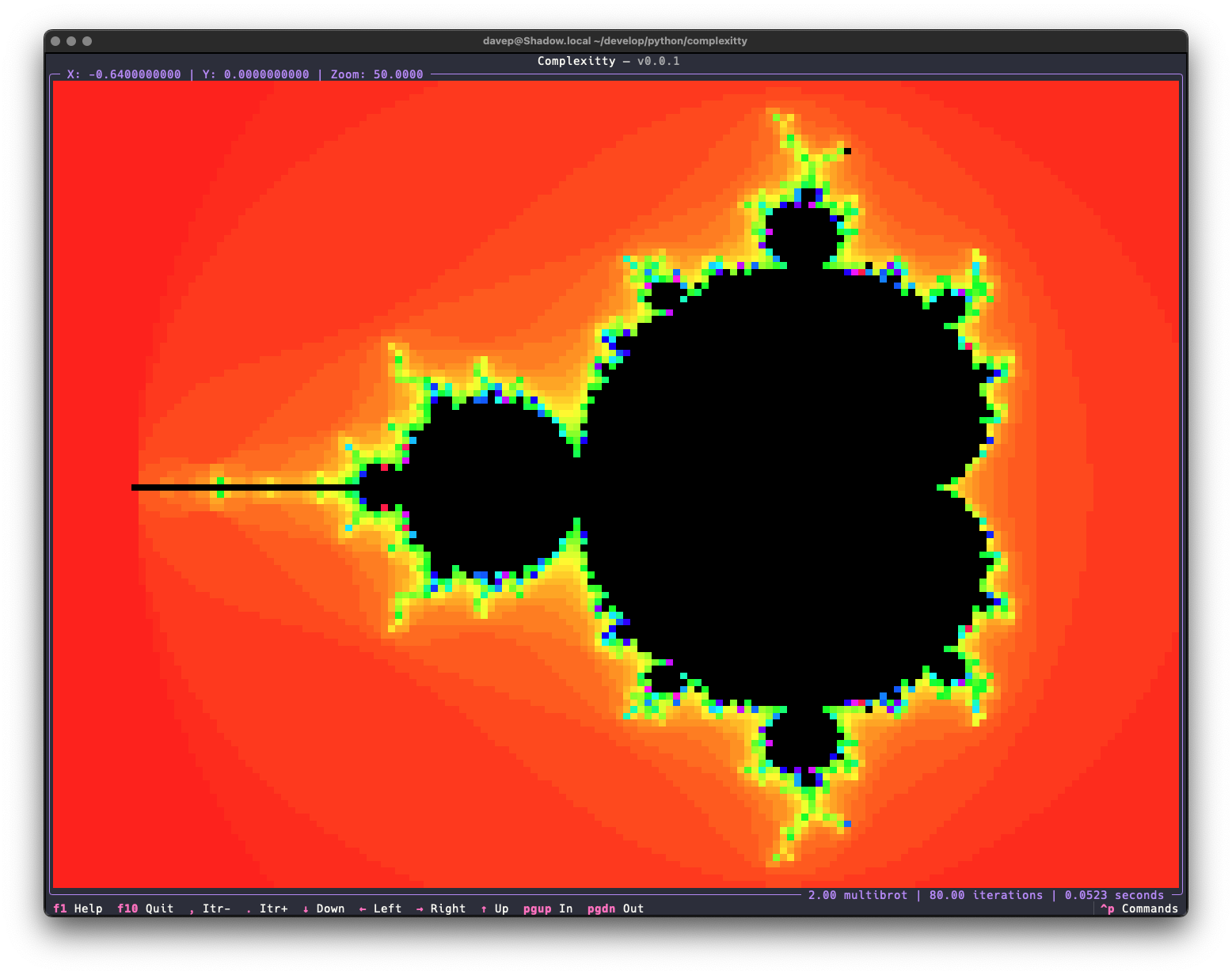
Complexitty is the result.

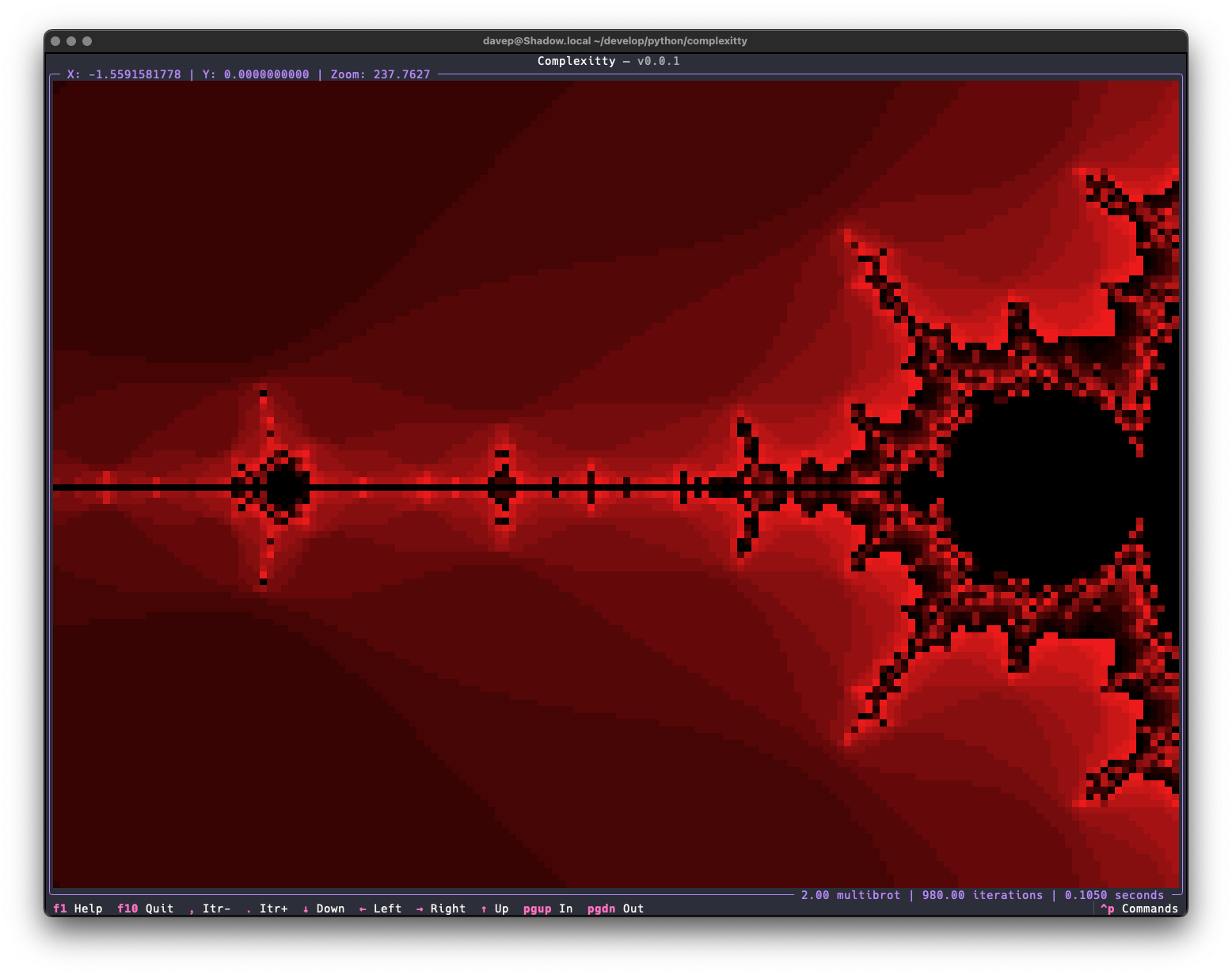
Complexitty on startup

Right now the application has all the same features as the mandelexp application that came with textual-mandelbrot, plus a couple more. Also it's built on top of the common core library I've been putting together for all my own terminal-based Python applications. As time goes on I'll add more features.

Zoomed in with Complexitty

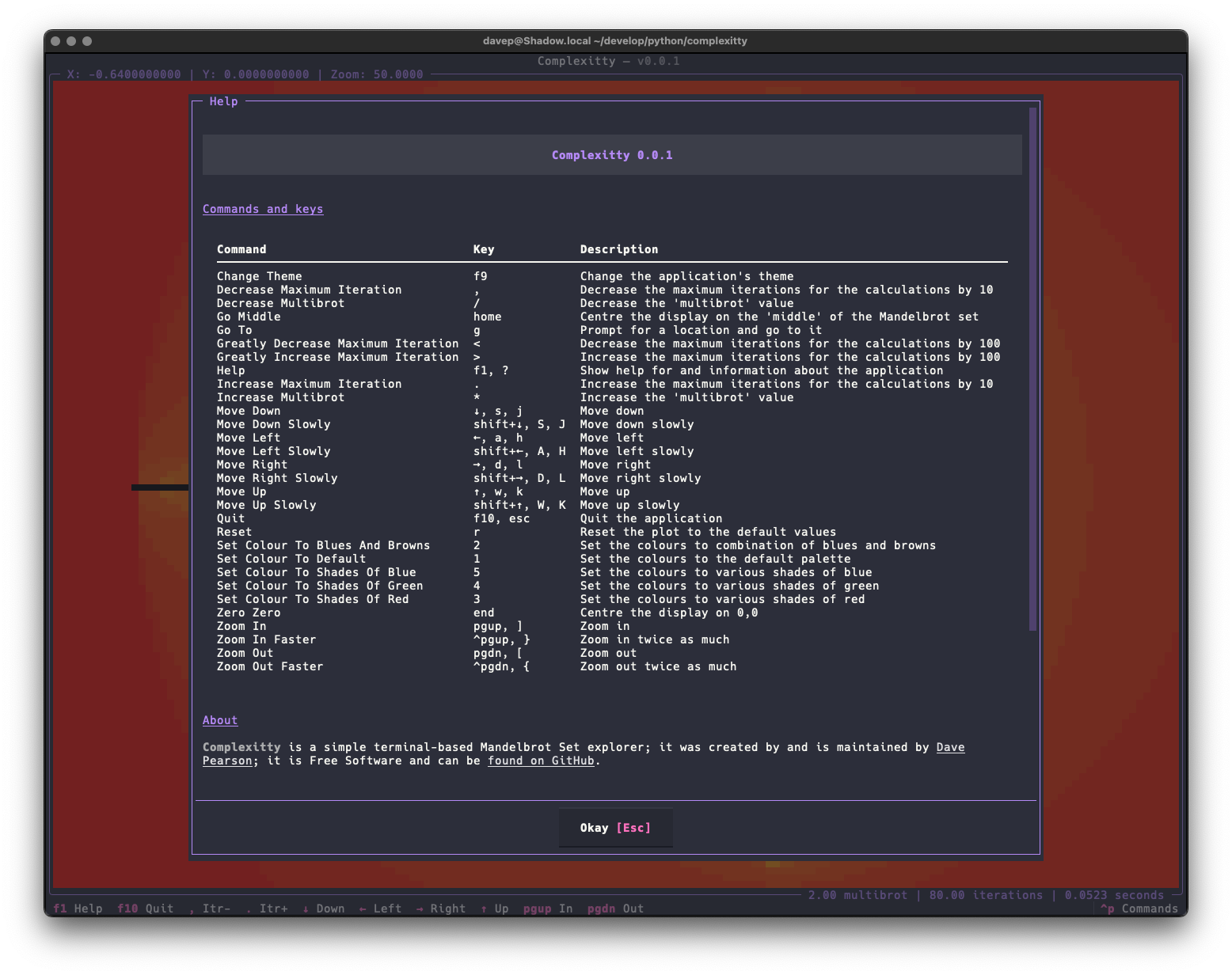
As with most of my recent TUI-based projects, the application is built with comprehensive help for commands and key bindings.

The help screen

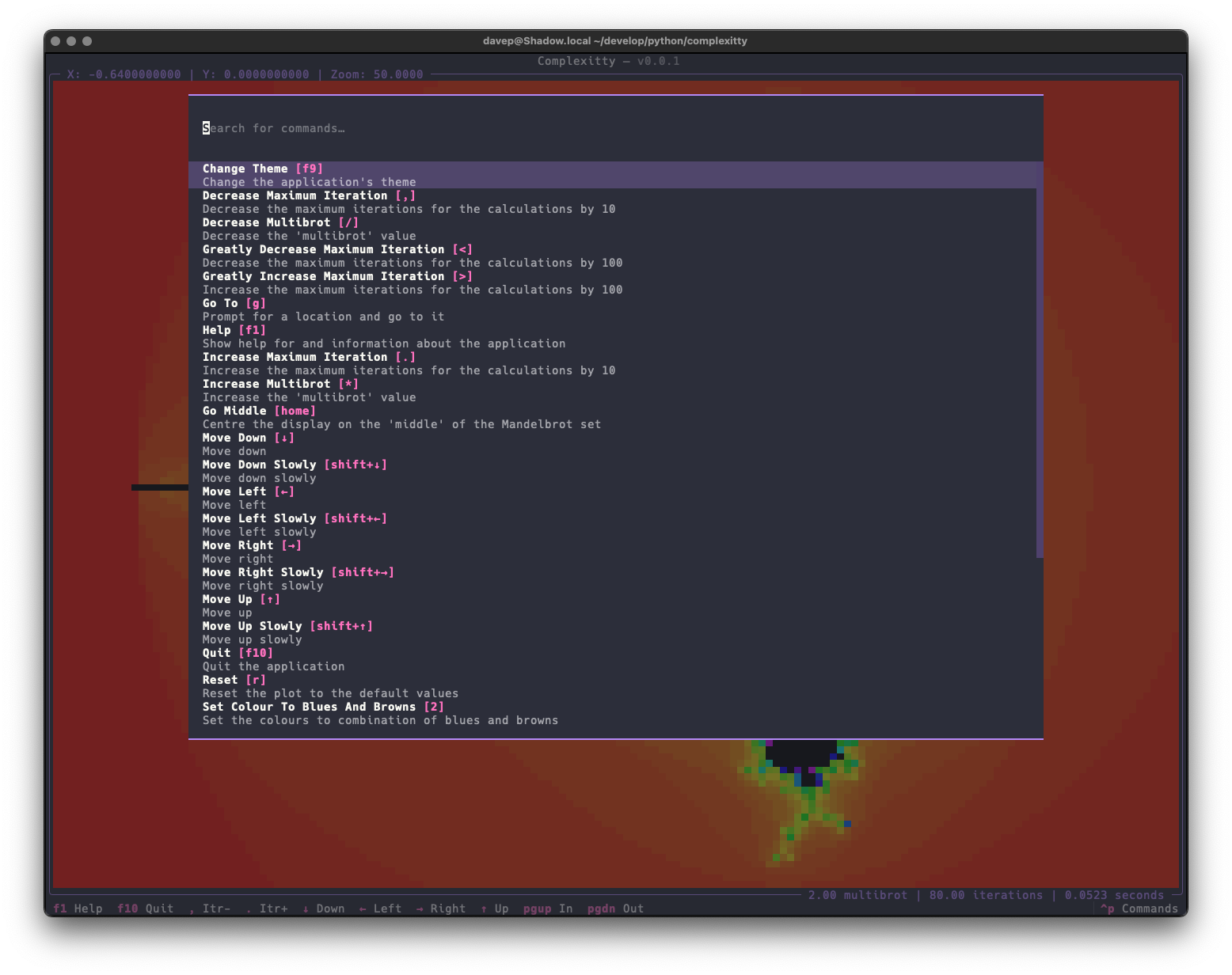
and there's also a command palette that helps you discover (and run) commands and their keyboard bindings.

The command palette

Complexitty is licensed GPL-3.0 and available via GitHub and also via PyPI. If you have an environment that has pipx installed you should be able to get up and going with:

pipx install complexitty

It can also be installed with Homebrew by tapping davep/homebrew and then installing complexitty:

brew tap davep/homebrew
brew install complexitty

Mandelbrot Commands

2 min read

I don't think I've mentioned it before on this blog, but some time back I decided it would be fun to use Textual to write a Mandelbrot explorer (simple Mandelbrot explorers have been another one of my favourite known problem to try an unknown thing problems). Doing it in the terminal seemed like a fun little hack. I started off with creating textual-canvas and then built textual-mandelbrot on top of that.

Not too long back I added a "command palette" to Textual (I'd prefer to call it a minibuffer, but I get that that's not fashionable these days), but so far I've not used it in any of my own projects; earlier today I thought it could be fun to add it to textual-mandelbrot.

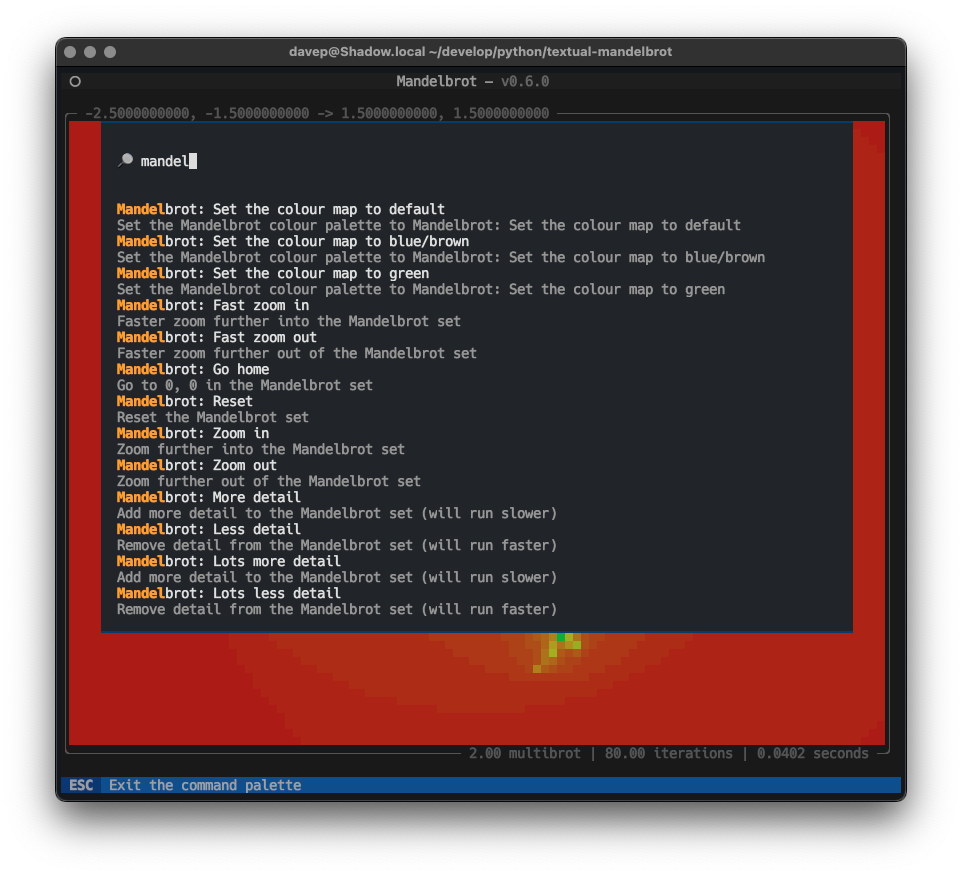
Mandelbrot commands in action

Most of the commands I've added are trivial and really better covered by (and are covered by) keystrokes, but it was a good test and a way to show off how to create a command provider.

Having started this I can see some more useful things to add: for example it might be interesting to add a facility where you can bookmark a specific location, zoom level, iteration value, etc, and revisit later. The command palette would feel like a great way to pull back those bookmarks.

What I really liked though was how easy this was to do. The code to make the commands available is pretty trivial and, I believe, easy to follow. Although I do say so myself I think I managed to design a very accessible API for this.

There's more I'd like to add to that (the Textual command palette itself, I mean), of course; this was just the start. Support for commands that accept and prompt for arguments would be a neat and obvious enhancement (especially if done in a way that's reminiscent of how commands could be defined in CLIM -- I remember really liking how you could create self-documenting and self-completing commands in that).

All in good time...