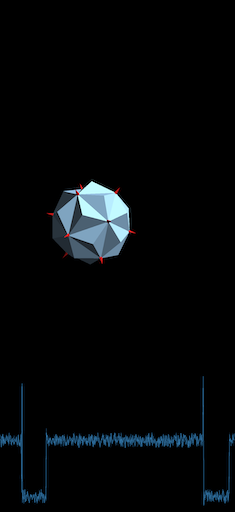
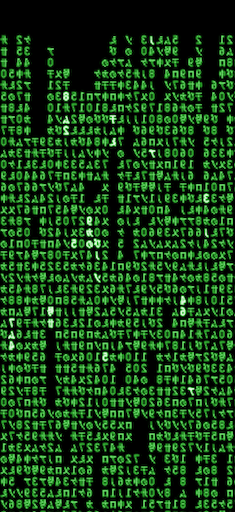
Today I learned that there's a version of XScreenSaver for iOS. I haven't used XScreenSaver in years; probably decades at this point. Not because I don't like it or anything; it's just because I've not had a GNU/Linux desktop machine in that long. But the chance to install the app on my phone and scroll through all the different graphics demos is too good to pass up.
While I know the subject really fires some people, ad blockers are something I've never really paid too much attention to. Back in the early days of the web, the really early days, I used to run with full-on JavaScript blocking1. The web changed and I accepted it.
More recently, as I've become a full-time Safari user in the last couple of years, I've been running with Ka-Block! installed. It's been fine. I've never really noticed it. I think it blocked some stuff, but not other stuff. I've never really noticed if it was getting updated or not; I just wasn't paying attention.
Then, this morning, I saw this post in the Fediverse and for some reason it caught my eye. I followed the link, did a bit of searching, asked Misko about his experiences with the app, and saved a bookmark.
Now, this evening, I've thrown down my fiver and I'm running with Wipr 2 installed, both on my Air and my iPhone. When I'm next on either of my Minis, or on my iPad, I'll throw it on there too.
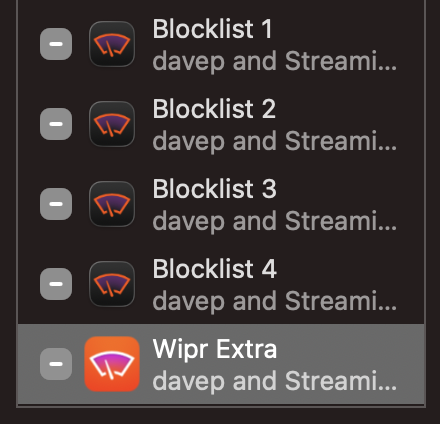
The installation process was straightforward, albeit one where you need to enable four extensions rather than just the one.
As well as that, you then need to enable it in the app itself and you're good to go. I've since tried visiting a couple of locations that I know still showed adverts or consent pop-ups and... clean. So clean!
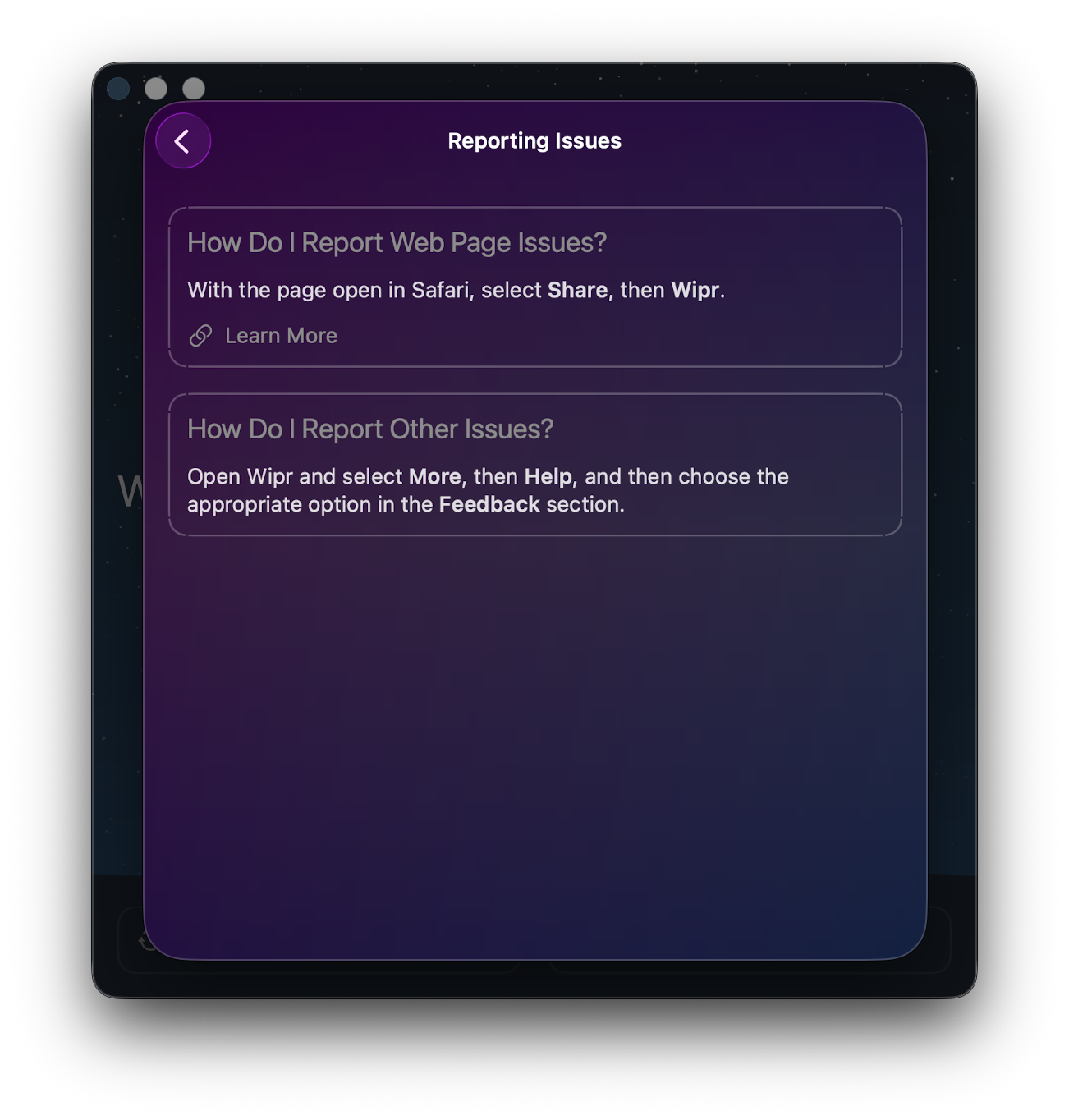
My expectation for tools like this is that they end up breaking some site in a way you least expect, so I'll be very aware of that for a while. That said, if I do run into a problem, not only is it easy enough to turn blocking off just for that one site, there's a very clear route to reporting problems too.
Mostly, though, I hope I can go back to paying this app no attention whatsoever. If I can, I imagine that's high praise and a job well done for this sort of tool.
I just know someone is reading that and thinking "pfft, JavaScript came along late into the web you noob". ↩
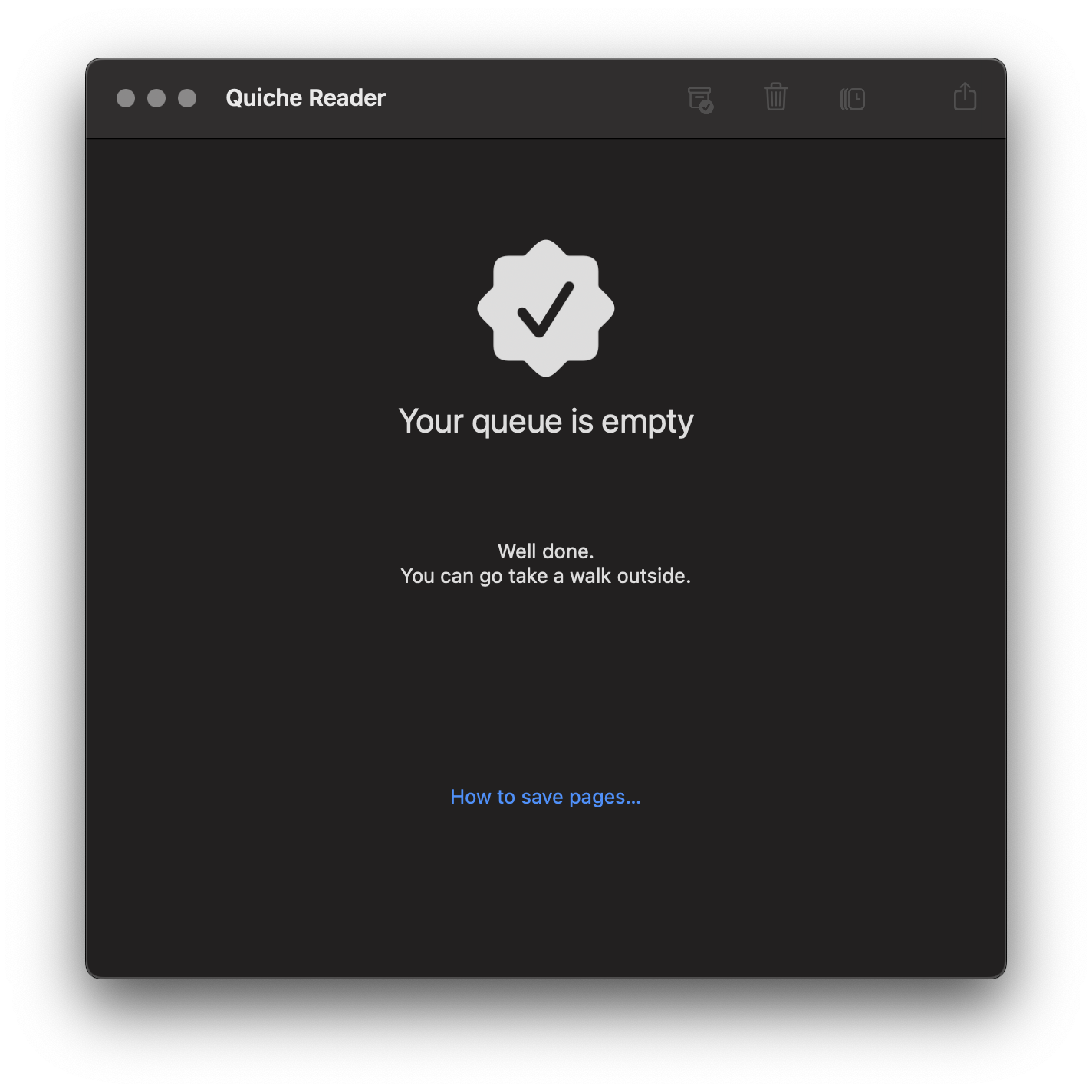
I can't quite remember where I found this this week, I think it might have been via a comment on some article on the orange site1, but I stumbled on a really handy bit of free (as in beer) software called Quiche Reader.
It's really simple and I feel exactly the sort of thing I need. Over the years I've tried all sorts of "save to read later" tools and systems; be it things like Pocket, or tools now built into the browser these days, even adding URLs to Remember the Milk (back when I used that) or (these days) Apple Reminders.
Nothing ever quite stuck. Normally I'd end up slapping stuff to read into these systems and then never reading them.
Quiche Reader, so far, feels like the perfect approach.
It's quite simple: if I see something I want to read a bit later I save it into the application (which will sync to my other devices via iCloud). Then, when I go to Quiche Reader, I have to read the article or delete it and move on. This is sort of what I'd do anyway, saving stuff up for months on end until one day I'd declare saved reading bankruptcy and then start the whole cycle again.
Now I can look at the saved article stack and I'm forced to either read the thing, or be honest with myself that if I'm not gonna read it now, I'm probably never going to.
It does have a "pause" facility (or something like that, I forget the name) where you can throw an article to the back of the queue; but even then that means it'll keep popping back to the top again.
I'll see how it goes; but so far I feel like this is the best "I'll save this to read later" tool I've found yet.
I know, I KNOW! But there's so few places left to aimlessly scroll on the bus now! ↩