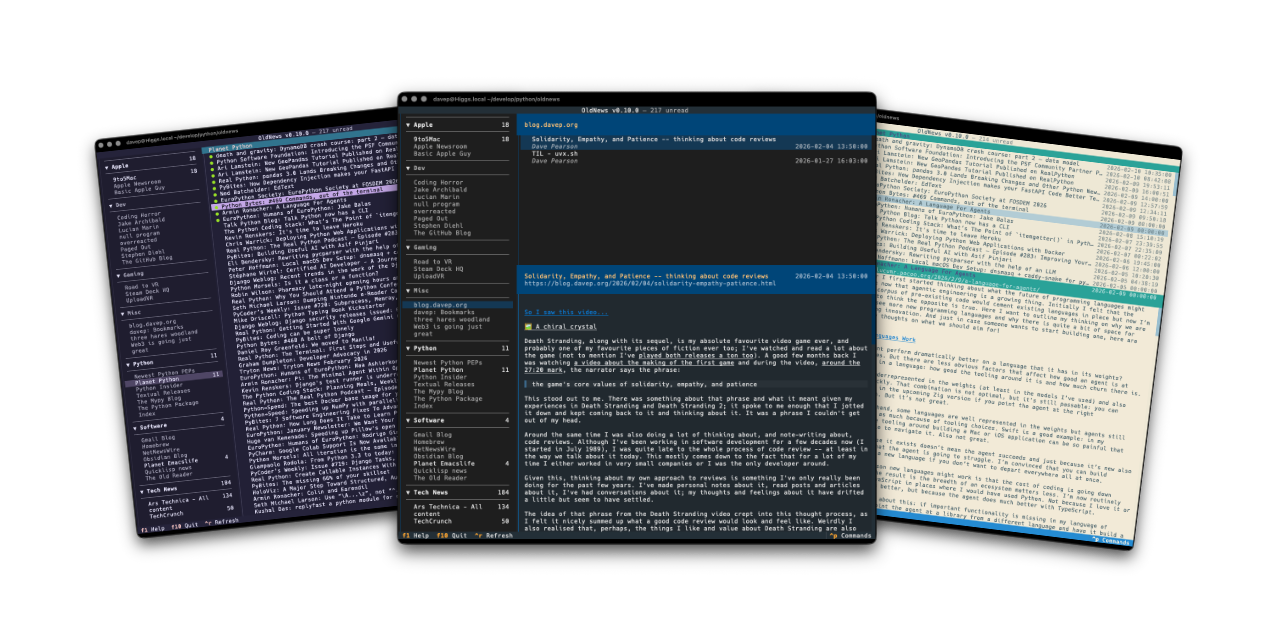
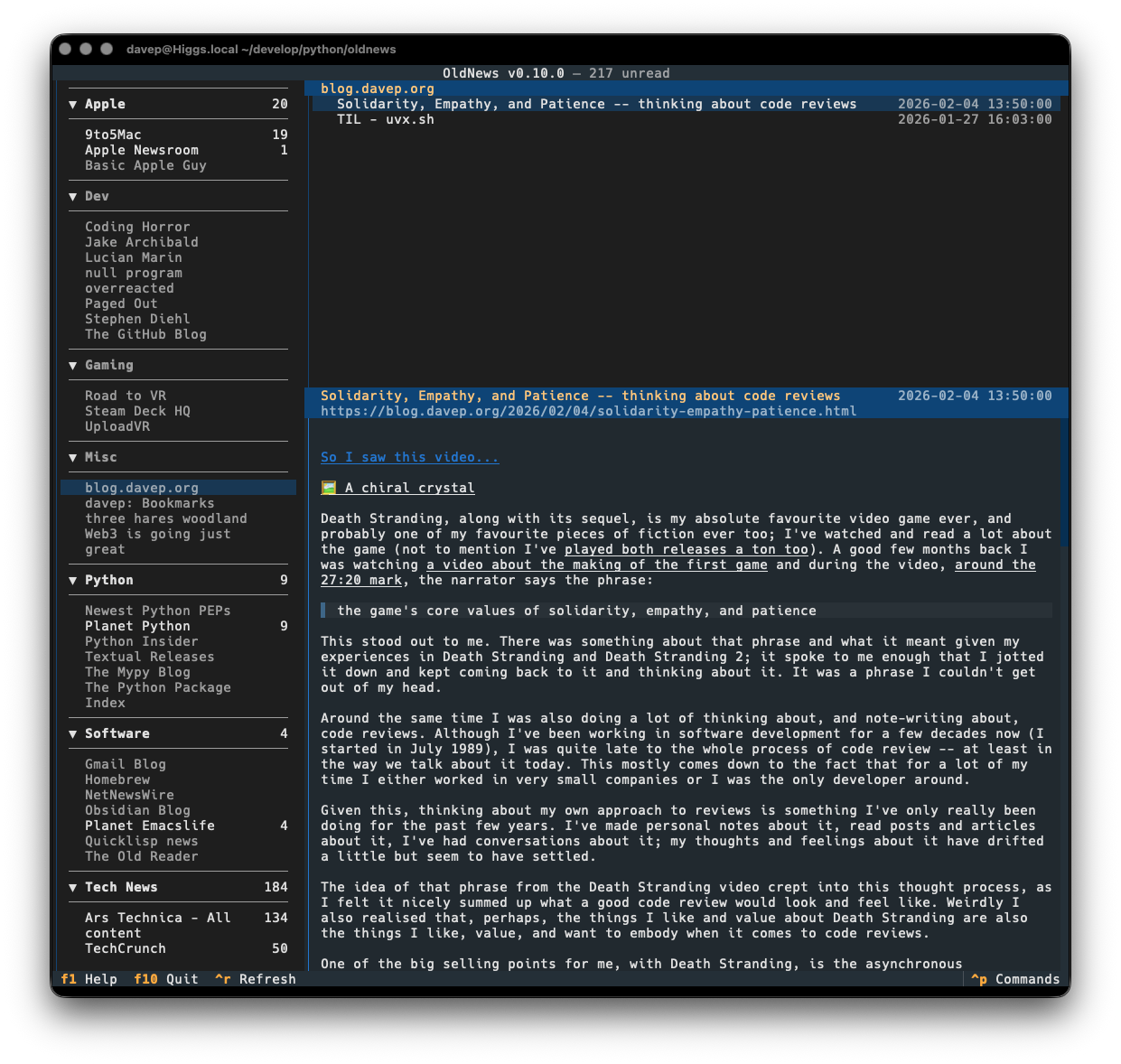
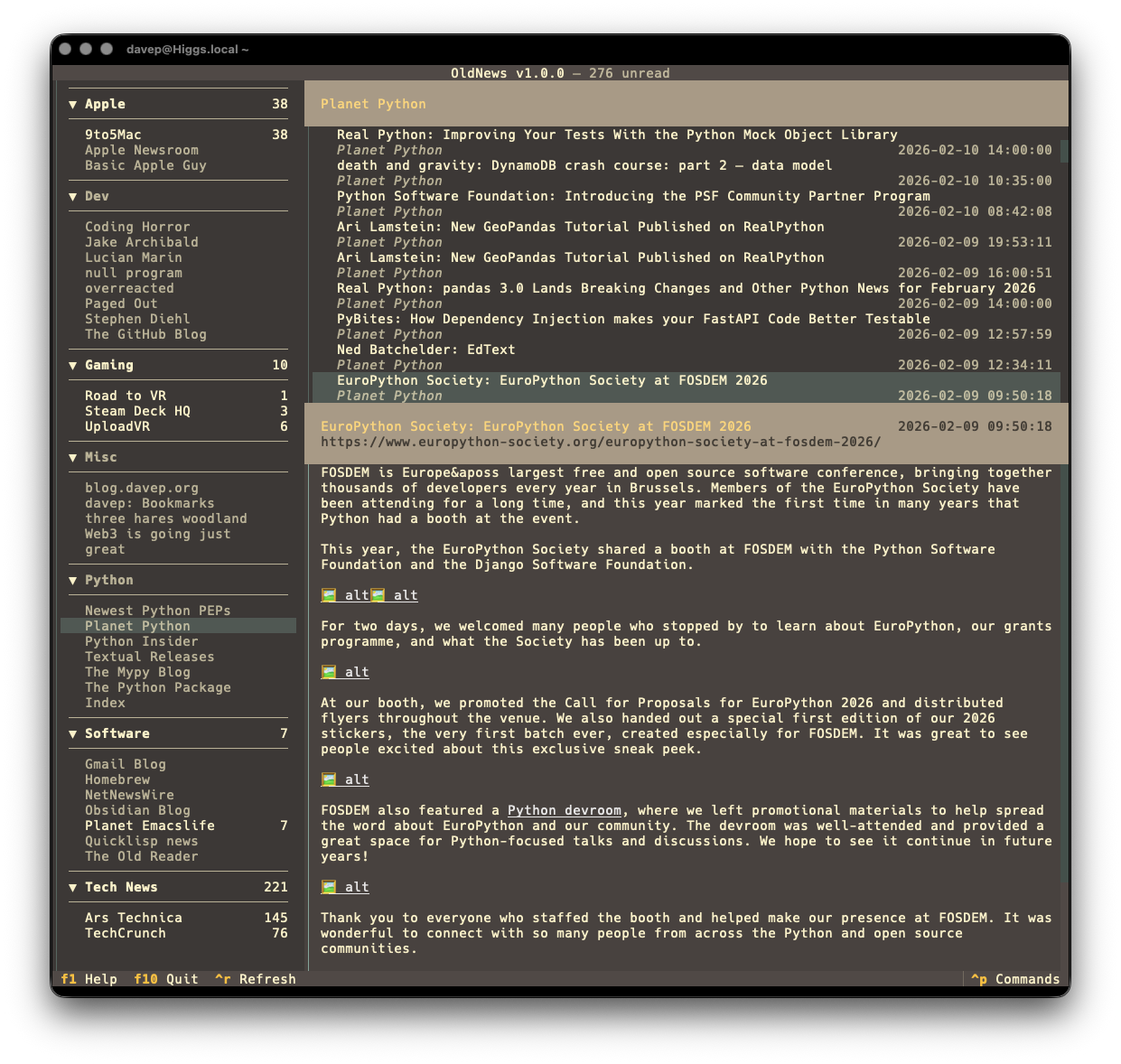
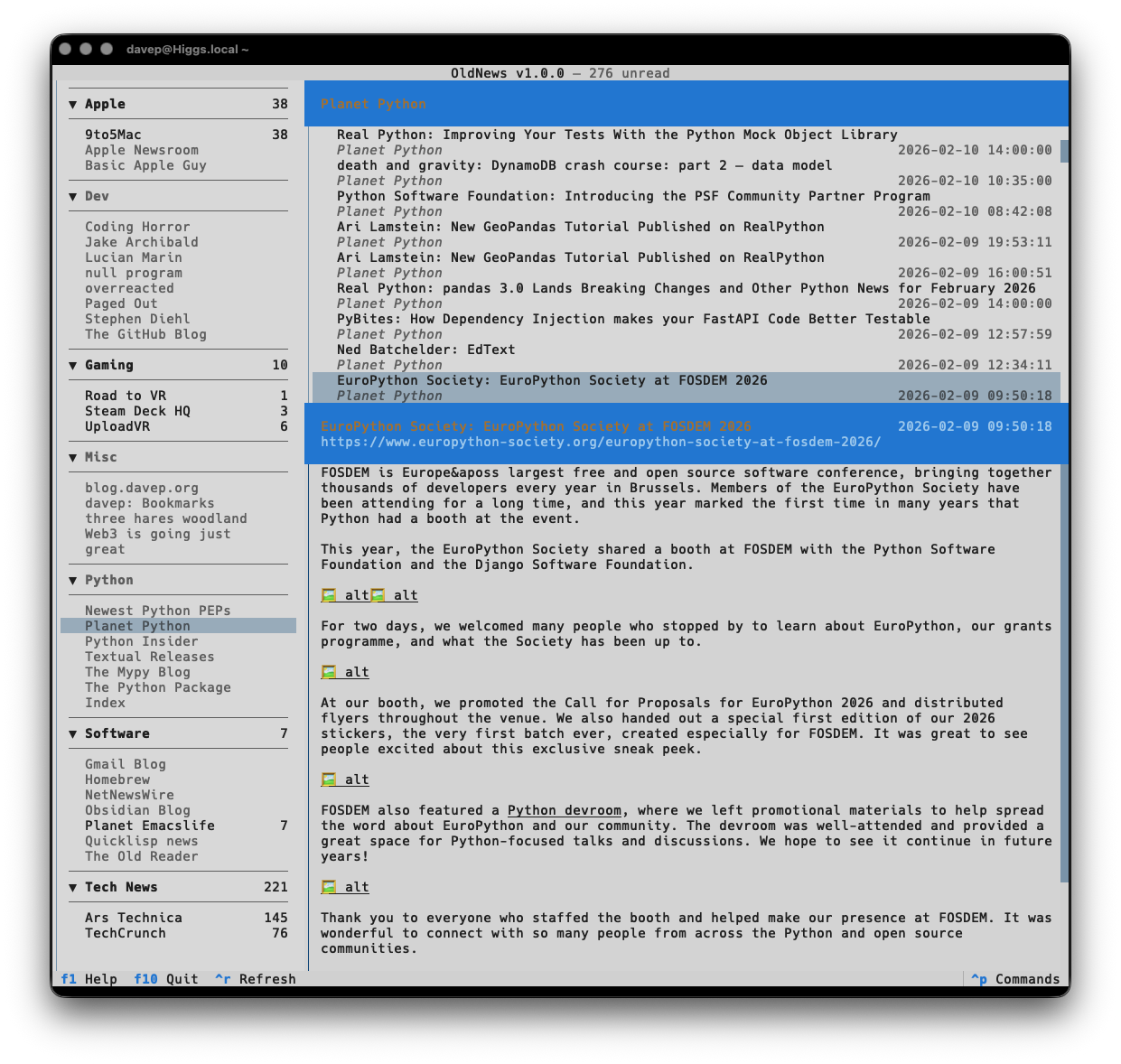
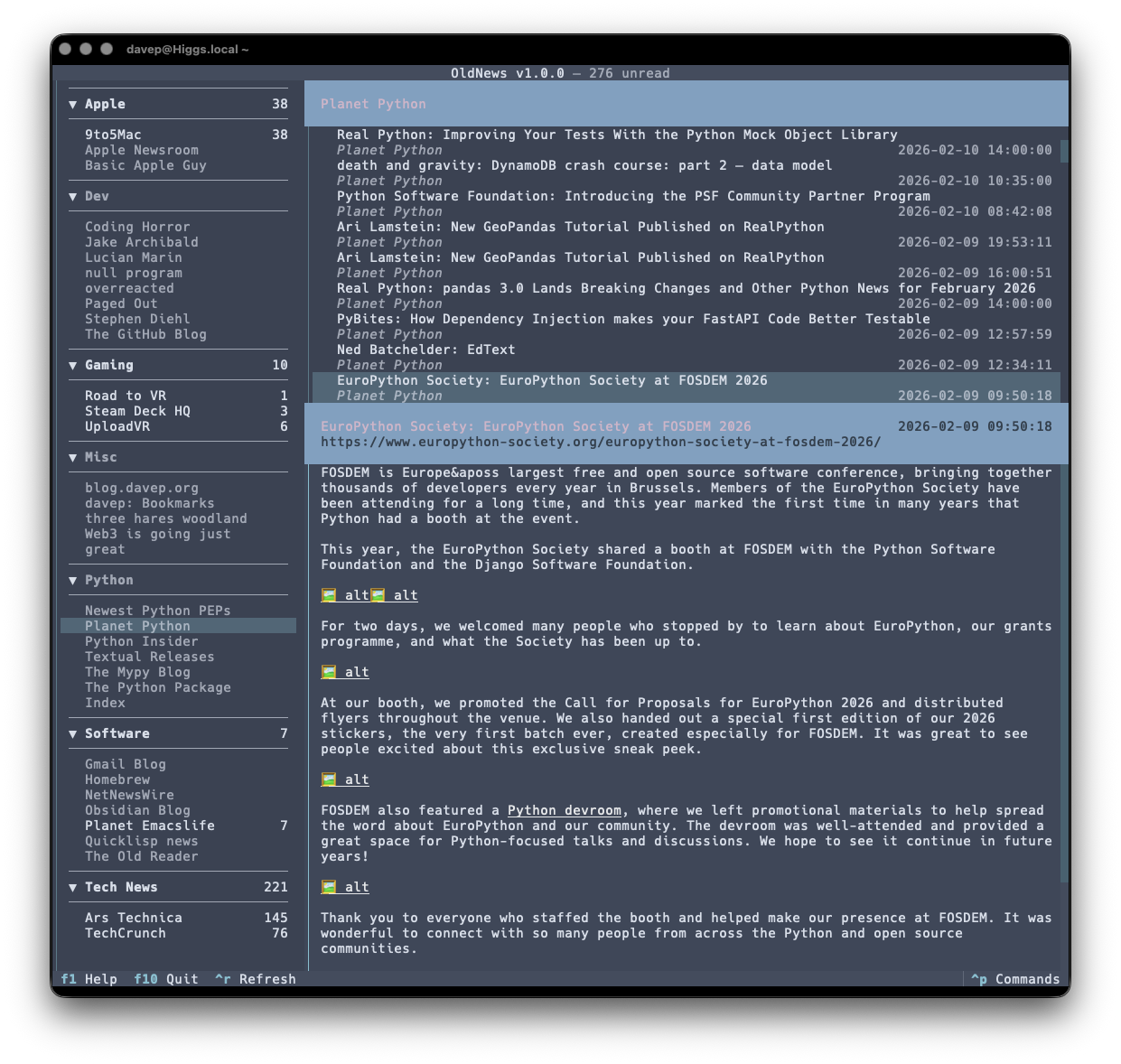
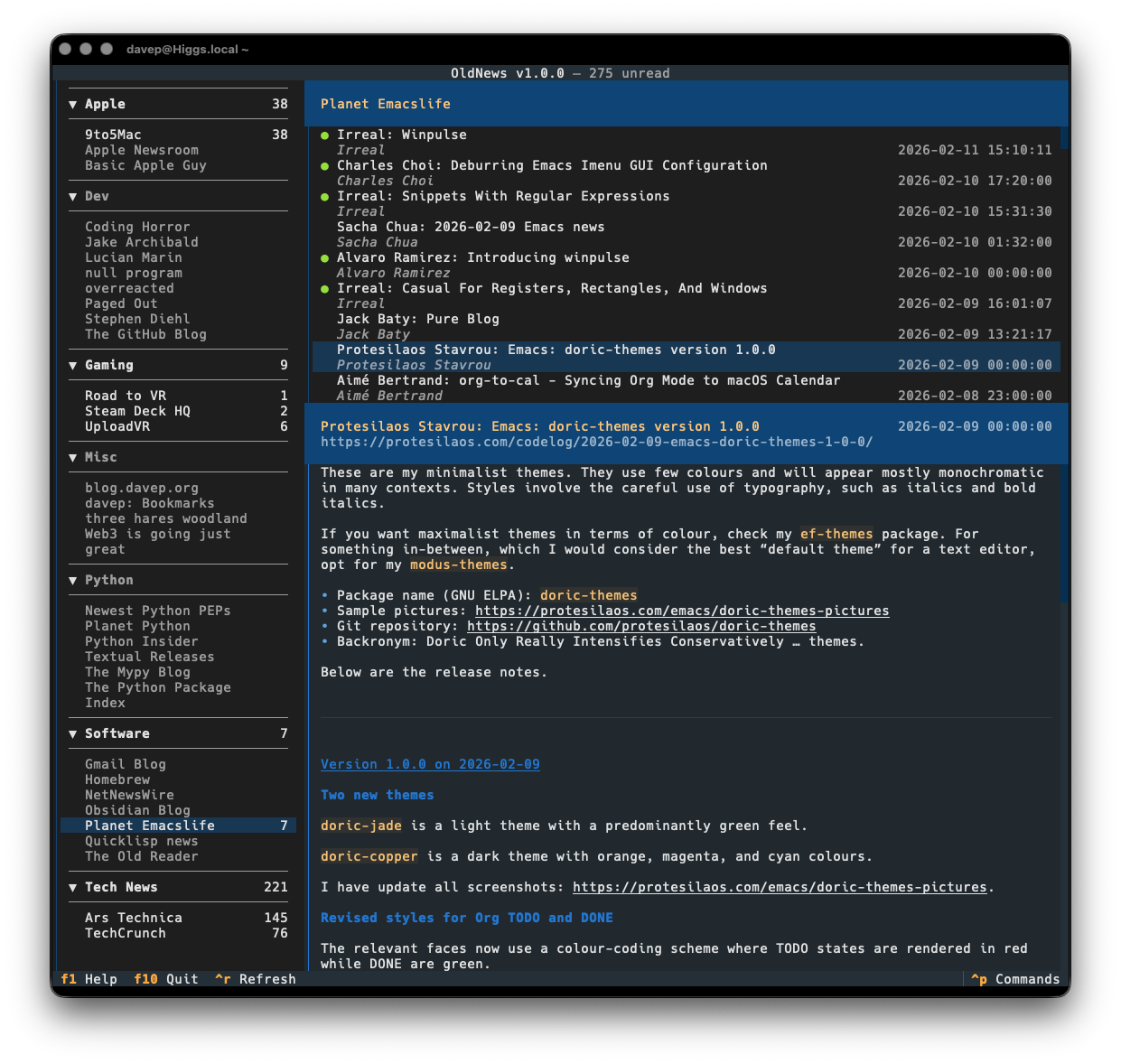
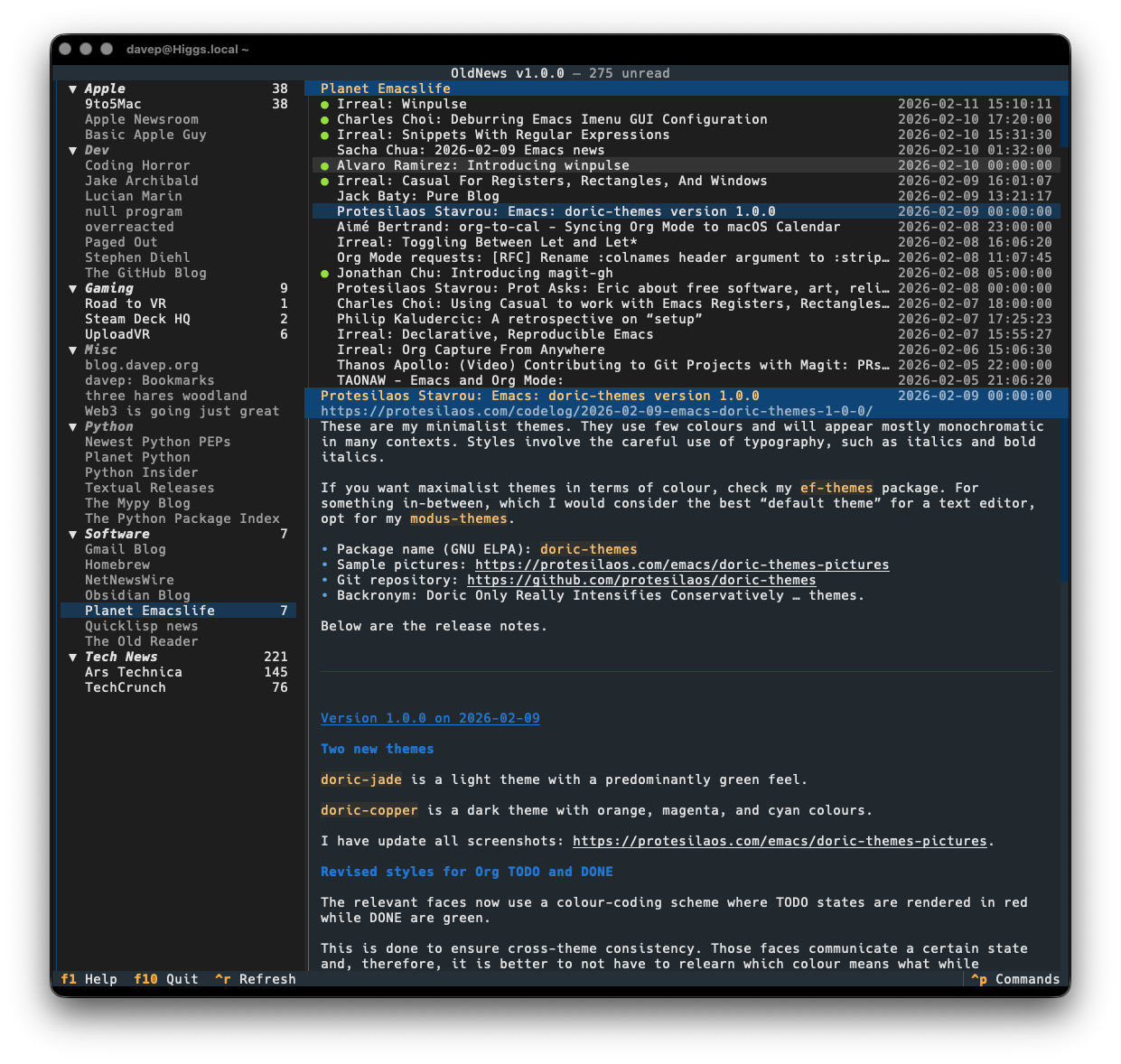
I've made a minor bump to OldNews, my terminal-based client for TheOldReader. There's no significant change in this release, but it does change the dependency on html-to-markdown.
Since I initially released the application, this library seems to have been through a couple of significant changes, and not every breaking change seems to have resulted in a major version bump. OldNews doesn't pin this dependency to a major version (I try not to, only ever setting lower-bounds for dependencies where possible), so it's fair that a change there can break things. I also think it's fair to hope that minor version changes won't cause trouble.
Recently, I've seen the library update with a minor version change and it's flat-out caused runtime errors, either because the API has changed, or because of an error being thrown by legitimate use of the API.
Most recently, such an error happened, and was fixed by the time I noticed it, but the release that was made never made it up to PyPI. This left OldNews stuck not working. Because of this I had to pin the library to an earlier version.
It's now been updated again and PyPI is correct, so I think it's safe to relax the pin.
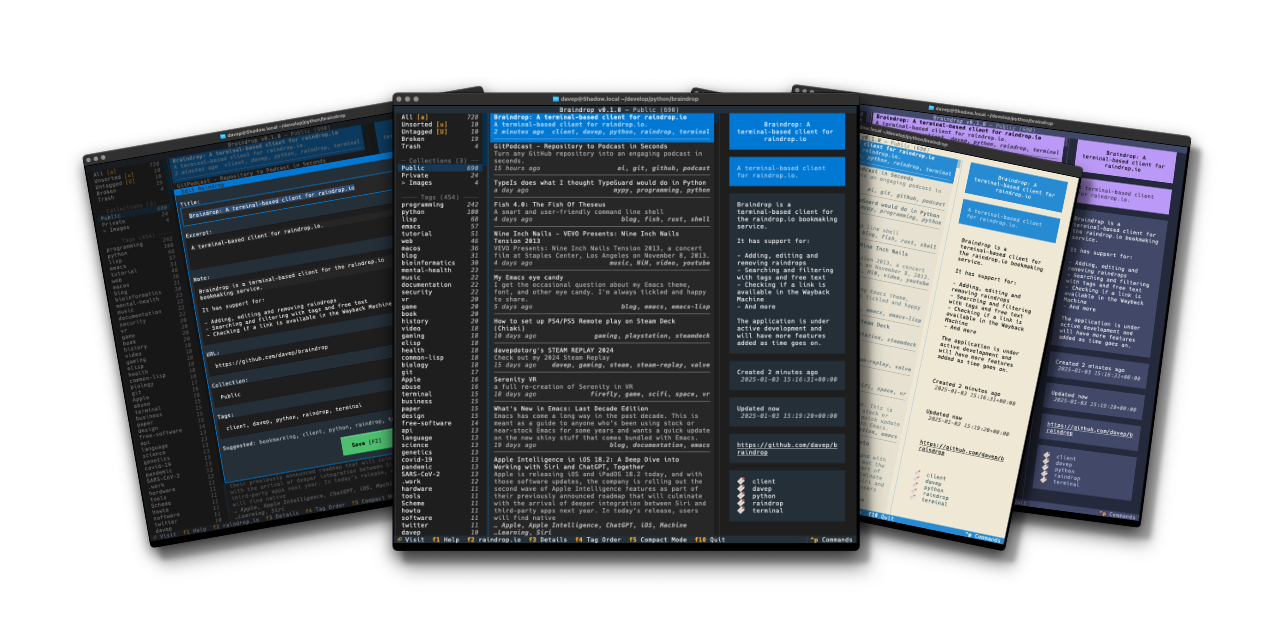
It's now well over a year since I released Braindrop and it's in constant use by me. I continue to find raindrop.io a really useful resource, and more often than not manage, edit, tag, and review what I save there with Braindrop, including which become public, and which don't.
So with the release of v1.1.0 I've added three new commands to the application:
JumpToNavigation - Jump to the navigation panel; bound to 1 by default
JumpToRaindrops - Jump to the main raindrops list panel; bound to 2 by default
JumpToDetails - Jump to the details panel for the selected raindrop, if the panel is visible; bound to 3 by default
Now it's just a little easier and quicker to get around the UI.
If raindrop.io is your thing, and you want to work with your saved bookmarks in the terminal: Braindrop is licensed GPL-3.0 and available via GitHub and also via PyPI. It can also be installed using uv:
uvtoolinstallbraindrop
If you don't have uv installed you can use uvx.sh to perform the installation. For GNU/Linux or macOS or similar:
Yesterday evening I released v1.4.0 of OldNews, my terminal-based client for TheOldReader.
The change in this release is pretty straightforward, but something I kept finding myself wanting. I've added three new commands to the application:
JumpToSubscriptions - Jump to the subscriptions panel
JumpToArticles - Jump to the articles panel
JumpToArticle - Jump to the article panel
By default they're bound to 1, 2 and 3. So now skipping around the UI and navigating to a different article or blog is just a bit quicker.
If you're a user of TheOldReader and fancy interacting with it from the terminal: OldNews is licensed GPL-3.0 and available via GitHub and also via PyPI. It can also be installed using uv:
uvtoolinstalloldnews
If you don't have uv installed you can use uvx.sh to perform the installation. For GNU/Linux or macOS or similar:
I just grabbed and opened up the MacBook Air and met this:
First time I've ever seen this and I've been using Ghostty for quite a while now.
To be fair, the MacBook did update to 26.4.1 overnight and has tried to get back to the state it was in before the restart, so I imagine that's the cause. But I've never seen this before.
I'm all good now; I ⌘-q the app and started it again and there's no sign of a problem.
Yesterday evening I released v1.3.0 of OldNews, my terminal-based client for TheOldReader.
The main reason for this release is that html_to_markdown had a major release and the one function I use from it fundamentally changed the return type, causing OldNews to crash any time you tried to read an article.
It was a quick enough fix, although it's one I want to go back and review and perhaps see if there's a better approach, or see if this new return type offers something I could be making better use of.
The one other change, which I made a wee while ago but hadn't got round to releasing yet (I've been kind of distracted recently), is that OldNews now only makes a call out to the API to mark an article as read when you read it, but only if it was previously unread. A small internal change nobody should really notice, but it saves on work.
If you're a user of TheOldReader and fancy interacting with it from the terminal too then it's out there to try out. It's licensed GPL-3.0 and available via GitHub and also via PyPI. If you have an environment that has pipx installed you should be able to get up and running with:
Hike, my wee terminal-based Markdown viewer/browser, has had an update to v1.4.0. In this update I've made a change I've been meaning to make for ages: some support for "wiki links".
By that I mean the sort of link markup you often see in Markdown documents made with Obsidian:
In other words [[this]] instead of [this](kind-of-link.md)
Personally it's something I seldom need, but on the occasion I have been delving into my Obsidian vaults with Hike I've wished the links at least rendered "correctly", even if they wouldn't fully work.
On that note, it's worth keeping in mind that this "wiki link" implementation in Hike doesn't support something that Obsidian does: find the most likely target file for a given link. If you click such a link, Hike expects the file to be exactly where the link suggests. There's no going off and finding the most likely match in the "vault", etc (Hike obviously has no concept of a "vault").
I'm open to the idea of extending this at some point, perhaps, but not yet. The intention here isn't to build a terminal-based Obsidian-a-like, but instead to build and maintain a workable Markdown browser/viewer (and occasional editor).
Hike is licensed GPL-3.0 and available via GitHub and also via PyPI. If you have an environment that has pipx installed you should be able to get up and going with:
I've just released v1.3.0 of Hike, my little terminal-based Markdown browser. It's about a year now since I made the first release and I've been making the odd update here and there, but mostly it's a pretty stable tool. There's a few other things I'd like to do with it but I keep getting distracted by different ideas.
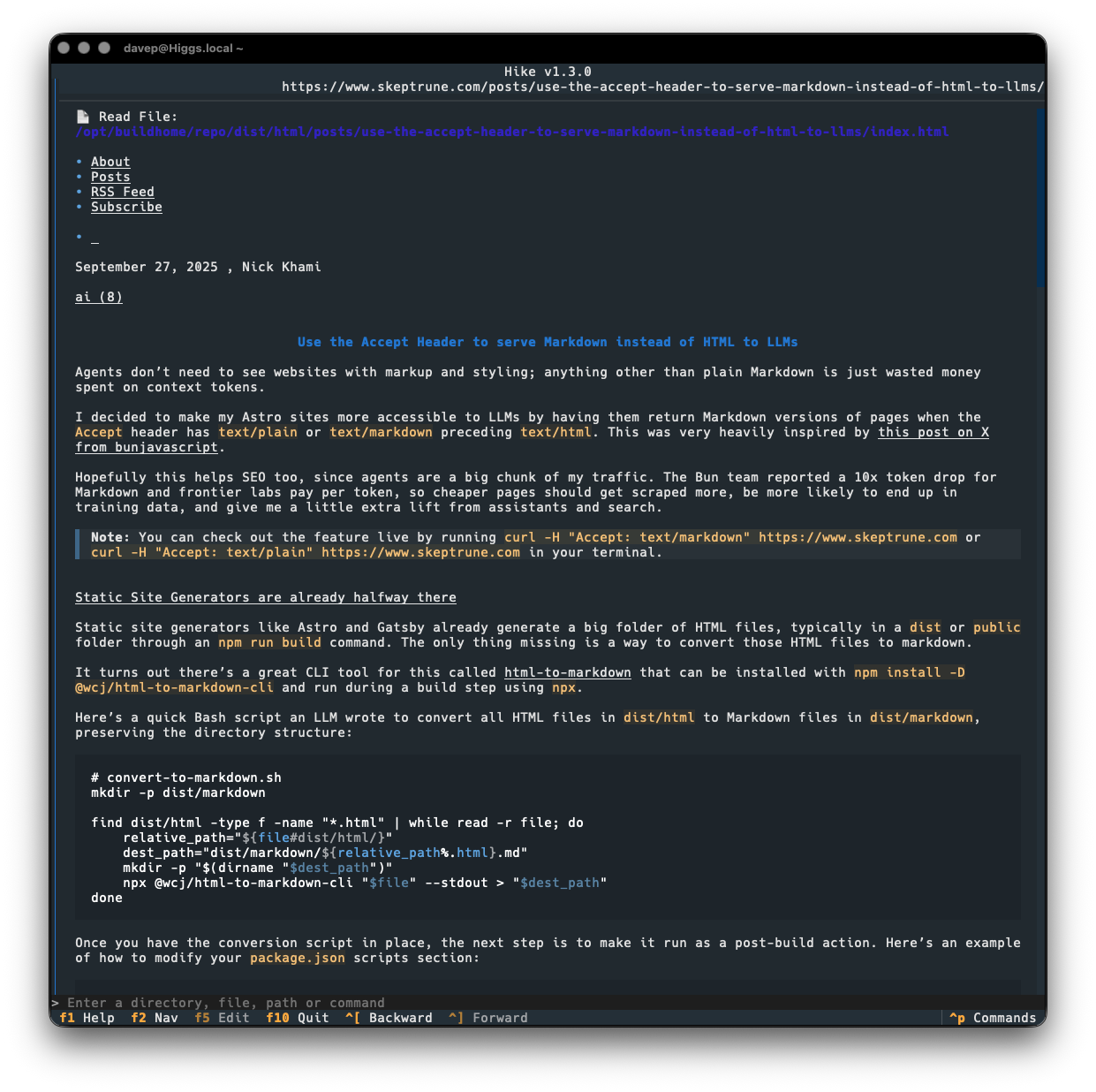
Today's release sort of rides on the coattails of the current love for all things Markdown because of "the AI". It seems that some folk are now keen on the idea of serving Markdown from their websites, when asked for it: as you can see in this post for example. While that might be handy for some LLM bot or whatever, it's also pretty handy if you happen to have a web-friendly Markdown browser!
So v1.3.0 makes a small change to how a URL is looked at when deciding if it might be a Markdown document, by saying "hey, web server, I like Markdown more than anything else, so feel free to serve me that up". If we get a Markdown type back, we go ahead and load it into Hike.
This means that the post mentioned above loads up just fine now:
Previously, Hike would have gone "nah, that's not a Markdown document" and would have handed off to the environment's web browser.
Hike is licensed GPL-3.0 and available via GitHub and also via PyPi. If you have an environment that has pipx installed you should be able to get up and going with:
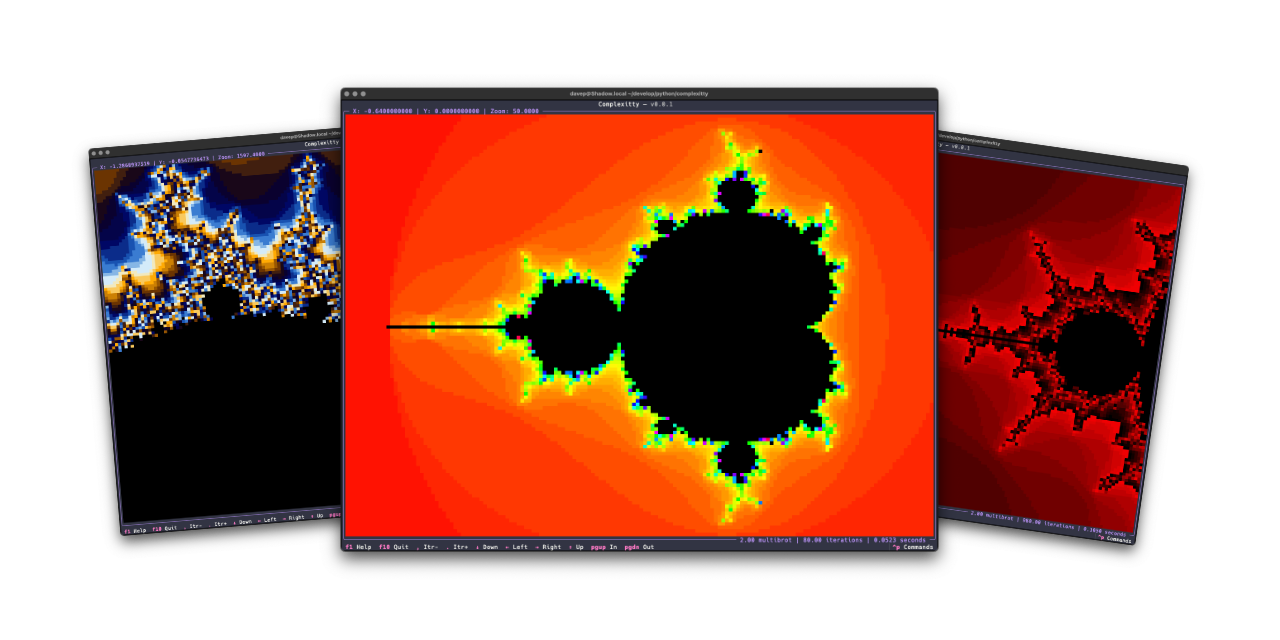
I've just released v1.1.0 of Complexitty, my little Mandelbrot explorer for the terminal. I first released it in April last year and have tinkered with it on and off since. Most of the changes have been to do with easier navigation, some additional colour schemes, the ability to pass location information on the command line, that sort of thing; meanwhile, the very heart of it has stayed the same "it's as fast as it's ever going to be expect it to not be fast" approach.
It's a Python application after all: they can be fast, but something like this isn't going to compete with the serious Mandelbrot explorers.
v1.1.0, however, has a little optional speedup. If you install it normally it'll work at the pace it always did: the more you zoom in, the more you ramp up the iterations to tease more detail out, the slower it gets. But now: if you install it as complexitty[faster] rather than just as complexitty it will use Numba to speed up the main calculation.
On the very first run things will be slow to start up, but from then on I see a real improvement. As you zoom in and explore and up the detail, the calculation remains pretty fast. The drop-off of speed that you see without Numba just isn't there.
While the whole idea of Complexitty was to see what I could do with Python, in the terminal, using Textual, and keeping it "pure", I feel this is an acceptable "cheat" given it's optional.
I'm considering this an experimental change for now, as I don't know how well it will work in all places where Complexitty could be otherwise installed. So give it a go, see if it installs and runs as complexitty[faster], and if it doesn't: fall back to plain old complexitty.
If you're interested you can find the source over on GitHub, with the application available via PyPI. If you use pipx you should be able to install with either:
pipxinstallcomplexitty[faster]
or
pipxinstallcomplexitty
If you're a fan of uv (and who isn't these days?) then try either:
uvtoolinstallcomplexitty[faster]
or fall back to:
uvtoolinstallcomplexitty
In fact, to squeeze everything you can out of Complexitty, perhaps try:
I honestly can't remember when I was first introduced to the idea of RSS/Atom feeds, and the idea of having an aggregator or reader of some description to keep up with updates on your favourite sites. It's got to be over 25 years ago now. I can't remember what I used either, but I remember using one or two readers that ran locally, right up until I met Google Reader. Once I discovered that I was settled.
As time moved on and I moved from platform to platform, and wandered into the smartphone era, I stuck with Google Reader (and the odd client for it here and there). It was a natural and sensible approach to consuming news and updates. It also mostly felt like a solved problem and so felt nice and stable.
When this happened I dabbled with a couple of alternatives and, at some point, finally settled on TheOldReader. Since then it's been my "server" for feed subscriptions with me using detsktop and mobile clients to work against it.
I've written it as a client application for the API of TheOldReader, and only for that, and have developed it in a way that works well for me. All the functionality I want and need is in there:
Add subscriptions
Rename subscriptions
Remove subscriptions
Add folders
Rename folders
Remove folders
Move subscriptions between folders
Mark read/unread
Read articles (that provide actual content in their feeds)
Currently there's no support for starring feeds or interacting with the whole "friend" system (honestly: while I see mention of it in the API, I know nothing of that side of things and really don't care about it). As time goes on I might work on that.
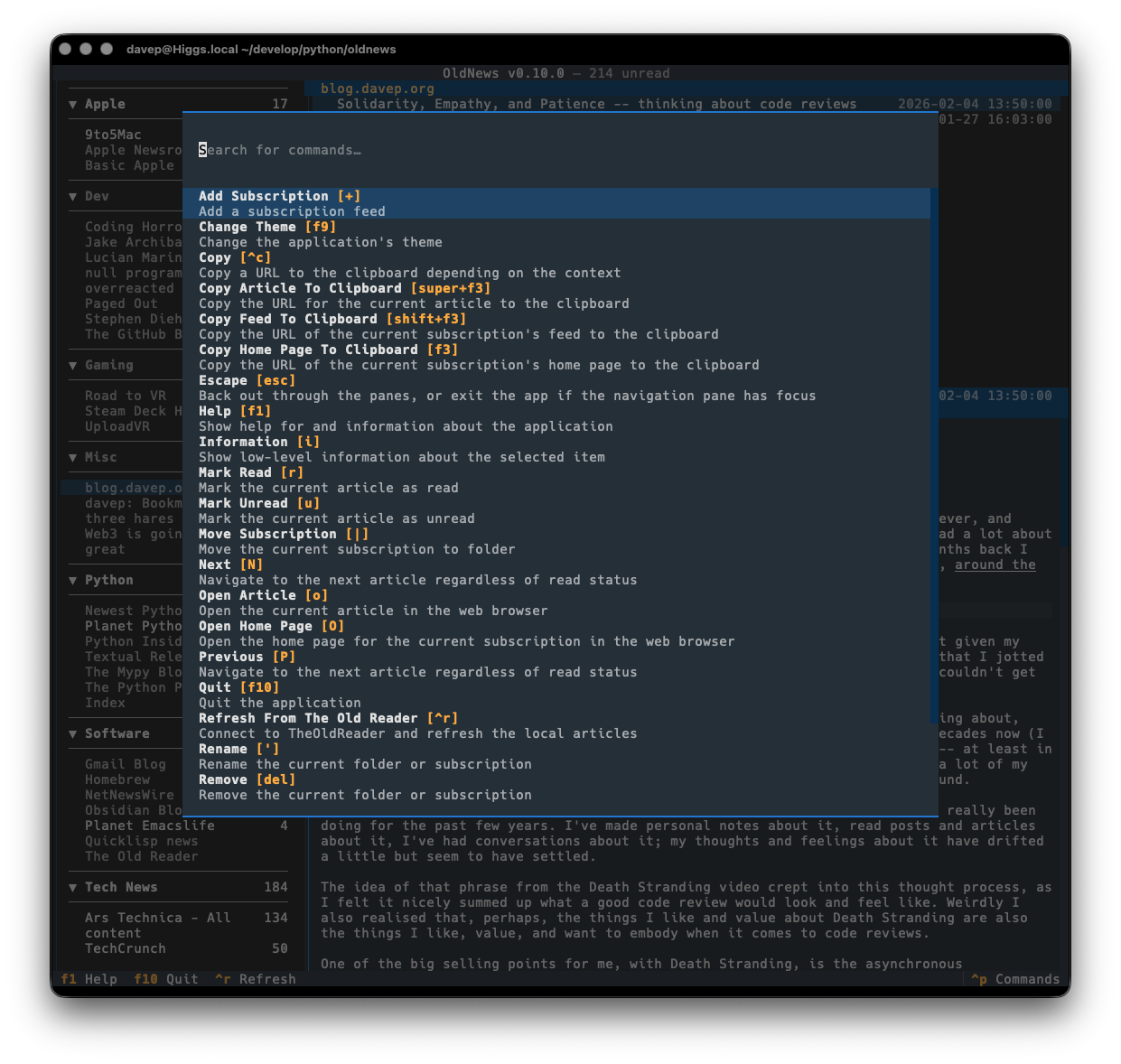
As with all of my other terminal-based applications, there's a rich command palette that shows you what you can do, and also what keyboard shortcuts will run those commands. While I do still need to work on some documentation for the application (although you'd hope that anyone looking for an RSS reader at this point would mostly be able to find their way around) the palette is a good place to go looking for things you can do.
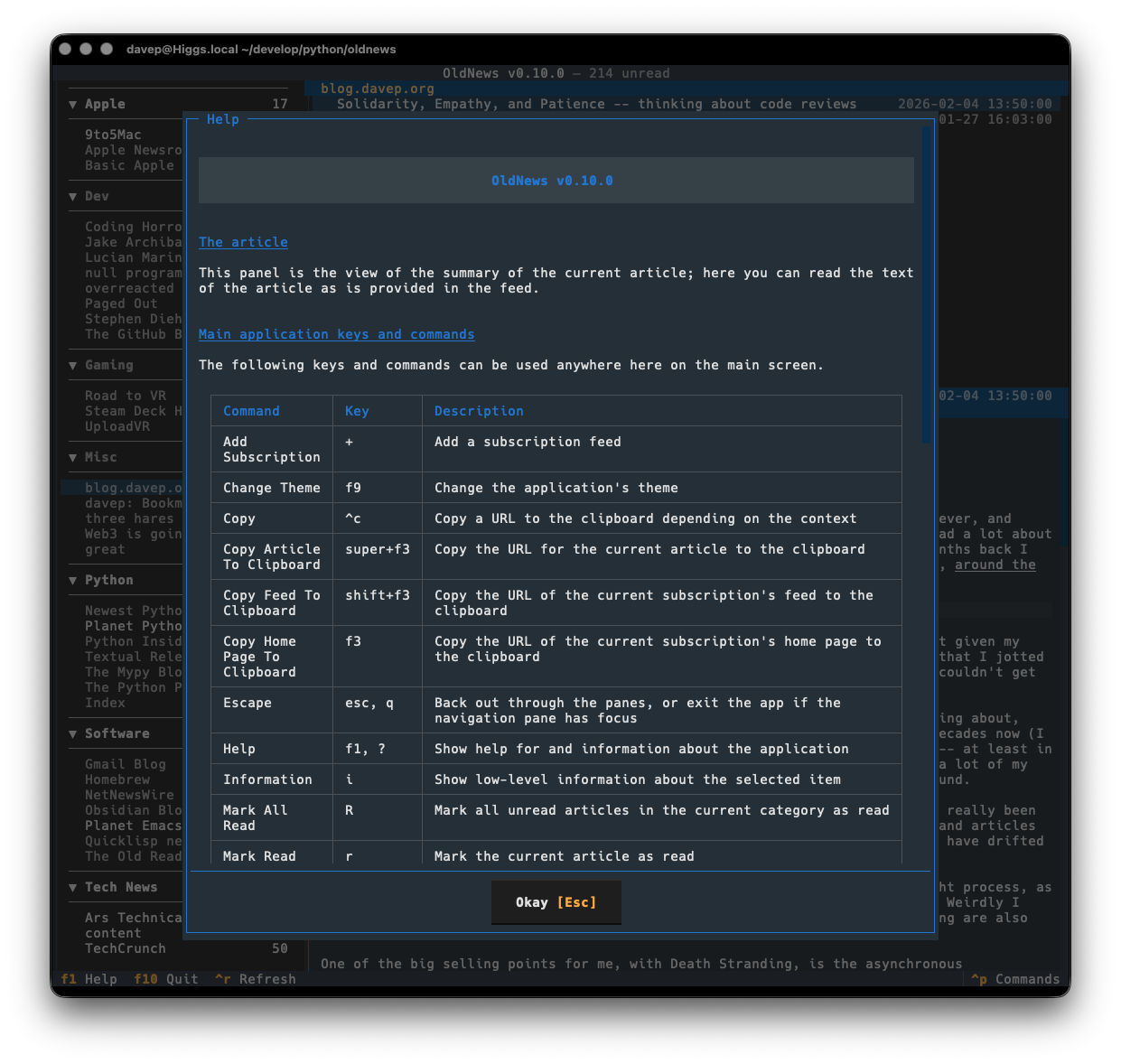
Plus there's a help screen too.
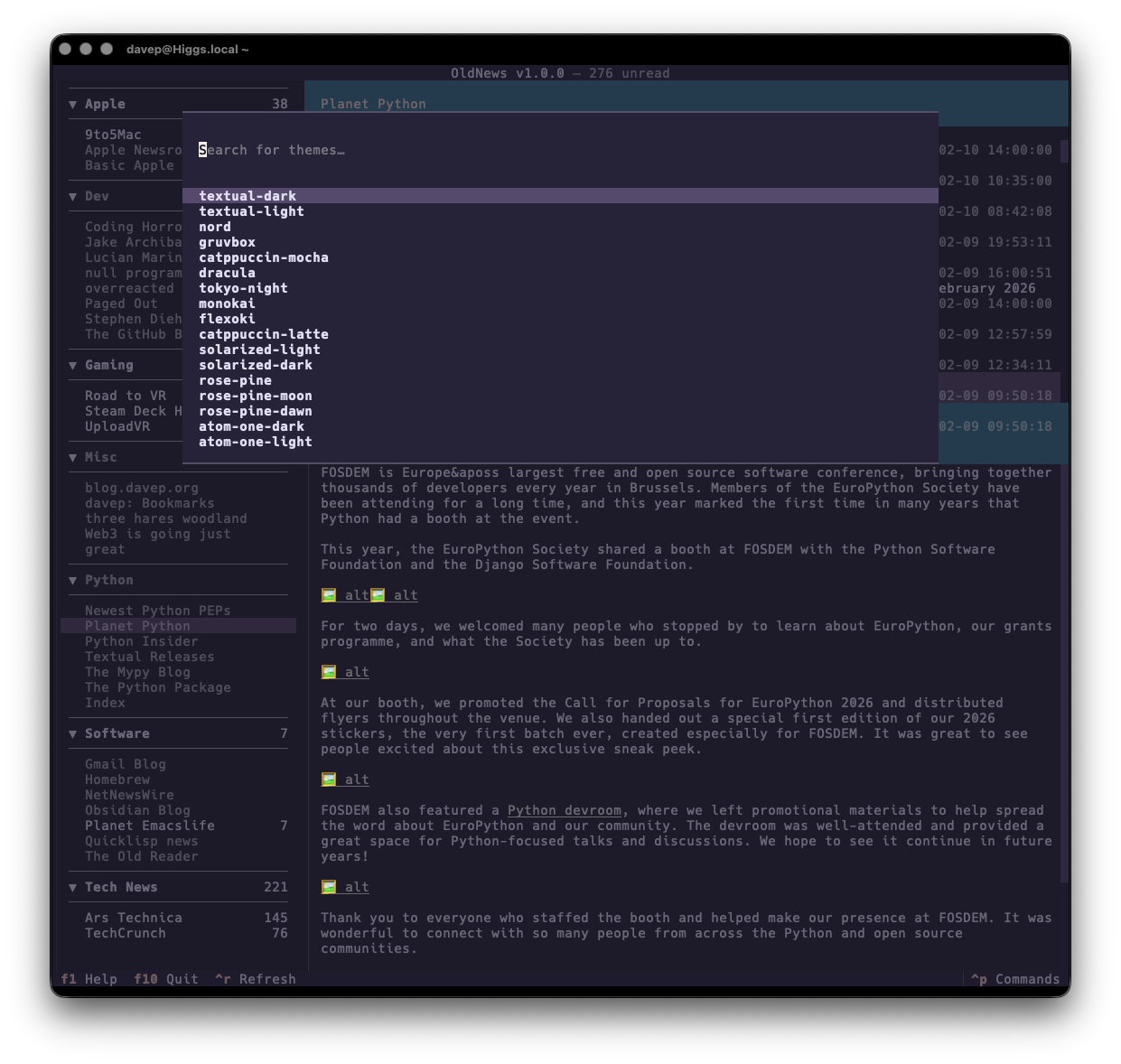
If themes are your thing, there's themes:
That's a small selection, and there's more to explore.
Also on the cosmetic front there's a simple compact mode, which toggles between two ways of showing the navigation menu, the article lists and the panel headers.
OldNews has been a daily-driver for a wee while now, while also under active development. I think I've covered all the main functions I want and have also shaken out plenty of bugs, so today's the day to call it v1.0.0 and go from there.
If you're a user of TheOldReader and fancy interacting with it from the terminal too then it's out there to try out. It's licensed GPL-3.0 and available via GitHub and also via PyPI. If you have an environment that has pipx installed you should be able to get up and running with:
Hopefully this is useful to someone else; meanwhile I'll be using it more and more. If you need help, or have any ideas, please feel free to raise an issue or start a discussion.
Back in the very early days of my involvement with Textualize, while looking for fun things to build to test out the framework and find problems with it, I created textual-astview. The idea was pretty simple: exercise Textual's Tree widget by using it to display the output of Python's abstract syntax tree module.
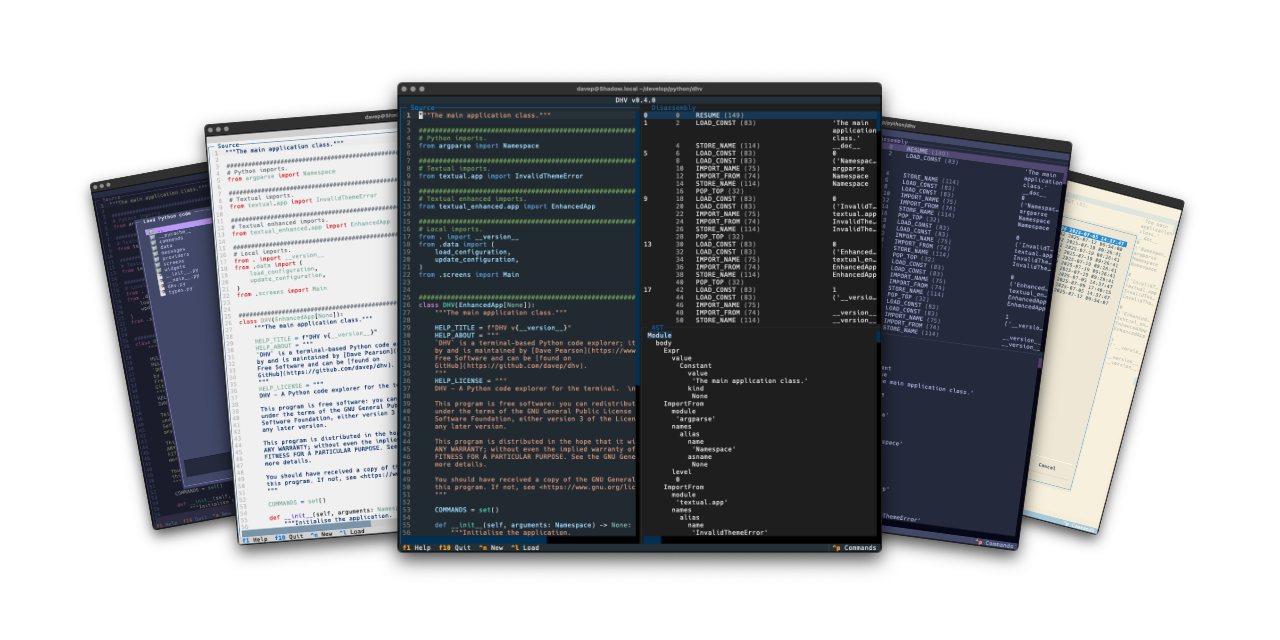
While the code still works, Textual has moved on a lot, as has my approach to building applications with Textual, and so I've been wanting to do a ground-up rewrite of it. At the same time I was also thinking that it might be interesting to build a tool that provides other ways of understanding how your Python source gets turned into runnable code; with this in mind I've ended up building a terminal-based application called DHV.
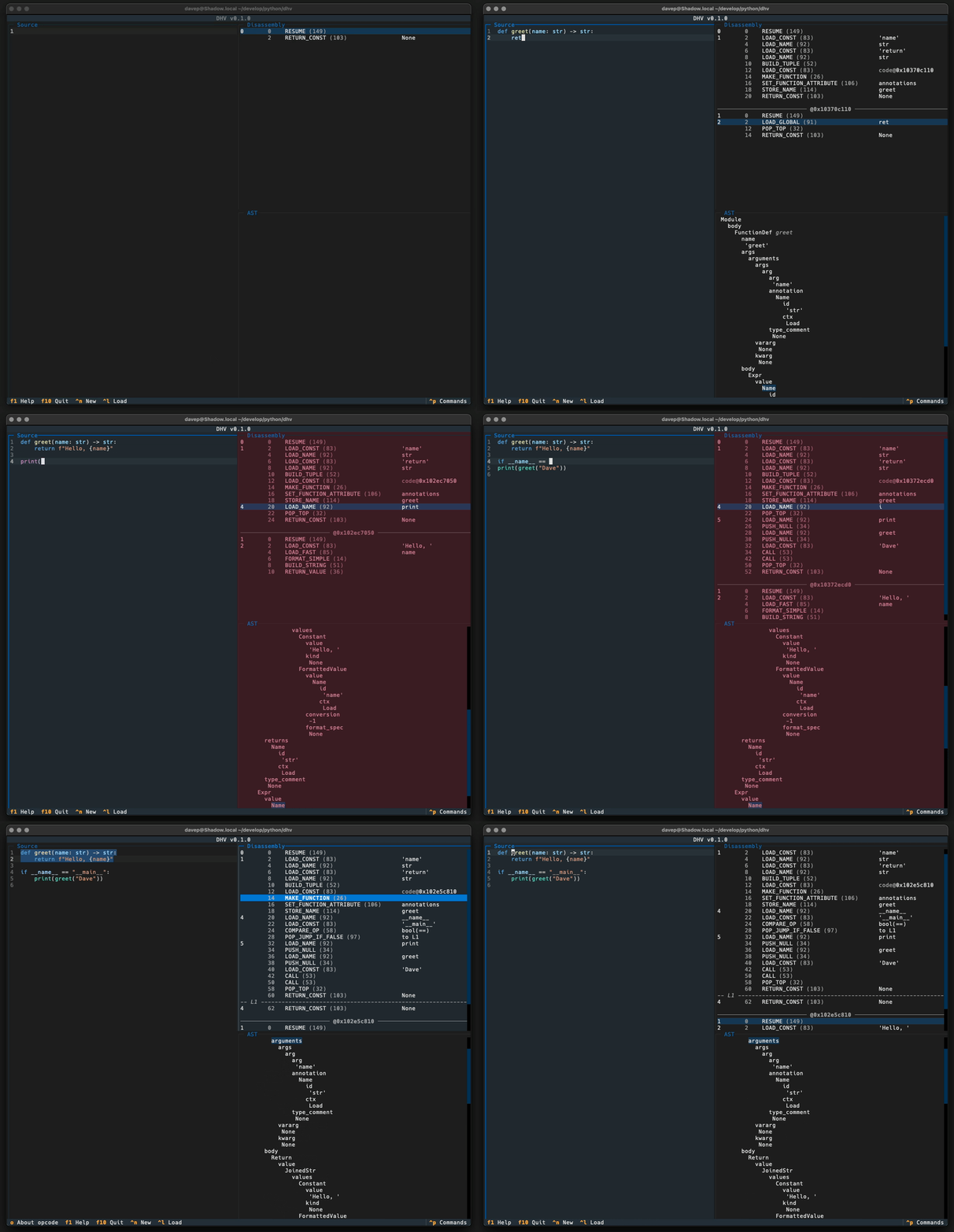
The idea is pretty straightforward: you type in, paste in, or load up, Python code, and you get a real-time display of what the resulting bytecode and abstract syntax tree would be.
If you've ever wondered what a particular bit of code looks like under the hood, or wondered if one particular approach to a problem is "more efficient"1 than another, or just wondered to yourself if 1+1 ends up being a complex operation or simply gets turned into 2, this tool might be useful to experiment and see.
As of now DHV only works with Python 3.13. The main reason for this is that the Python dis module is a bit of a moving target and has had some noticeable interface changes over the past few versions. When I find some time I might work on making DHV a little more backward-compatible. But for now keep this in mind: when you're looking at the results for some code you're looking at what Python 3.13 (or later) would do, earlier Pythons may differ.
DHV is licensed GPL-3.0 and available via GitHub and also via PyPI. If you have an environment that has pipx installed you should be able to get up and going with:
pipxinstalldhv
If you're a fan of uv and friends you can install it like this:
uv tool install --python 3.13 dhv
I'm sure many of us have worked with that person who claims "this is more efficient" without providing any evidence; this might just be the tool to let you check that assertion. ↩