I didn't pay too much attention to it when it happened but it looks like Android Wear, on the phone side, got an update in the last 24 hours. Only this evening did I notice that this seems to have broken something I heavily use on my watch: timers.
I find the timer facility on Wear especially useful when I'm cooking, either to ensure that different parts of the cooking process come together at a sensible time, or when I put something on and need to go off and do something else (perhaps come back to the office while and get on with some work as something bakes, etc).
To be clear, the timer app is still there and, if I select to start a timer "by hand" on the watch, it works as it always has done. Also, if I say "OK Google, set a timer for five minutes" it still does the voice recognition thing:
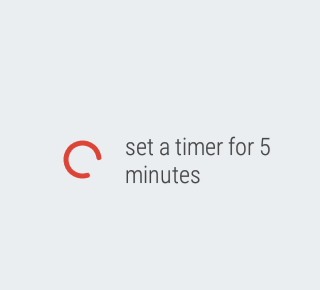
It's what happens next that's the problem. Before it would have started a countdown timer. As well as vibrating the watch when the timer runs down the timer app also has the very useful feature of showing the countdown on the watch face. This means you can glance every so often and see how long is left to go.
Instead, as of today (well, this evening when I made dinner was when I first noticed it), it starts an on-watch alarm app instead! This is utterly useless. Sure, it does still vibrate the watch when the alarm time arrives, and the alarm time is the right offset from when the timer was requested, but it lacks the on-face countdown.
It's an alarm.
It's not a timer!
Looking in the Wear app it would appear that the correct application is assigned to the correct action:
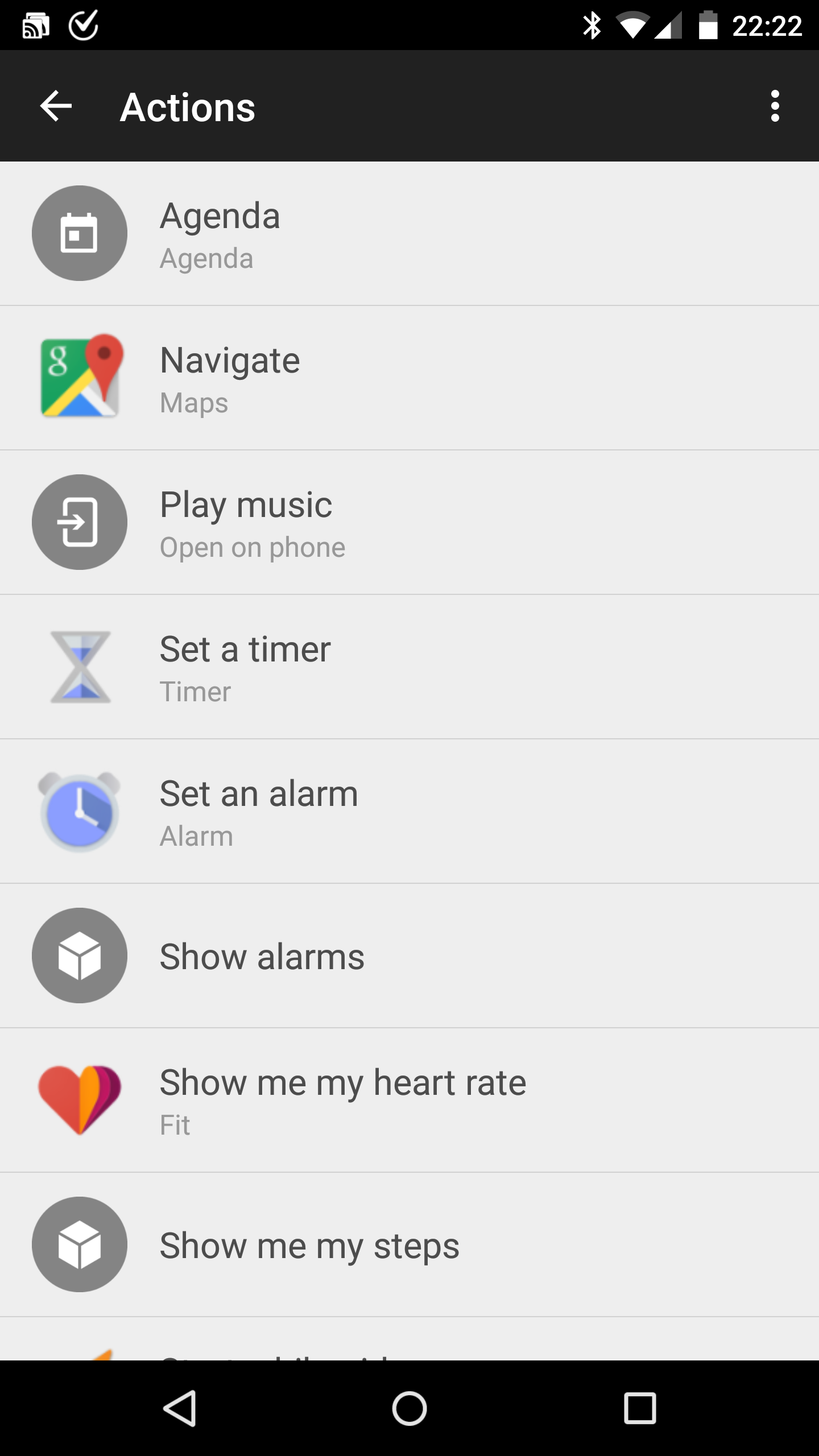
As such, I'm at a loss on how to fix this. I can't find anything on the watch itself that could be done to change this, and I've tried restarting the watch on the off chance that something went a bit odd.
It turns out too that I'm not alone. I found a thread on reddit where others have the same problem.
What really bugs me about this is that this is very Google. I've run into this sort of thing so many times before, be it on Android, ChromeOS or in their apps in general. They'll change (or screw up) something that's very simple and straightforward and in common use, something that should show up in testing pretty easily. Surely there has to be some way of pushing out an update without screwing up the apps that are assigned to actions?
As much as I really like what Google offer, as much as I value their services and global platform over the other choices, this sort of thing frustrates the hell out of me.